Very cool calendar, Donna!  You’ve done amazing job with it!

14 Likes
Thanks! It needs a pop of color.
13 Likes
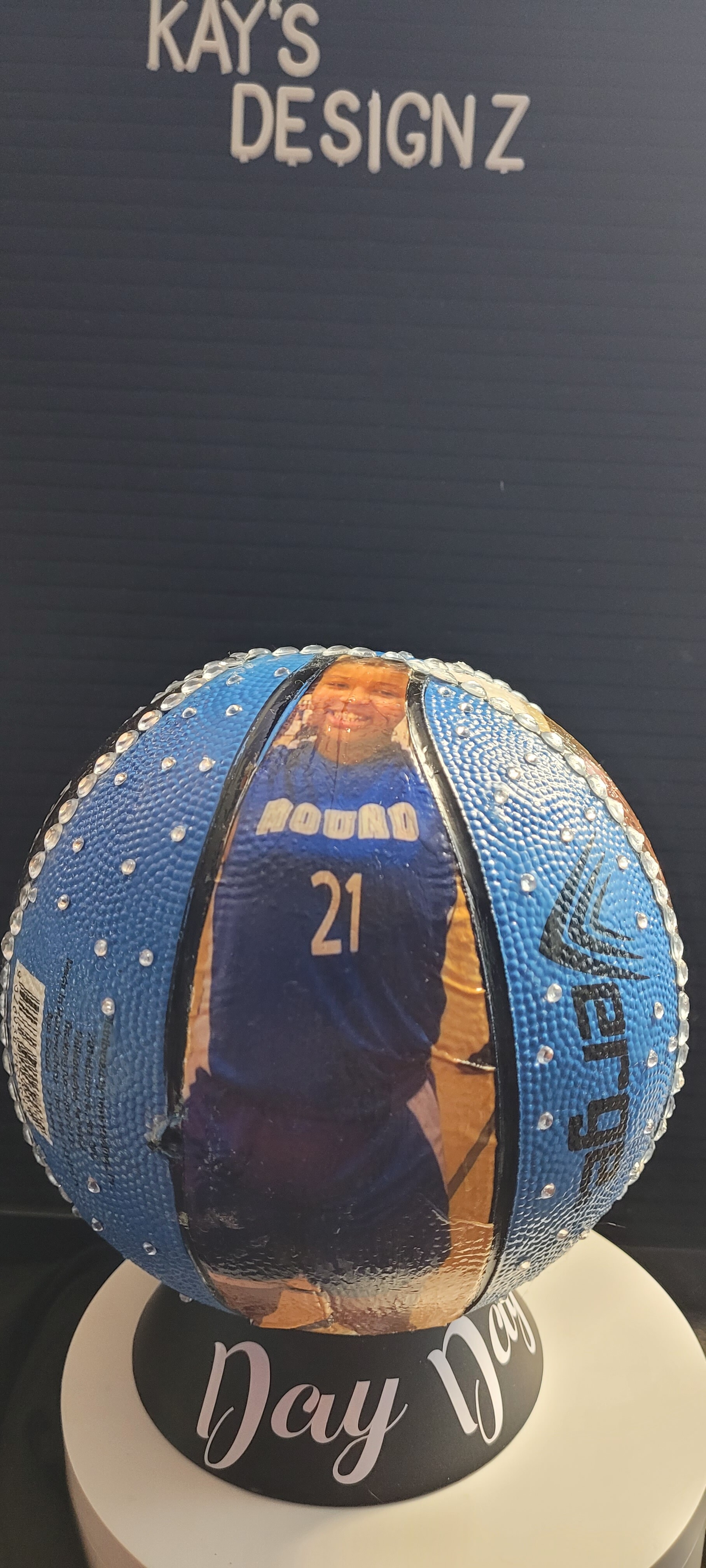
You’re most welcome. It looks great as is, but yeah, a pop of color would really set it off. I’m sure you’ll figure out the perfect color and where to put it, and it will look even more fantastic! Can’t wait to see the finished piece! 
13 Likes
Wow! That’s spectacular, Katrina! 
13 Likes
Thanks so much
13 Likes
I love this… @Samantha_Bryant It’s hard to pick because they are both beautiful so I would choose both @timmytation these look amazing you did these with you icraft?
12 Likes
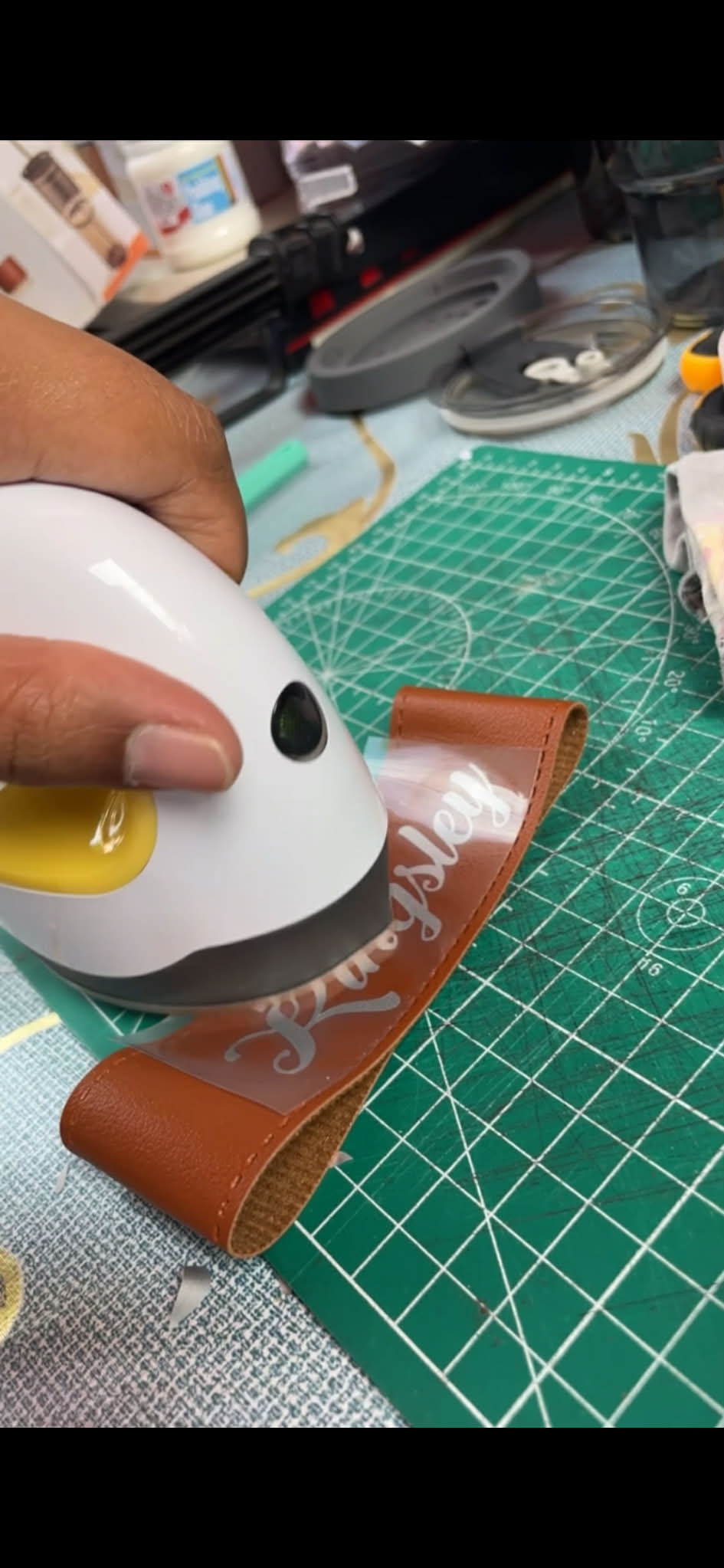

You’re so very welcome! And thank you for your kind words, as well. I’m happy you like them. It’s hard for me to choose too. 
12 Likes
Thanks for liking my work  yes, I did that with my iCraft using print and cut
11 Likes
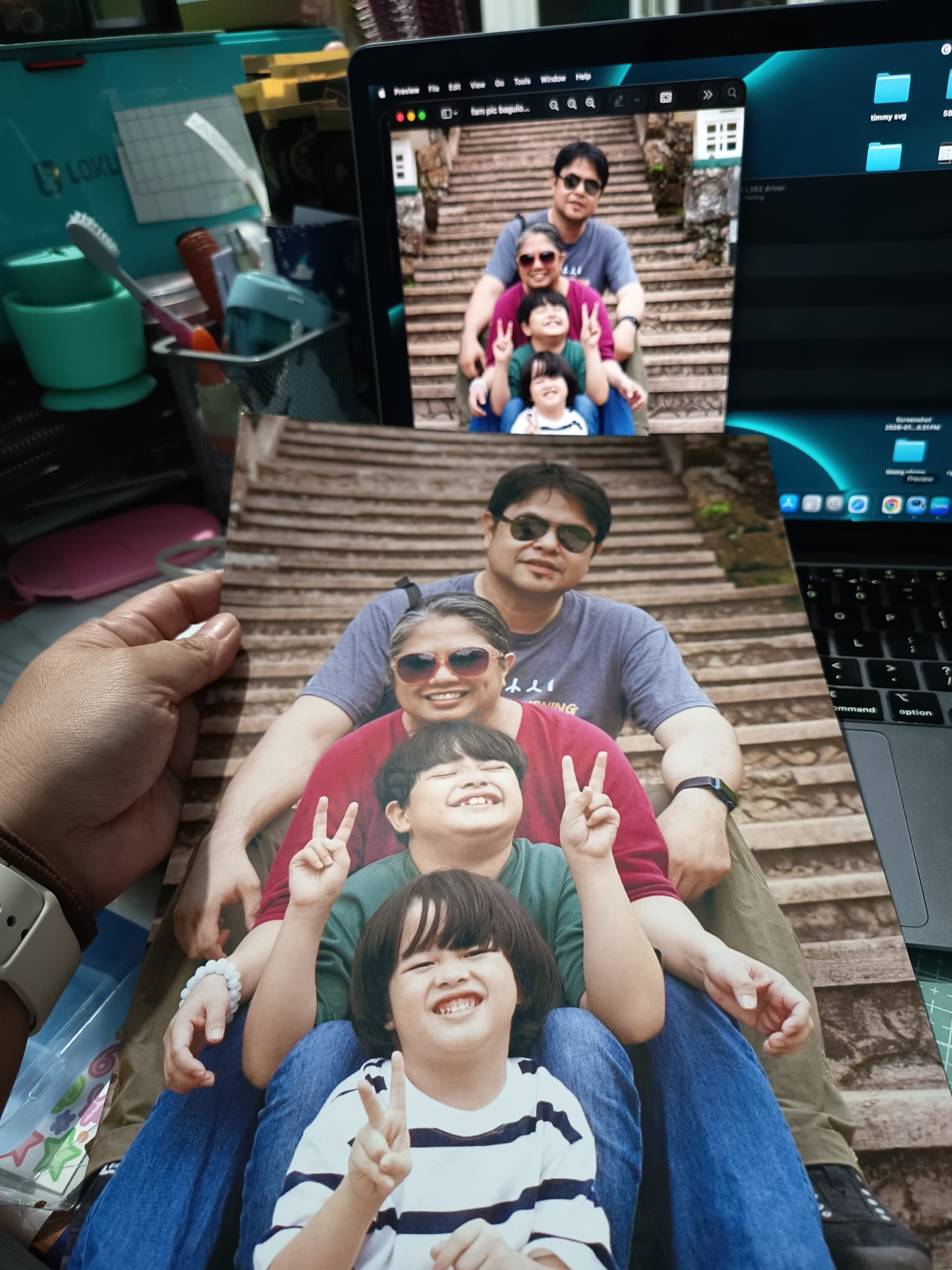
Mine has been giving me H E L L with those registration lines. I’ve been using the cardstock cutting option so my designs will cut out not properly but cut out, but nothing seems to be working.
12 Likes
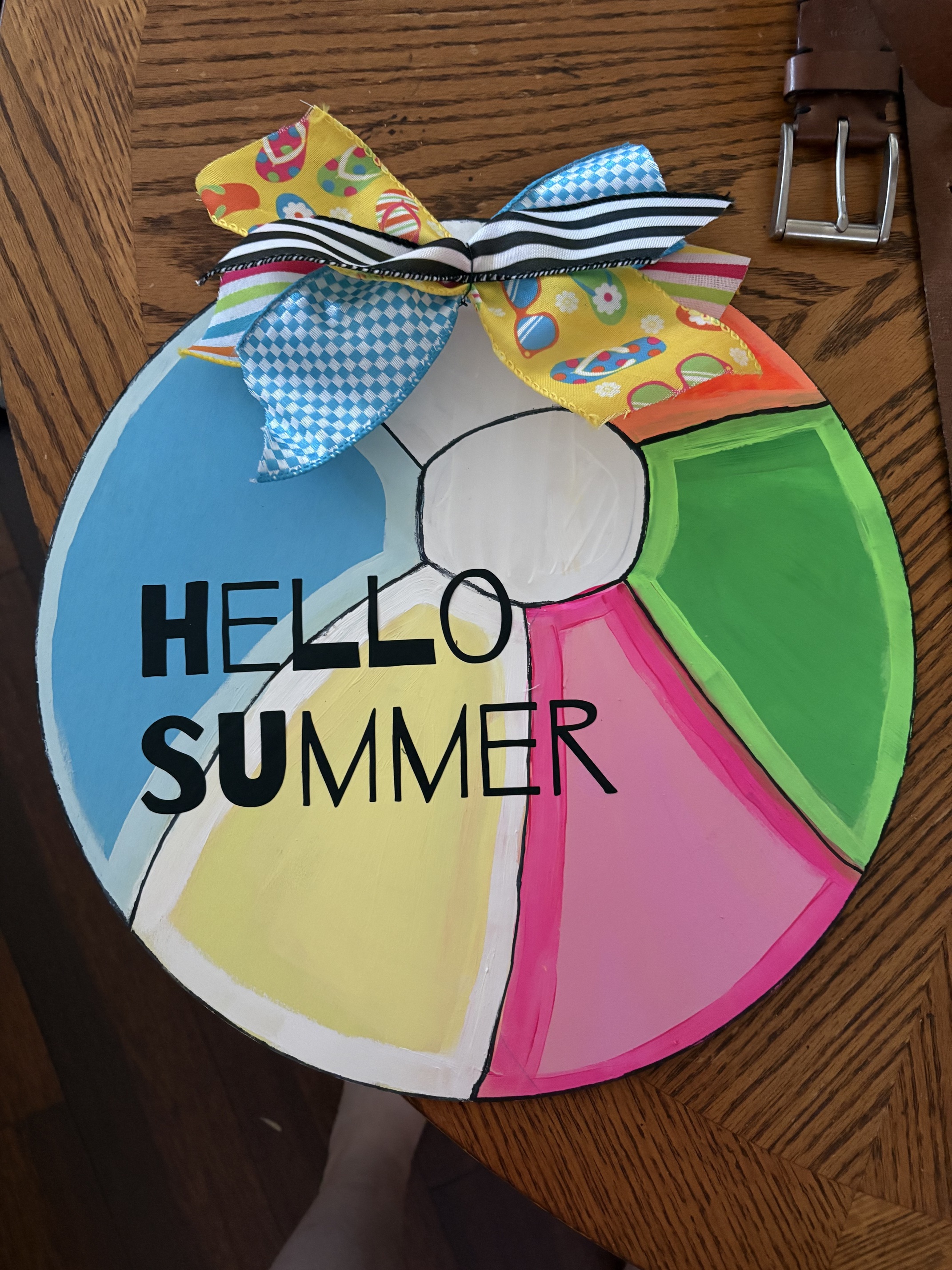
I do not want to talk about print then cut I have not gotten mine to align yet! And I hate it bc I really need to use it would make my big projects easier on me bc I am not the best at paint and sure now drawing! Hints this door hanger I made today ! I like it I tried and everyone says it’s cute but I am a protectionist
15 Likes
Day:2 well I’ve been crafting homeschooling and well cleaning lol  ! Started pulling blinds and soaking in bleach !
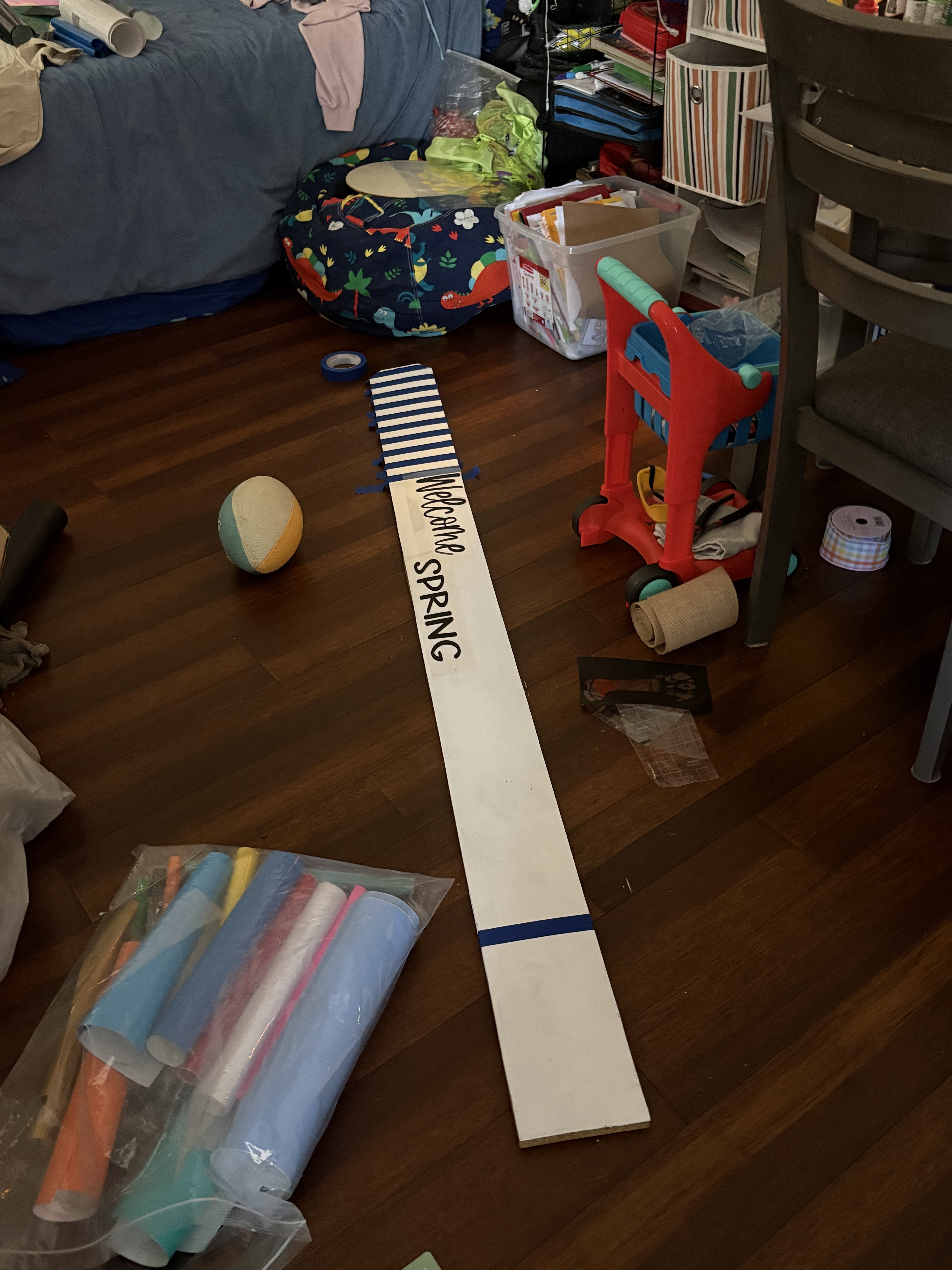
12 Likes
Day 2. Had trouble finding motivation today so I mostly organized files on my laptop. Hope you’re all having a blessed week! 
14 Likes
When you’re printing, check your advanced printer settings, and make sure they’re set to borderless printing, and for Scale/Scaling, set it to None. That’s usually the main reason for it not reading the registration marks. I show how to do print then cut in my video in this post. From IdeaStudio to Finished Envelope — My More Self‑Love Project Video!. I used to could never get a good print then cut, but finally figured it out. I don’t use the print then cut offset. I create one with the regular Offset tool, making it the same color as the background of the stickers. Then, I print the image, then cut only the offset layer. Works like a charm. I also plan on doing a video that focuses strictly on this method really soon.
15 Likes
So happy to have the daily check ins back!!
It’s nice to see what everyone is up to!
Today was a no craft day for me, I do have to get some tumblers done, hopefully tomorrow will be the day I finish them!
15 Likes
Okay, I’ll give that a shot. I’m almost ready to buy from our competitor because starting a project and then having to cut it out by hand is so frustrating. I could understand if it were just isolated incidents, but it’s happening all the time.
16 Likes
That’s a nice calendar
13 Likes
Day 3: Today I want to start by preparing things for my birthday celebration 
15 Likes