Hey everyone! I’ve been using my Loklik iCraft and everything works fine when I’m doing a standard cut. But I’ve been having trouble with the print-then-cut feature.
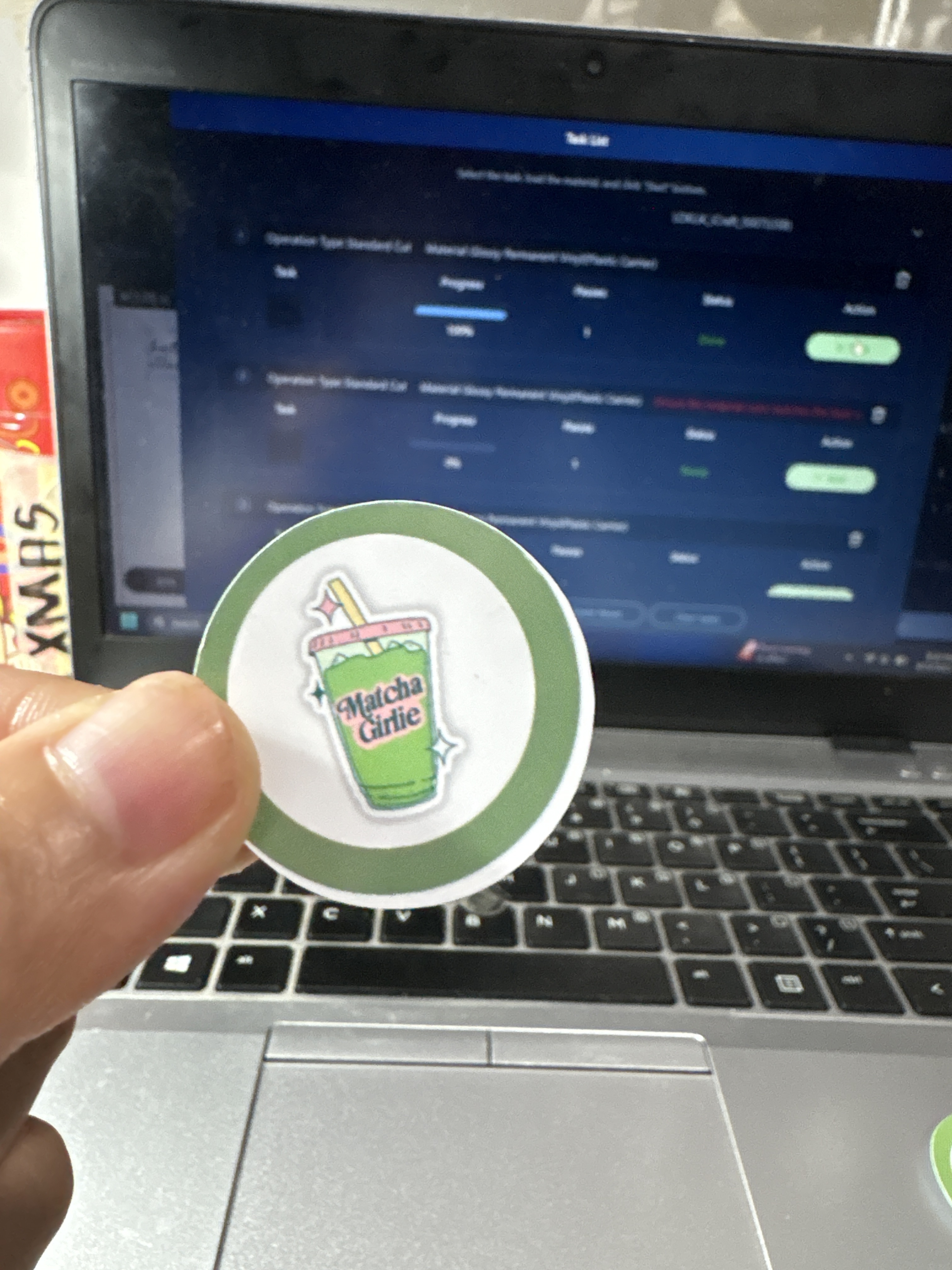
Every time I try it, the machine always cuts the outer offset instead of where it’s supposed to cut.
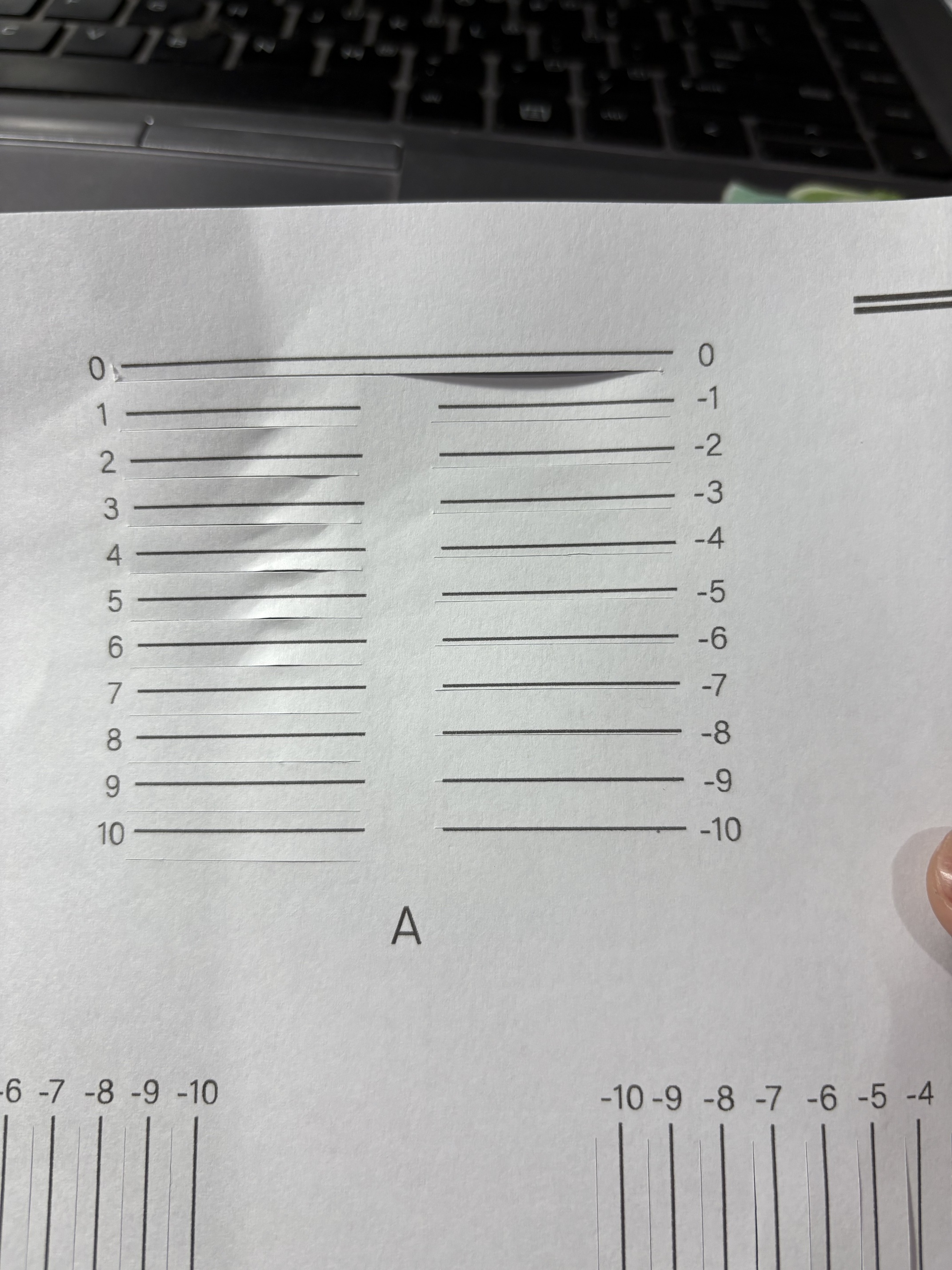
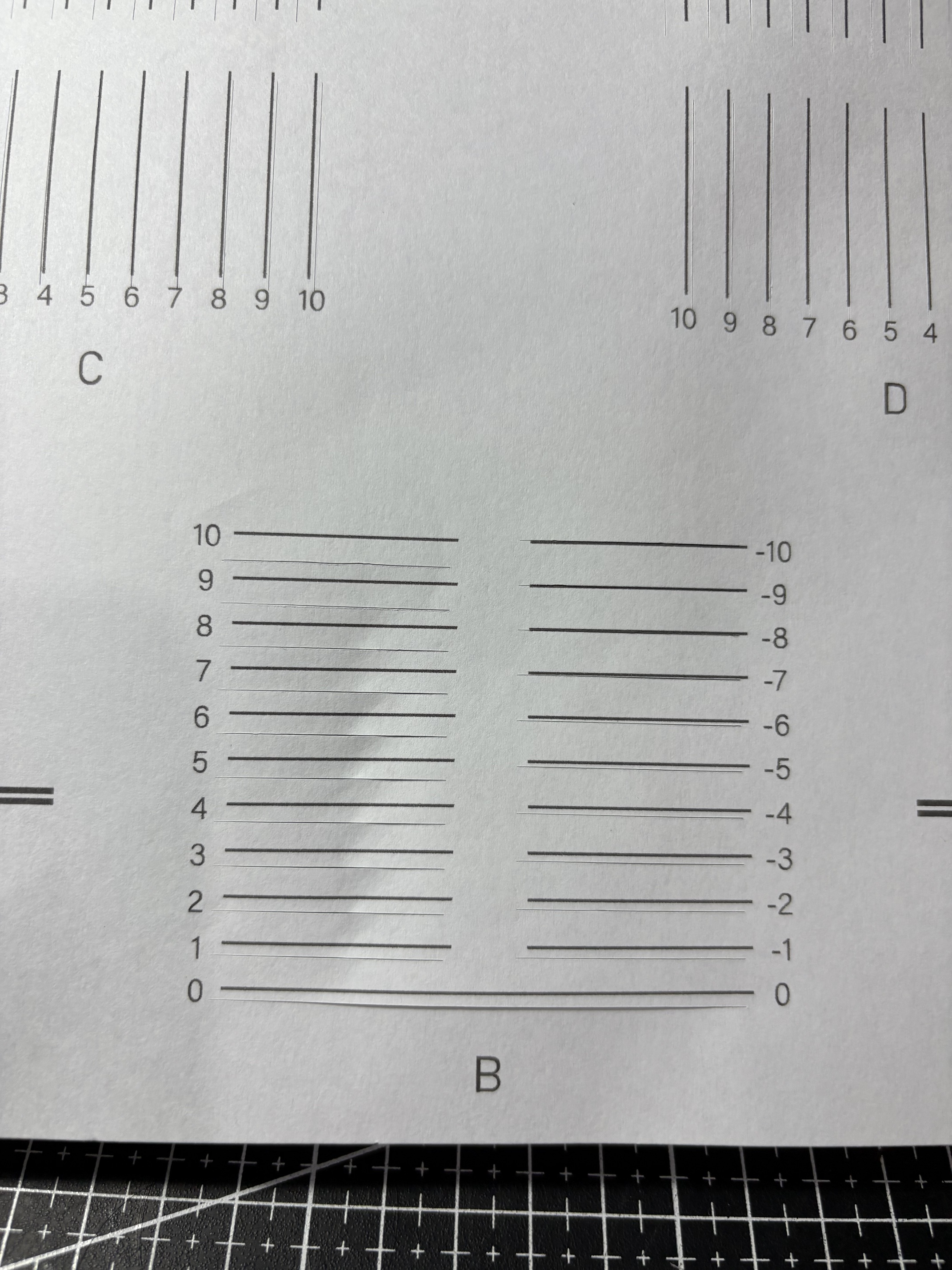
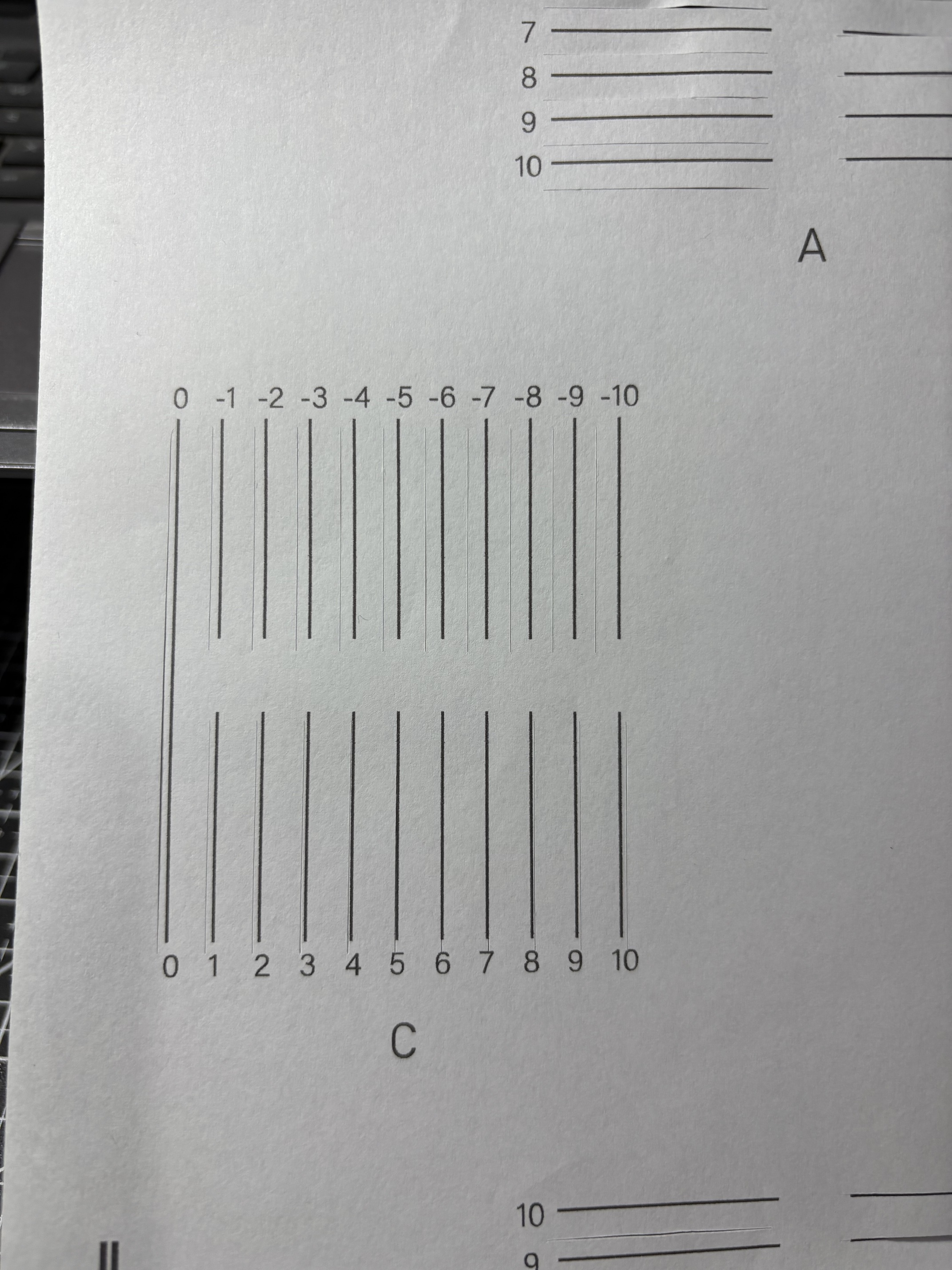
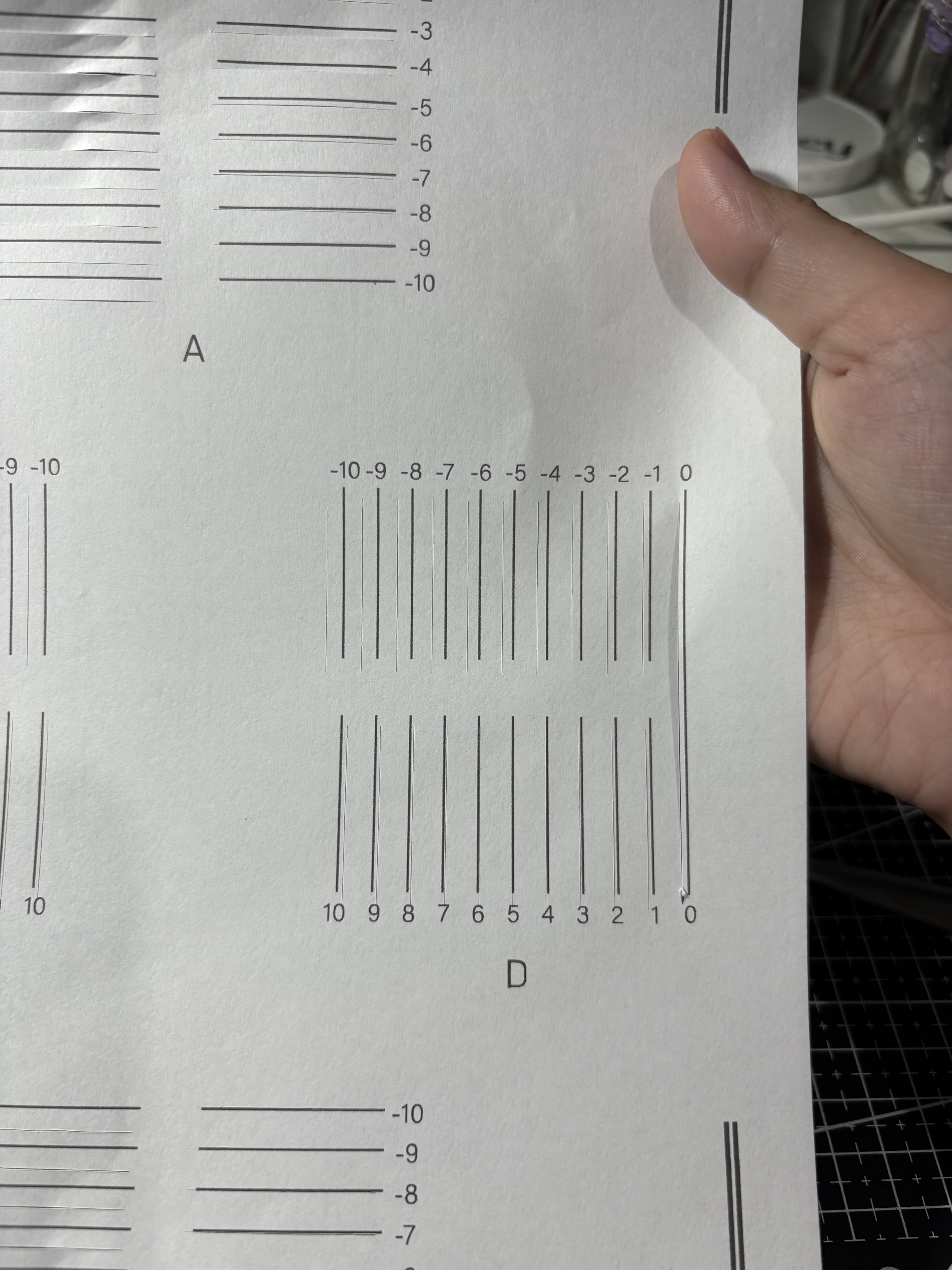
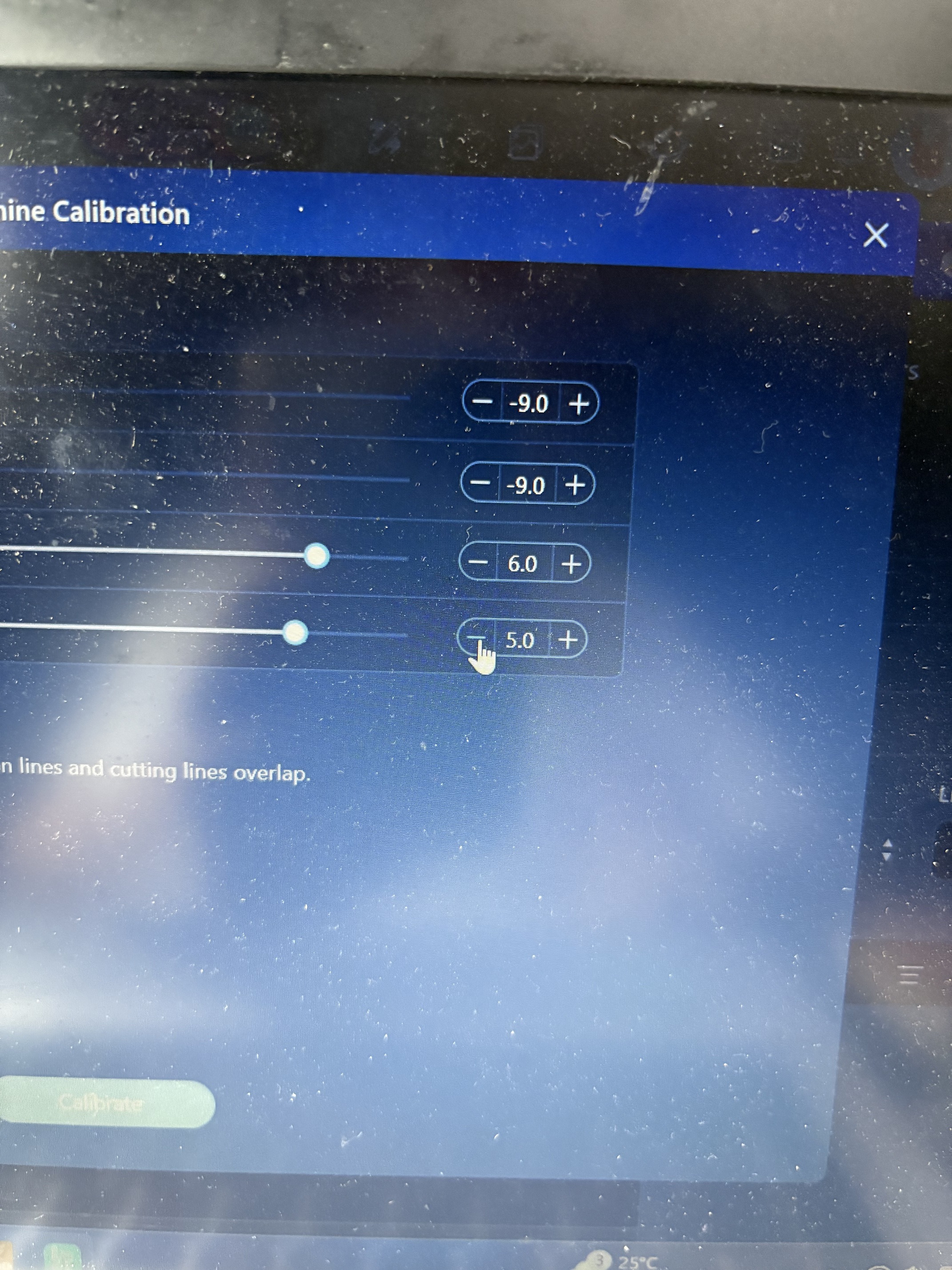
So I decided to try calibrating it again, and I got the following results:
A: -9
B: -9
C: 6
D: 5
Is this normal??
I’m really struggling just to cut a simple sticker properly.
Any tips, advice, or shared experiences would really help!!
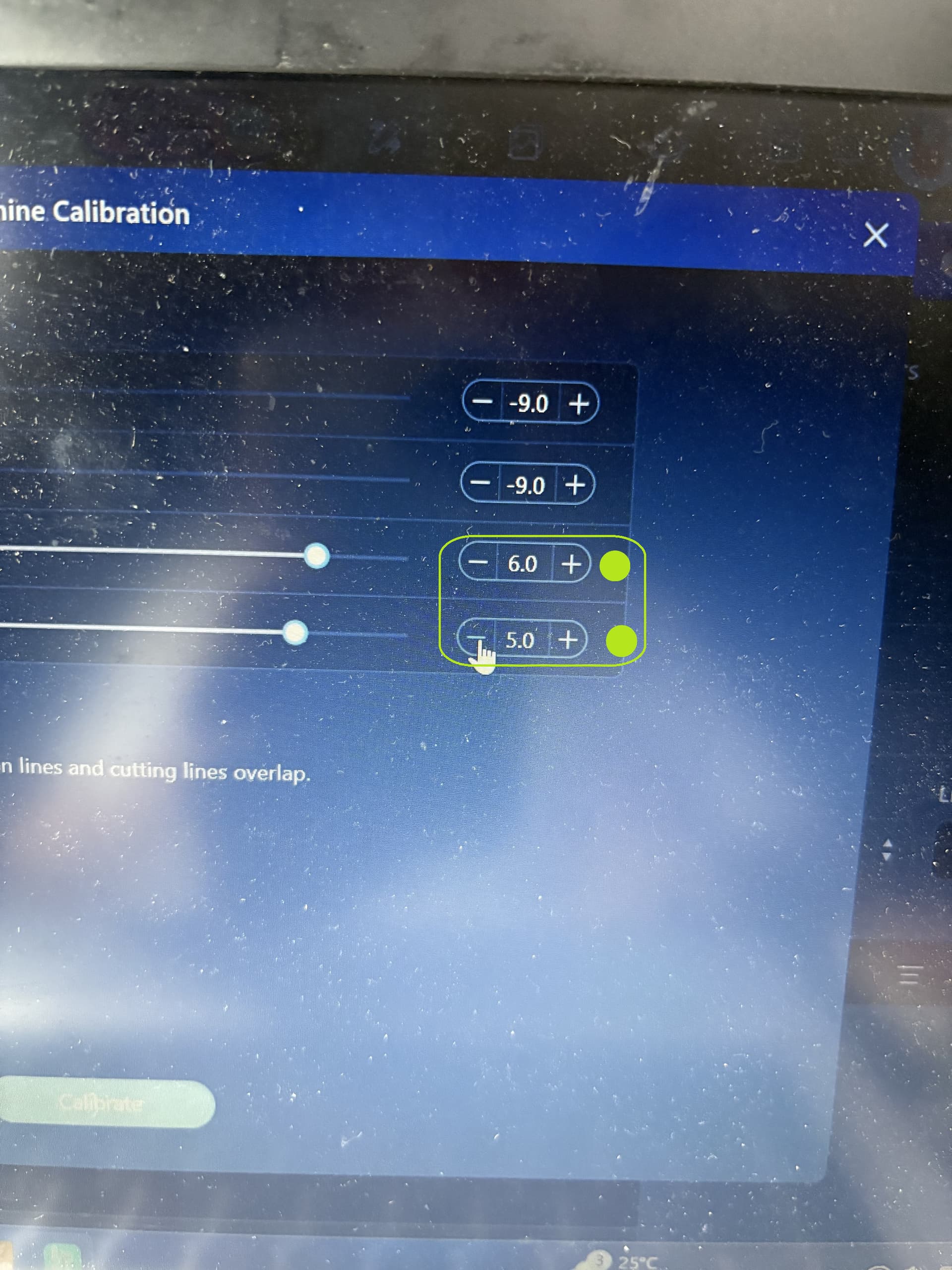
Hi @Gershey_Evangelista! I saw your problem. You might need to double check your numbers for the last 2 rows. Please put a “negative” sign (see attached picture). Let us know if this works for you!
Oh, I see! I know you got positive values for the last two rows, but did you try making them negative to see what happens? - NO NEED TO DO THAT! Just perform a second calibration like @Marino suggested.
I can’t see the whole sheet, but it seems the margin is too big and that may be the main reason of your problem. You always need to print scale 100% to be sure the calibration sheet doesn’t print downscaled, as it seems (although I can’t see it fully).
Hey, are you still having problems with your print then cut?
It would be great if you could send a pic of your uploaded image and cut line, then a pic of your layers, then your print then cut screen. Also a pic of a sheet of the cut out stickers would help too.
Just out of curiosity as well and this might sound silly, but I have had a couple people do this. After printing out your stickers are you staying on the print then cut operation or changing to standard cut and then cutting? Only ask as some people have done this and had this same problem of it cutting way off. Normally it cuts one side uneven but your pic looks like almost 3 sides are wrong?
Good point, it is easy to happen if you print before going to Make. In that case it is very easy to go standard cut if you go with autopilot, something we sometimes do