Need print/score/foil/draw and cut, not just print and cut please
I want to score and foil and draw if I want as well, all of them, not just 1 but I assume I can do it all manually without needing for it to scan the line corners?
Need print/score/foil/draw and cut, not just print and cut please
I want to score and foil and draw if I want as well, all of them, not just 1 but I assume I can do it all manually without needing for it to scan the line corners?
Just to be able to print an image full size for sublimation would be awesome! Having it combined with print and cut reduces the size I am able to work with.
hello @Anthony_A welcome to the community, you can choose to do one at a time. make sure you have your iCraft turned on ready…
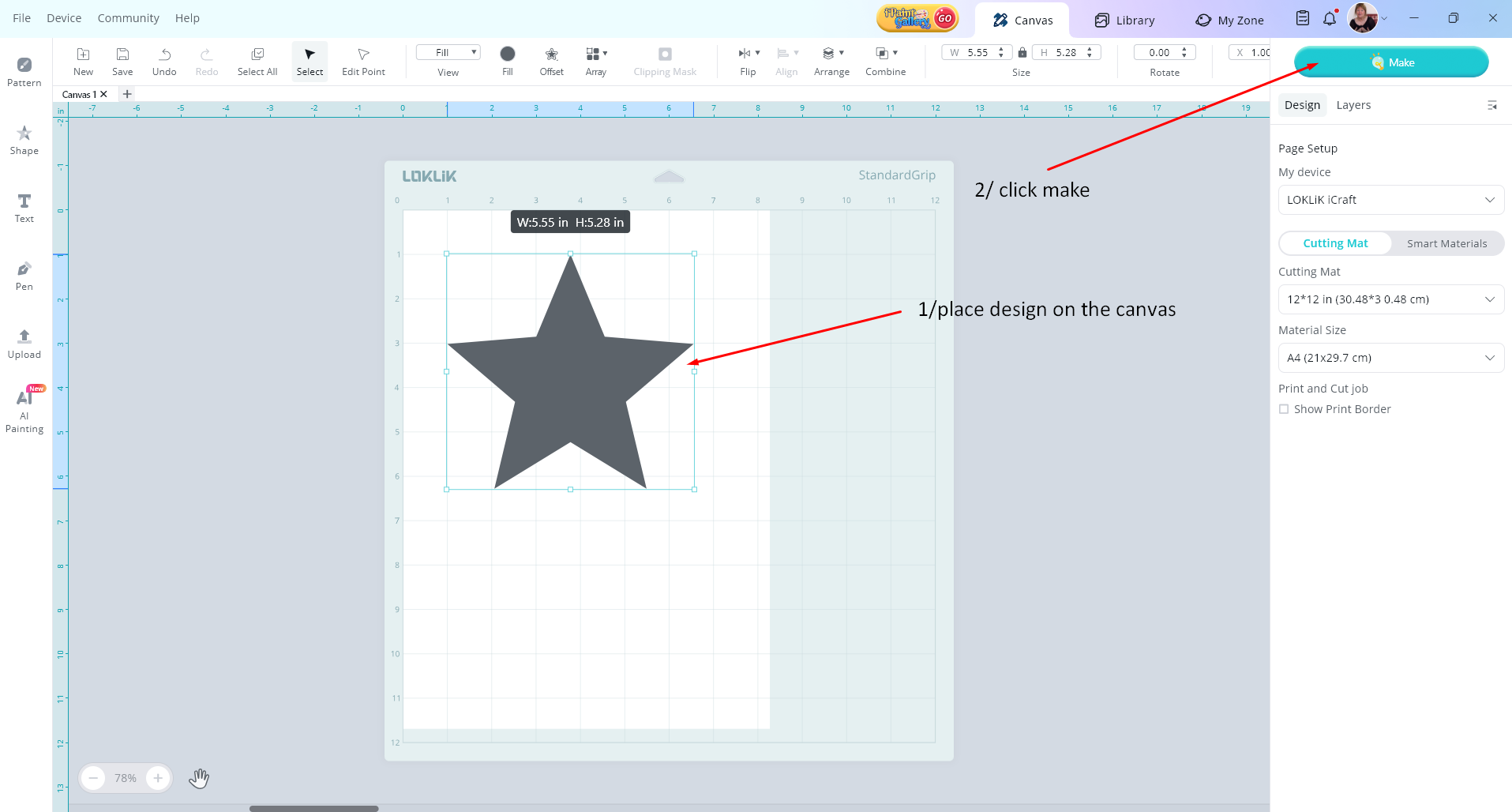
1/ start by adding your design to the canvas…
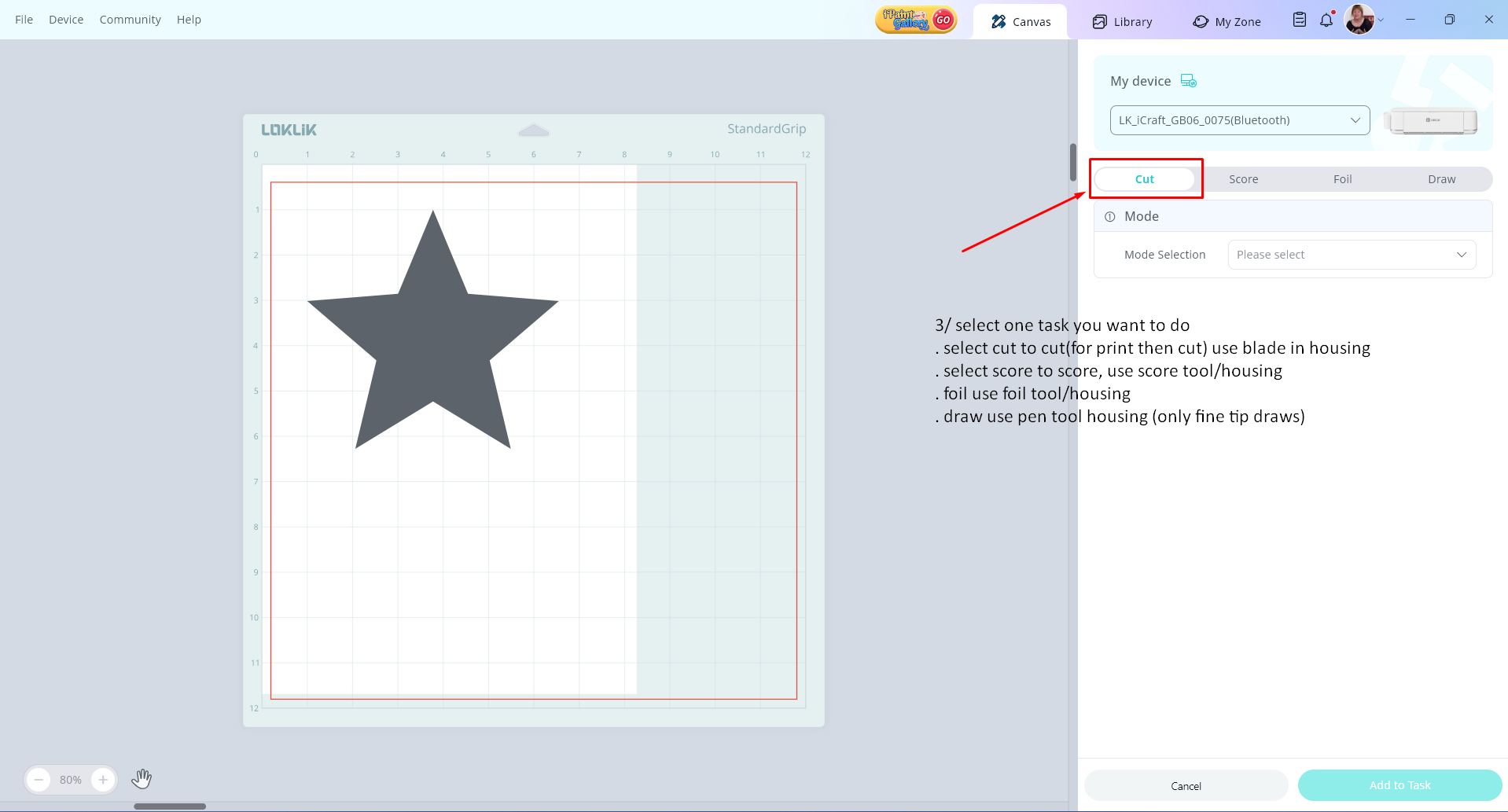
2/ when it goes to the next window, select the task you want to do
hope this helps get you going
P.S
you do not need the print margins, for the draw function, the foil or the cut then score functions.
hello, I want to score, foil, and draw precisely for what it looks like on the software, but I find, the scoring isn’t accurate without it looking for the 3 corner printer border scan marks first.
Can you guys make it where it does it so it’s all accurate like print and cut?
can you confirm if you are using a design from the LLIS library for the cut and score function? or one of your own designs uploaded?
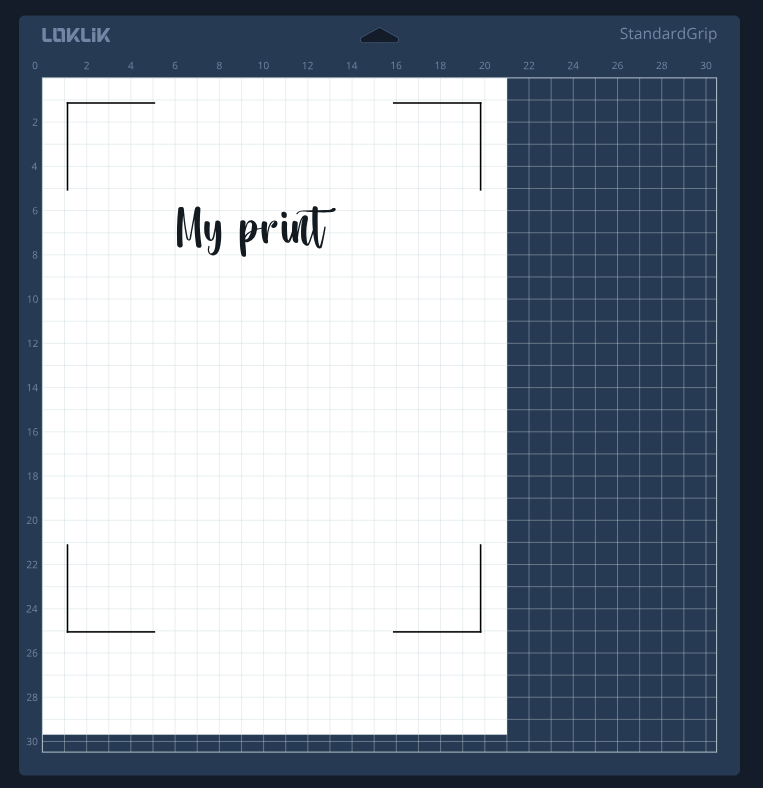
I would first print, then score, then foil and then cut (with P&C, “already printed”, not standard cut).
Be sure to not move the mat in between (don’t press clean all tasks, as it releases the mat).
And take into account there’s a tinny offset when you change from P&C to pen, foil or standard cut. If I remember well, it is 5mm to the left, you need to move the foil and pen task 5mm to the right. Or is it the other way around? Let me check my notes and I’ll be back. Maybe @InkiteeWorkshop knows it by heart.
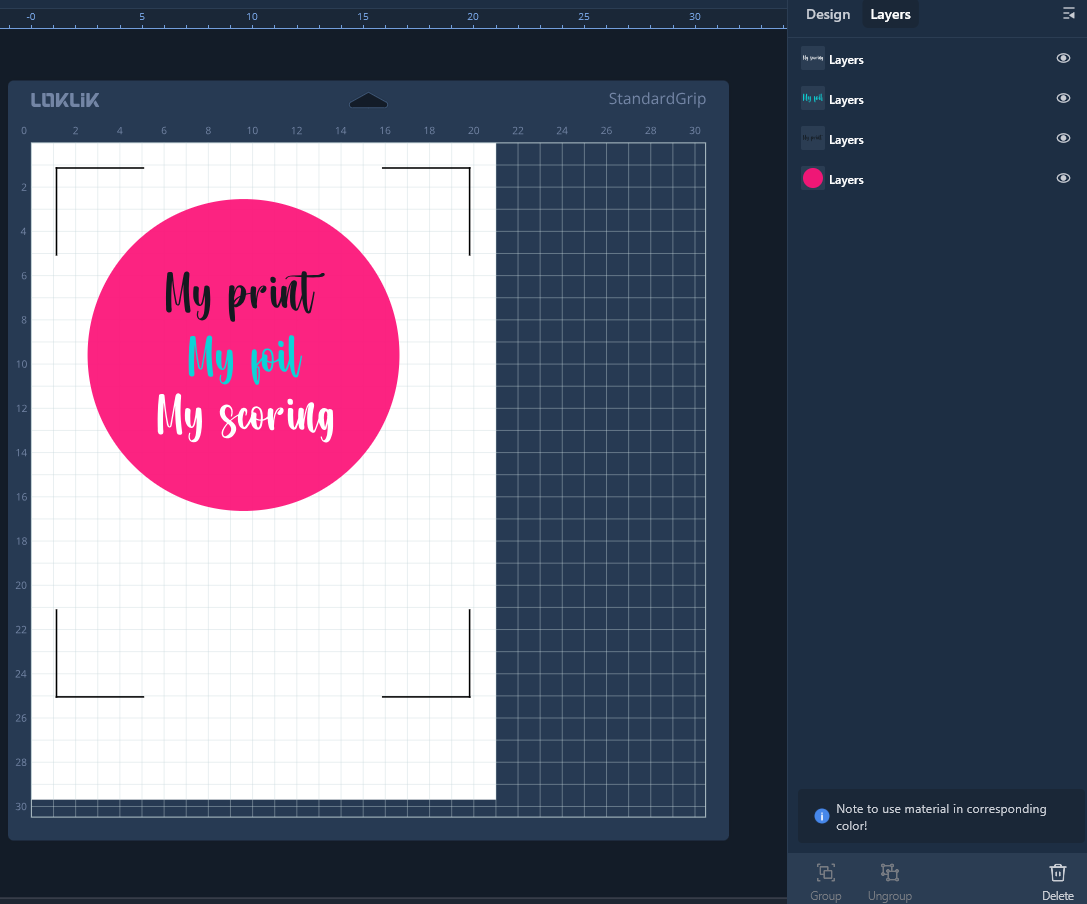
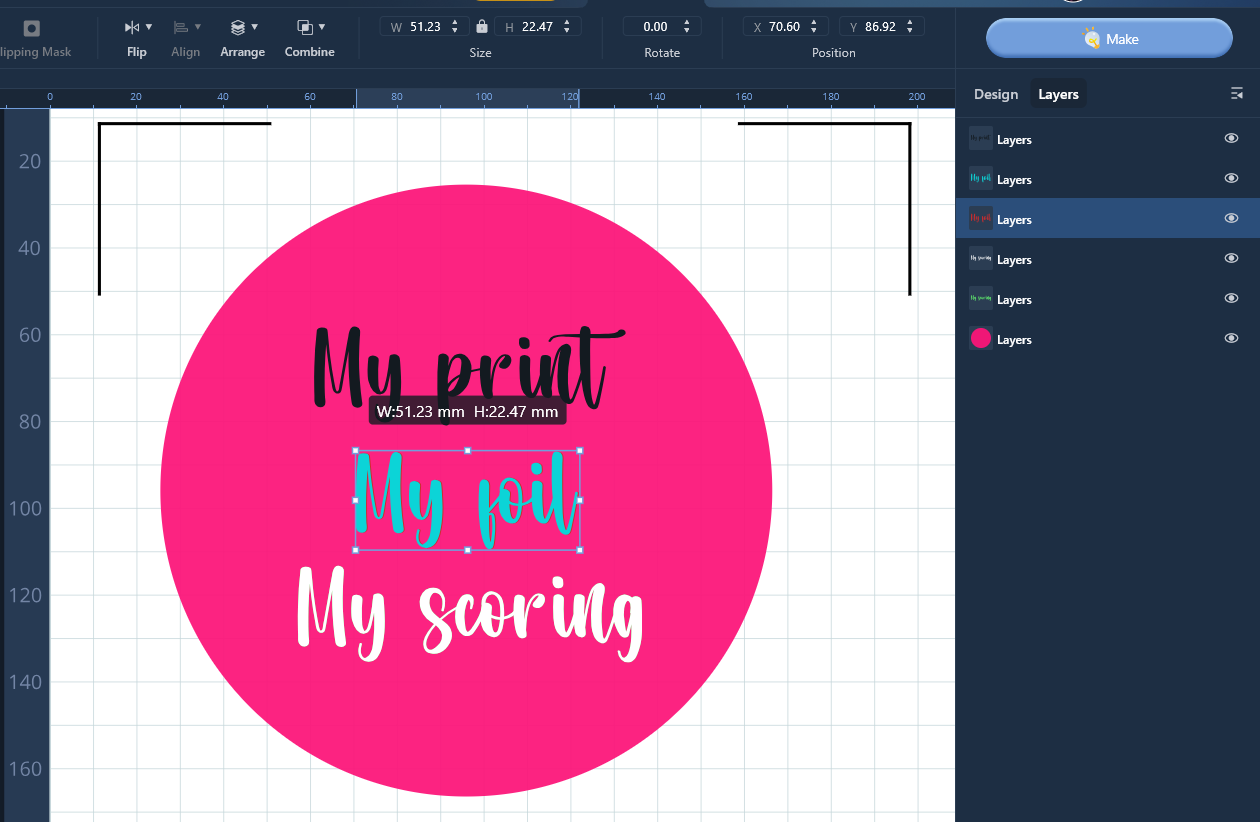
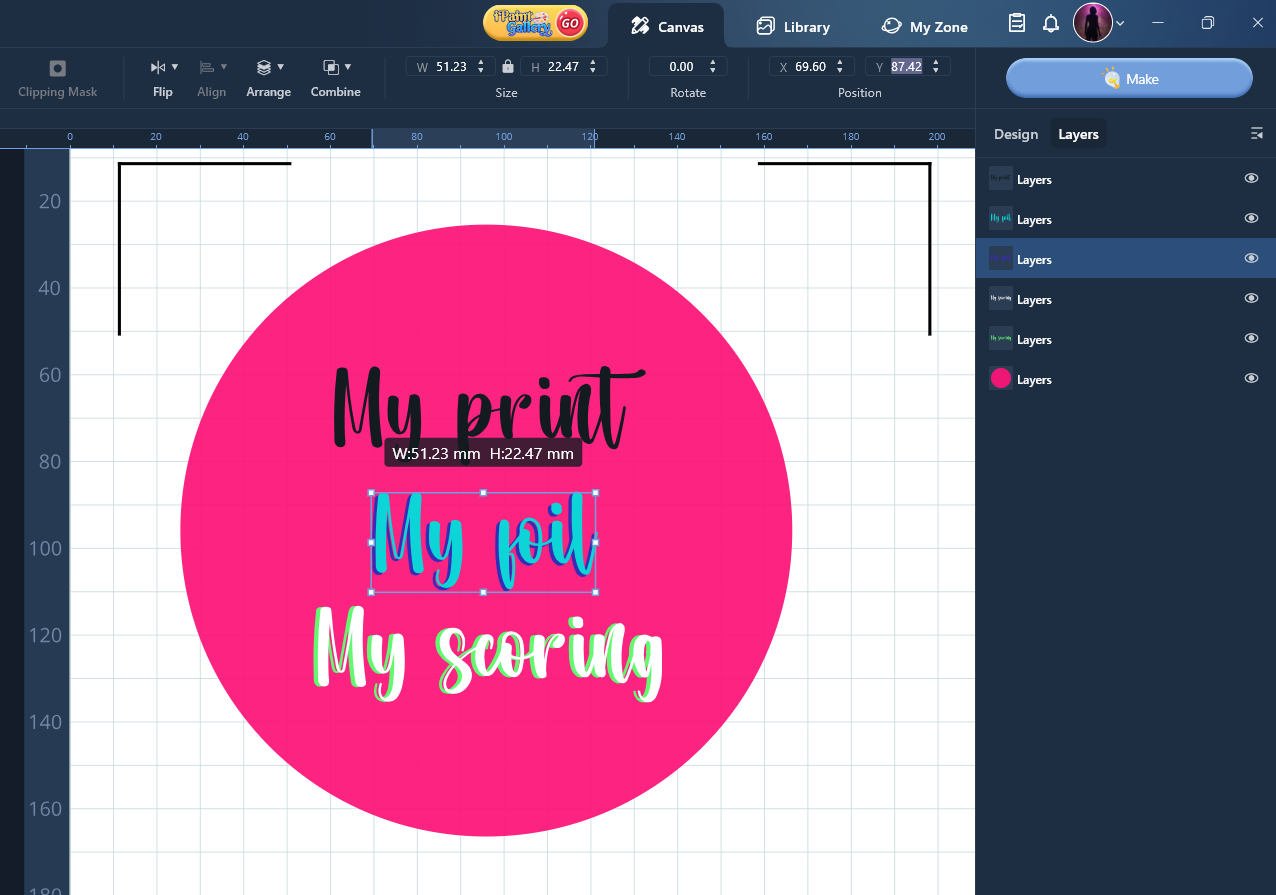
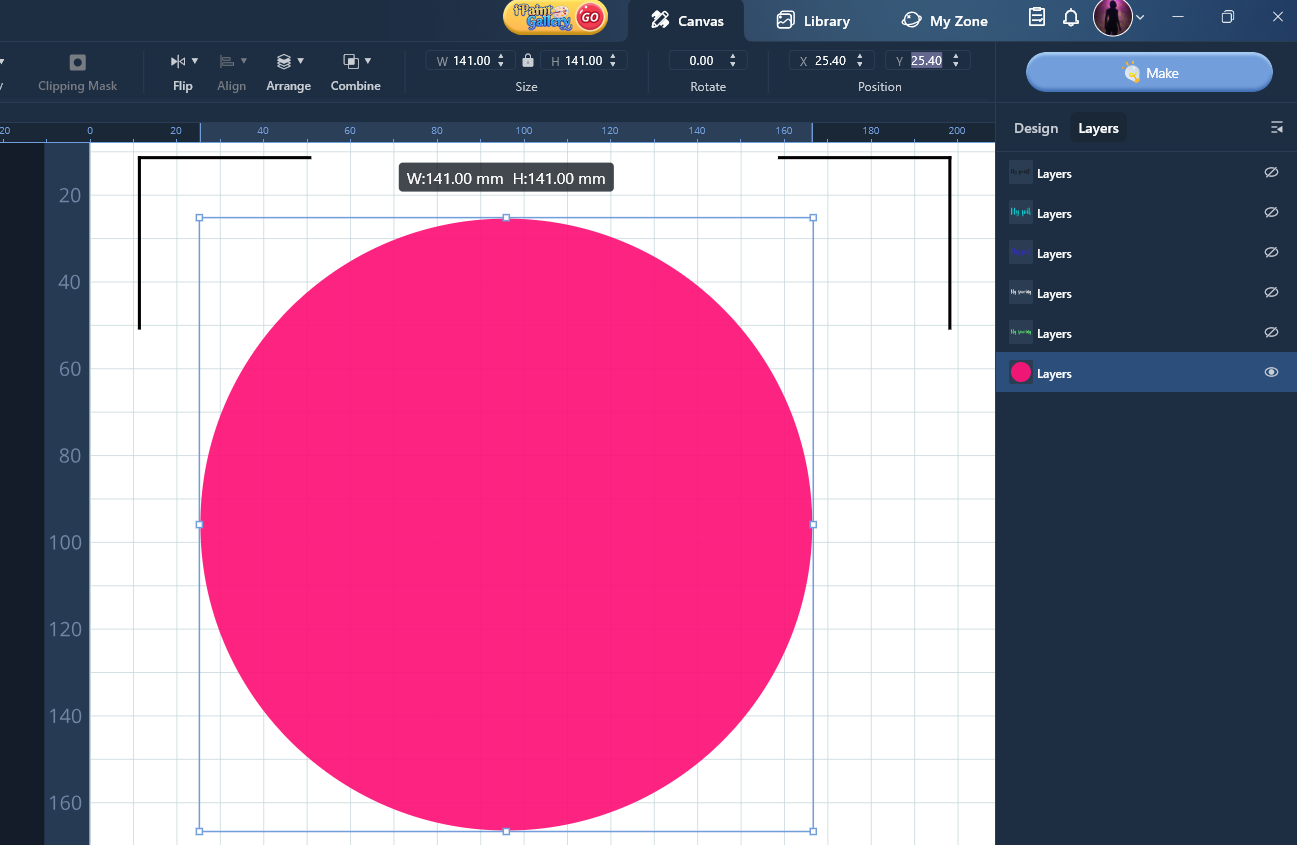
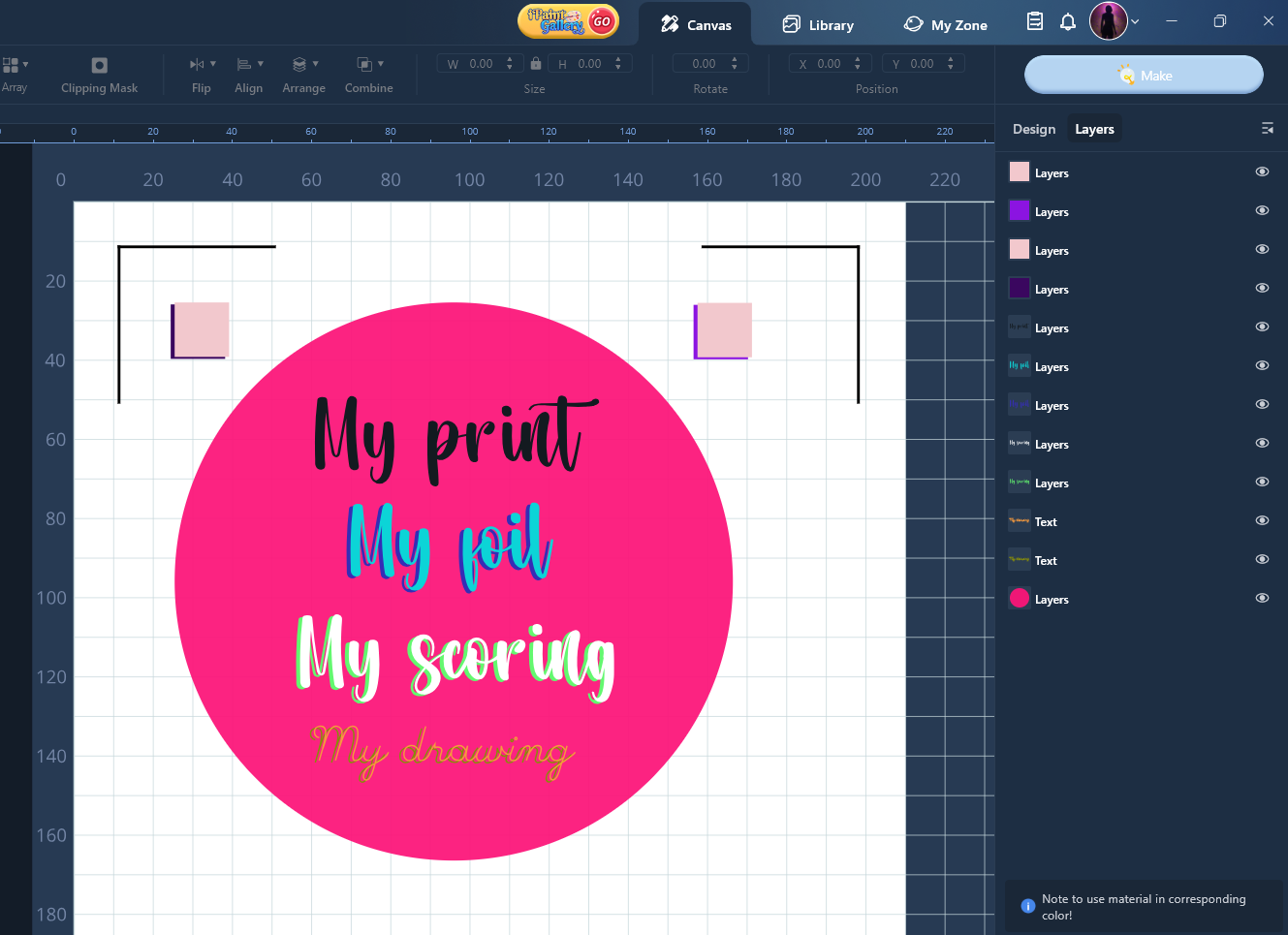
Notes checked… imagine this is the project you want to print, then score, then foil, then cut…
Then select each colour and perform each scoring and foil tasks.
Then select the cutting shape and go to P&C “already printed”
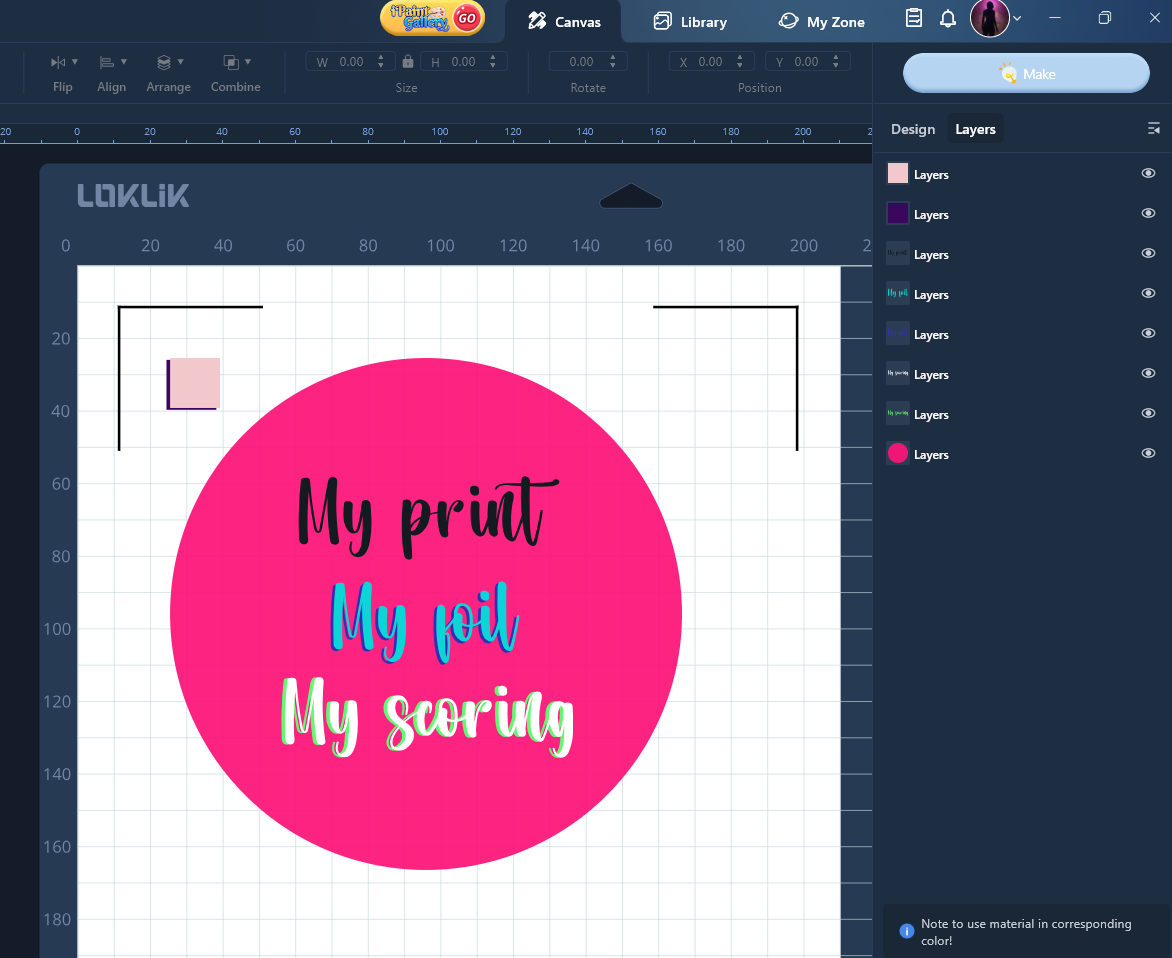
NOTE: This is the offset I use and it is for my Crafter, just perform some test before for your own settings, although I think they are universal.
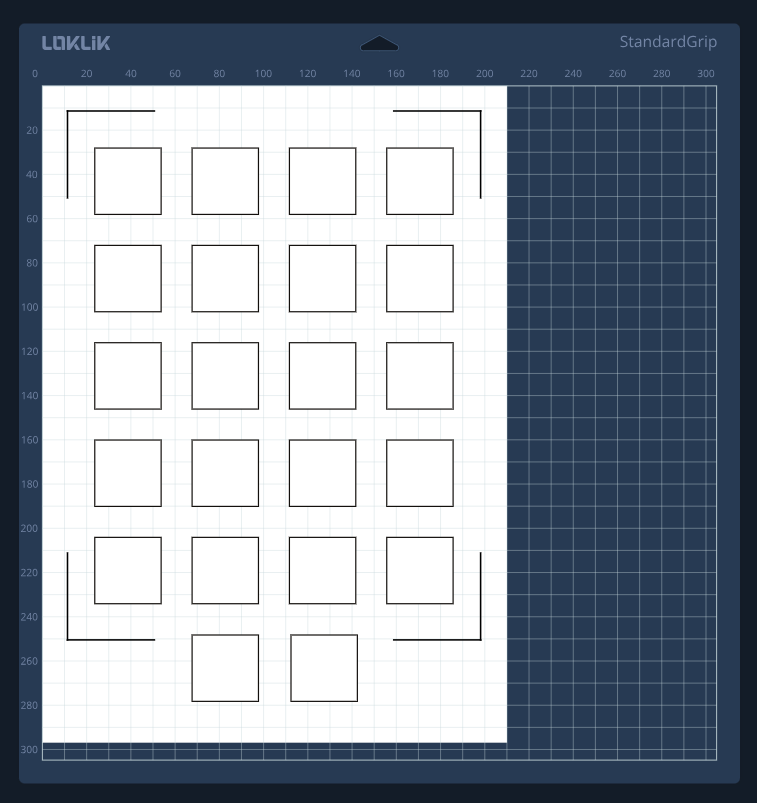
You can use several squares like this, print them in the same colour, and give each one a different colour to perform different offset tests
EDIT: Oops I forgot you also want to use pen function. Never mind, it is the same, and same offset: move 1mm to the left and 0’5 mm to the bottom.
Remember: DO NOT RELEASE THE MAT during the whole process, or you may need to start again. Unless you print more of those little test squares, so that you can test again and recalibrate the offset to the particular position your mat moved.
So you need to move it 1mm to the left and 0.5mm down to align?
Exactly. At least that is my calculation and what works for me. And I’m using Crafter, not iCraft. But I believe @InkiteeWorkshop came to the same conclusion with the iCraft.
Anyway, you can print a “combined functions” calibration sheet in regular paper and test if it is the same for you. I have a sheet like this to help me perform this kind of trial/error experiment tests.
After printing, you can take the first squeare to see if it is cutting right (P&C test), the second, to draw, just like it is. If it is right, you have no offset (but I doubt it), if there’s an offset, you can calculate from that test how much it is in X and Y. Then you can move it and use the third square… repeat with the rest of the operations, scoring, foil…
Ok, now I’m intrigued! Does that mean we can use the foil and scoring tools in the Crafter. Really hoping it’s a yes.
 It is not a yes, not officialy, but you can find hacks. I score with a broken crystal bic pen, and I bet the scoring tool of the icraft fits the Crafter’s pen housing.
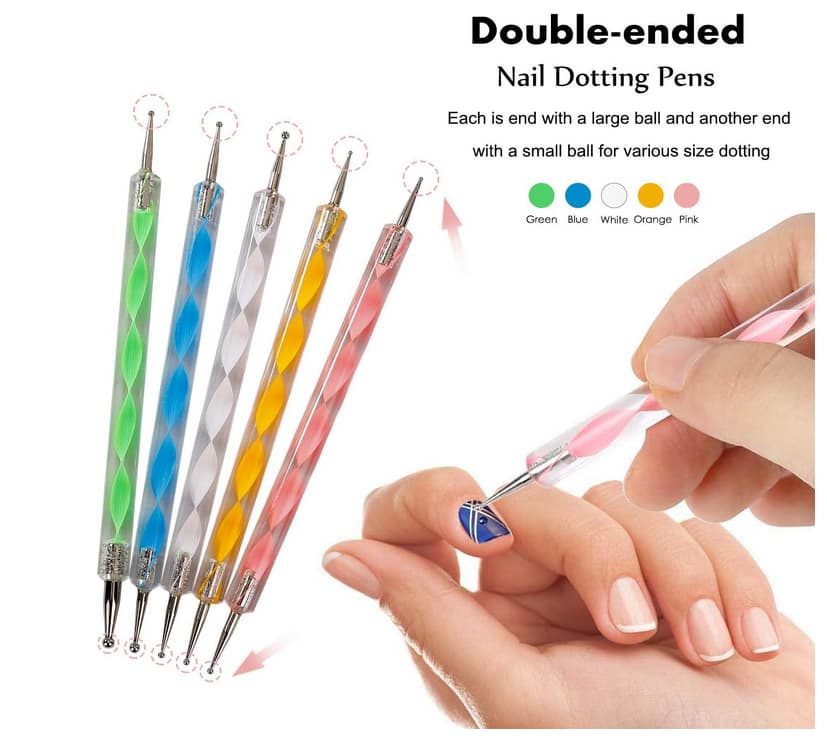
I haven´t tried foil. But I’m pretty sure there’s also a way around. I don´t think the iCraft foil housing fits the Crafter, but if you can insert any stick with different thicknesses of blunt tips, you can foil for shure. For that you can also use universal pen holders/adapters to make it easier to fit. I have a set that works like a charm to me with almost any kind of pen.
Maybe somthing like this + universal adapter
I was thinking of trying a cheap third party foil tool made for a different (& I’m sure vastly inferior!) manufacturer’s machine. I looked at inserting Crafter blade upside down to score, but it goes beyond the end of the tool holder.
Guess it’s back to the hacking route until I hear otherwise.
Thank you anyway.
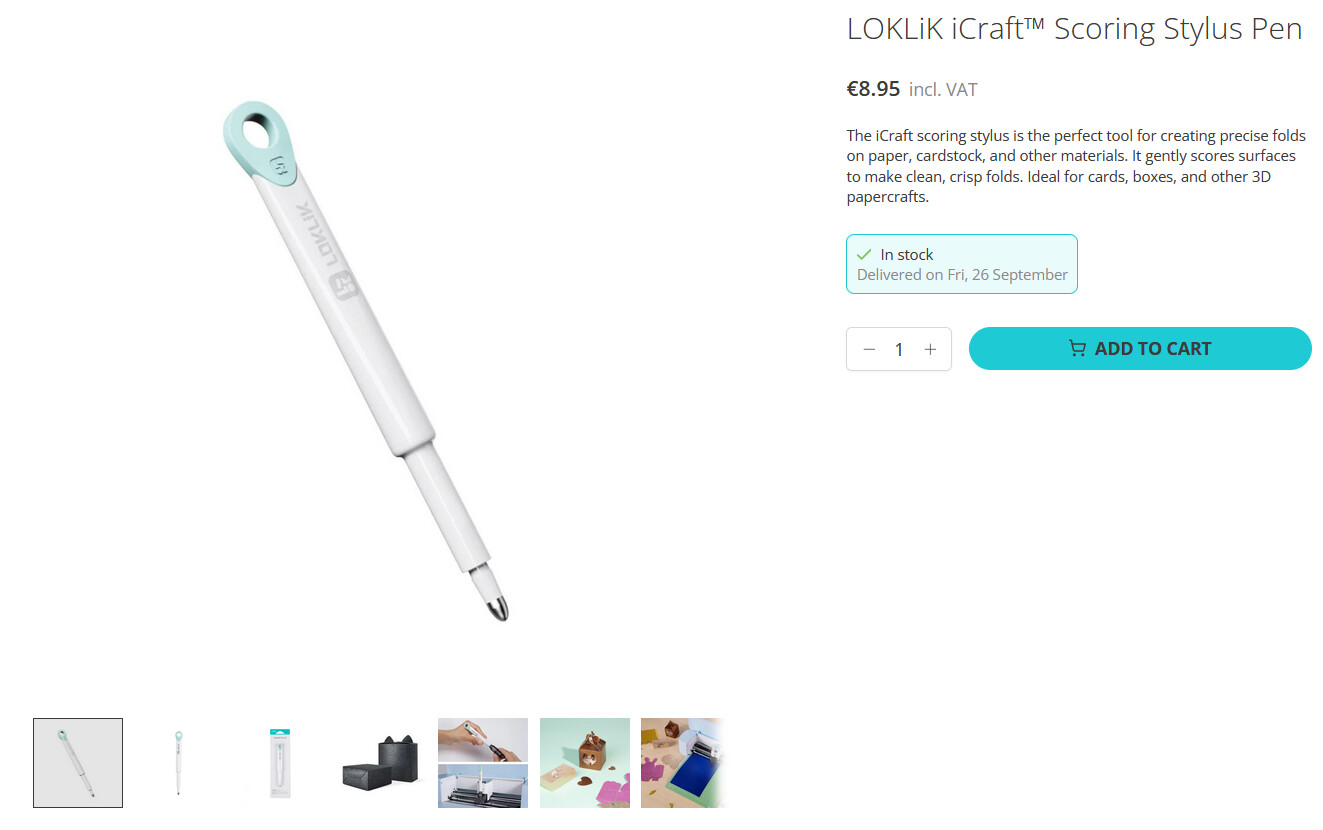
Yes you can try, but I bet the official scoring tool fits and would do both tasks (using different forces to foil thin and thick).
If I was to risk a purchase, I’d go for the official scoring tool, and pen adapters. And you can keep them if one day you have the iCraft or even the iPaint…
Thanks. I definitely intend to get the iCraft some day, but finances won’t allow it any time soon, unfortunately.
Totally understandable. I can´t either. But you can keep your participation here and join conversations and events and save the cheers to redeem it one day. That’s our luck, Loklik is very generous and gives back.
Fingers X’d
This one do fit the pen holder and do the job if you put a bit more press on your crafter in drewing mode. I have one myself and tryed it out as scoring tool
I was sure about it, thank you for confirming it, much appreciated! 
I know the cricut’s fit also with a little hack @timmytation posted sometime ago somewhere, but I was not sure sure, i didn´t KNOW it from the verb To Know
EDIT: Oh, here it is Timmy’s hack!
A little little wooden clothe peg would do the trick too
Thank you for confirming that.
Now, where did I put my draft letter to Santa?!