But that is speaking about the software version, you need to check the firmware version of the machine.
Sorry, I don´t understand this sentence “It always tells me if I need to update the machine”
But that is speaking about the software version, you need to check the firmware version of the machine.
Sorry, I don´t understand this sentence “It always tells me if I need to update the machine”
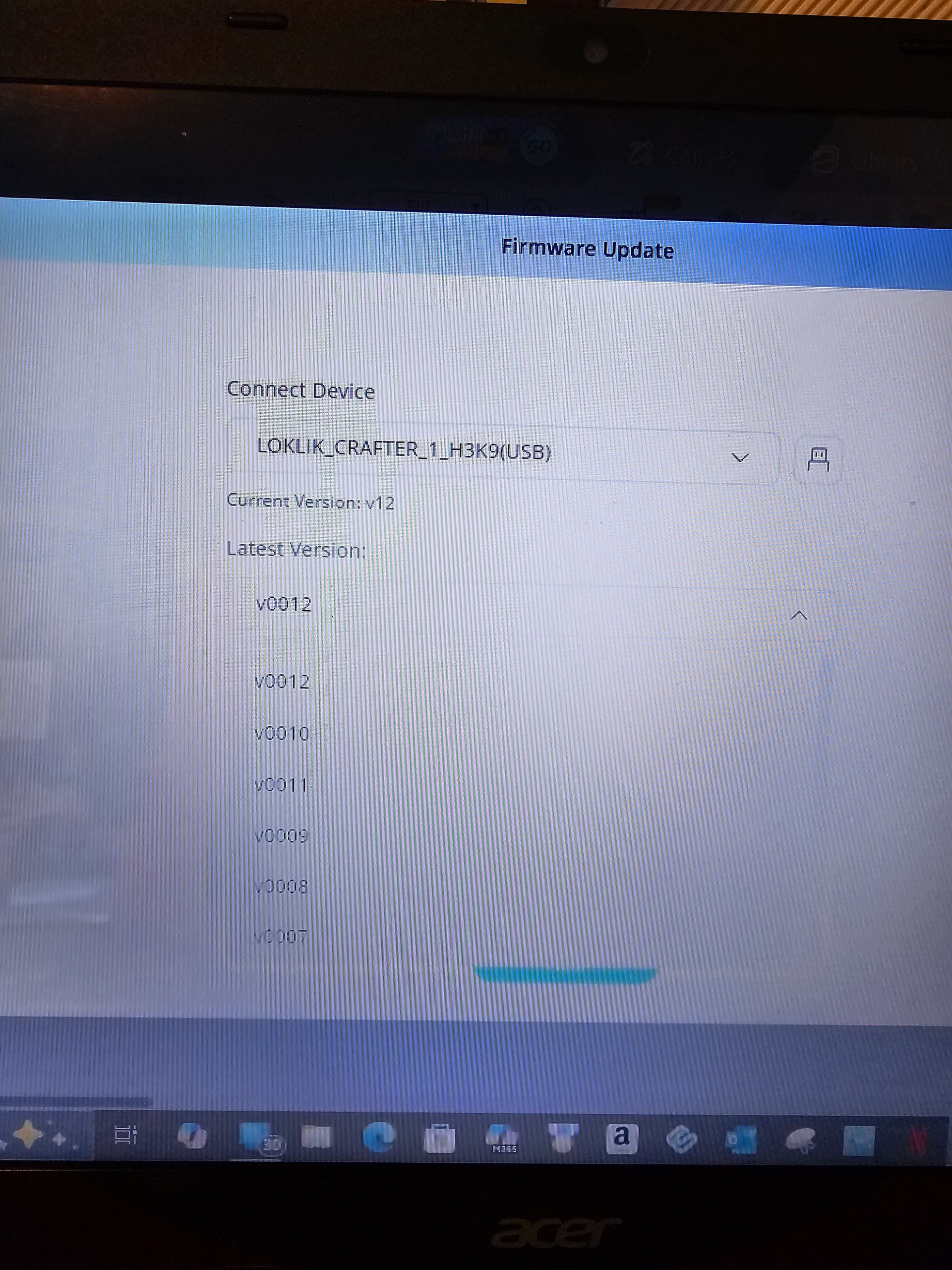
Ok, so, I guess the 2.6.7 is the software version, not the firmware. The firmware version says the latest is v0012, which is what version it says I’m on.
Ok  we crossed comments.
I don´t know about the US letter size. I think there maybe was an issue with that but I can’t remember if it was only that you cannot use teh full sheet or something more, with the PTC. I hope someone can tell you about that.
I cannot think on something else causing the problem, Did you contact support?
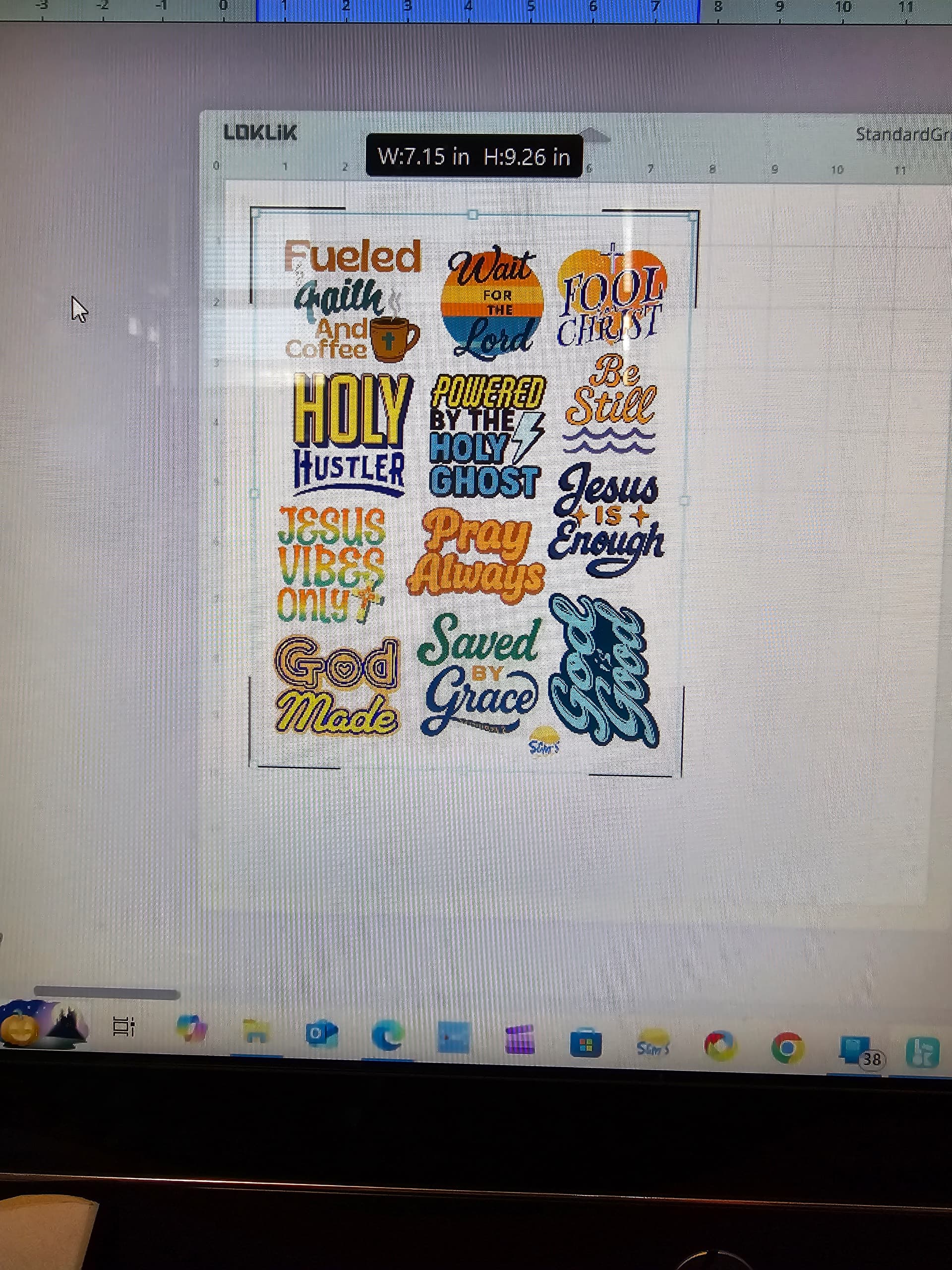
Here’s how the registration marks show up on my software. And, sorry, I missed your comment about it telling me when I need to update the machine. It usually will prompt me that there’s a new firmware update available whenever I open the software. A box will pop up and say something like, “There’s a new update for your machine” and then it walks me through how to update it. It says to hold down a couple of buttons on the machine while it’s connected to my computer, and to hold the buttons until the update is finished. I think the last time I had an update like that was probably 4 or 5 months ago?maybe longer? I still check it every now and then to see if there’s one available, just in case I miss one, though.
I think I sent in a support ticket a long time ago, but they just told me everything the How to Fix guide said. So, I just gave up on trying. But then I had the idea to try an offset, but, well, I told you how that went.
@OliviaZzz please, could you tell me if it is possible to split this topic so we can help Samantha in a separated topic?
Maybe from here?
https://community.loklik.com/t/diy-project-sharing-fear-those-witches-booooooo-halloween-feminist-spell/43820/29?u=redhada
Thank you!
The was no firmware update after v12, so don’t worry any more about that. But it is not normal that IS tells you there’s a new update available. Maybe something is not completely correctly updated. And a clean instal of the program may also help.
About support, in the moment we cannot find anything else to try, you should ask for a replacement. But we’re not there yet. I would try a downgrade (if possible) and new fresh update, or an update with the flash tool together with the fresh IS program.
Are your computer AMD? Some AMD computers have problems with the update. It happened to my Crafter and it even get to die, but I revived it updating with my intel laptop and it worked fine.
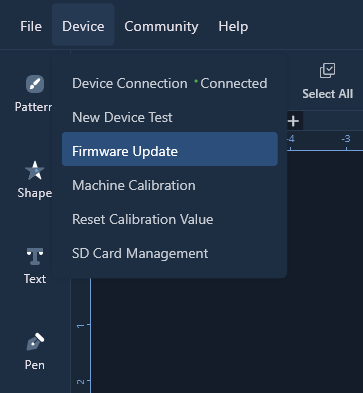
Hmmm… Well, I don’t know how else I would know there was a firmware update. Like I said, it’s been several months since the last one, it’s hard to remember exactly. I’m pretty sure I found out through the software on my computer, though. I think under Device, just like I showed you in the pic of the latest firmware version. I think once I checked for an update and it scolded me and said something along the lines of “Don’t do that again!” I said, “Ok, sorry.” And yes, I’ve uninstalled and reinstalled the software several times. Nothing changed. As a matter of fact, I had only used my laptop app up until today when I used my desktop app. So, I don’t think it’s the software. It must be a faulty machine. I don’t think I’ve tried using my phone or tablet, though. I’ll give that a go, but I doubt it will change anything.
I don’t know what AMD computer is… Sorry, can you explain?
AMD is a type of processor, Intel is another, more common.
Ok so software discarded, but not firmware yet. If it is telling you to update it, something is not right.
Oh, mine is Intel.
I would use the flash tool then.
This is not normal, unless you mean it prints them smaller in IS because you scaled them down on canvas to fit the marks
Yes, because I fill a whole sheet, so they get scaled down in the app to fit in the registration marks. But… it’s cutting! I used my phone and it read the marks and is now cutting my stickers!
Have you tried to do print then cut and selecting A4 paper size? You can still print on using your US letter size paper but just tell the printer it’s A4? I know a lot of people have had issues trying to use US letter paper size.
As far as reading the registration marks have you tried closing your lid of your machine if the room is very bright, this can help the sensor.
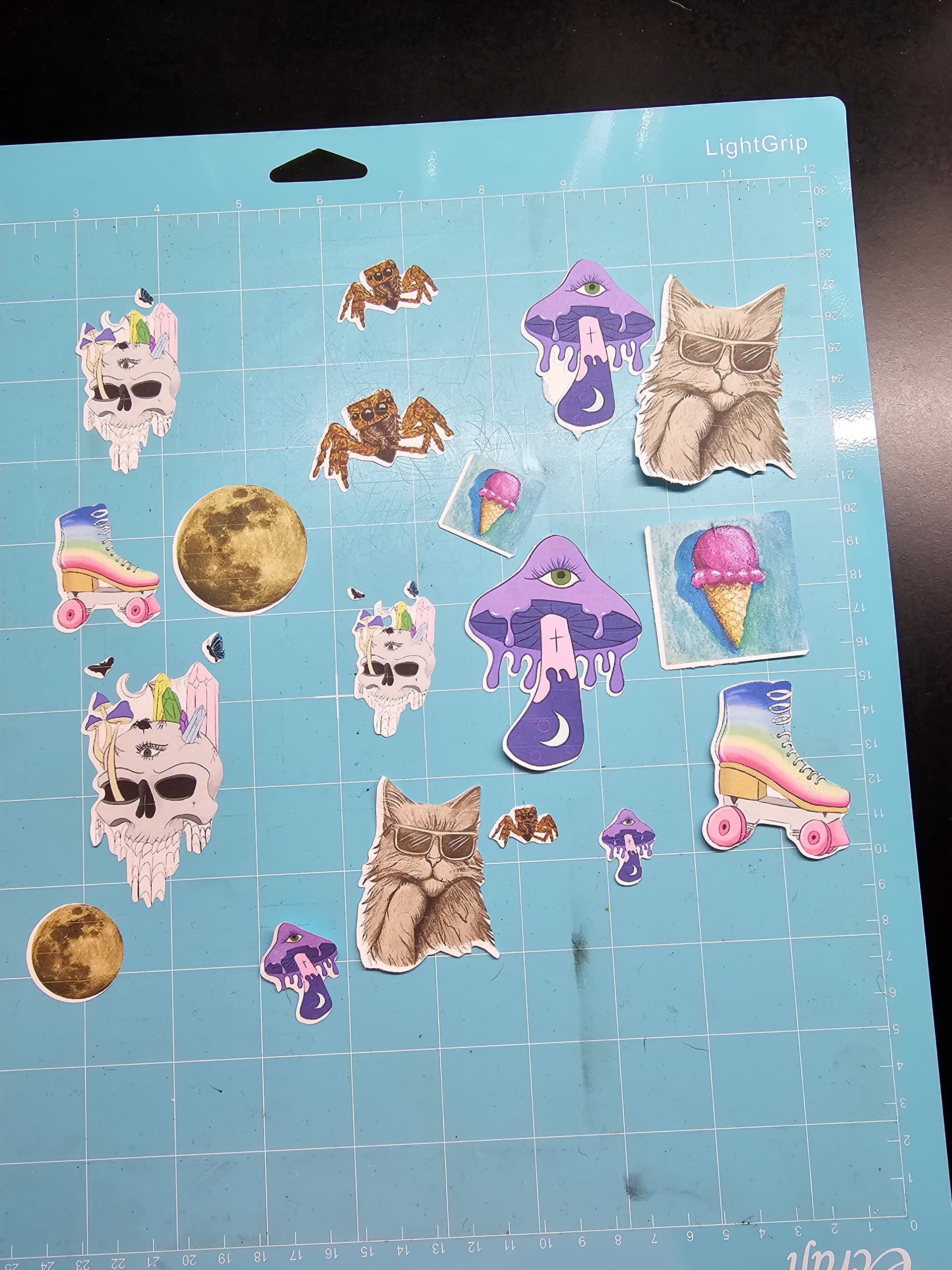
But the alignment is off. I’m going to see if the calibration will work in the mobile app when it’s done.
Ok but alignment is the next step… first read, then read right
Help you @BellethehowtoGuru, we always solve those issues as a team… 
Can you show us a picture of the cuts?
I’m glad it’s reading the marks now, it’s strange it won’t read them on Idea studio as well though.
Ok, I think I know what I’ve been doing wrong. I never noticed the “material size” which showed 12"x12". I think I thought that was the mat. Yes, even though it says “Mat size” 12x12 above that. I’m blonde, forgive me. When I was in the mobile app, it popped up and asked the sheet size and I selected the 8.5x11. So, now, I see that I’ve just been skipping past the material size in the computer. The alignment is only off by a little. So, I’m going to try my computer again, and try calibration with the correct material size settings.
Most of the time it’s something very simple. I’m glad it’s looking better. Let us know how the calibration goes.

Ok, now to get the perfect cut. Your situation was just not acceptable… I’m glad we made you check it all. More eyes, more chances…