HI. I am new to the icraft but use my laser and professional cutter with no issues.
My question is, with a program like lightburn, you can frame and object to see where it will cut on the material. I am using some odd sized leather pieces and want to frame my cut before cutting. Does the icraft have an option or does anyone have an idea on how to accomplish this?
1 Like
Do you mean the iEngrave the laser cutter? Yes they have a roaming with shows a box around where it’s going to engrave or cut so you need to watch it when framing that it’s going around how you want.
No. I am sorry. I thought I said, t he icraft cutter.
So the iCraft doesn’t support framing unfortunately. But wherever your design is on the canvas in LOKLiK Idea Studio, is where your LOKLiK iCraft will cut it out.
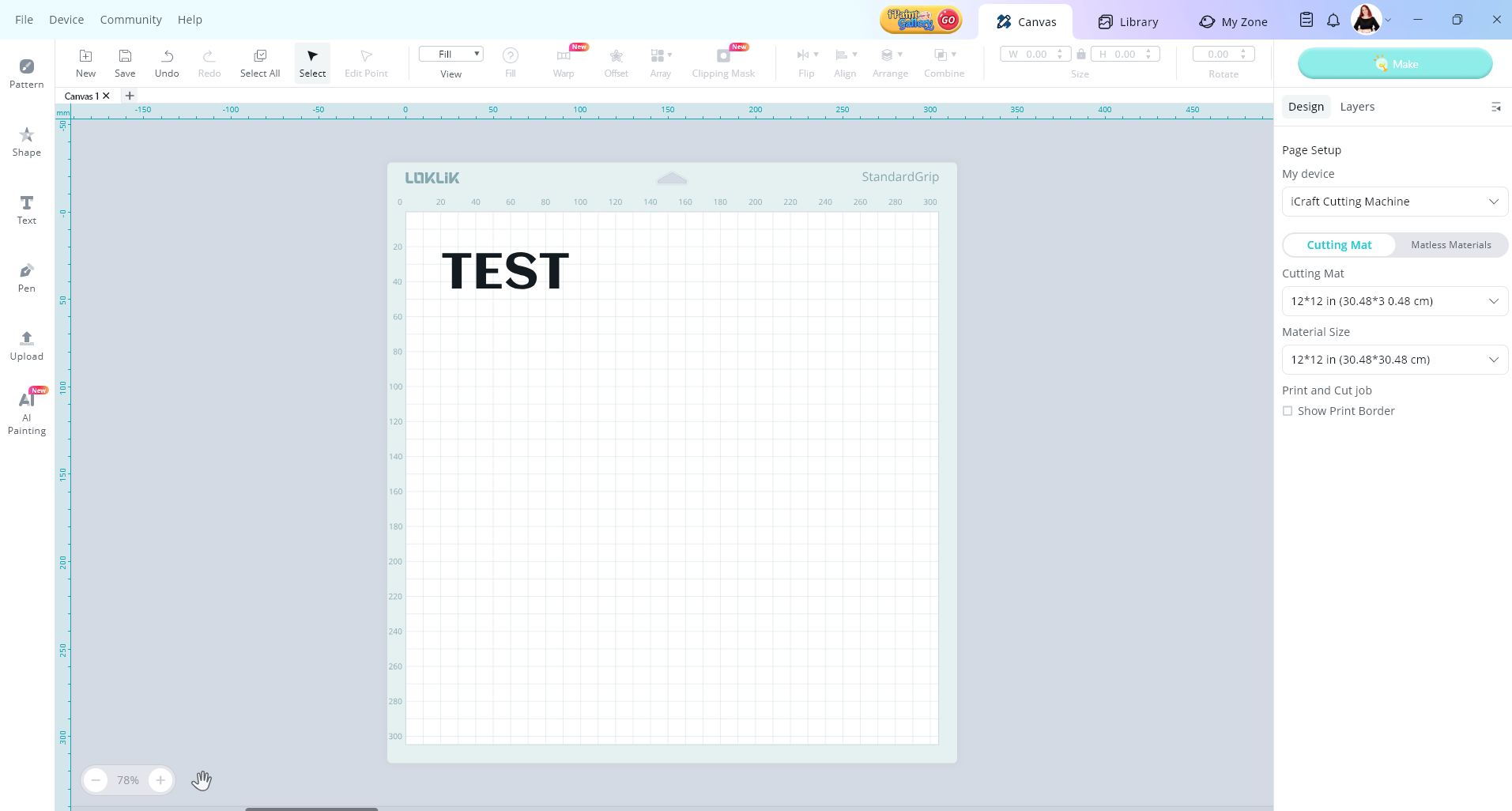
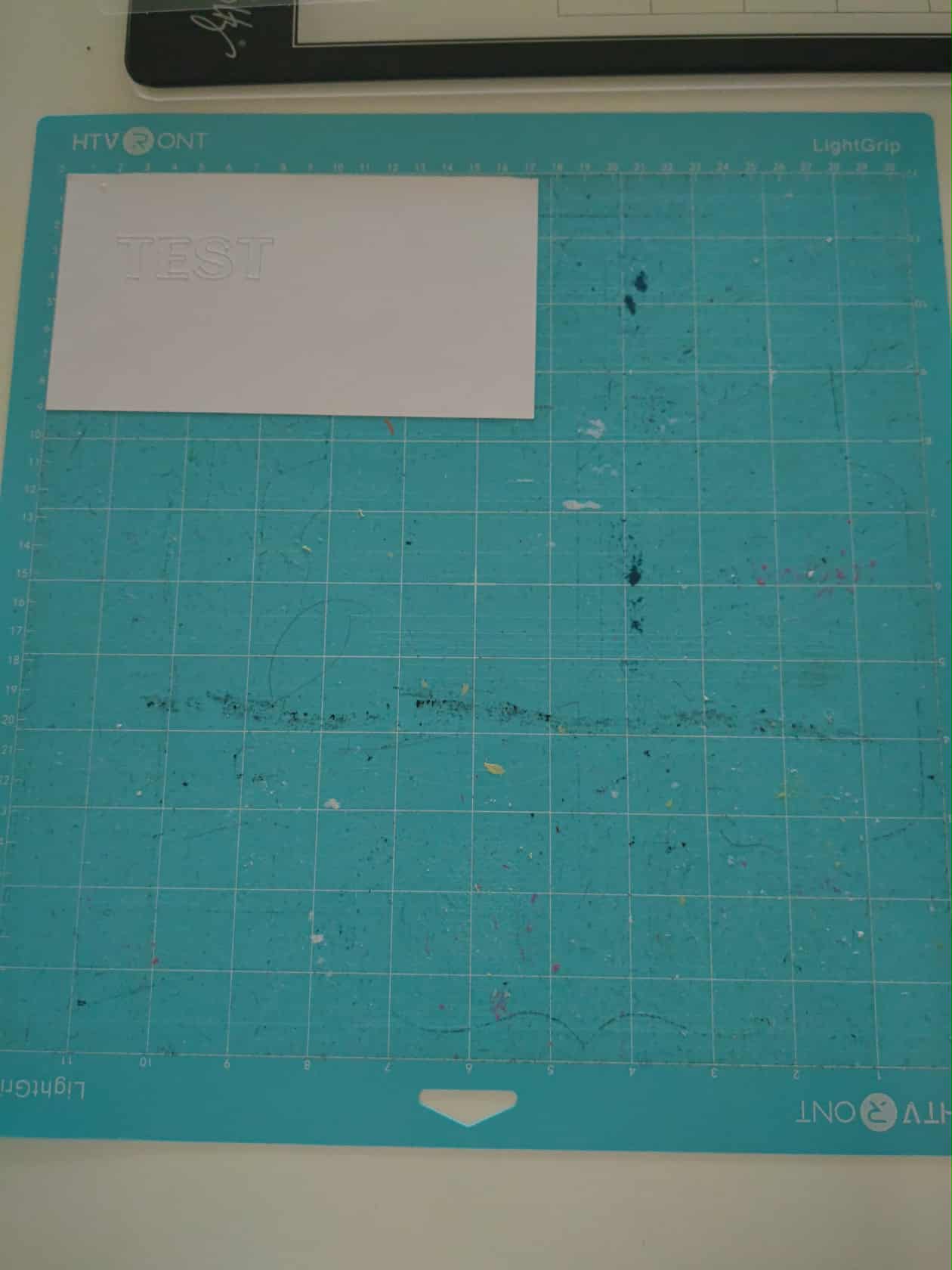
1 Like
Thanks. I see that and have developed a work around. One other question, if you don’t mind. HTVront does not have replacement blades for the icraft. Go figure! They sent me to Amazon. I see lots of blades but none for loklik. Lots for cricut , Explore Air/Maker/Expression… but no loklik. Where do you get your blades?
1 Like
No worries, always happy to help. So, I get my blades from amazon. I normally get a big box of them that have the 45 degree and 60-degree blades in them. I have found the ones that say they work with Cricut fit the LOKLiK machines beautifully.
Thank you sooooooo much!
1 Like