Hi,
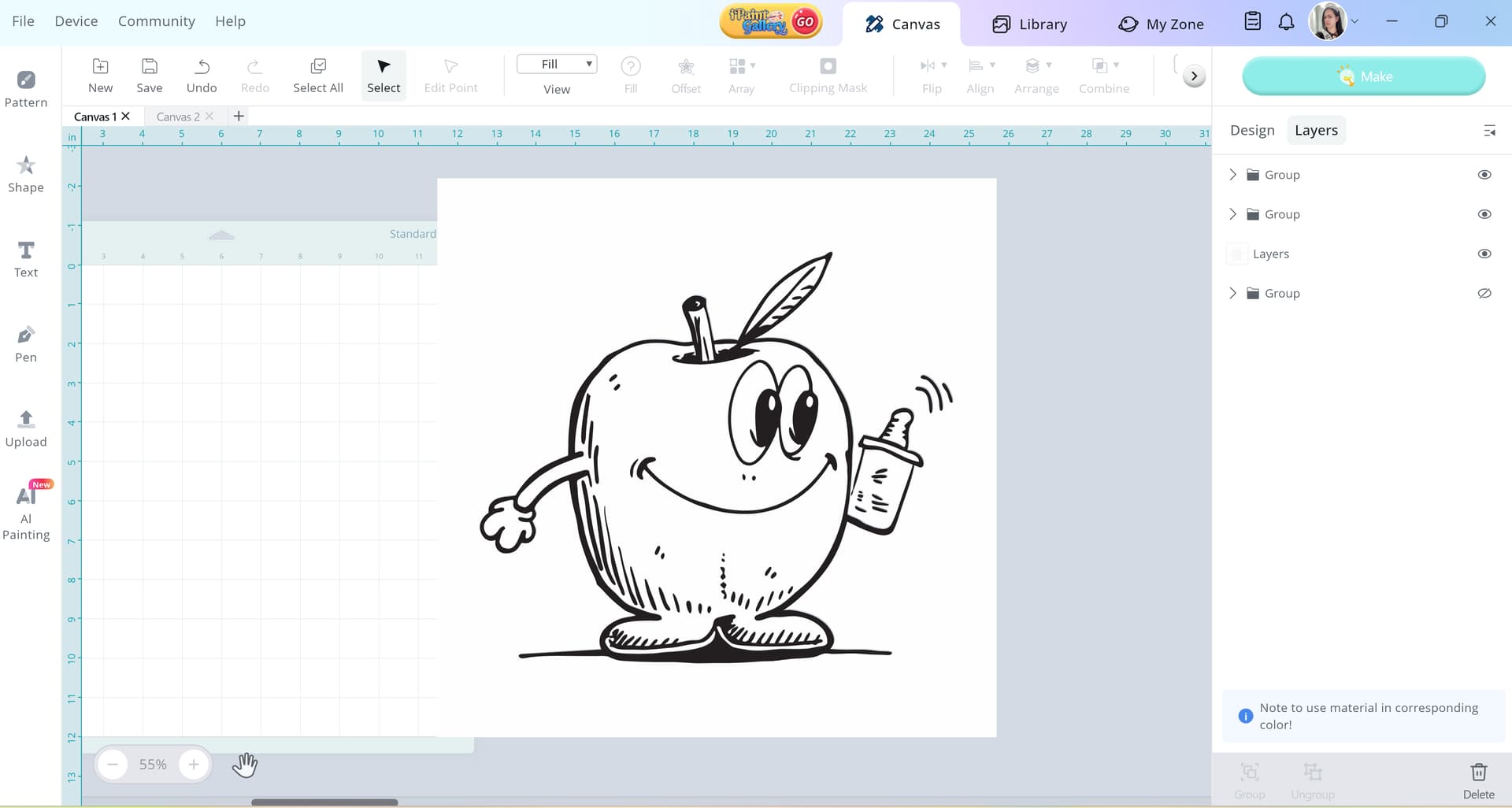
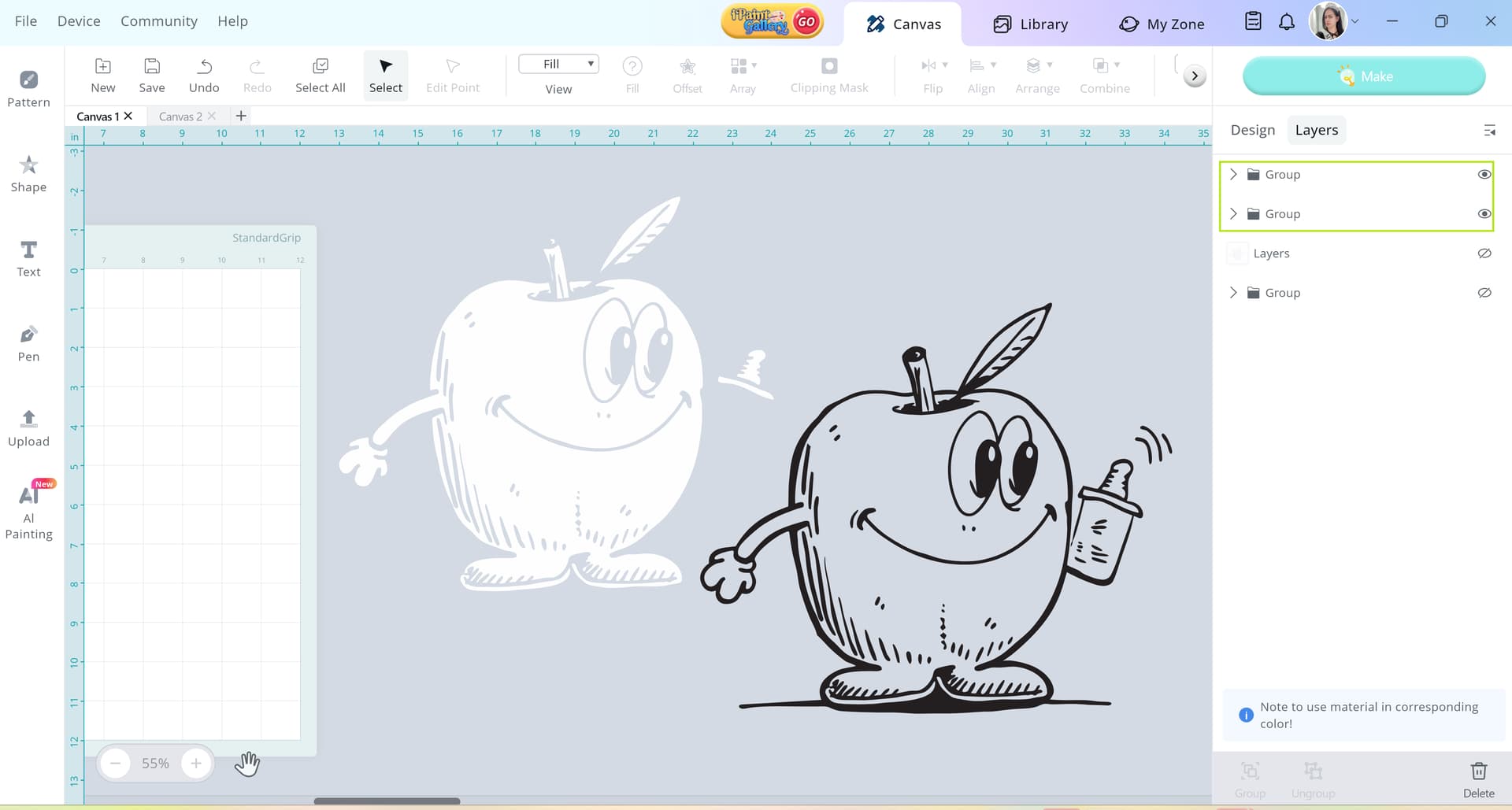
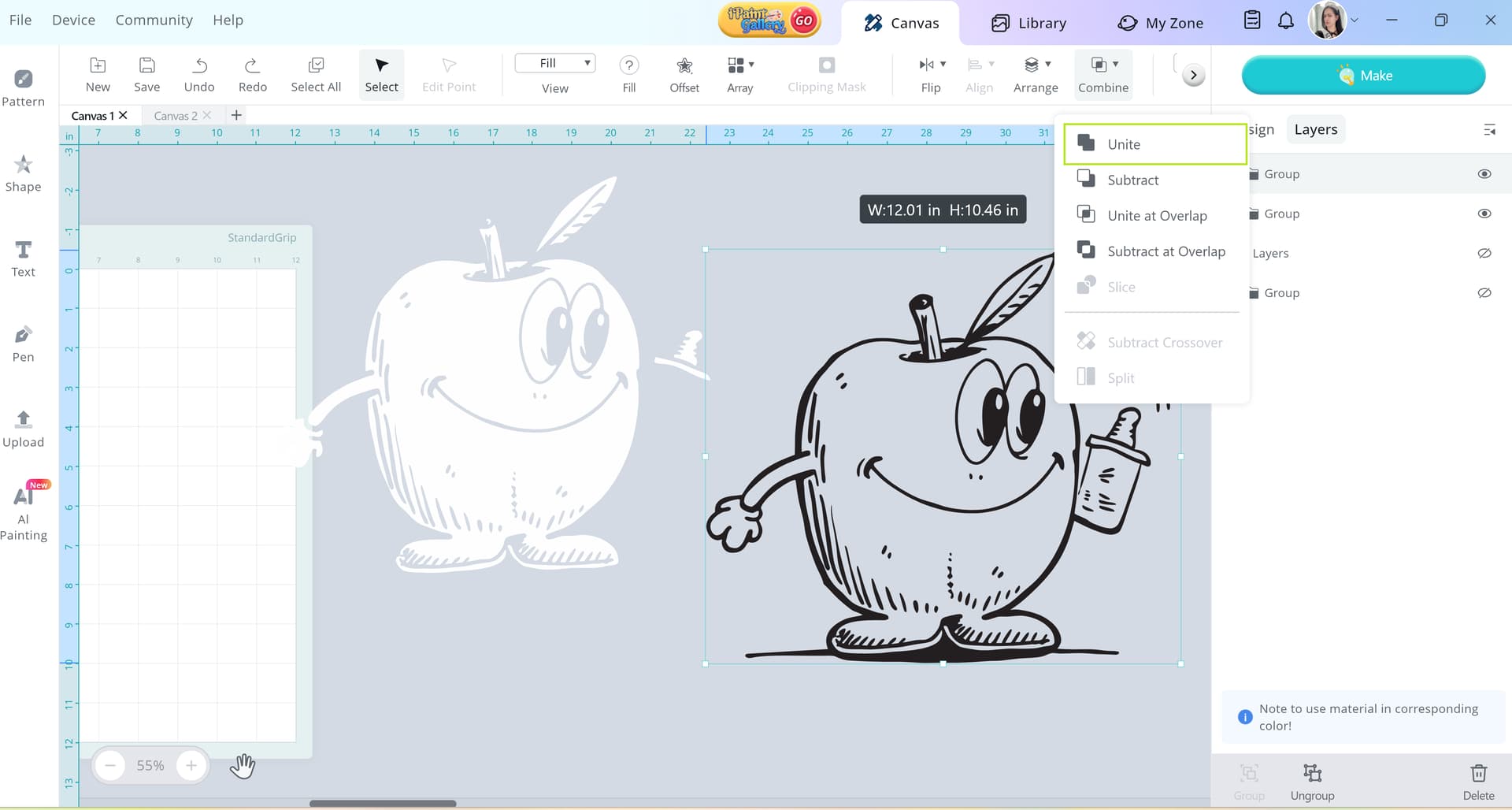
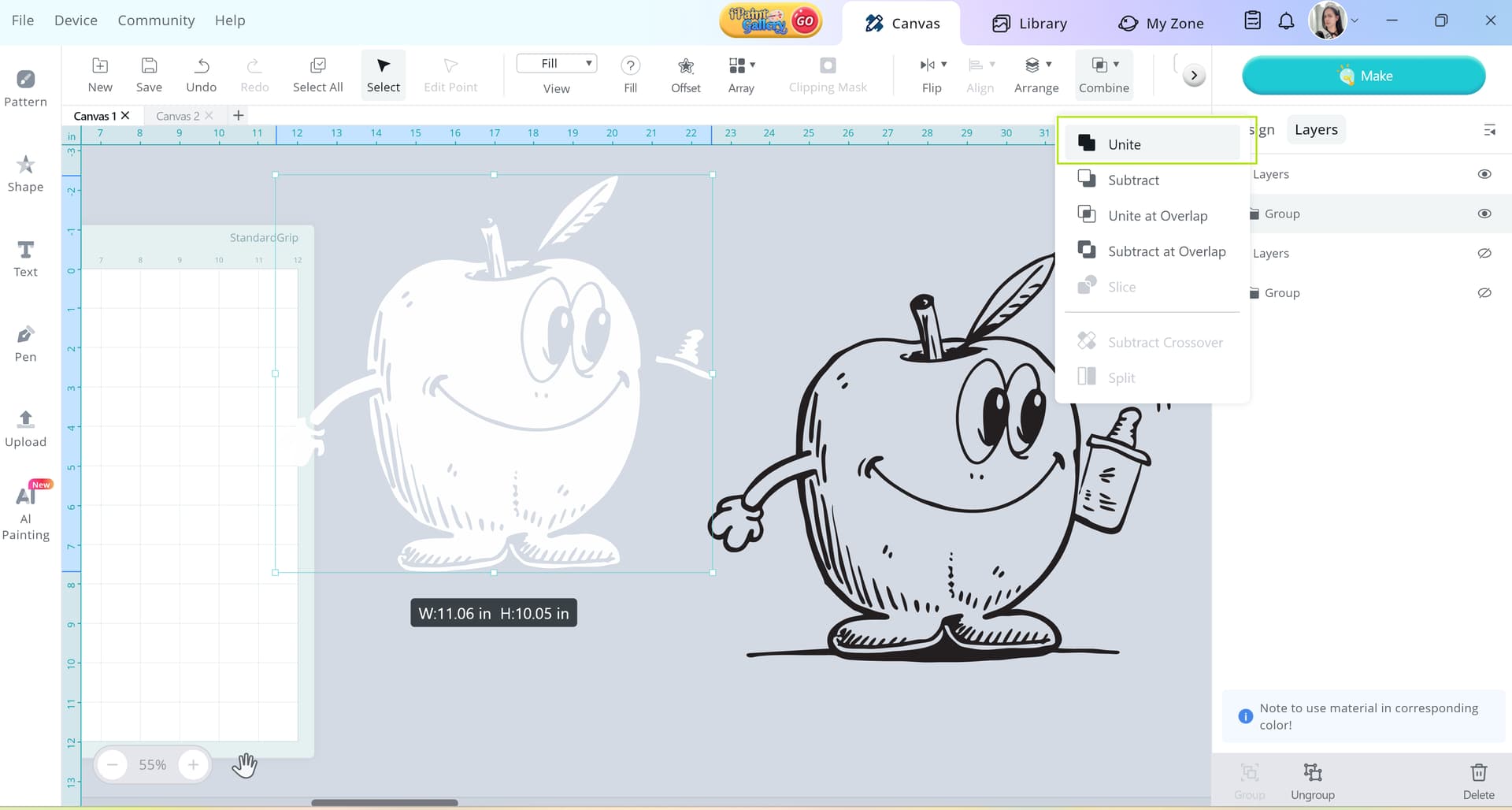
I have converted images in the Loklik Software program to make the design from a PNG/JPEG to be outlined for cutting.
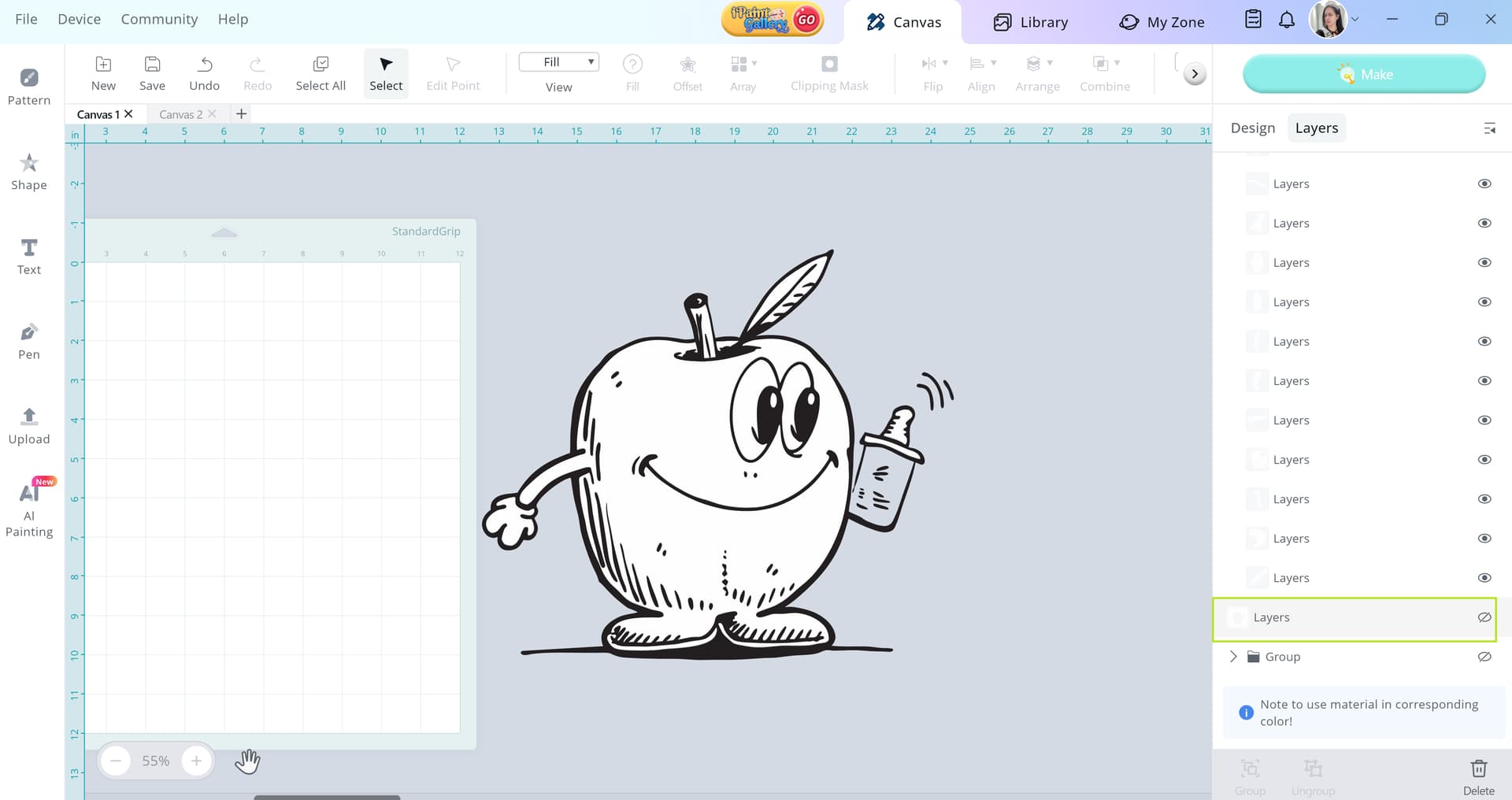
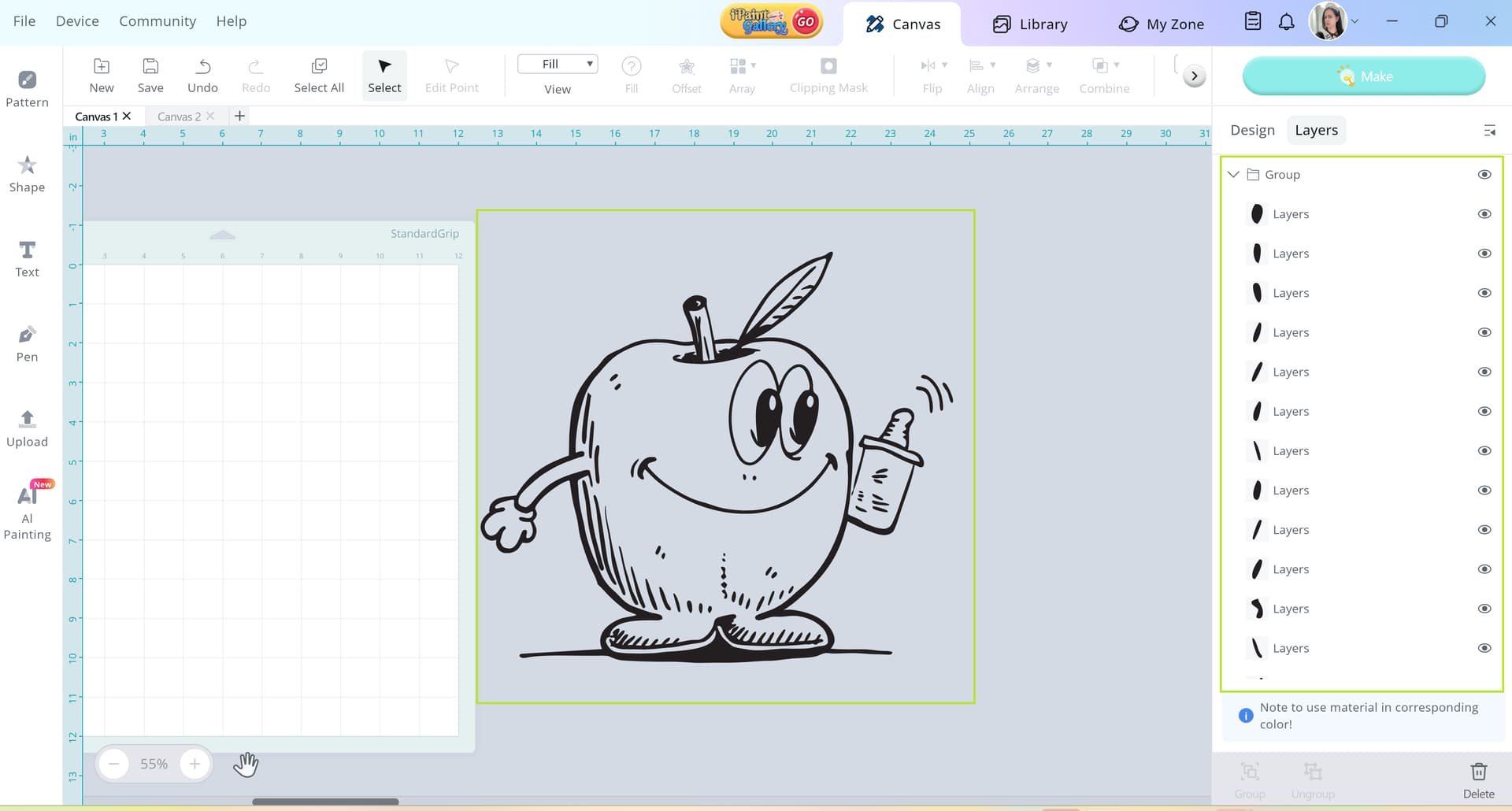
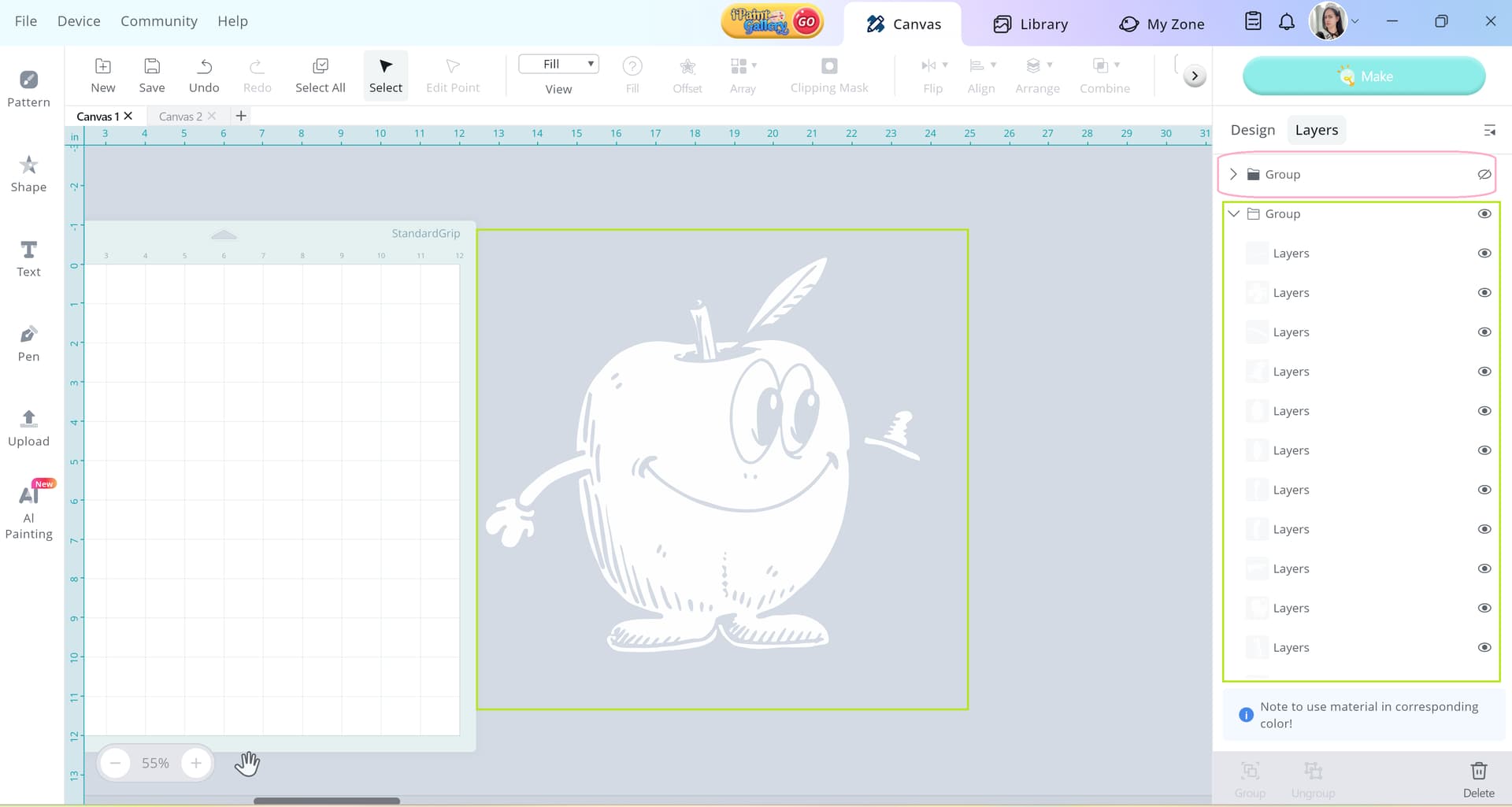
However, I am unable to save the new image to my desktop, I am only able to save it to my account and the image is not allowing me to change the layers or adjust the design, it is still showing as image in the layers section.
I am wondering if there is a way I am able to convert these into a layered images without having to redesign the images in another app or software program. As the original ones can not be saved directly to my laptop only to be software and my library/saved items.
Thank you
You can also print as pdf and then save to your hard drive.
Anyway, there’s something I don’t know if I’m understanding sbout your issue? Is it that you don’t know how to keep the layyered version plus the raster version of the design on canvas? If so, just duplicate the raster version before vectorize it. I mean, if it is really vectorized, the vector layers are there.
Hi,
Thank you for your very detailed explanation for the steps and the process.
I figured it out in the end using the additional tools and functions from the side toolbar to redesign the image and then it allowed me to select individual layers rather than the PNG/JPEG showing as an image without the ability to modify layers.
Again, thank you for your help and providing me with such a detailed reply
Maybe the program works differently in different countries? I don’t know. I am unable to save it directly to my computer using any methods in the Loklik software, it only shows my in my library/designs etc.
It was regarding the image/JPEG/PNG was not allowing me to select layers individually as it was still showing as an image in the side toolbar when I clicked on layers.
I figured it out in the end using the additional tools and functions from the side toolbar to redesign the image and then it allowed me to select individual layers rather than the PNG/JPEG showing as an image without the ability to modify layers.
Oh no, my gosh haha that’d be the last thing of the US only thing
Idea Studio doesn’t allow anyone to “save as” to your local drive. What I try to explain to you, and sorry, sometimes it is hard explaining depending on the thing in English… is that you can use Print, and don’t actalually print but select PDF as your printing driver, that way you can save it as PDF to your drive and open it in any vector editor, as it keeps the editable svg inside the file. Also in your country
A jpg/png image is a raster image without any vector nor any layer, it is s flatten inage. So you cannot select layers as there’s only one.
If you traced vectors from it using IS features, you should have vector layers with vector shapes. If it’s not the case, you may be doong something wrong, but we cannot deduce what from what you explainned here.
Why don’t we do something? do it again and take screenshots of every step you were doing, so that we can see the error and explain why, so you can have a better understanding of the proccess… if there’s still any doubt, as @rinsky wrote a perfect step by step example