Hi everyone! I’m super excited to finally start my crafting journey! I’m a total beginner, and I recently got a LOKLiK iCraft cutting machine. I also have a laptop, printer, and paper cutter – ready to go!
As for materials, here’s what I currently have:
Bond paper (A4)
Magnetic sheets
Photo paper
Ordinary sticker paper
I’d love to hear from this amazing community: What are some easy, beginner-friendly projects I can start with? What settings do you recommend for the materials I have? Any tips or go-to tutorials you recommend for first-timers?
I’m open to trying anything – labels, stickers, magnets, even simple decor or educational stuff for my kid.
Help your girl out! Would really appreciate your suggestions.
Excited to learn and grow with you all!
If you’ve already done a test cut, I recommend loading a few inbuilt designs onto your canvas and using the auto-set cutting tools on cardstock. It’s a great way to experiment without using up your precious vinyl!
Hi @Aimee_Uy. Congratulations on your new machine. For beginners I always suggest you get a project in your head that you would like to achieve. You mentioned educational stuff for your child. Think about a project you could make for them. Depending on the age of your child you could make a chore chart and create little stickers to go on the chore chart for them. Or create vinyl labels for their toy storage. You have everything to get started making stickers which I normally don’t recommend for beginners as it can be confusing. Normally an adhesive vinyl project is more forgiving to beginners but since you have everything for stickers let’s make some cute stickers for your child.
Couple tips
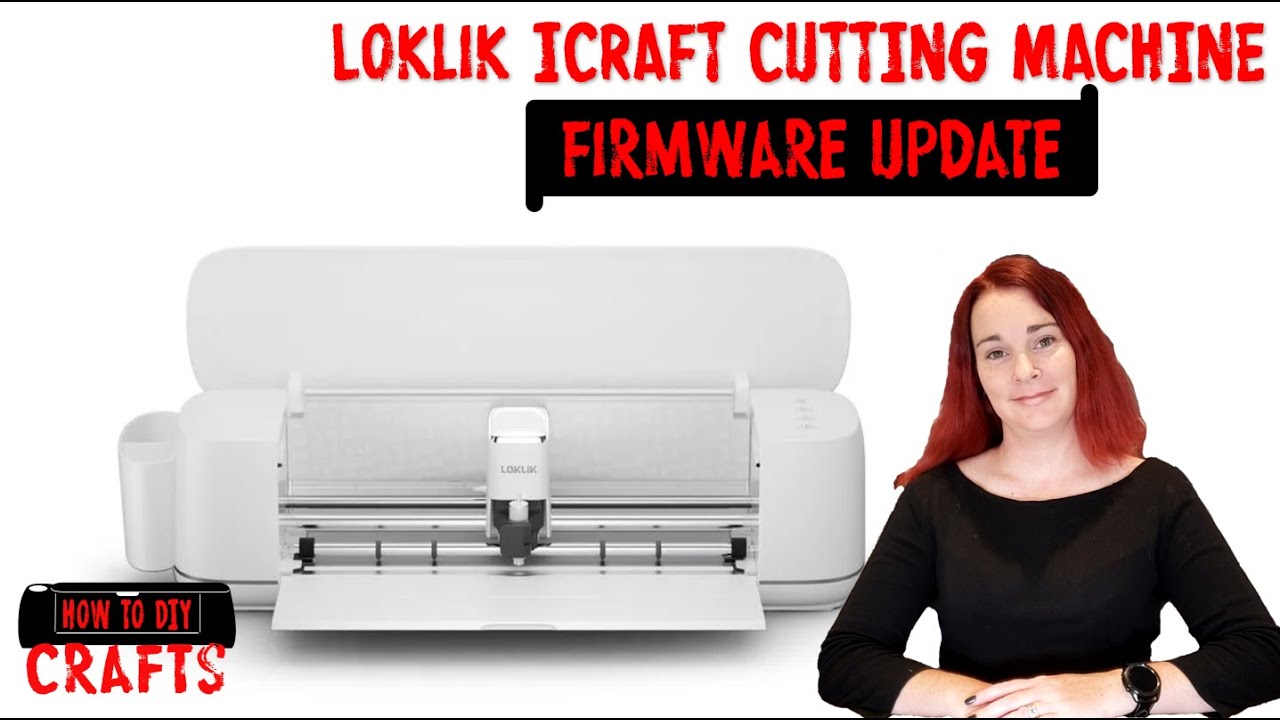
Make sure firmware and software is updated before beginning.
When updating firmware you need to use the usb and a computer, it works the best.
I have a video on how to do this.
Then you need to calibrate print then cut to make stickers. If you have problems please ask and share information on what you are doing and what’s not working. I have video that guides you through the process.
How I made these cute flower sticker sheets. You could use any image that you would like and just follow along with my steps. I do share my cut settings that you can use as a guide for you to get started. Yours may be different so you may need to do a couple test cuts for your material.
After you have thought of some projects post them below and the community can give you tips and tricks to help you make your projects. Can’t think of anything there is heaps of step-by-step tutorials in the tutorial section in the community to get you started. I would jump in Idea Studio as well and have a look around and see what you can do. I have a tutorial showing you it but keep in mind it is the old version of Idea Studio before the big update which changed how you upload files. I’m working on a revised version at the moment.
Congratulations I can’t wait to see what you make
Check @BellethehowtoGuru videos they are awesome
And also the tutorial zone we are posting a full step by step tutorial here in the community
 What are some easy, beginner-friendly projects I can start with?




 Happy Crafting!

 in the software, there are also tutorials you can access in the Help menu
  Good briefing meme, I like it!
 hard to type with chubby fingers