Hopefully yours will get calibrated better too. Get some rest, start fresh tomorrow. To save on materials I would just use copy paper and test with circles until you get a good cut. Then try your pic on regular copy paper to see how that cuts. If that’s off and your circles were fine, it means maybe the contour cut lines the program made for your image is off. You can see these cut lines when you first upload your picture into Idea studio. With your image selected go to the design tab and select print then cut
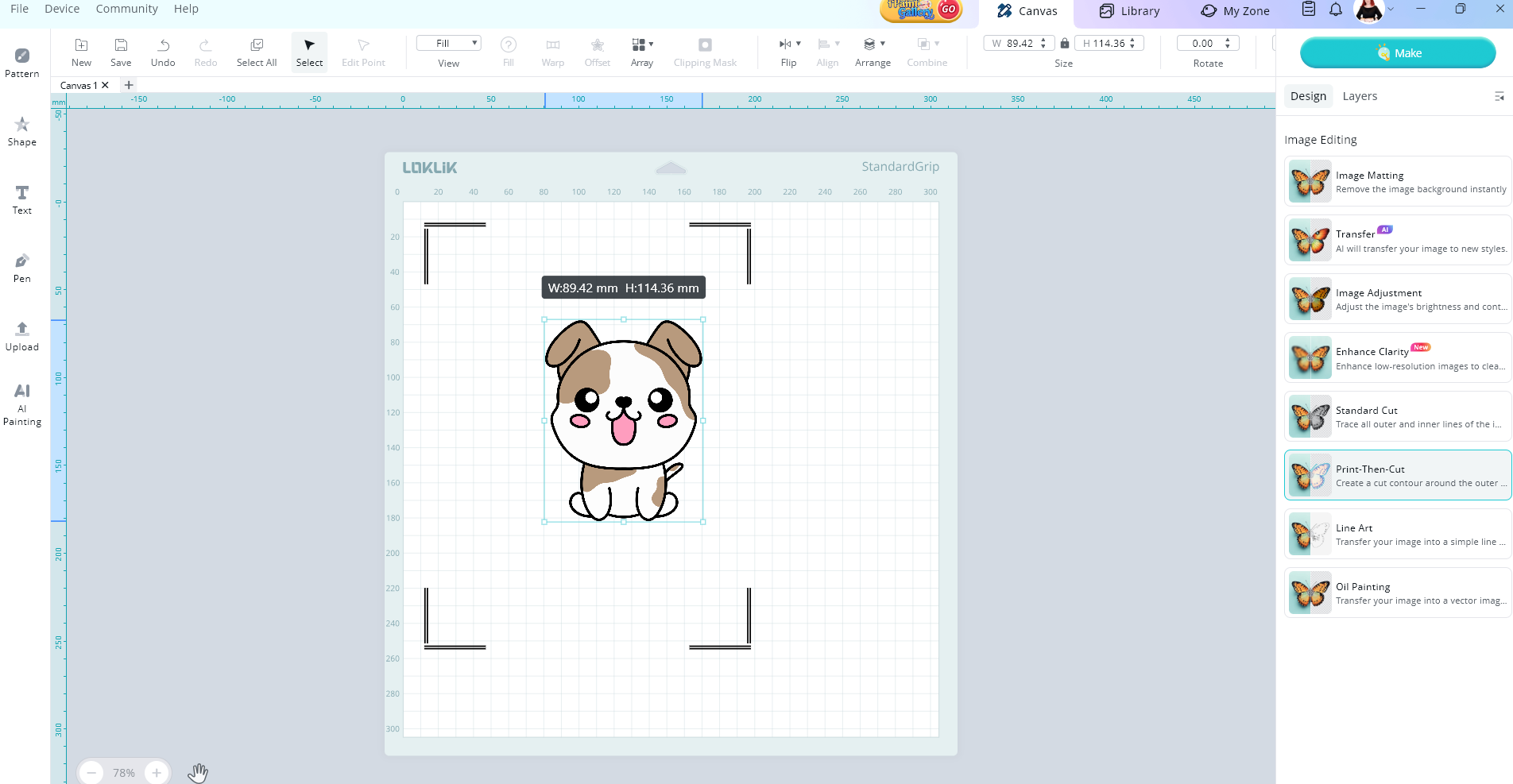
The blue lines around your image is the cut lines that your machine will cut.

You can adjust it by using the shrink and expand buttons.