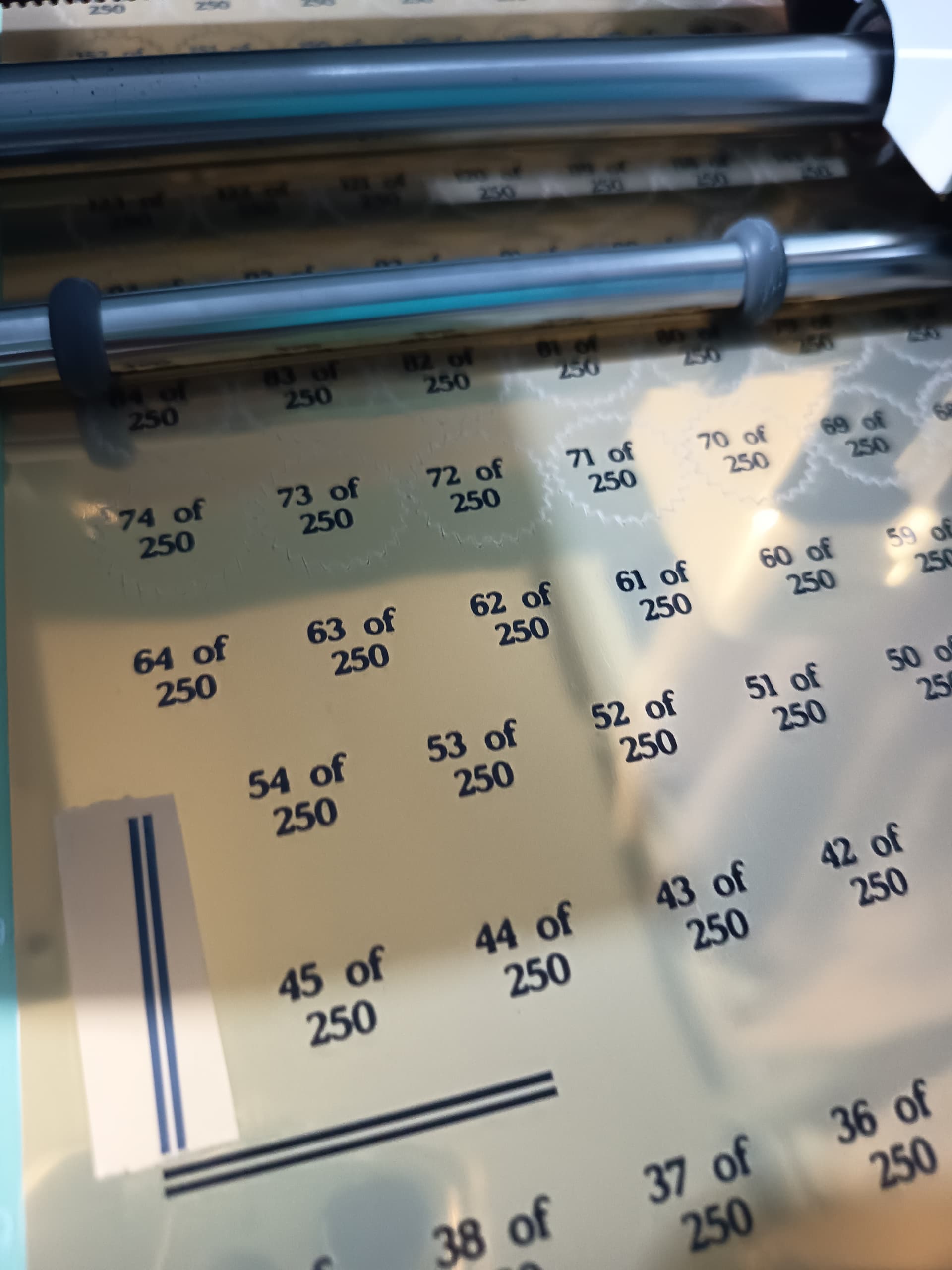
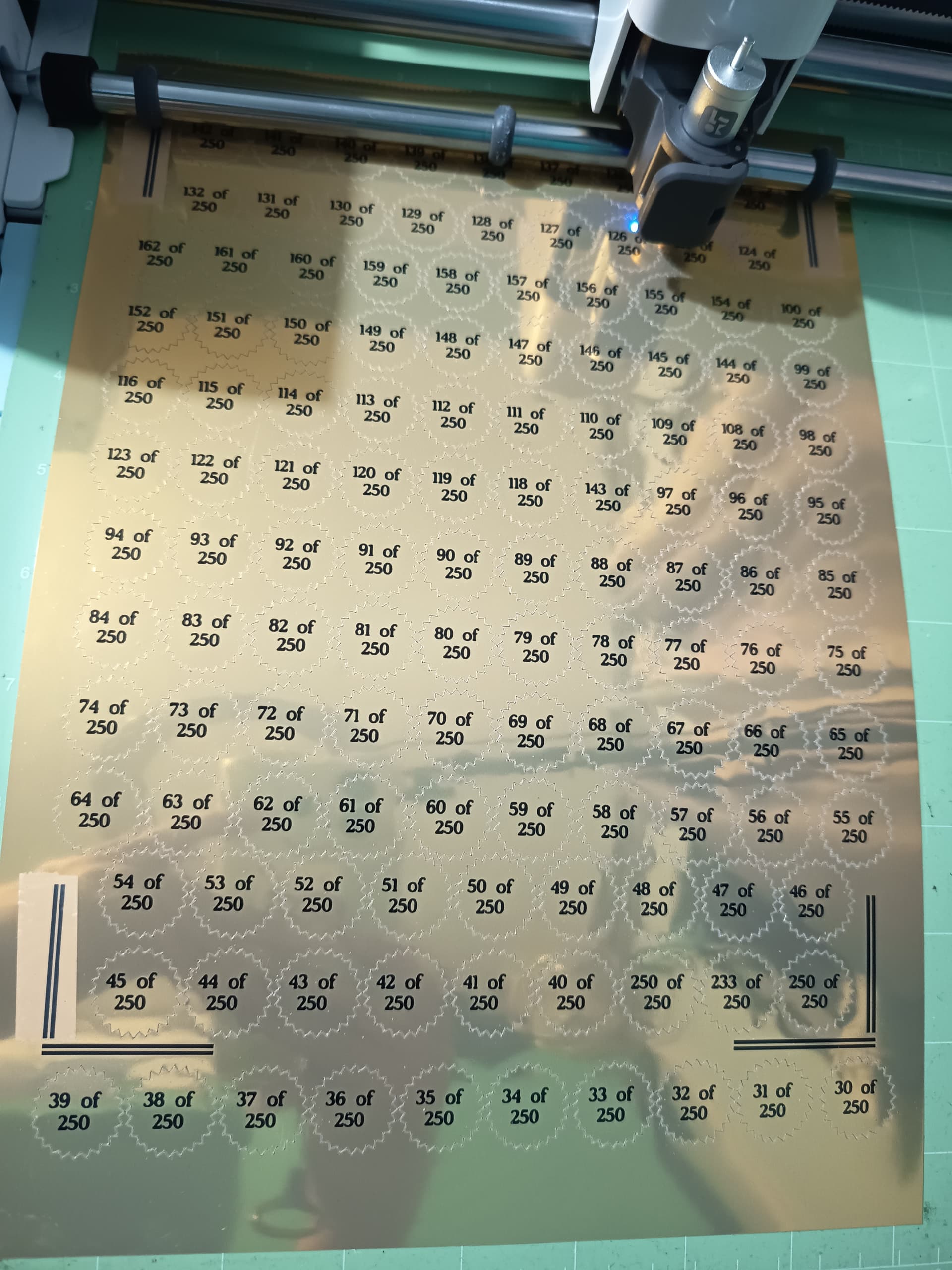
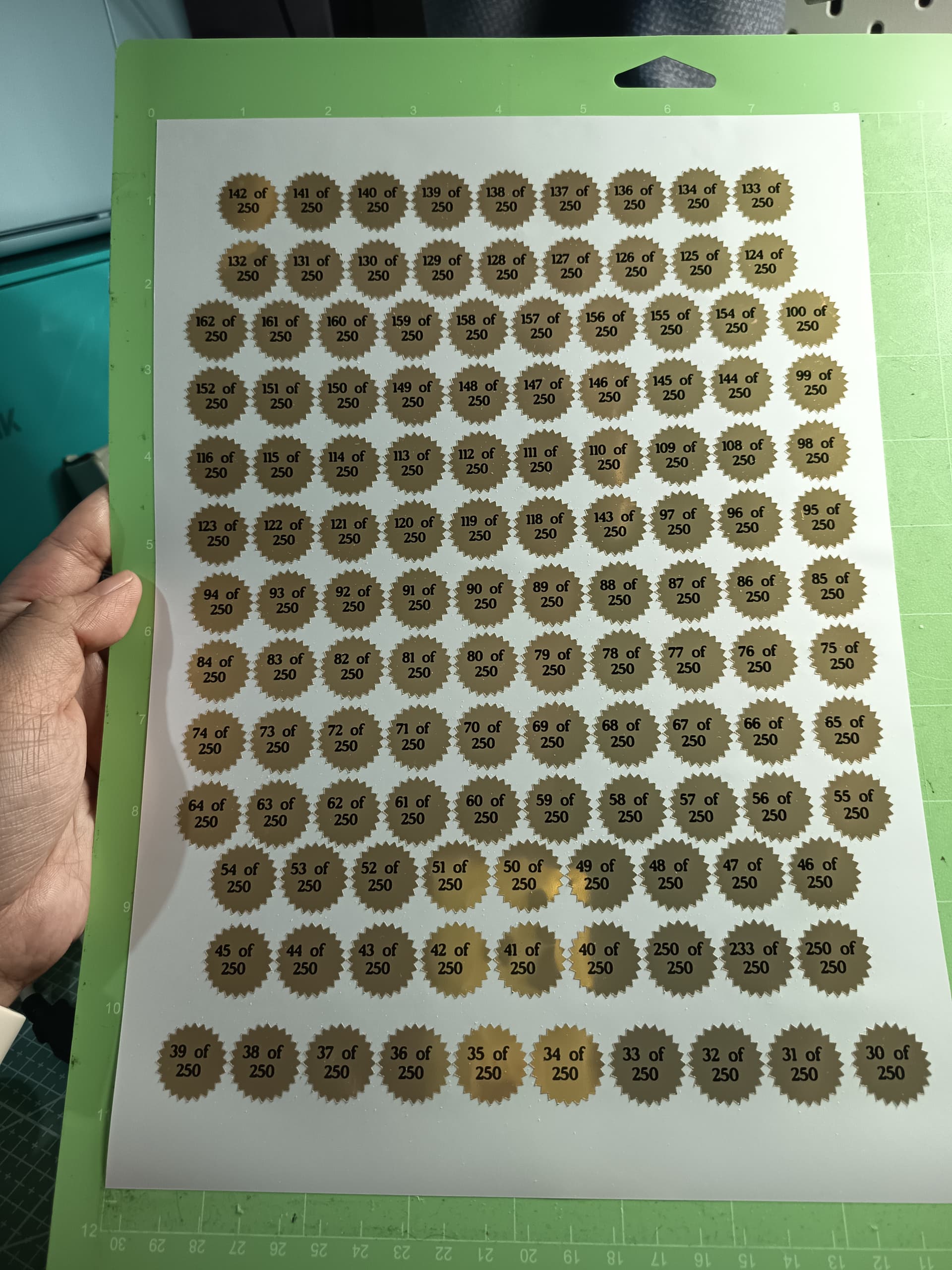
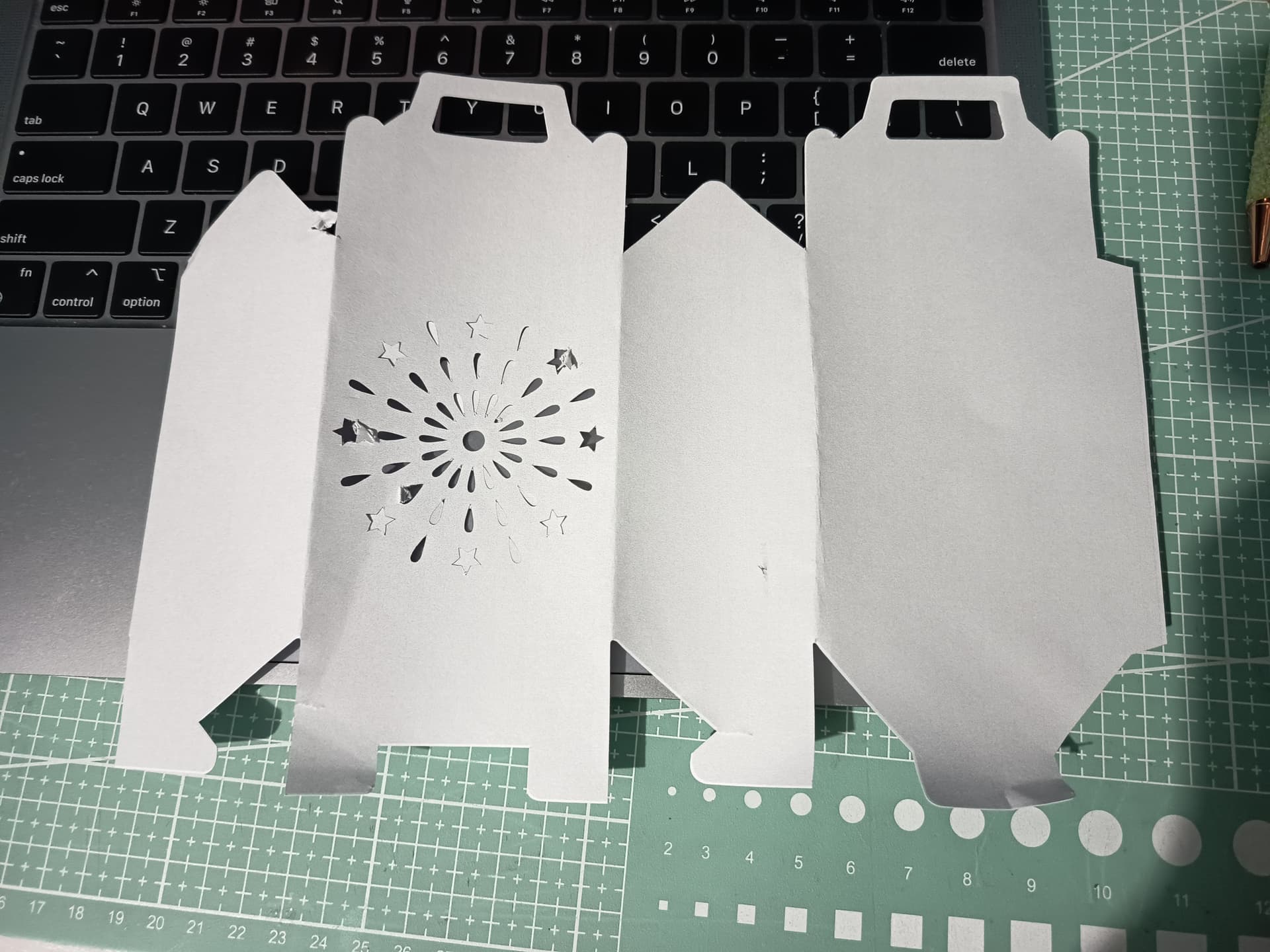
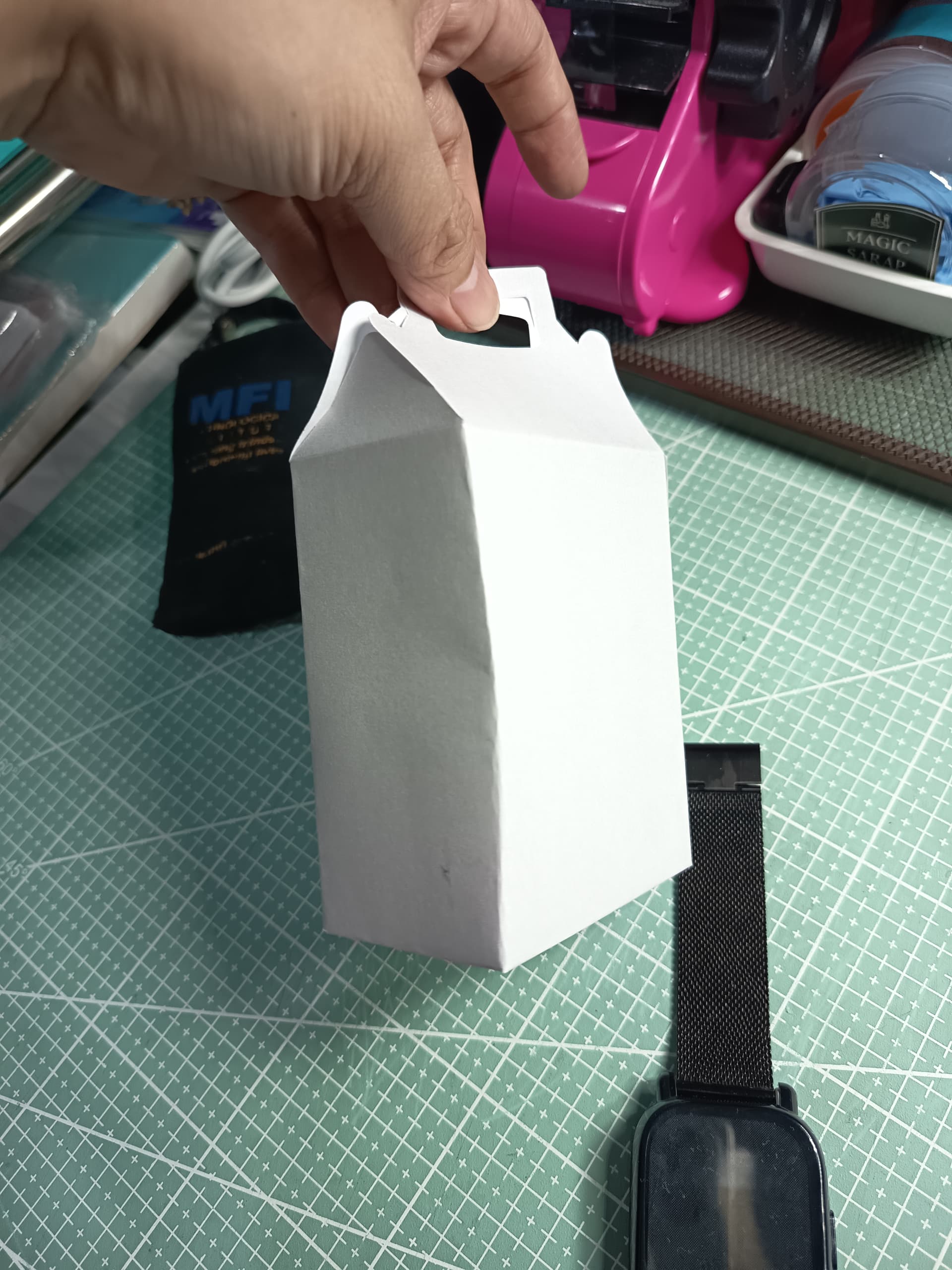
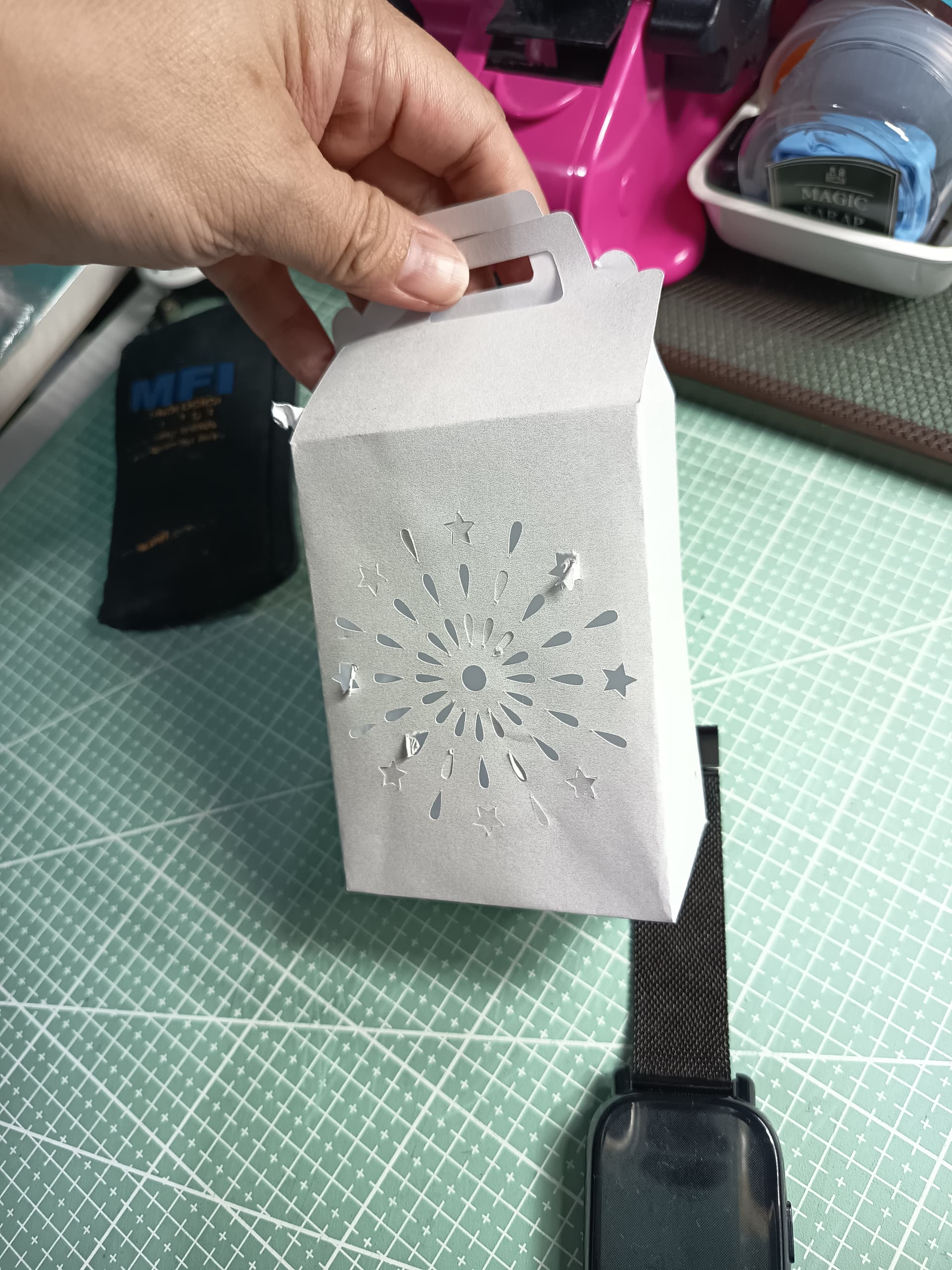
Cutting Issue with Glossy Gold material now resolved

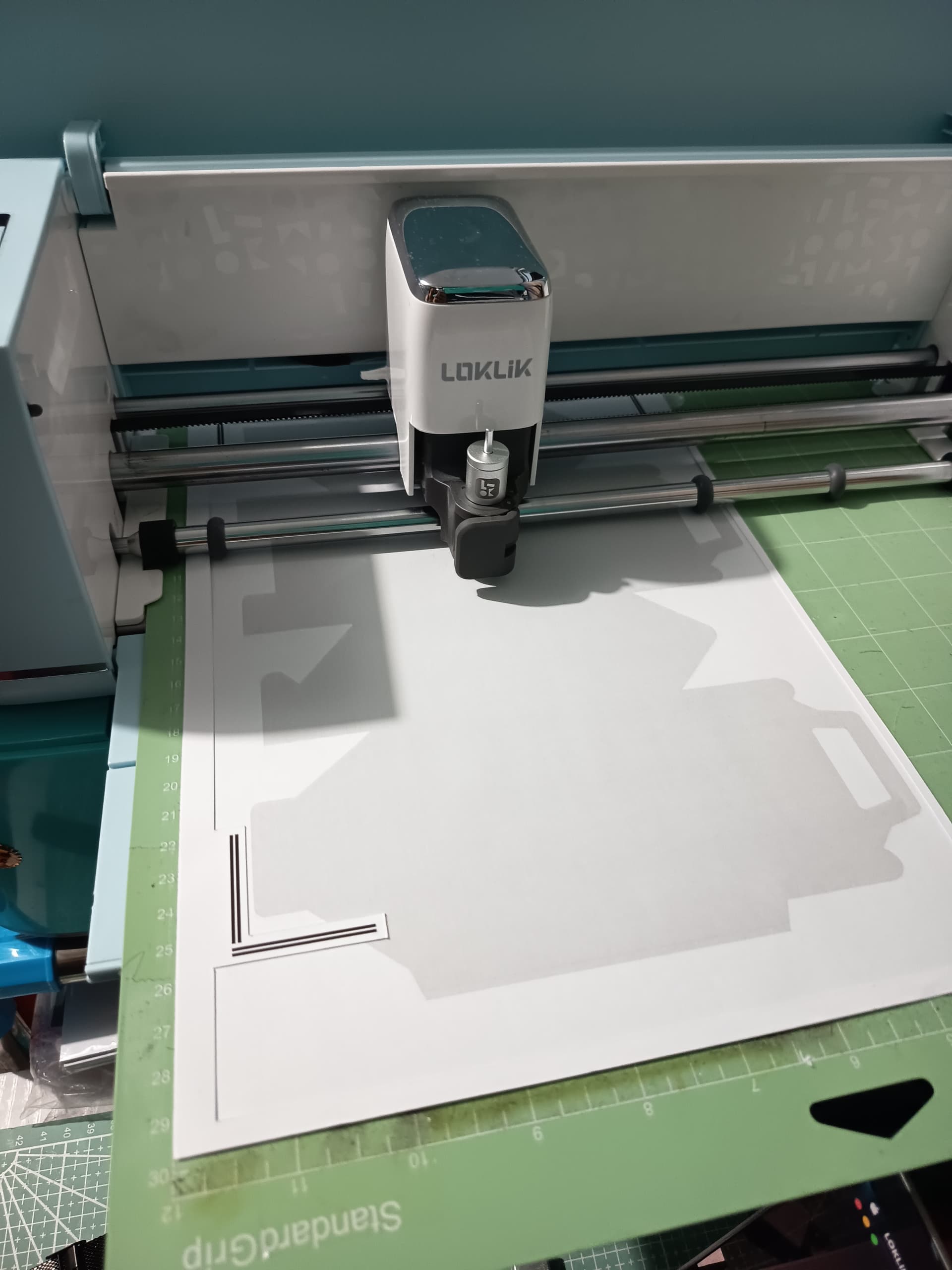
So yesterday I posted about the tile array function in idea studio. I was happy to duplicate a single design easily. My problem was the inconsistent cutting. The upper part was centered but the lower part was way off.

I was using Glossy Gold Vinyl Sticker. At 1st the registration marks were not read. I’m guessing that was the cause of the uneven cuts on the 1st trial.

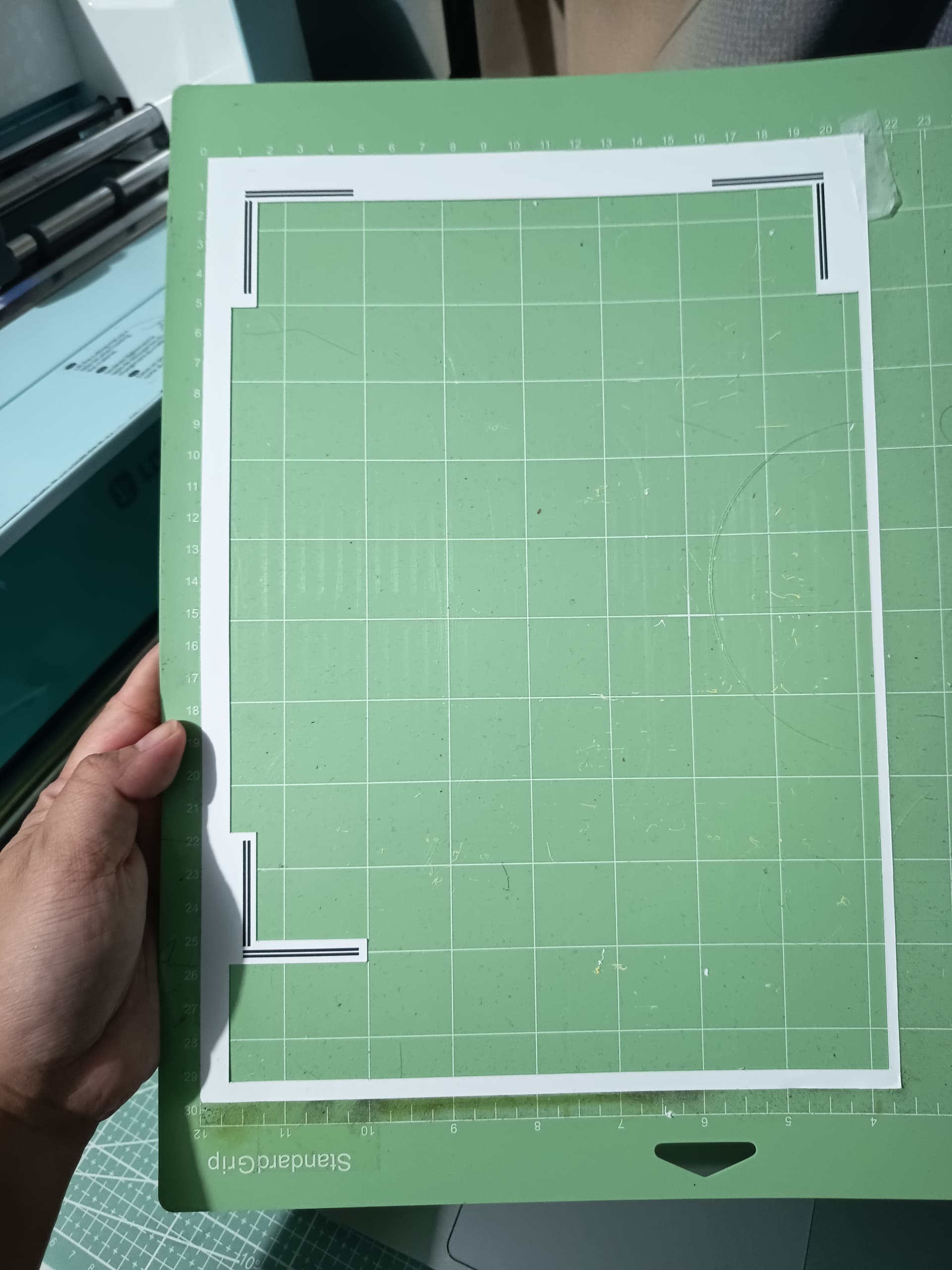
On the 2nd trial, i decided to put spell-o tape or a matte looking tape on the vertical registration marks


(since I noticed the machine was having difficulty reading those marks) and voila, the cuts are perfect now :star_struck:

10 Likes

Thanks for sharing this great tip, just have to find a similar tape. :bouquet:

3 Likes

I think I bough this from temu. I like that it has its own cutting thingy attached to it :smiling_face_with_three_hearts:

3 Likes

Weee, great tip… Thank you for sharing… I really needed that so I won’t have to use improvised reg marks for my holo sticker papers anymore… :heart_eyes:

3 Likes

That’s where I thought the problem was. When it cuts worst as it goes away from upper left corner it is usually a reading marks problem.

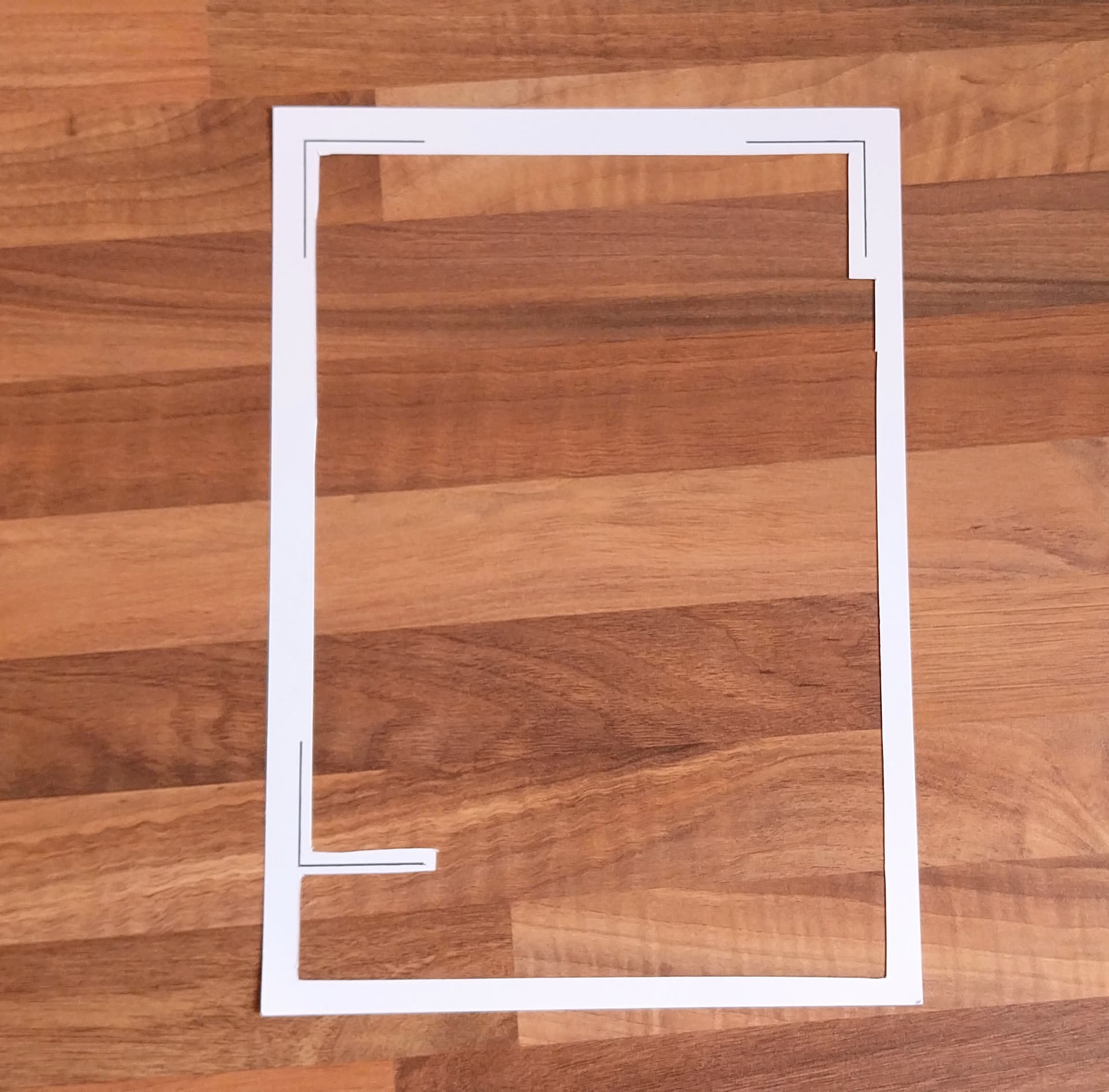
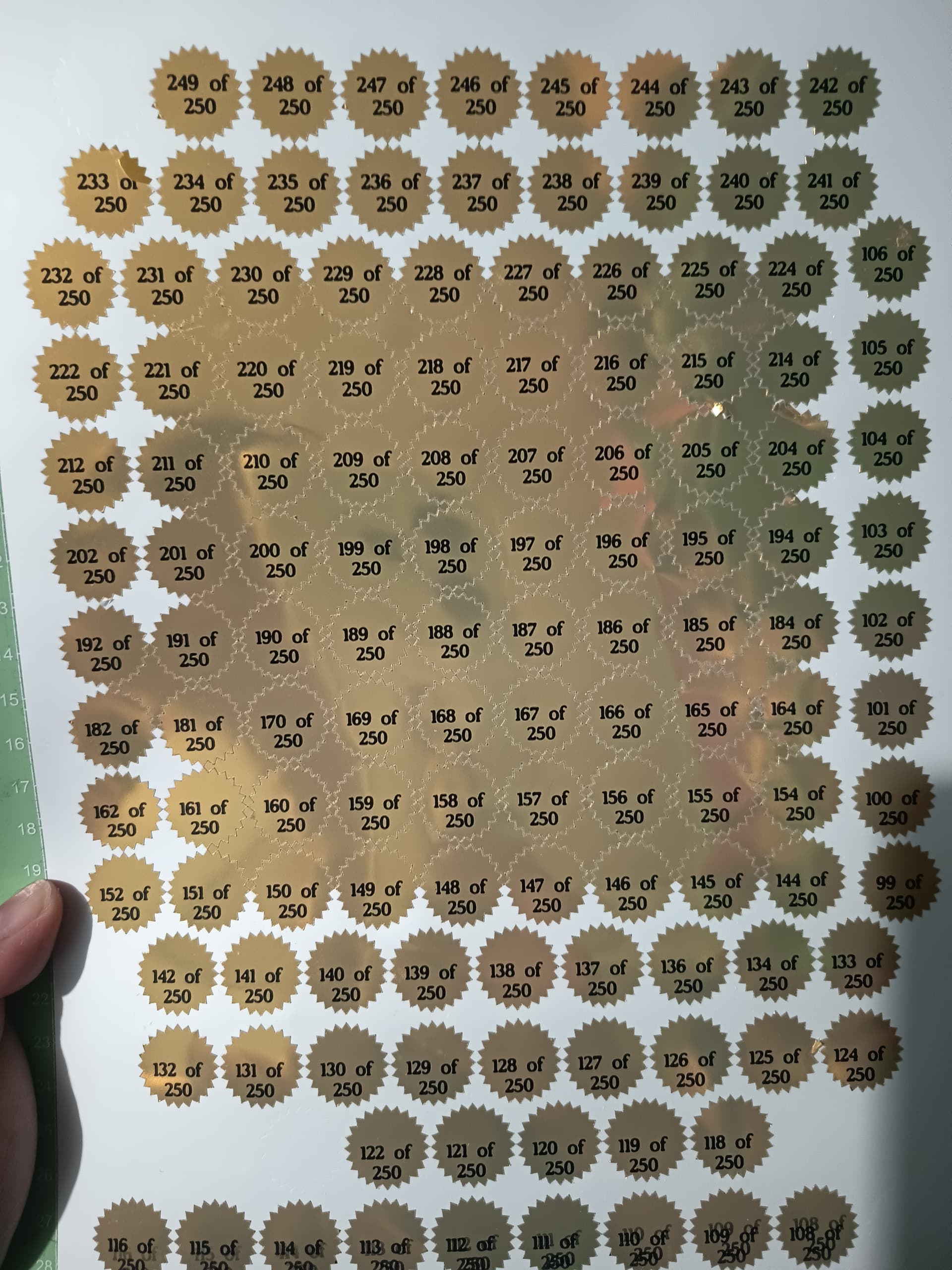
Here you have another hack everyone can make if you don’t have a tape, although I think a regular masking tape placed on the material before printing also works.

In this case, you have to place this template on the material in the mat (aligned to the upper left corner). This can also be used as a toolk to check if the marks printed during the print step of the P&C has the right size.
5 Likes

This is also an awesome tip. I might make a stencil of it using thicker material with matte laminate so I can reuse it :smiling_face_with_three_hearts: saving this for later

4 Likes

Glad to have help. The suggestion of @redhada is also awesome :star_struck:

3 Likes

Oh, that’s awesome that it’s working great now. Not a bad headache fix either. Well done

2 Likes

Fun trick to help with shiny print and cut projects.

3 Likes

Tried this out. Thanks so much for the tip :smiling_face_with_three_hearts:


5 Likes

Woow, I’m so glad! :clap:t2:

3 Likes

Thanks so much. :smiling_face_with_three_hearts: Can make most out of the material now. I just fold the lower left registration mark :face_with_hand_over_mouth:

2 Likes

That sounds like a good tip.
I sometimes experience problems Reading the marks.

2 Likes

…After I did my calibration my cuts were still way off: :sob: at this point I am just wasting paper…I am happy you resolved your issue