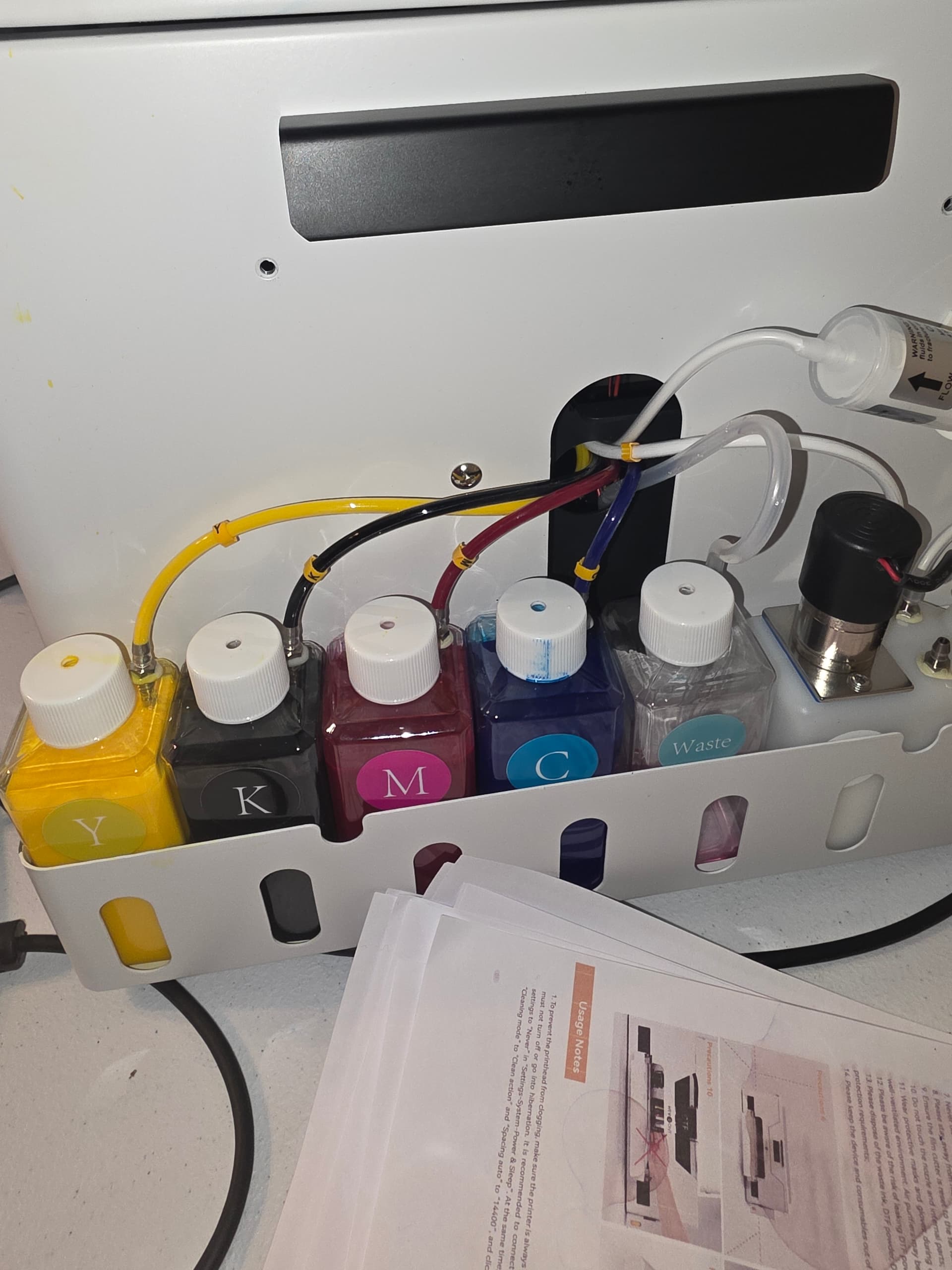
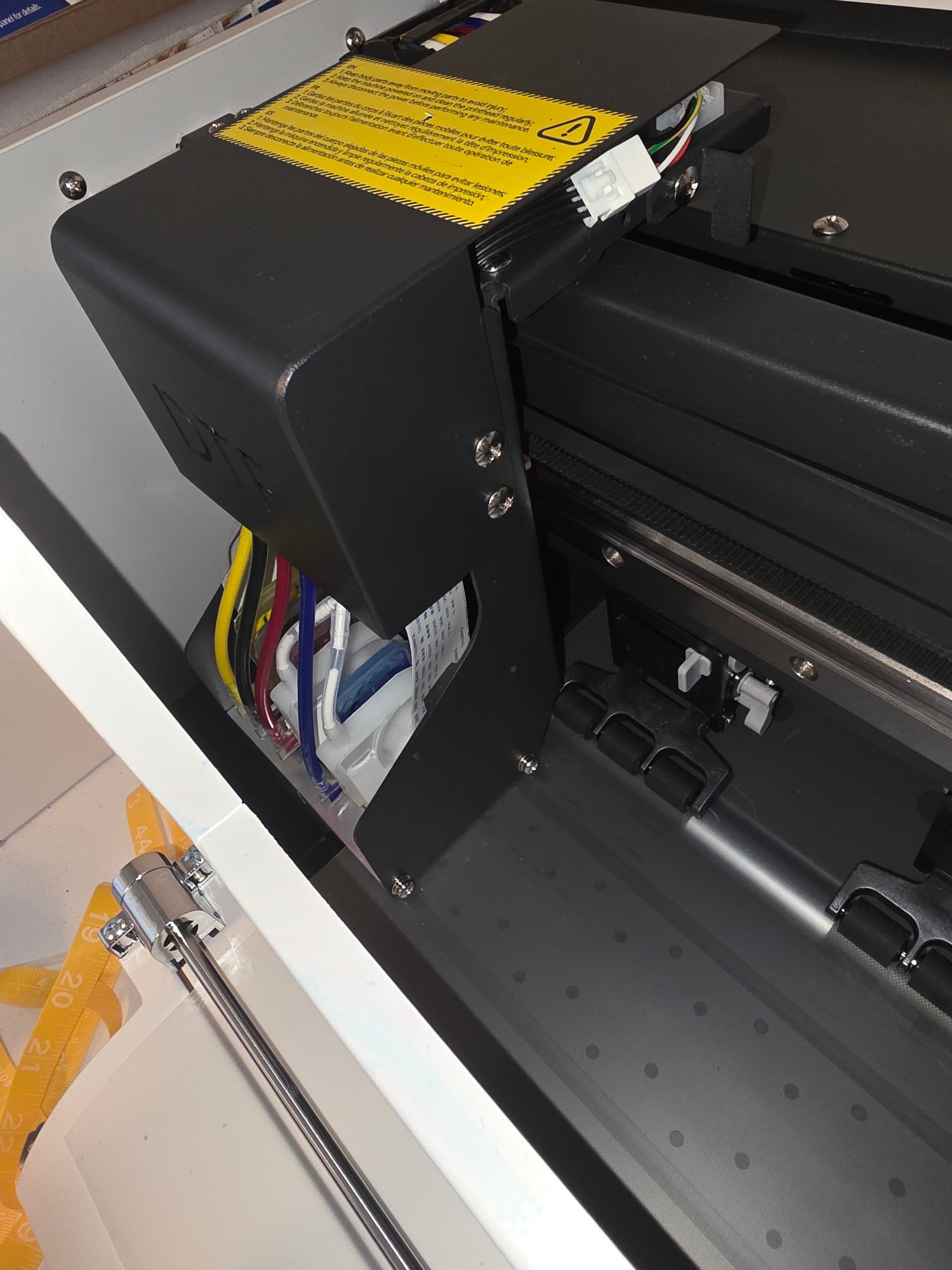
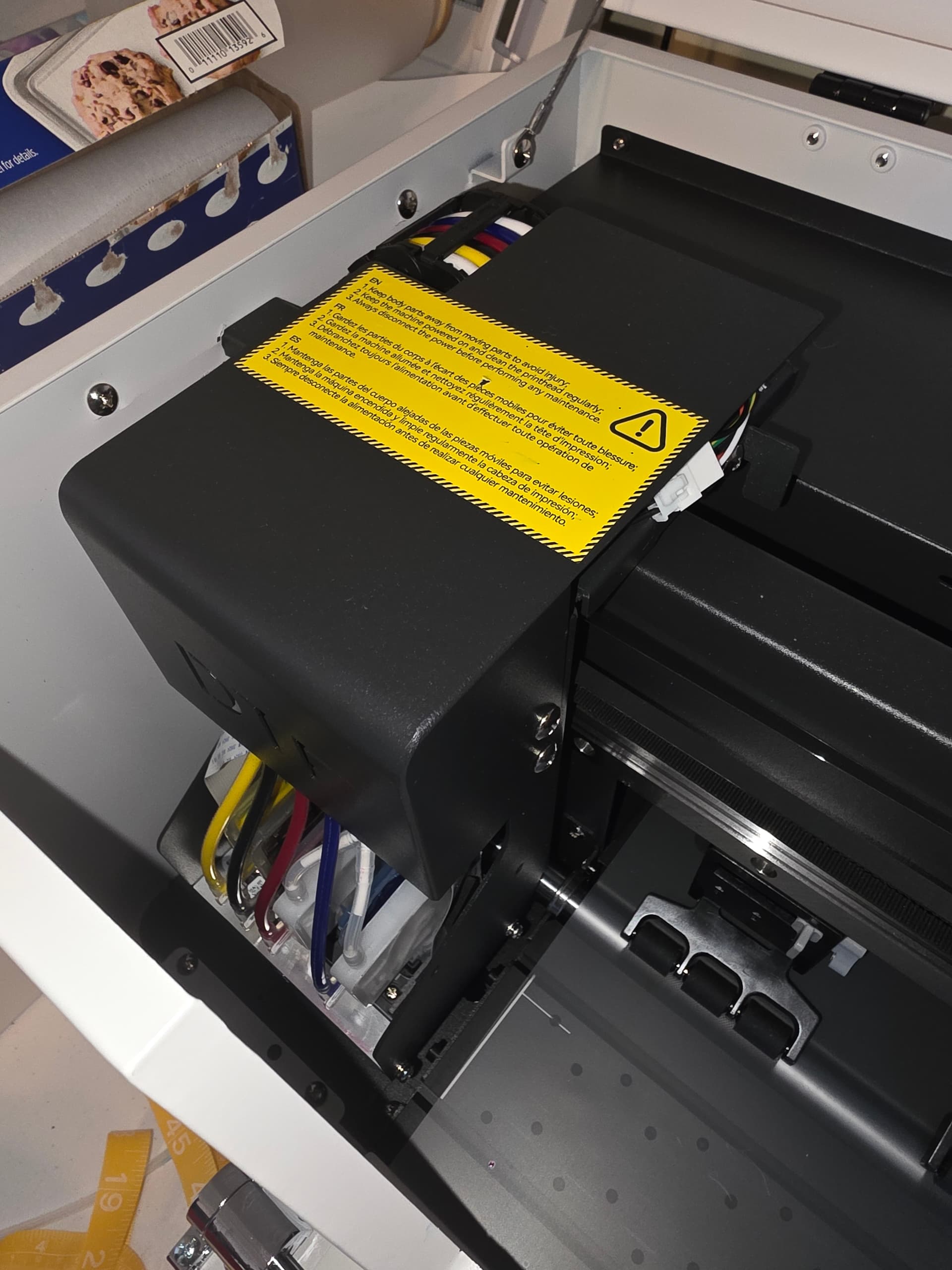
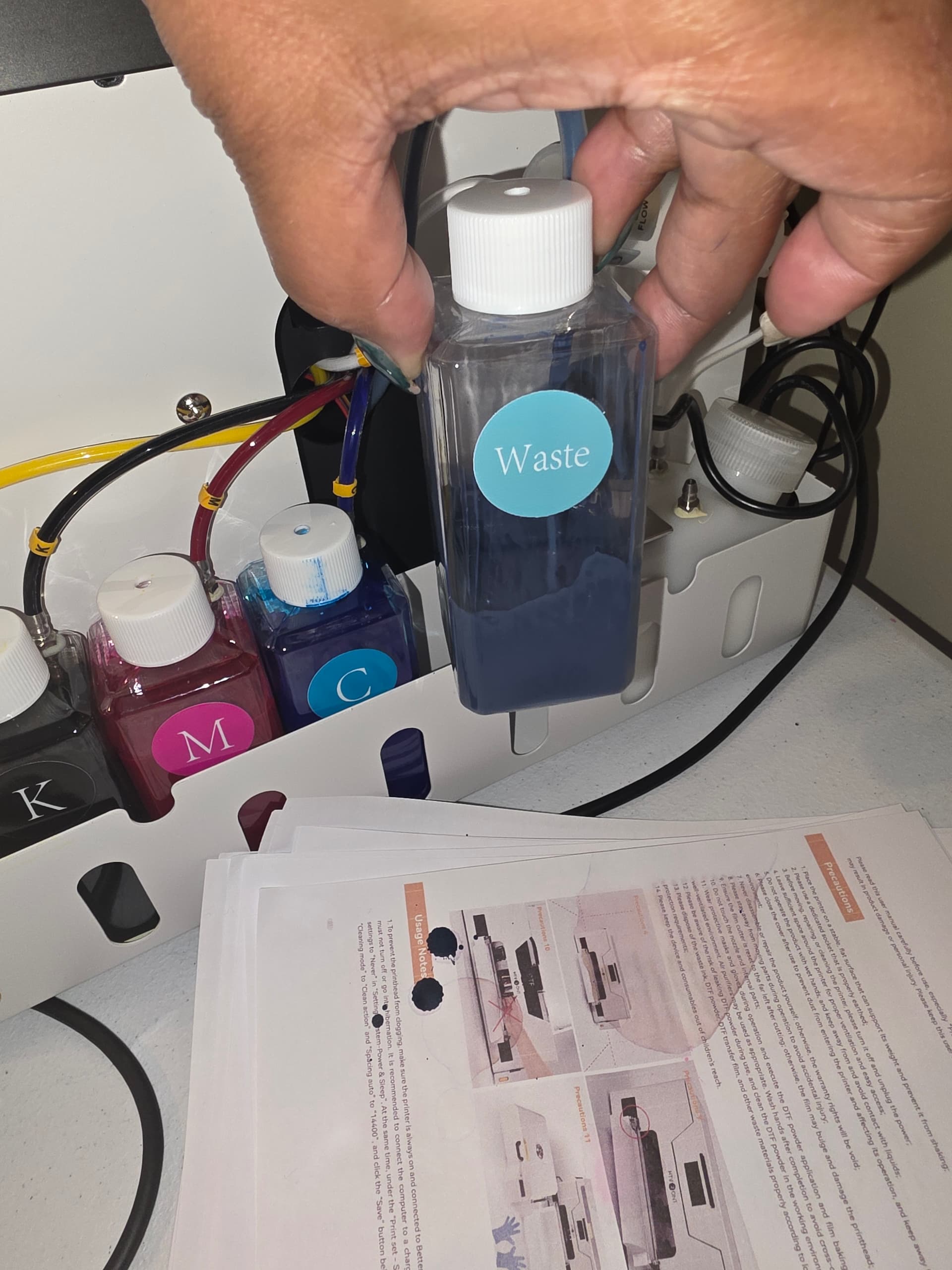
I just unboxed my new D1 DTF printer. I have checked the dampers, lines, etc. The printer will not print anything on the film. Help please. I don’t know what else to do!

2 Likes
Hi and welcome to the community @Ebony_Eaddy! Congrats on the new D1! I know it’s frustrating when everything looks set up but nothing comes out on the film. A couple of things you can double‑check:
• Priming the lines: Even if the dampers and hoses look fine, the ink may not have fully reached the printhead yet. Try running a head cleaning or ink charge from the printer’s utility.
• Check the film orientation: Make sure you’re loading the DTF film correctly (print side up). It sounds simple, but it can stop ink from adhering.
• Nozzle check: Run a nozzle test—if nothing prints, that means ink isn’t reaching the head. If you see gaps, it’s a clog or air bubble.
• Cap top & suction: Ensure the capping station is sealing properly. If it’s not pulling ink during cleaning, the head won’t prime.
• Firmware/software settings: Confirm the RIP software is set to DTF mode and the correct media. Sometimes it defaults to a blank layer if the wrong profile is chosen.
If after a couple of cleanings, you still get zero ink, it usually means the head hasn’t been charged yet or there’s an air lock in the lines. Don’t panic—this is common with brand‑new setups. Most users need to do an initial ink charge to push ink through. Check your manual for the “Initial Fill” or “Ink Charge” option.
2 Likes
What was your issue?
1 Like