Creating the Blueprint for an Efficient, Functional Craft Workspace
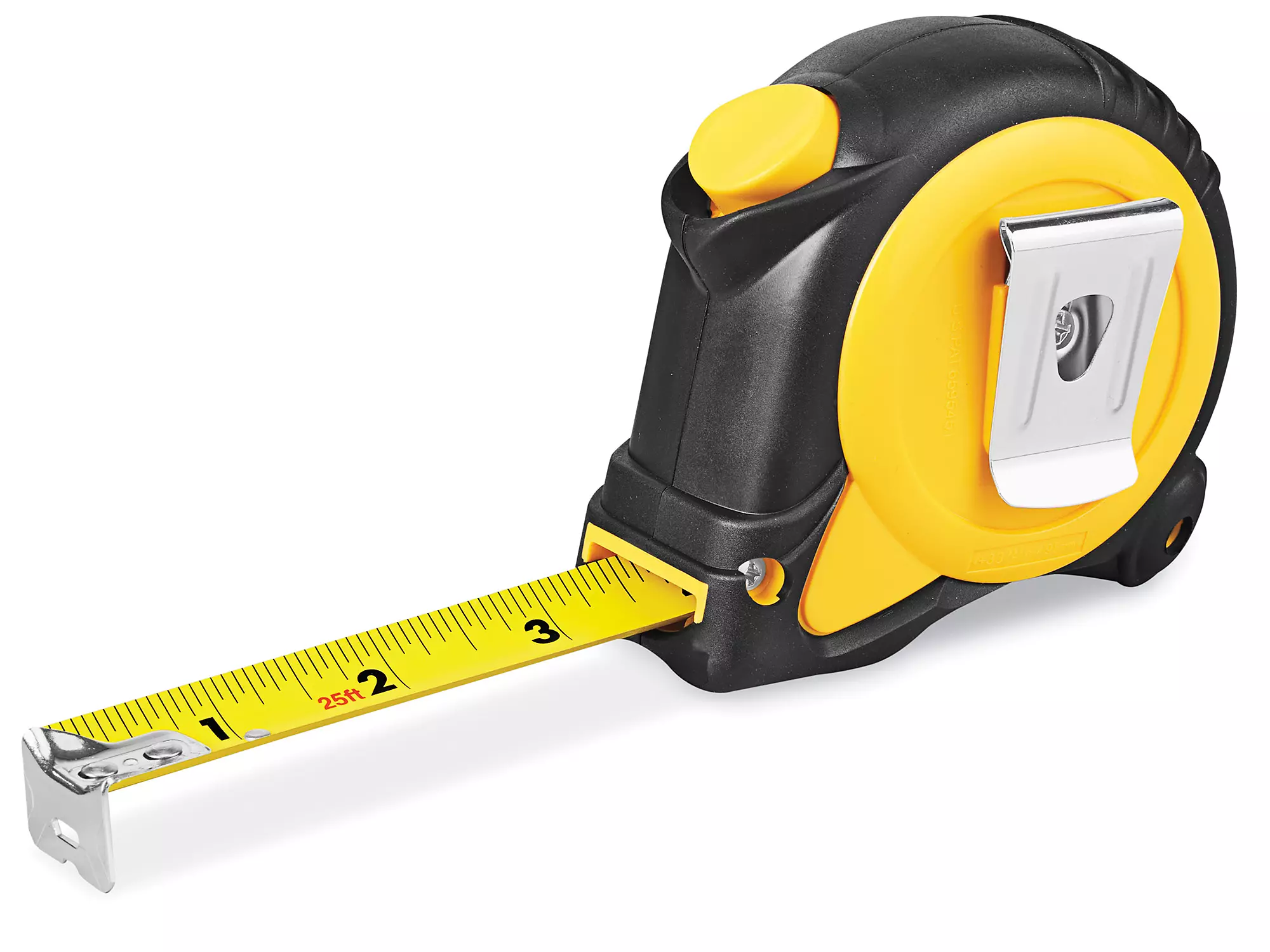
Now that you’ve clarified the identity and purpose of your new craft workspace in Step 1, it’s time to move into the first physical phase of the build: accurately capturing the space you’re working with.
This step, Measure, Map, and Photograph, may not feel glamorous, but it is absolutely essential. Think of it as the blueprinting stage of your creative sanctuary. Every storage decision, every zone you place, every outlet you rely on, and every future tool you bring in is shaped by the dimensions and physical realities of this room.
Many craft room mistakes come from skipping this step.
Today, we’re not guessing—we’re gathering real data.
Measure the Space Thoroughly
Before moving anything around, grab:
- A tape measure
- A notepad or digital notes app
- Your phone
- Optional but helpful: painter’s tape and a laser measure
You’re going to measure more than just the length and width. You want a full understanding of how your room behaves physically so you can design around it intelligently.
Measure these essentials:
- Room Dimensions
- Doorways
- Windows
- Outlets
- Fixed Features
- Floor Space & Pathways
Map Out the Room (Your First Draft Blueprint)
Now that you have the numbers, it’s time to turn those measurements into a visual plan.
You don’t need design software (unless you want to). A pencil, notebook, or graph paper works perfectly.
How to draw your map:
- Start with a simple outline of the room: Use straight lines to represent each wall.
- Add doors, windows, vents, outlets, and immovable objects: Label each one and include measurements next to them.
- Create a “working copy” of your map: Leave space on the page (or make several copies) for experimenting with furniture layouts later.
- Mark light sources: Where natural light comes in will matter for your photography corner, your main table, or your filming setup.
- Add directional notes: North, south, east, west—especially helpful if planning sunlit workspaces.
Pro tip:
Use graph paper and assign each square a unit of measurement, like 6 inches or 1 foot. This makes the map cleaner and your future layout options easier to visualize.
Photograph the Space From Every Angle
Photos serve as references when shopping online, sketching layout ideas, comparing before/after, and planning furniture arrangements.
Take your phone and capture:
- Each Wall: Stand directly opposite each wall and take a straight-on photo.
- Corners & Floor Junctions: These show wall shape, trim depth, and usable floor area.
- Ceiling: Useful for identifying lighting potential, hanging fixtures, and room shape.
- Outlets, Switches, and Vents: Zoom in on each one.
- Door & Window Mechanisms: Take a photo with doors and windows fully open—this helps determine clearance for shelves and equipment.
- Panoramic Shot: A wide-angle or panoramic shot helps you visualize the entire room at a glance.
Later parts of this strategy will refer back to these images when deciding zones, furniture placement, lighting strategies, and more.