Cool Catrina Skull Stickers
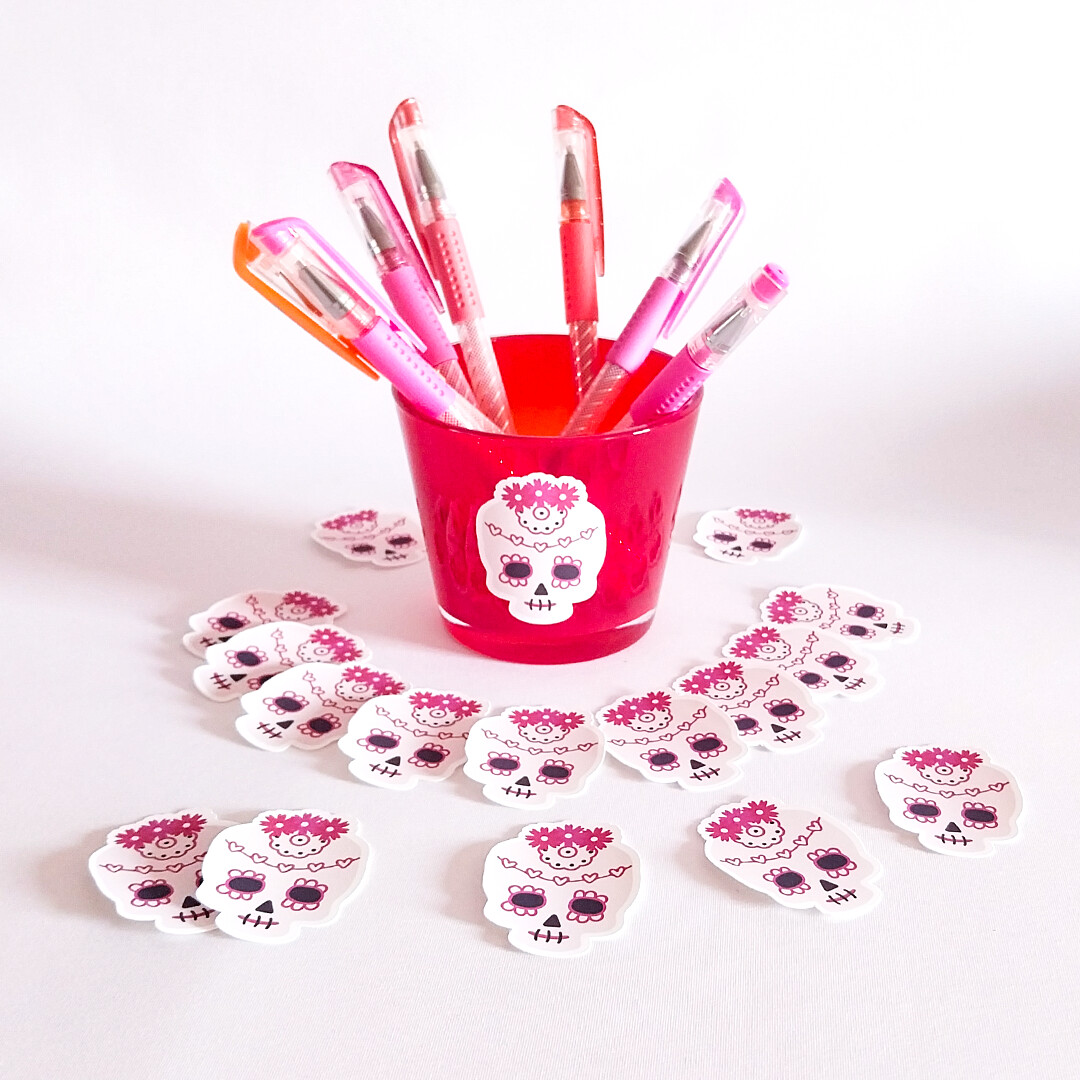
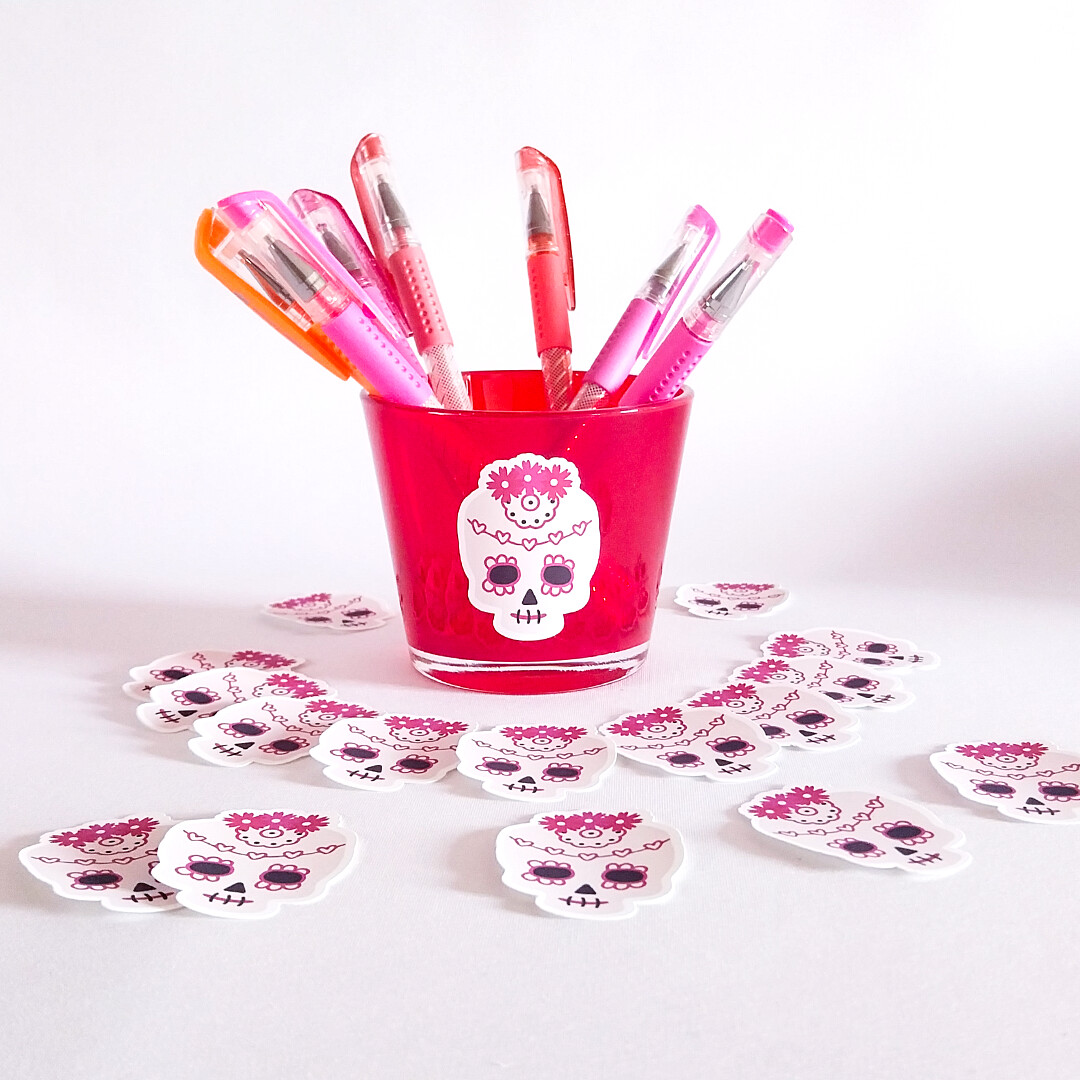
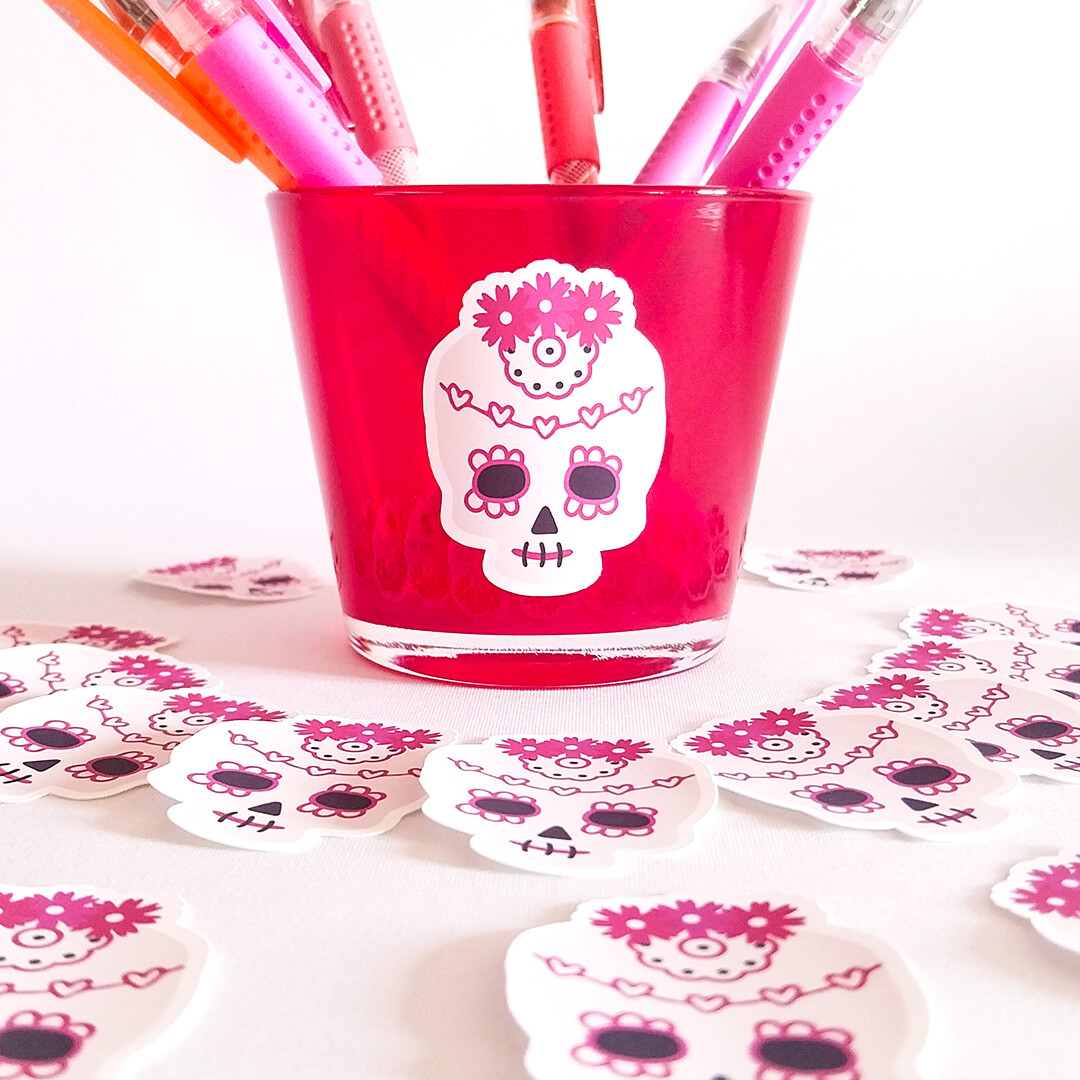
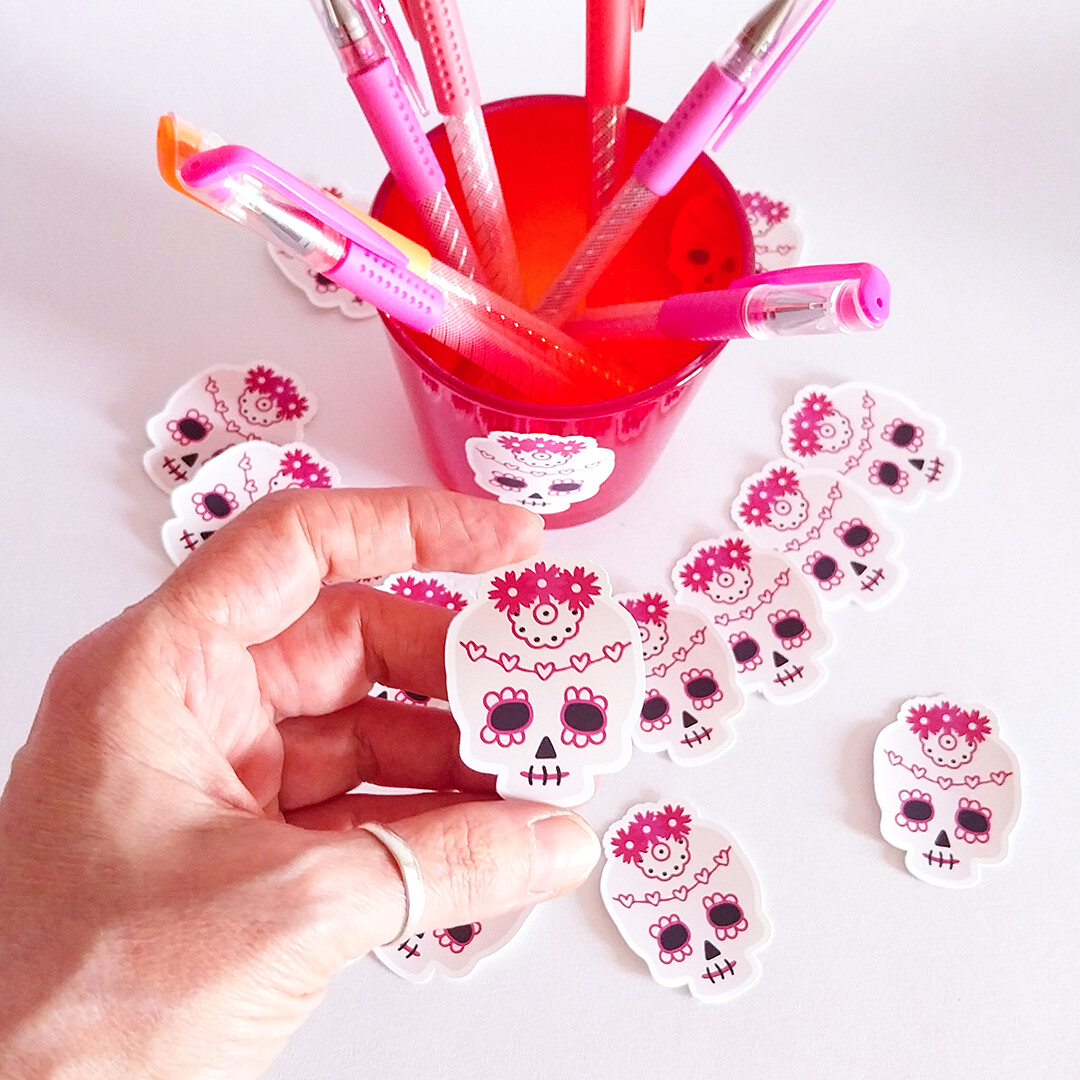
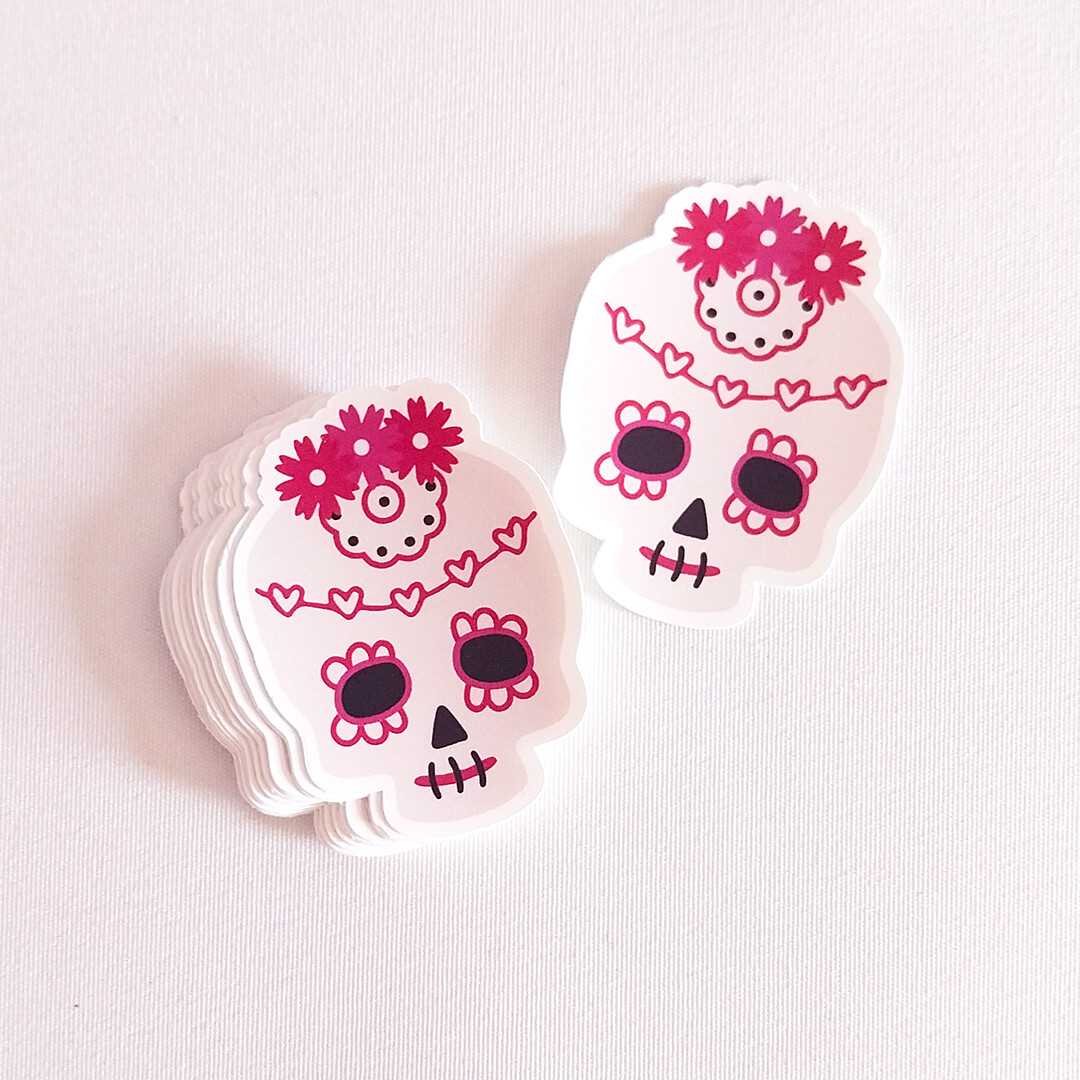
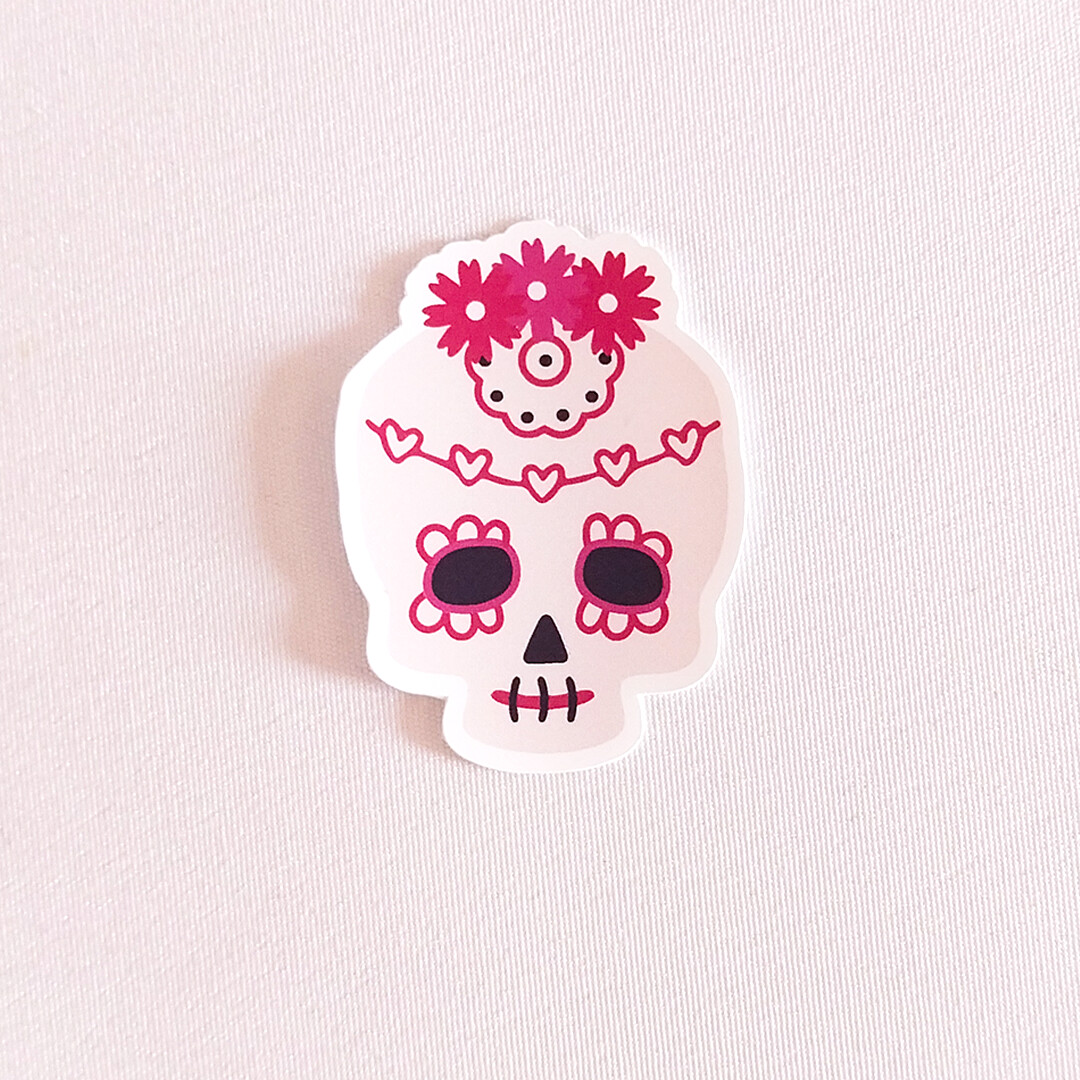
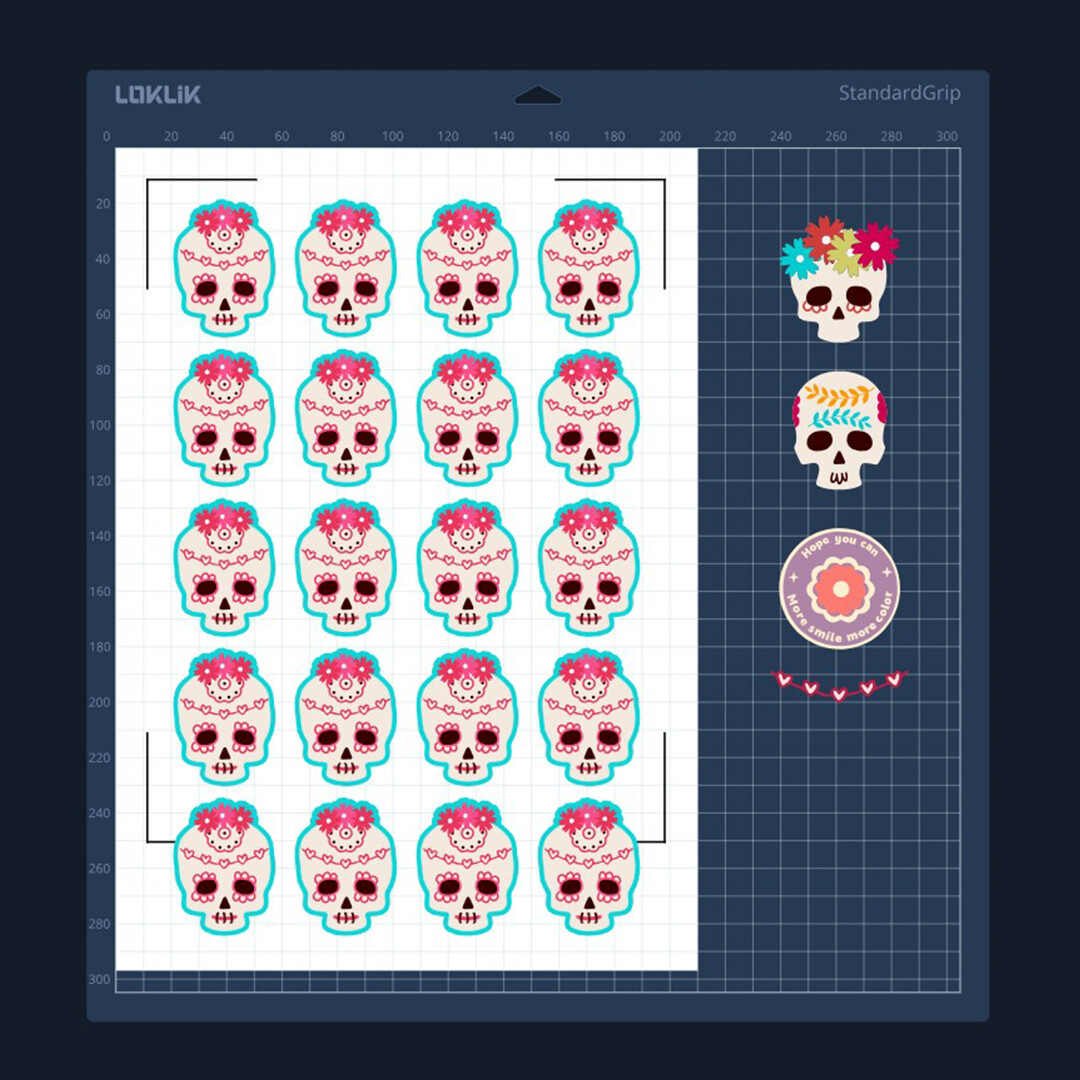
This is a super fun print and cut sticker project using matte printable vinyl. The design is based on some very cool skulls I found in the Idea Studio resource library. To complete the decoration of the Catrina-style skulls, I used two additional assets from the library. I simply played with their placement, combined them, and adjusted their colors to harmonize the palette. Aside from that, I drew the mouth myself to give it more of a traditional Catrina look. I also created the offset for cutting and multiplied the final sticker using the Array tool to fill the page.
They turned out amazing, super easy and really fun to make!
Also, I discovered something new about the Sharing feature in Idea Studio:
If you add an asset directly from the image search bar, it appears as a referenced resource in your shared project. But if you first add that same asset to your Favorites (in My Zone) and then add it to the canvas from there, it won’t be listed as a resource. It’s a bit counterintuitive, and I think the developers should take a look at it. It makes more sense to collect and tag your favorite assets across different searches, and then add them from your Favorites, but that currently doesn’t trigger the asset reference in shared designs.
In this activity, I learned something useful while creating something super cute and colorful, and I hope it brings a little joy and inspiration to others too!!
 I have a skull tattoo similiar to this style
