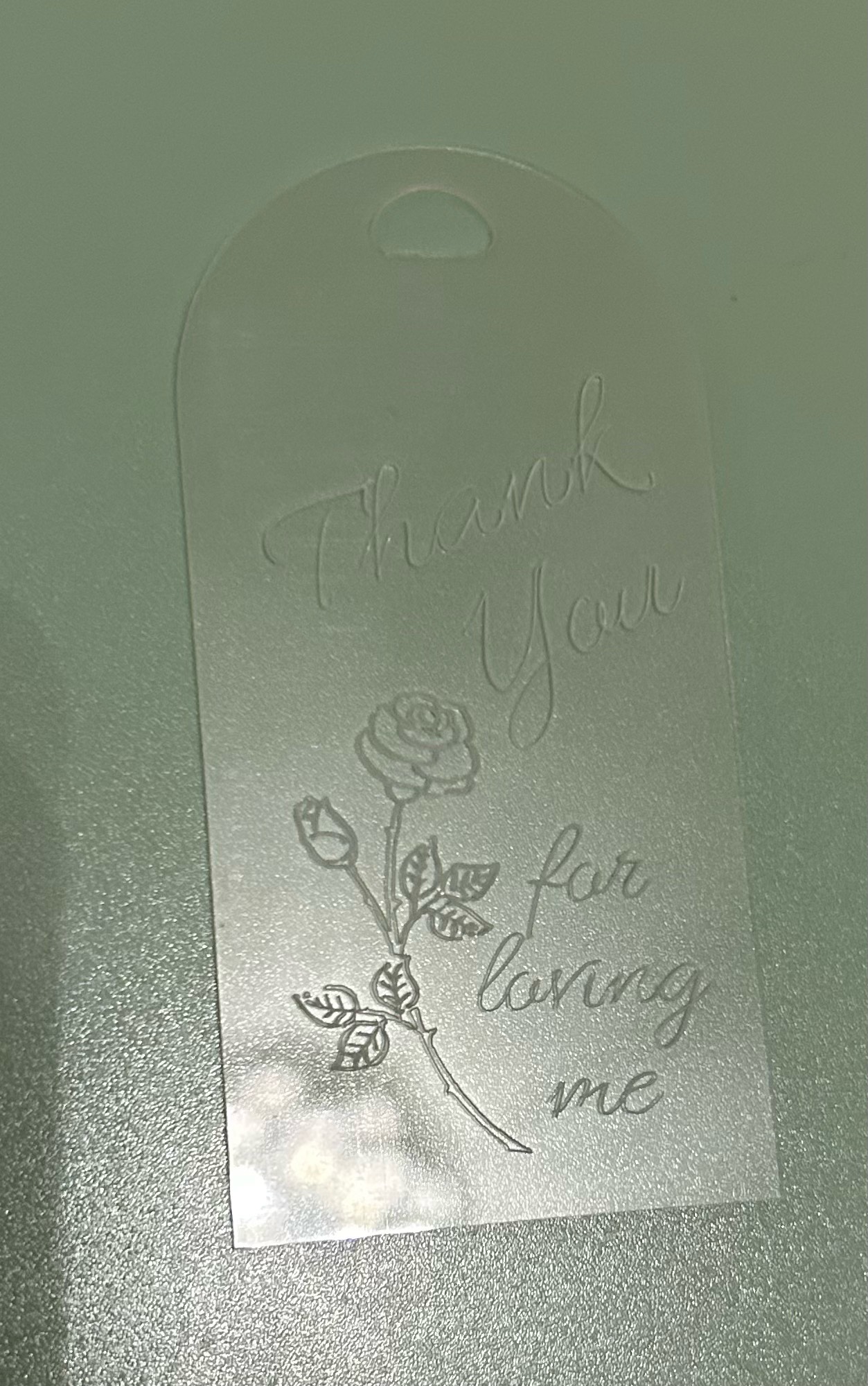
I wanted to try engraving with my LOKLiK Crafter, so I thought I’d make a bookmark for my wife, using a clear plastic blank.
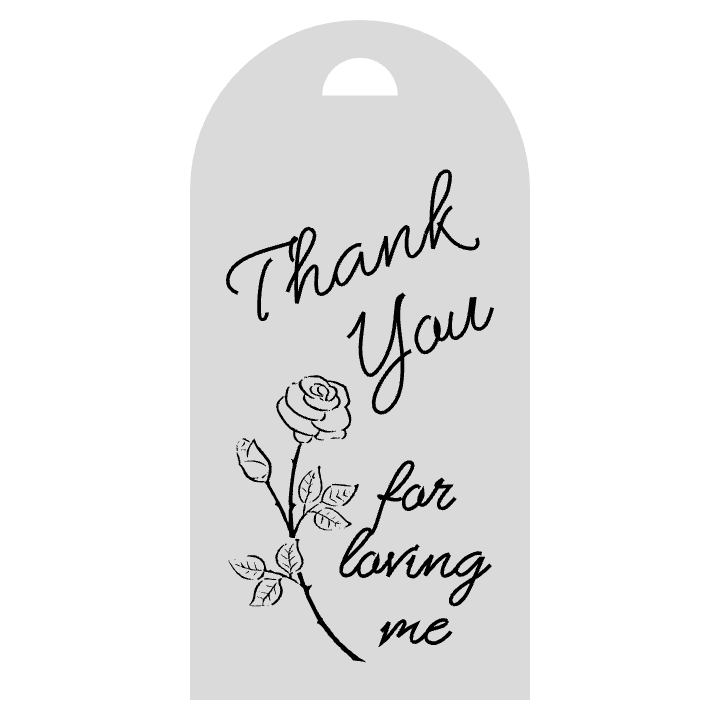
I started in LLIS by making a template of the blank. I combining a semicircle and a rectangle from the shapes pallet, to get the right shape, then resized the combined shape to the correct size for my blank. I then added a flower picture from the Library, which I resized and rotated slightly.
As with the pen tool, I knew that engraving a normal font would leave hollow outlined characters, so I opted for one of the drawing fonts for the text. I resized the two separate text boxes for best fit, and rotated the ‘Thank You’ text box.
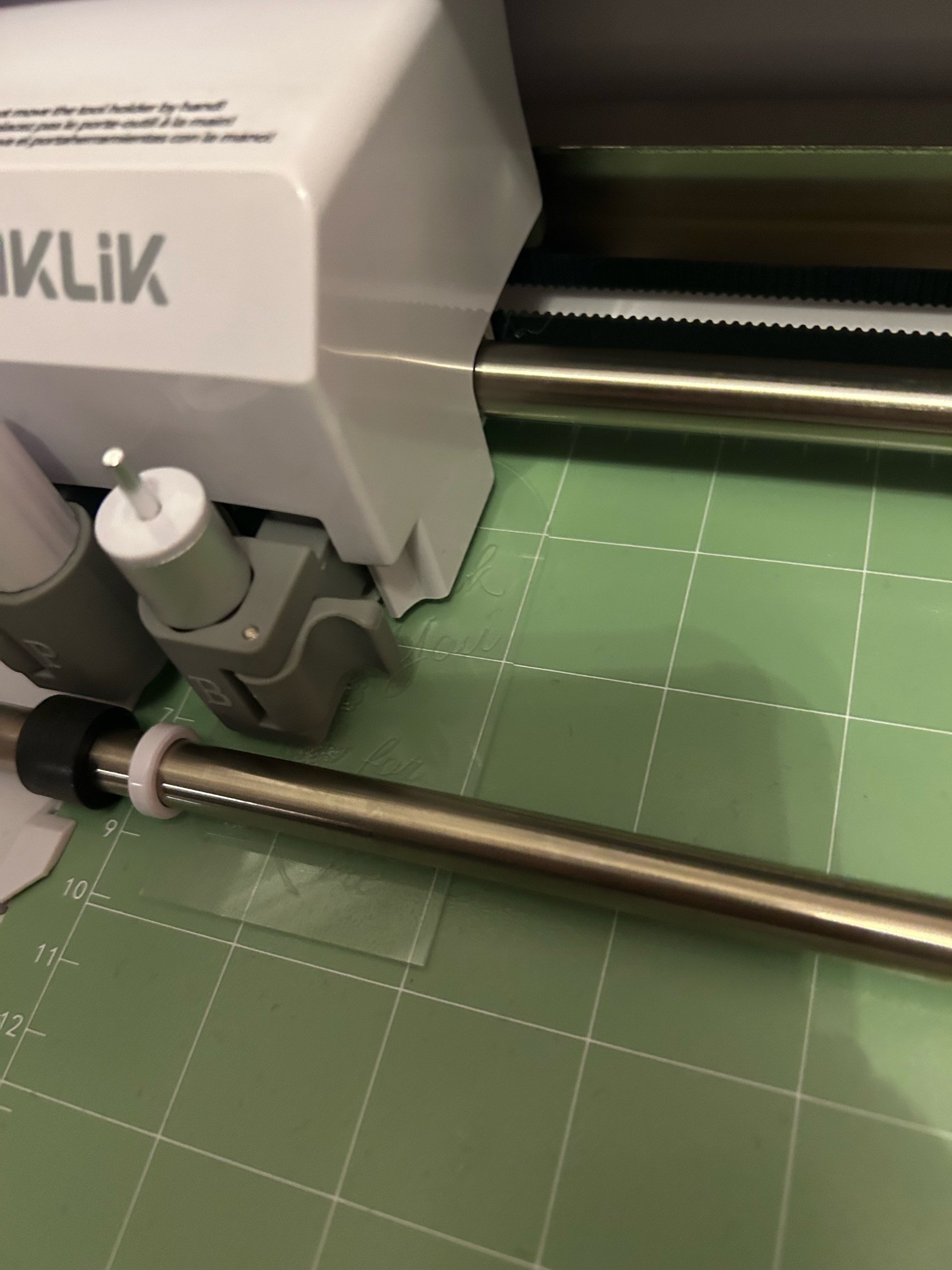
On the ‘Make’ screen I selected only the black elements and left the grey template unchecked. I set the material as HTVRont Glitter Cardstock, and set the Force at 3, Speed at 2, and 2 passes, with a 45 degrees fine point blade.
I stuck my blank very firmly onto a standard grip green mat then loaded the mat and watched the magic happen.