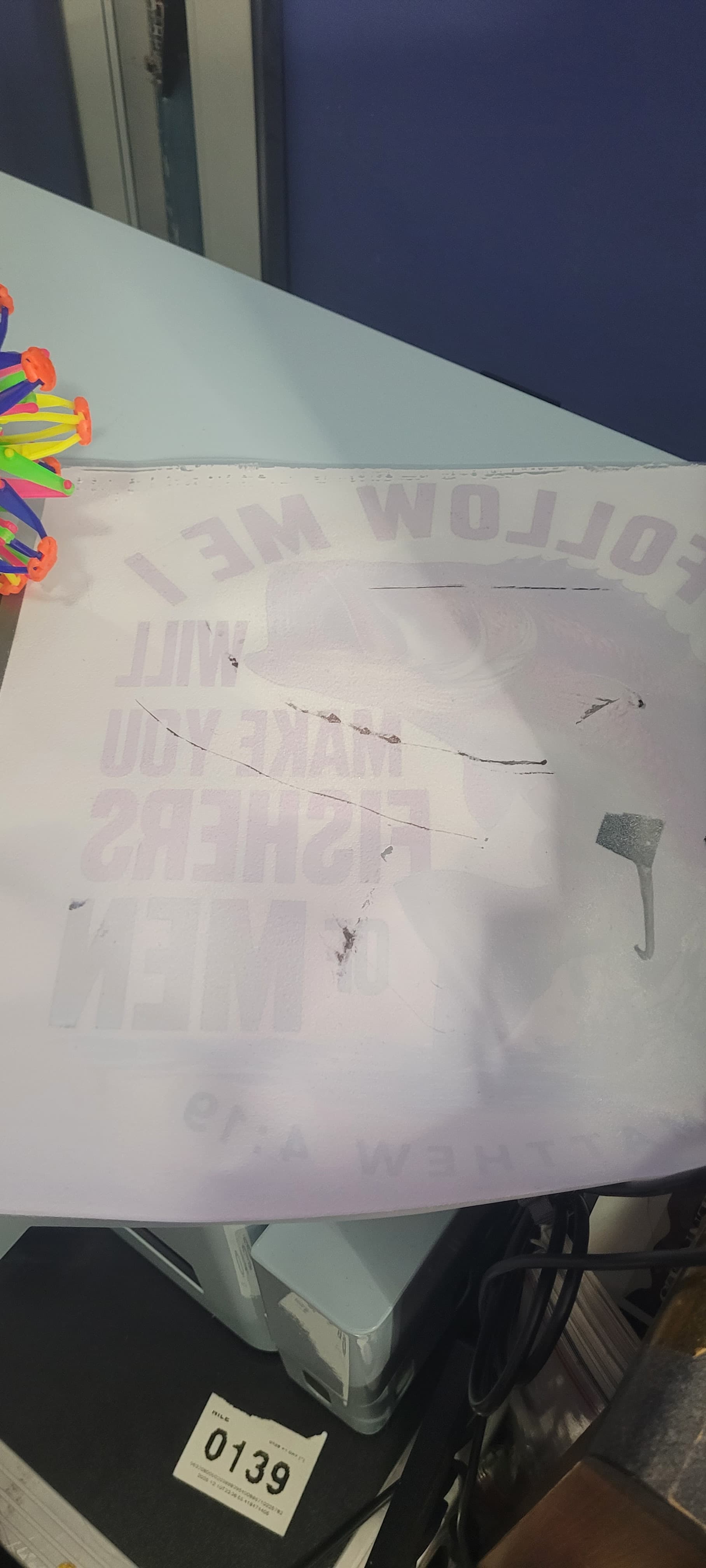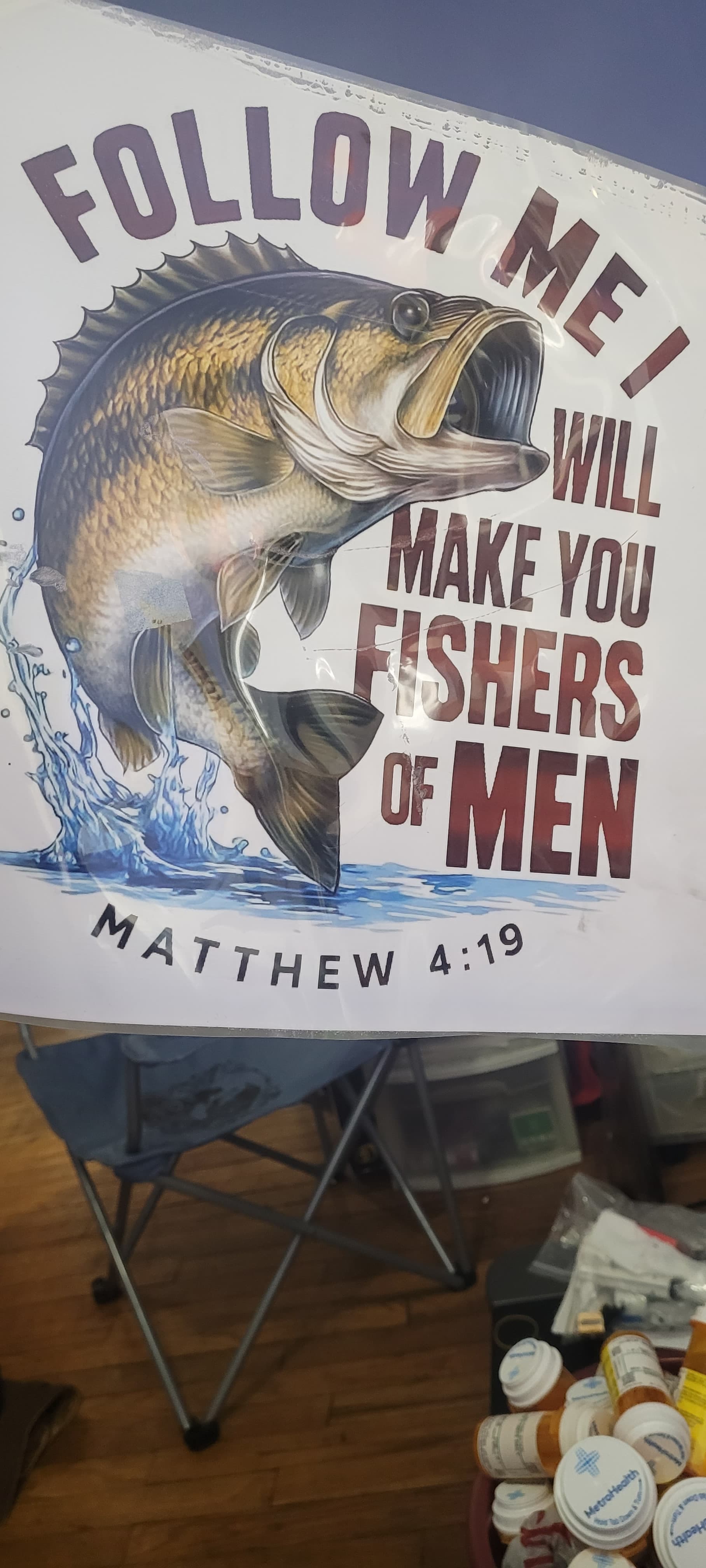
My first DTF print & I just wanted to say how much I love how vibrant everything came out—the colors really pop and the design looks fantastic. I did notice a few dark spots on the print, especially visible on the front of the shirt, and I’m wondering what might have caused that or how to prevent it in future runs.
Also, I’d love to remove the white background from the design to make it fully transparent. Could someone guide me on how to do that or recommend the best way to prep the file for printing without the white fill?
Thanks so much—I’m excited