H17 blue heat press A hobbyist look making a phone case
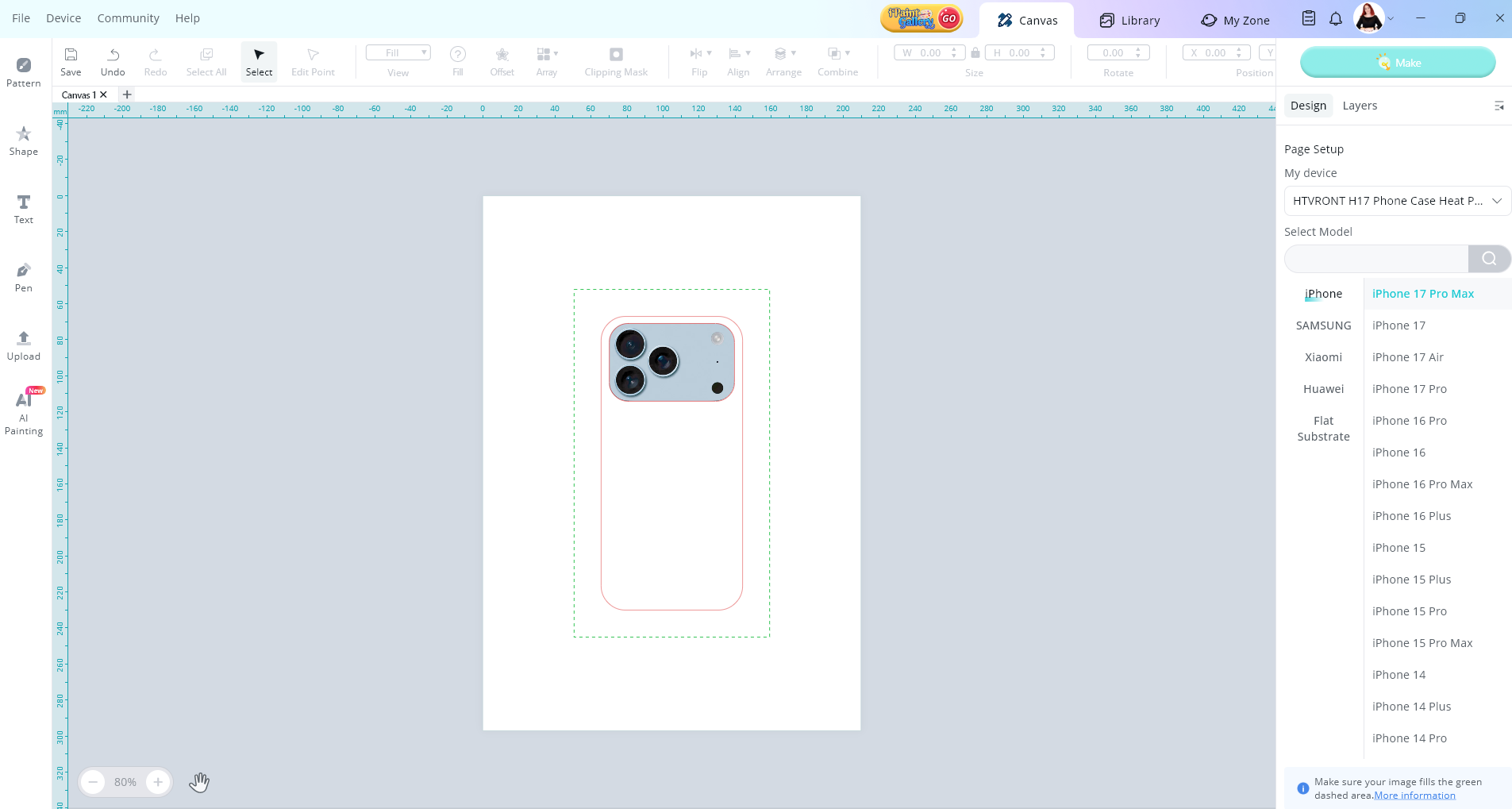
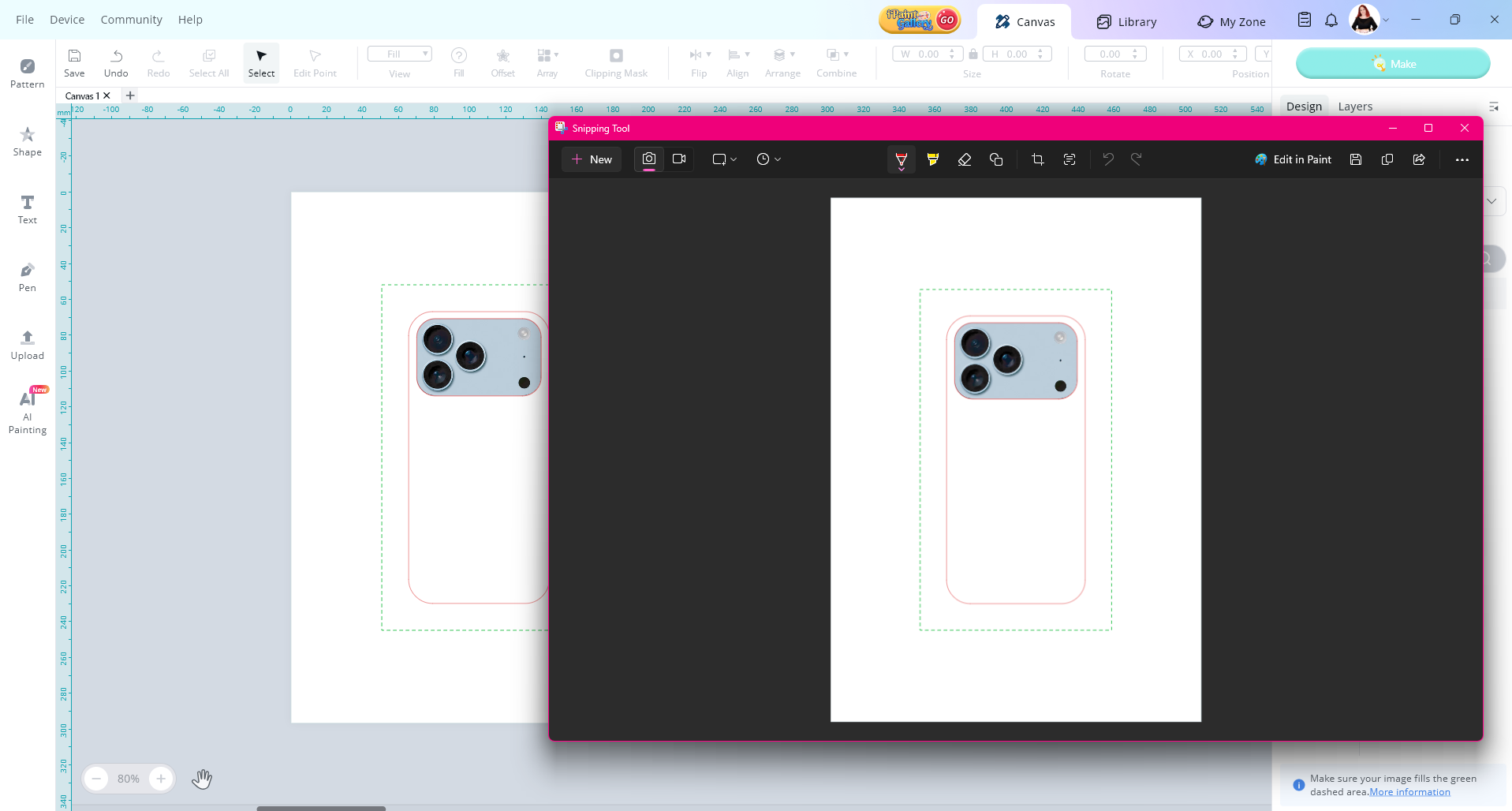
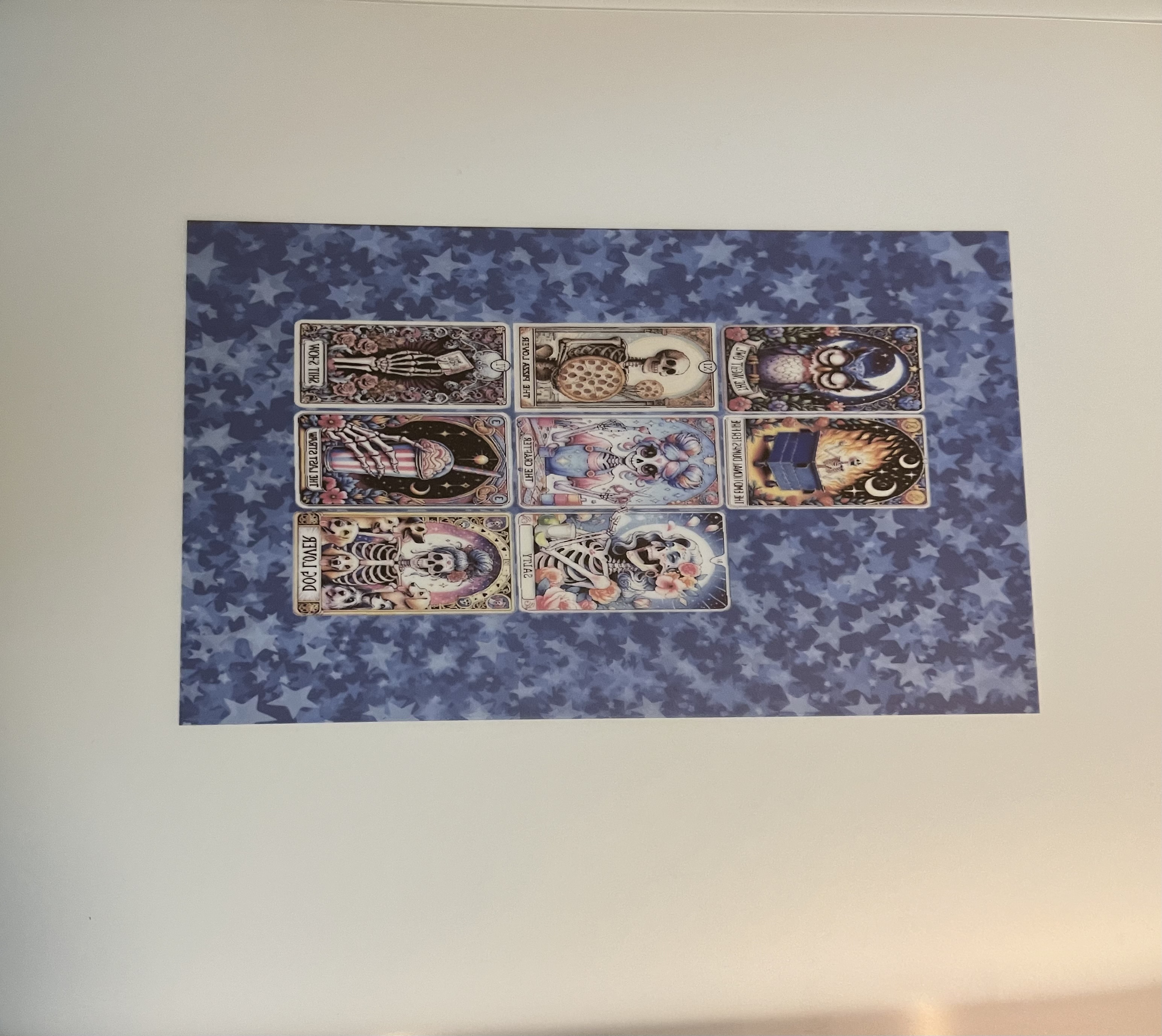
The H17 is a different kind of press you want to plan and be mindful of your items from the film you print on to the blanks you’re going to use and not feel like you’re tossing money out from a mess up. I decided I wanted to make sure my design was going to work so I printed it out on normal sublimation paper because I can use it on something else that at this time I have not decided yet. Believe is design looking at it in imagine studio then printed on normal sublimation paper
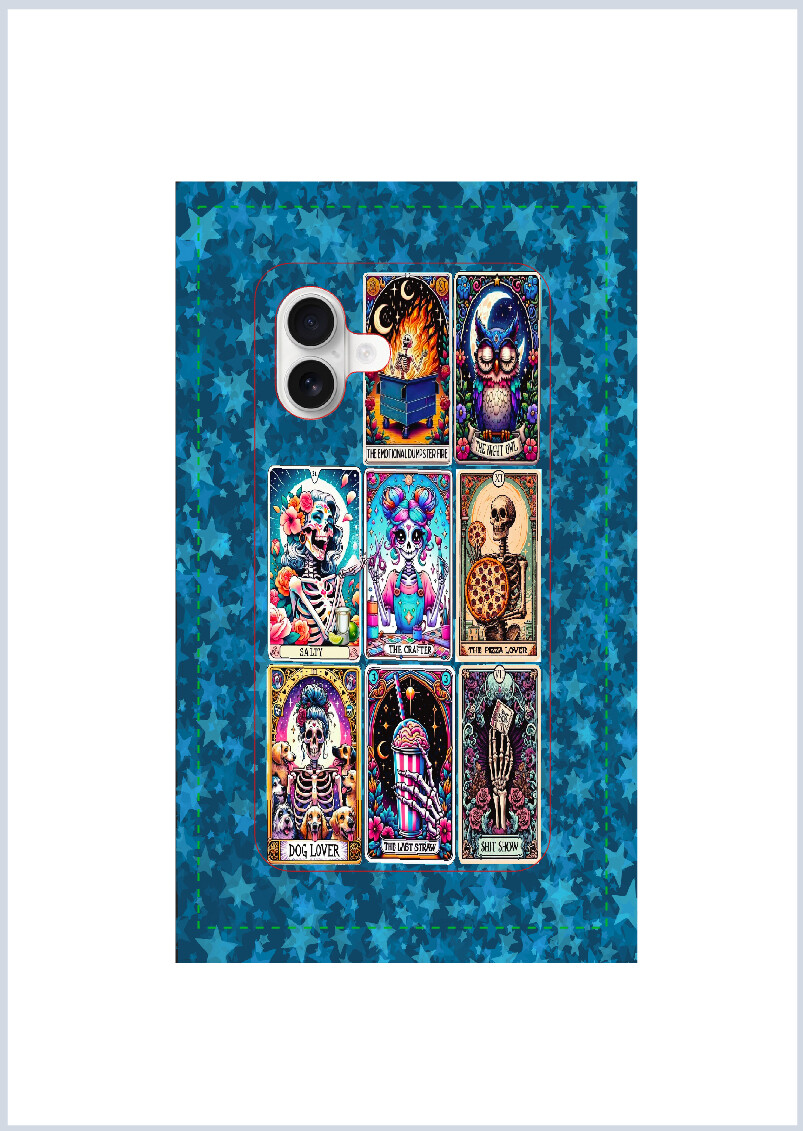
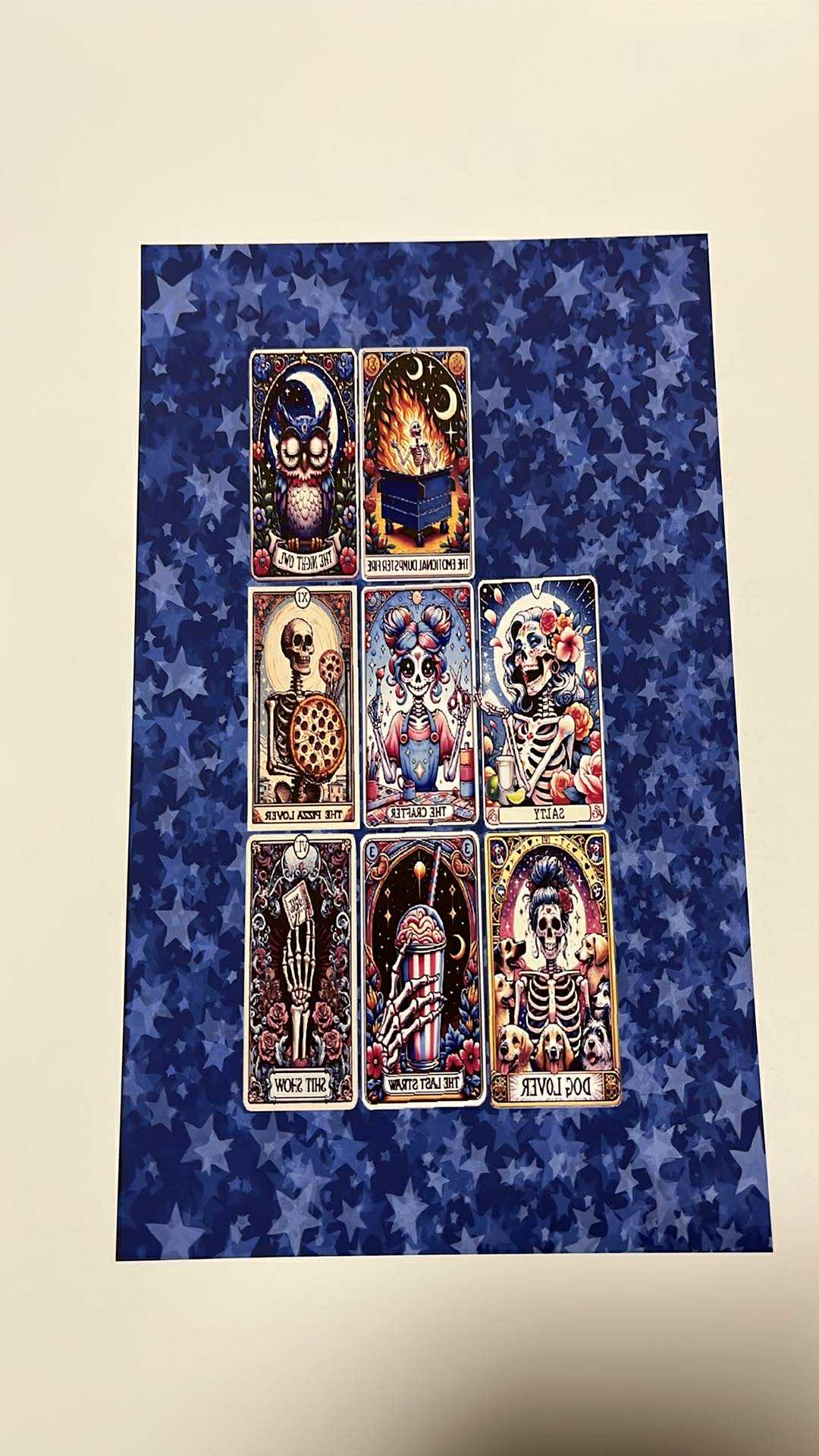
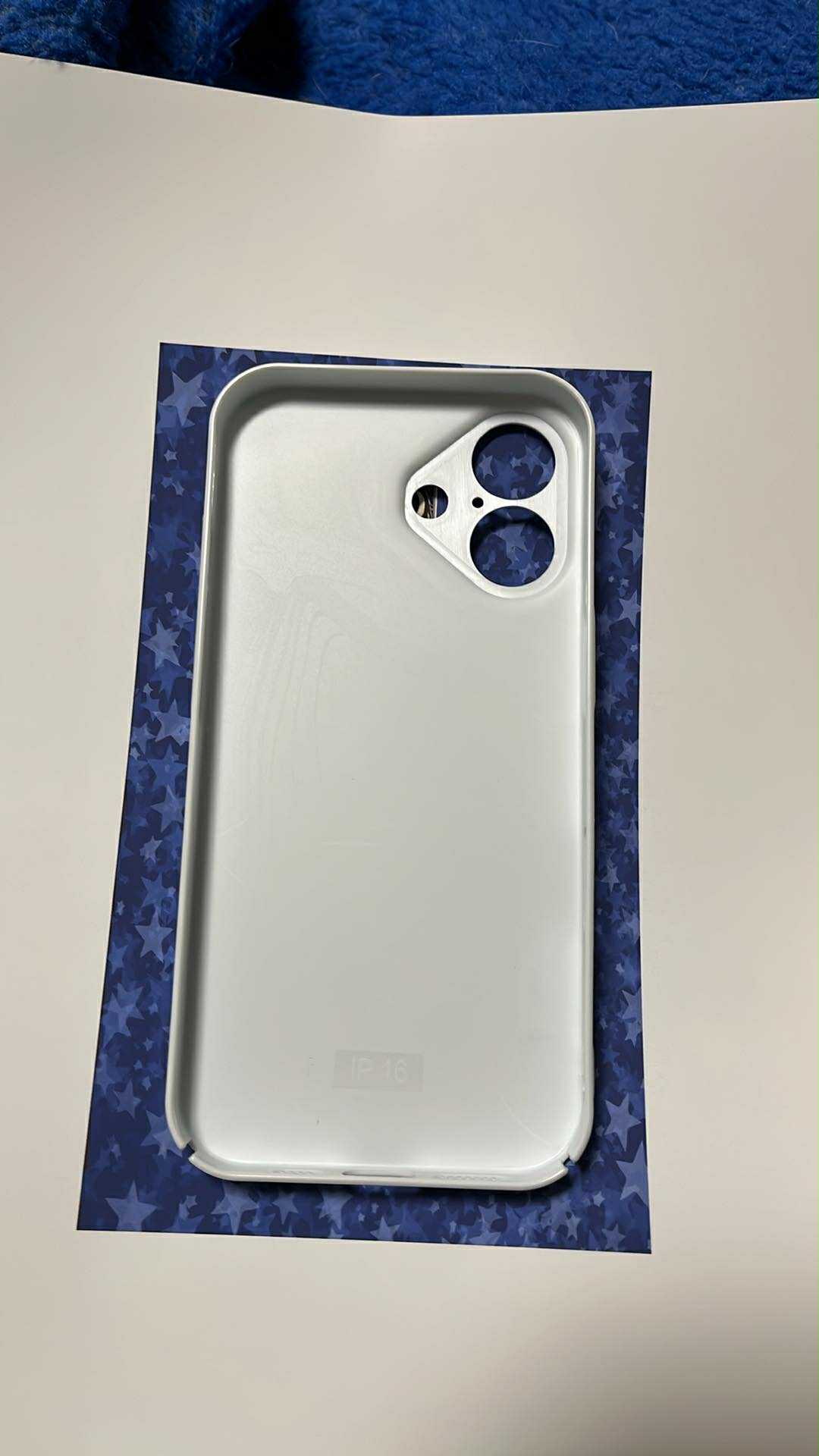
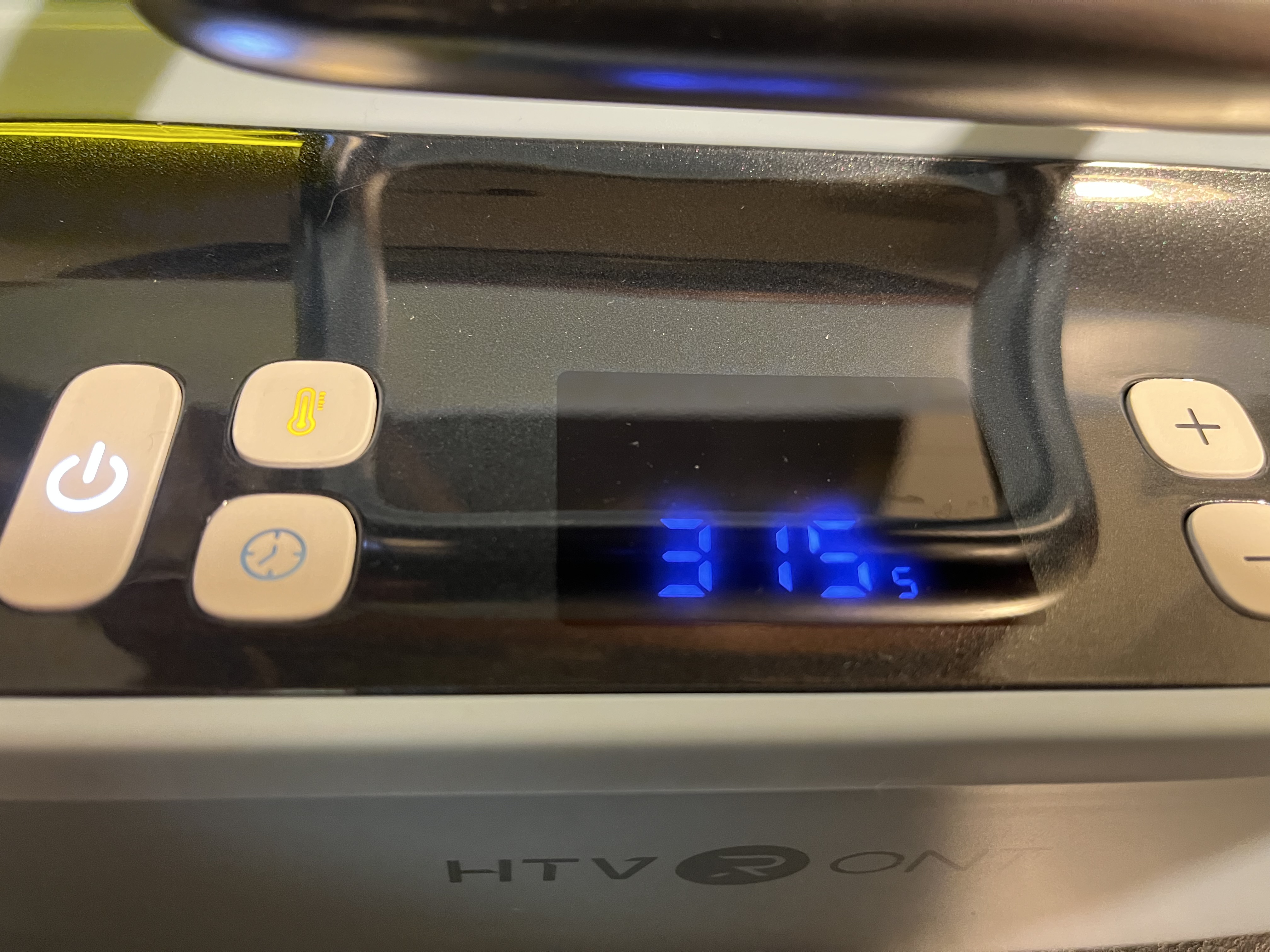
What I have found from reading watching and preparing myself to use the H17 is you have 3 steps to think of pre heat the H17 remembering theirs a top and bottom heating plate to be pre heated, then you want to do a preheat of the film kind of like you pre press a shirt but this warms up you transfer film that little bit to help it be more playable before you start the vacuum seal pressing process. This is something that’s a bit different to think about as crafters we usually pre heat / press the item we are putting designs on and it may make your brain stutter like it did mine from it the concept of sublimation you don’t usually heat the ink up at all till pressing. Take a deep breath and trust the process! I have personally be so scared to mess up this review and way over thinking it I trust myself as a crafter and love learning new crafting things but I usually do them silently and get excited when it works video call a crafty friend and send photos to some to have someone understand my excitement and be on my level of how much fun it was to make the item.
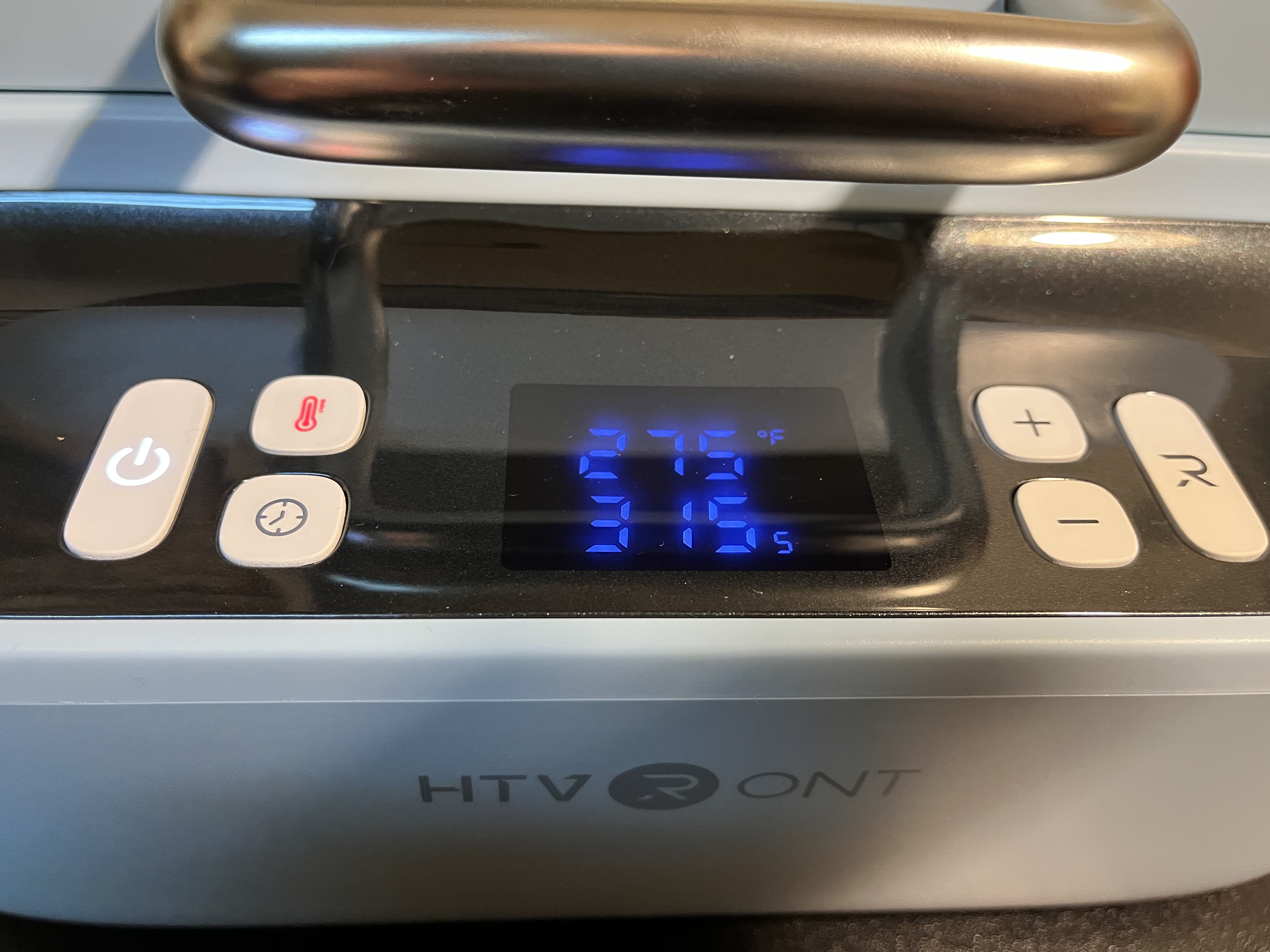
So I was super excited to put a fun design together using the template to have it aligned and printed it and let it dry.
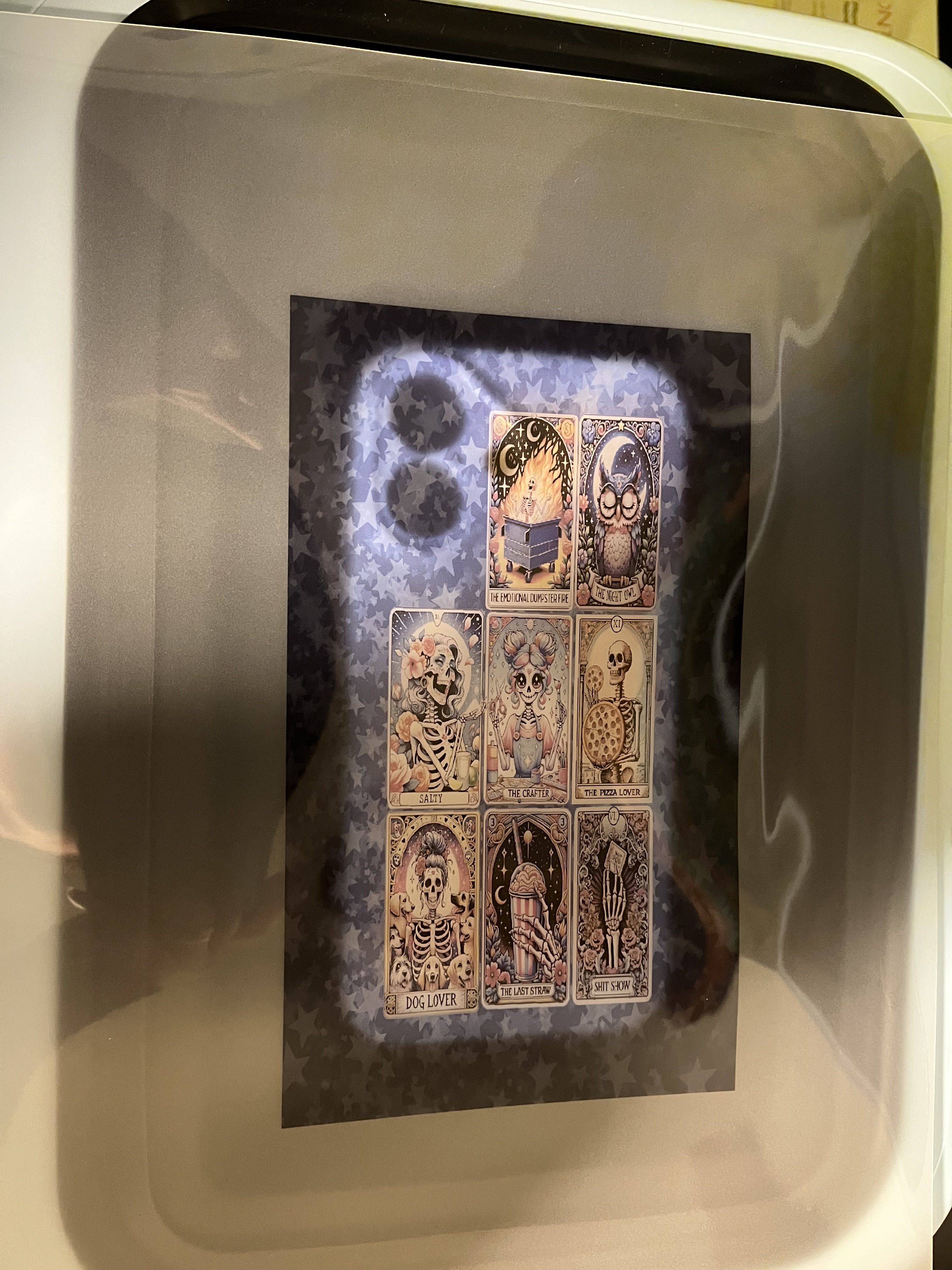
I put the design over the phone case and it had been a bit off. I moved the film so it was aligned but in doing so the film was not in all corners of the H17. This was a mistake because the film was not covering the press and it did not vacuum seal. I thought ok we are already down the rabbit hole let’s see if I can still use this one again and have it seal. I got to press but not very well.
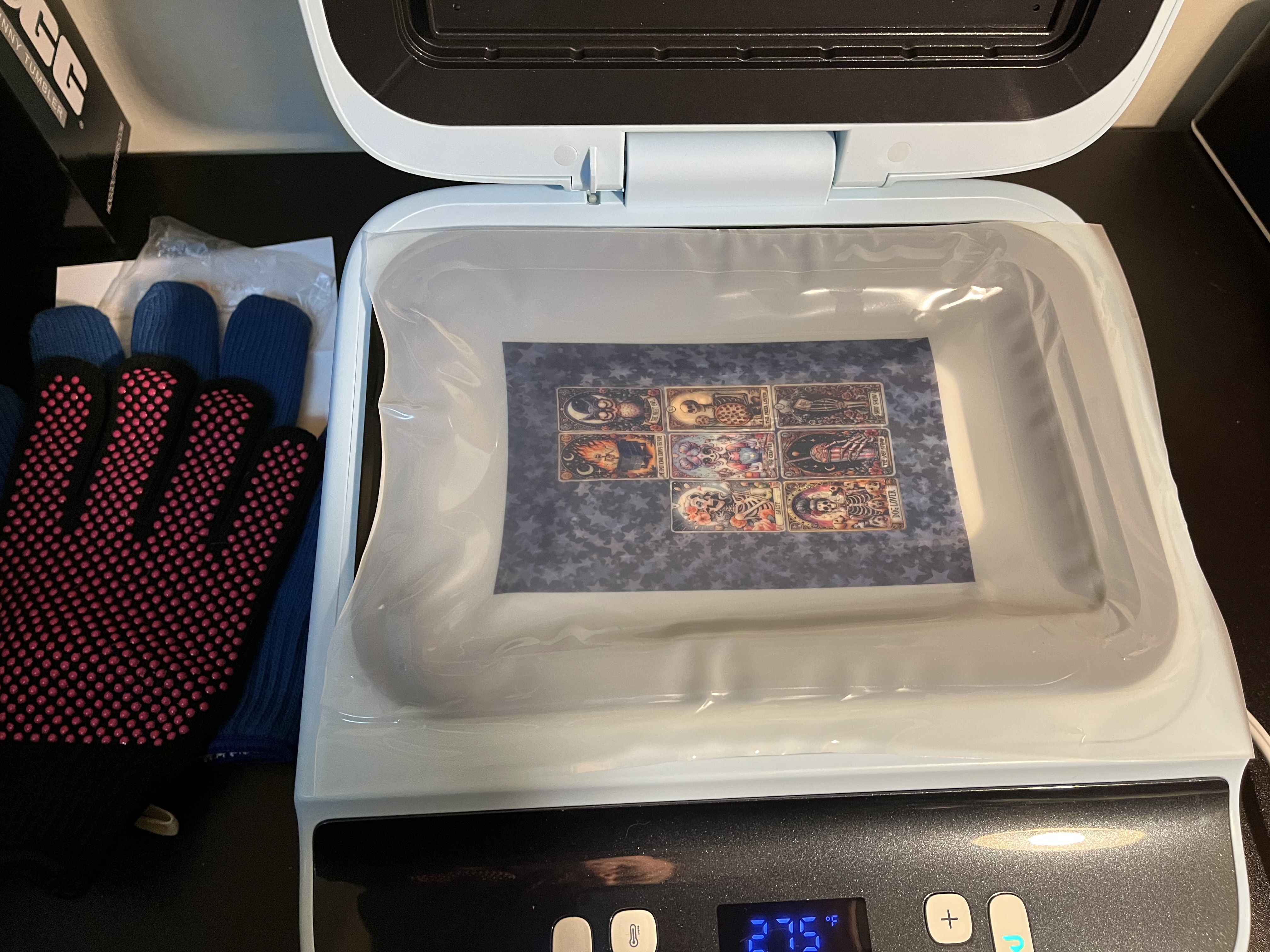
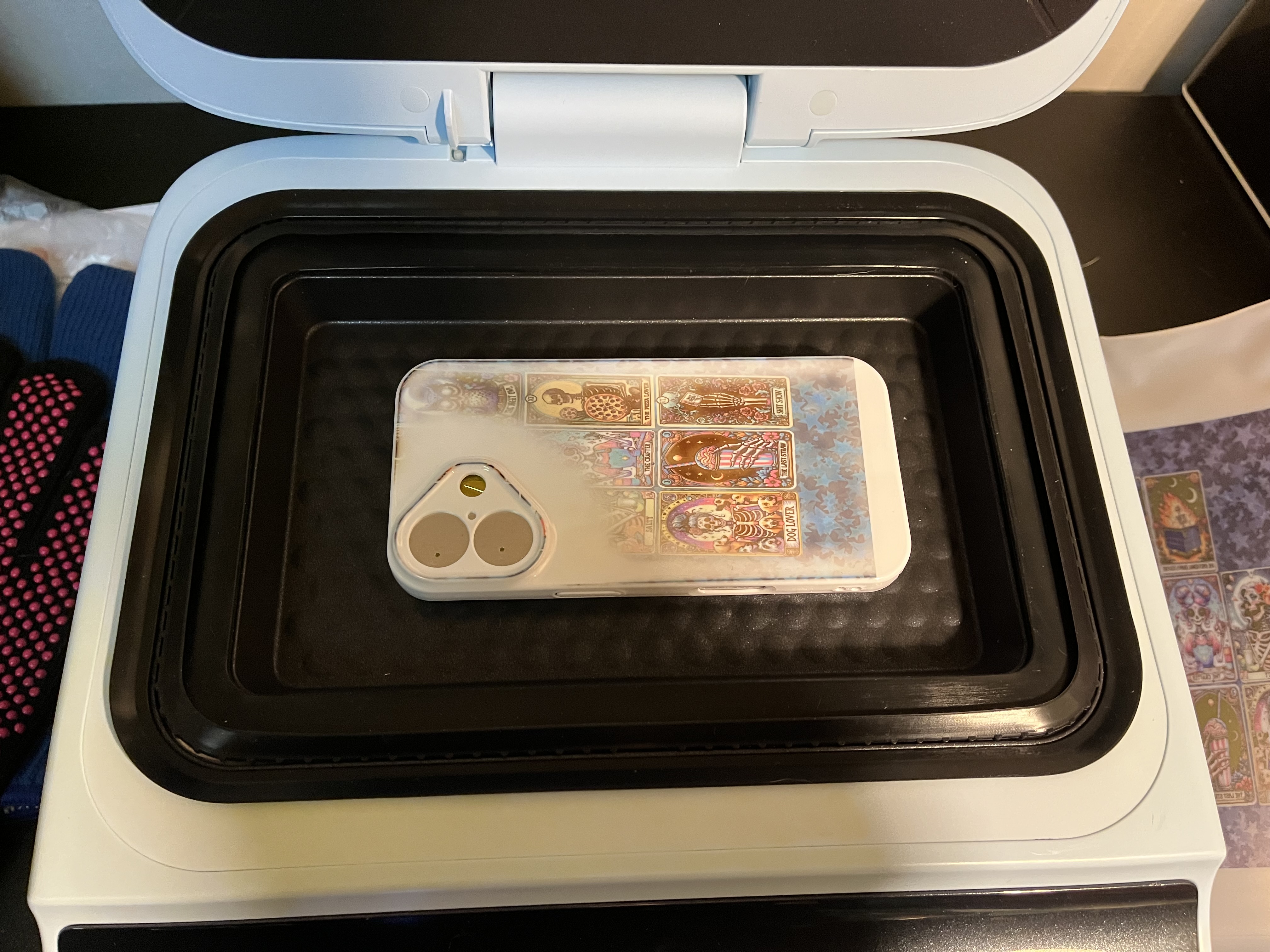
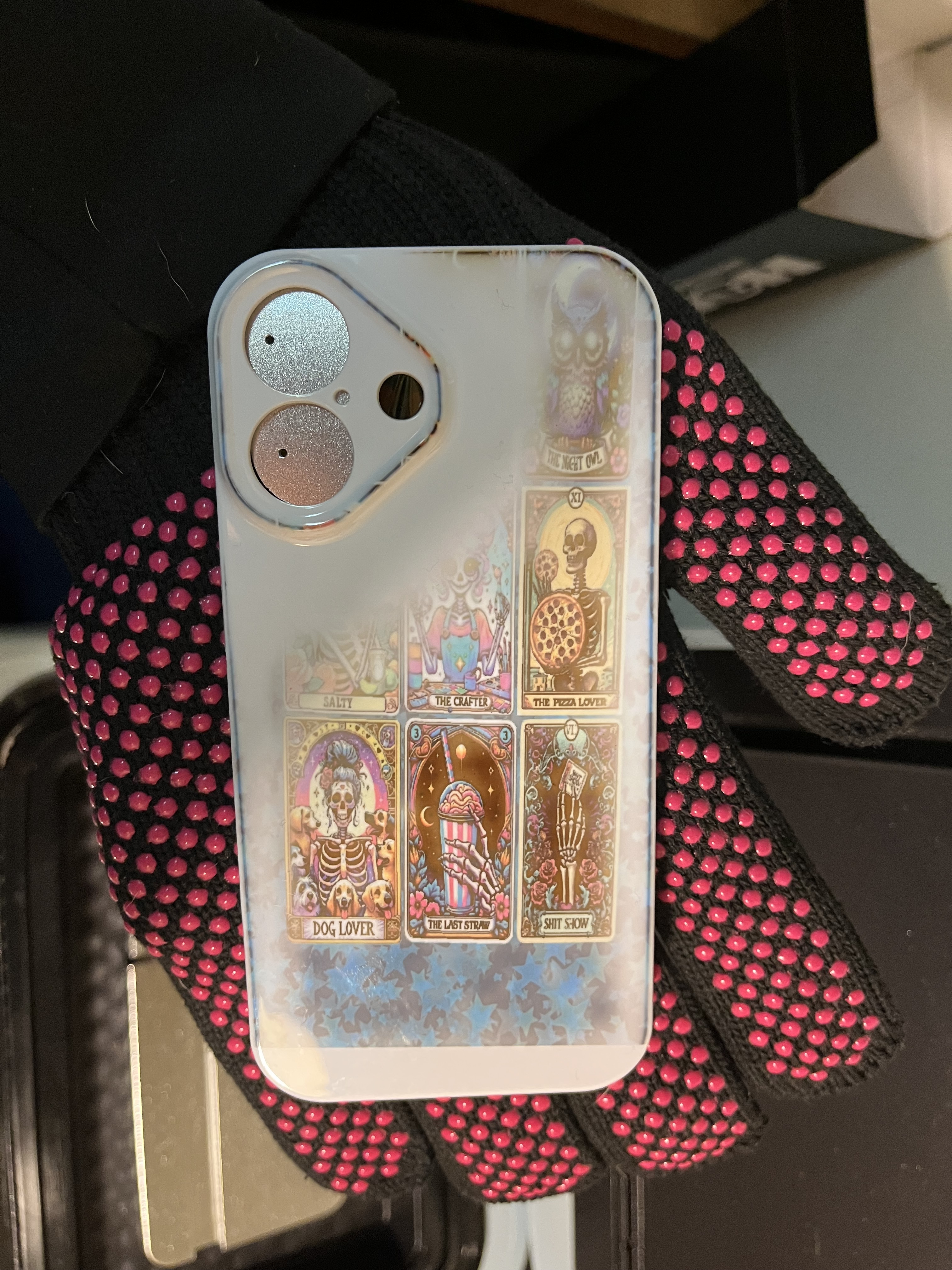
I printed another design to cover it up. I decided to double layer it with the bottom part being the same design but larger and the same design on top and smaller. I thought it could give it a fun look.
I am wondering where the best place is to have the design actually aligned so it prints more in that area. I am sure some people have figured that out on their own with phone cases I have seen.
This idea failed I messed it up again.
So after reaching out or was brought to my attention to make sure I selected A4 paper so that helped the I,age be in the right spot. I wows our selecting the wrong image to print so the space I wanted to be stars over the camera part is not but I feel so bad I got sick and have had this review almost done just struggled to get a phone case done.
So it may be a little off but I finally got a phone case made. I really wanted the tarot cards I put together on a phone case it’s kind like parts of me.
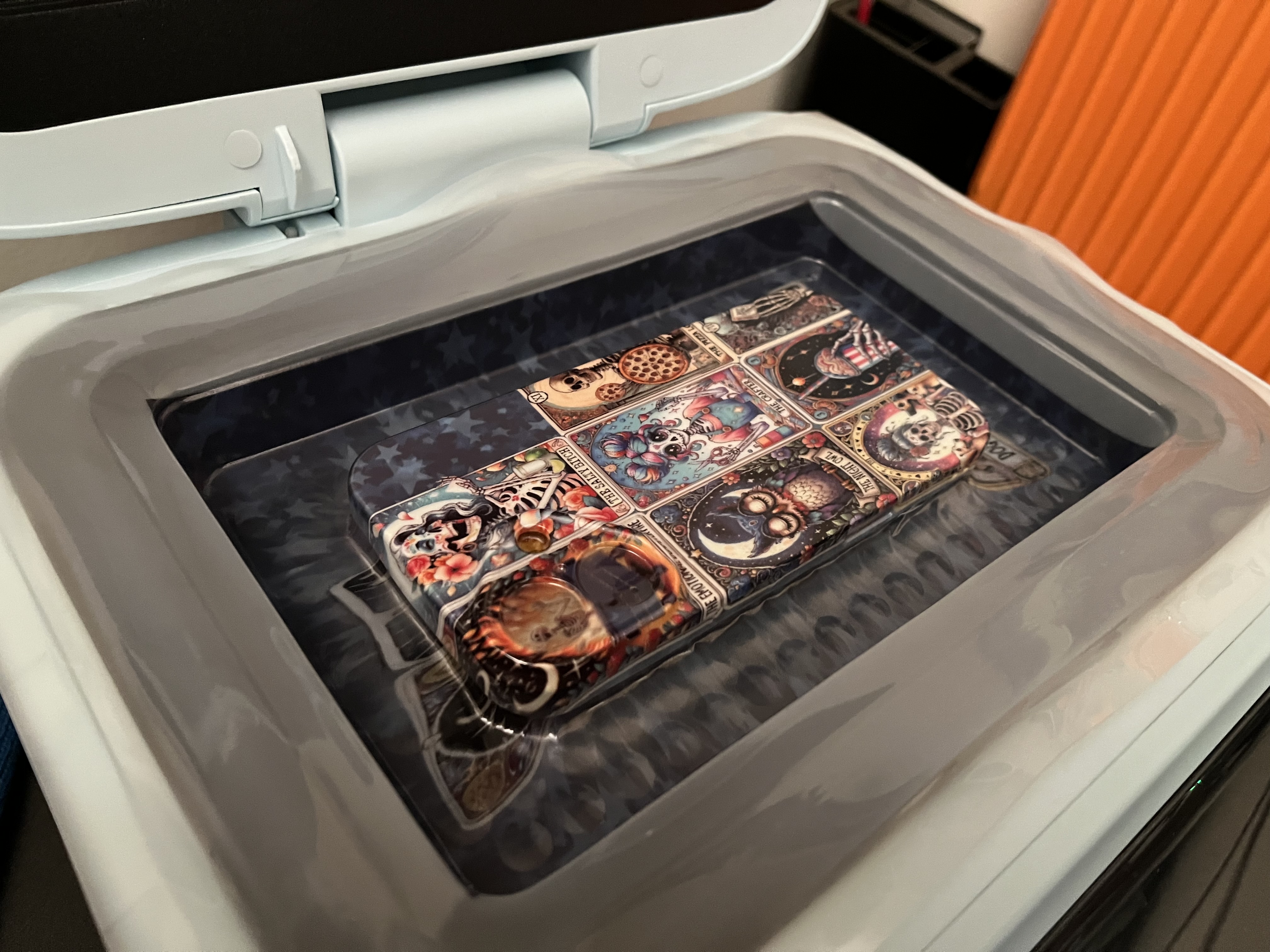
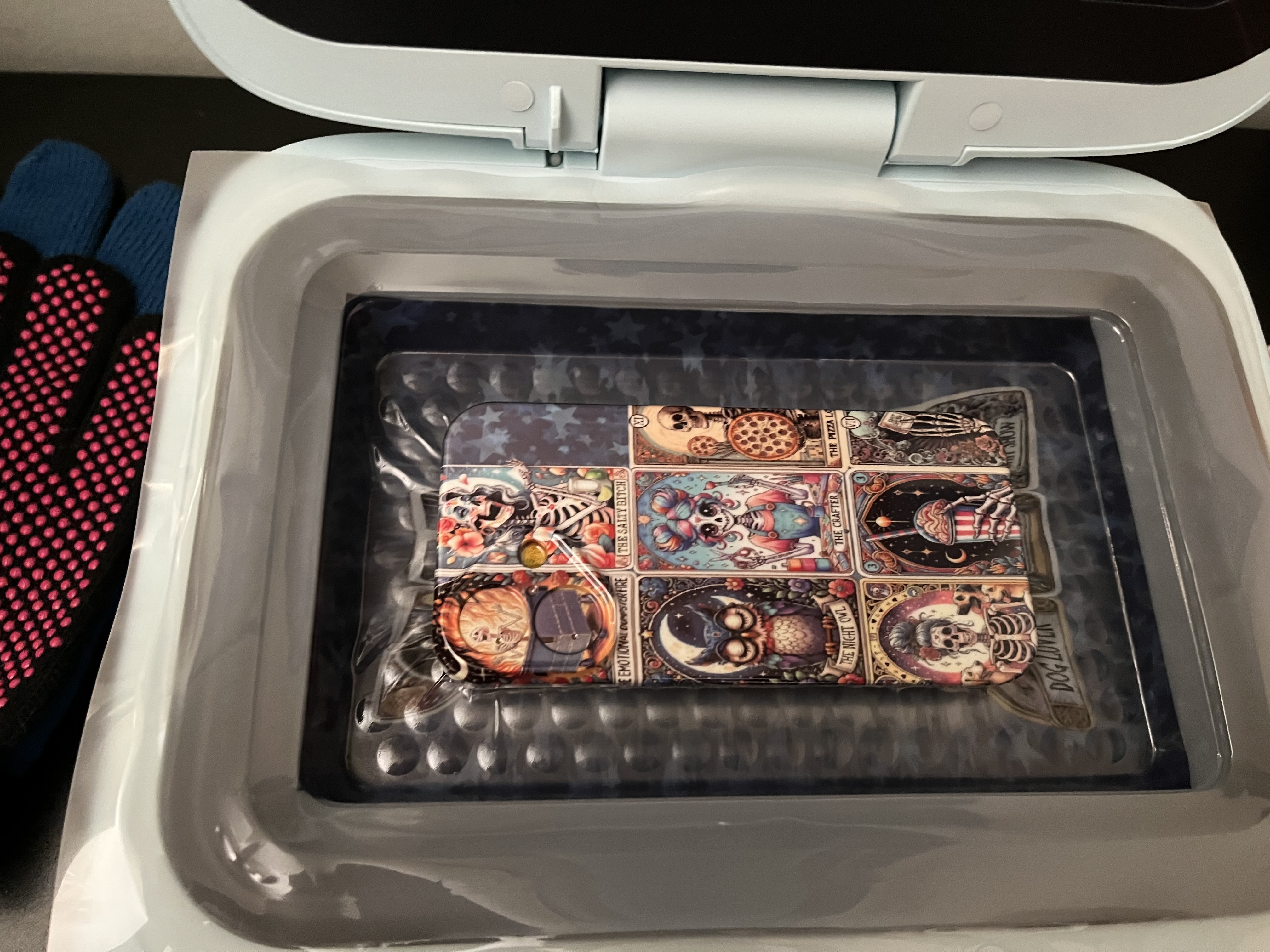
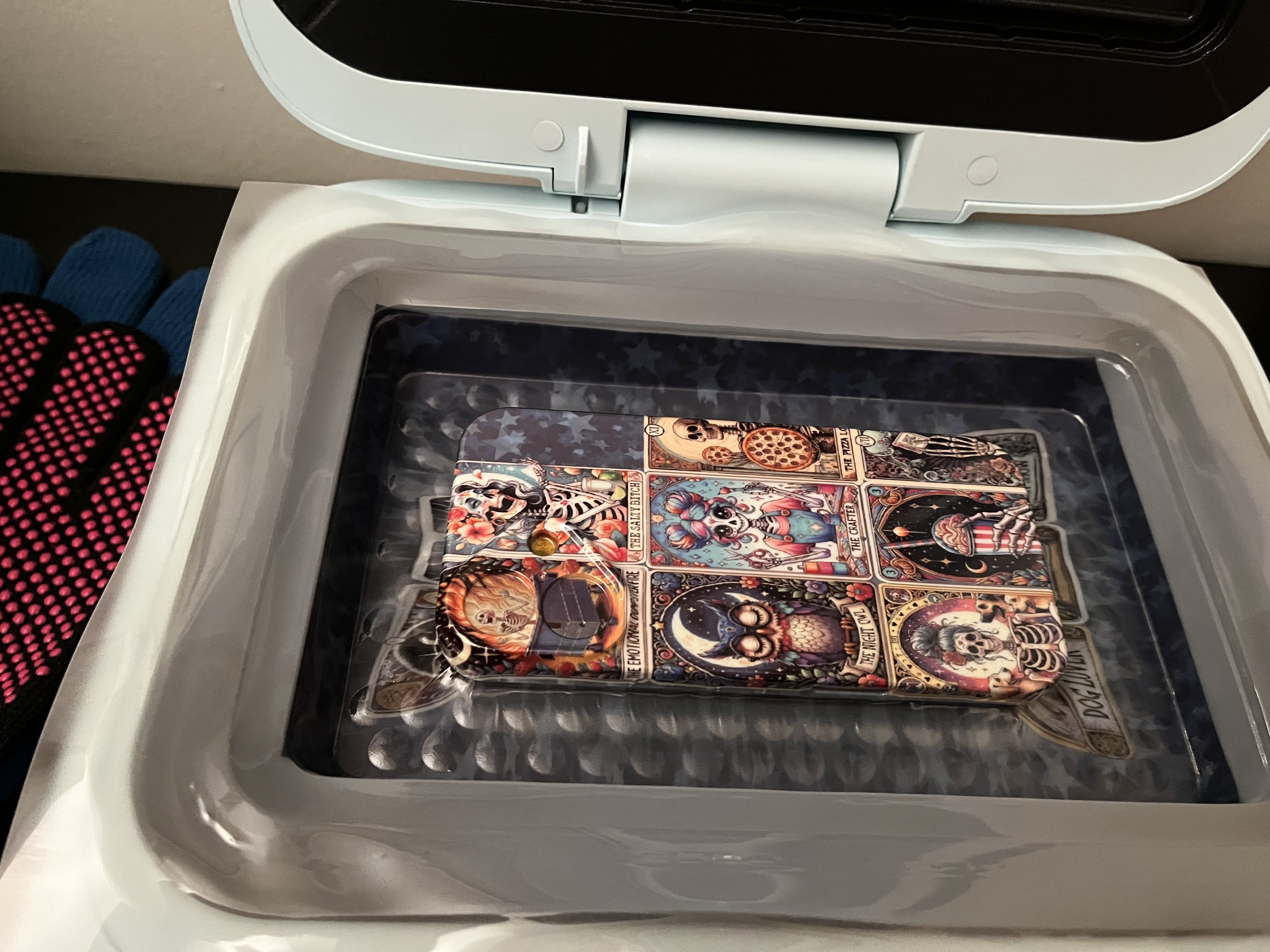
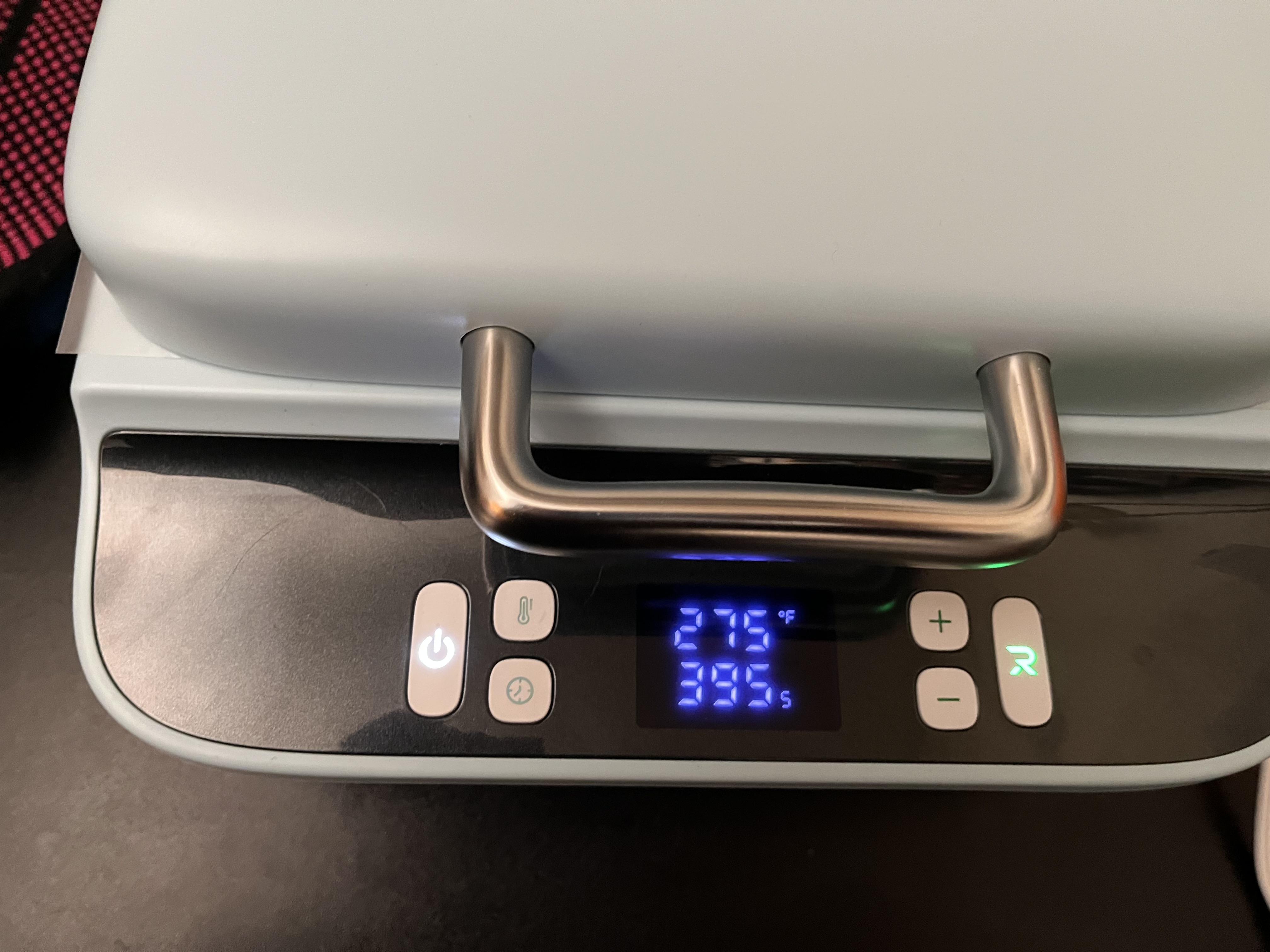
I am happy with how it turned out the H17 is fun once you get the hang out it.
Here the finial phone case
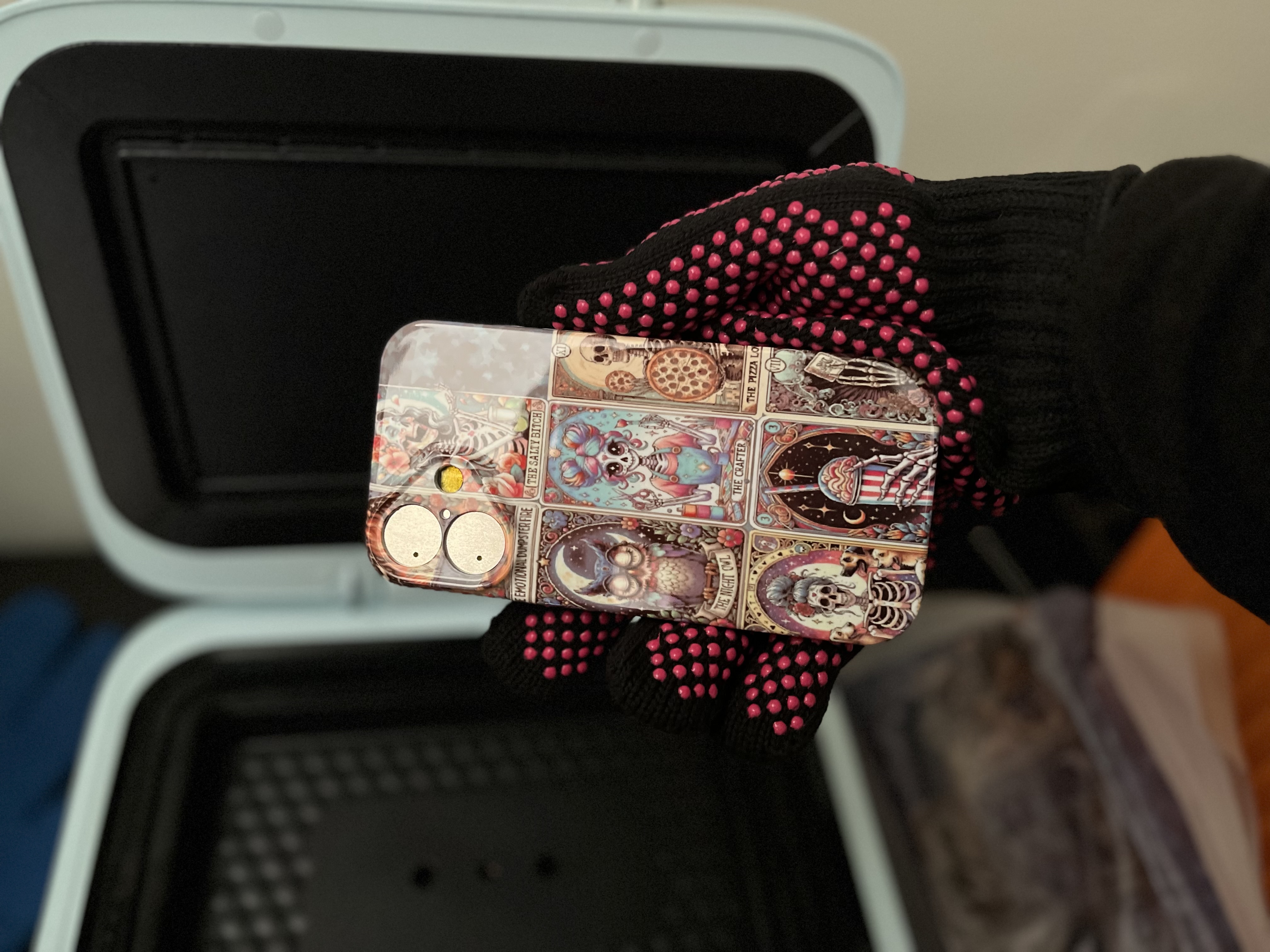
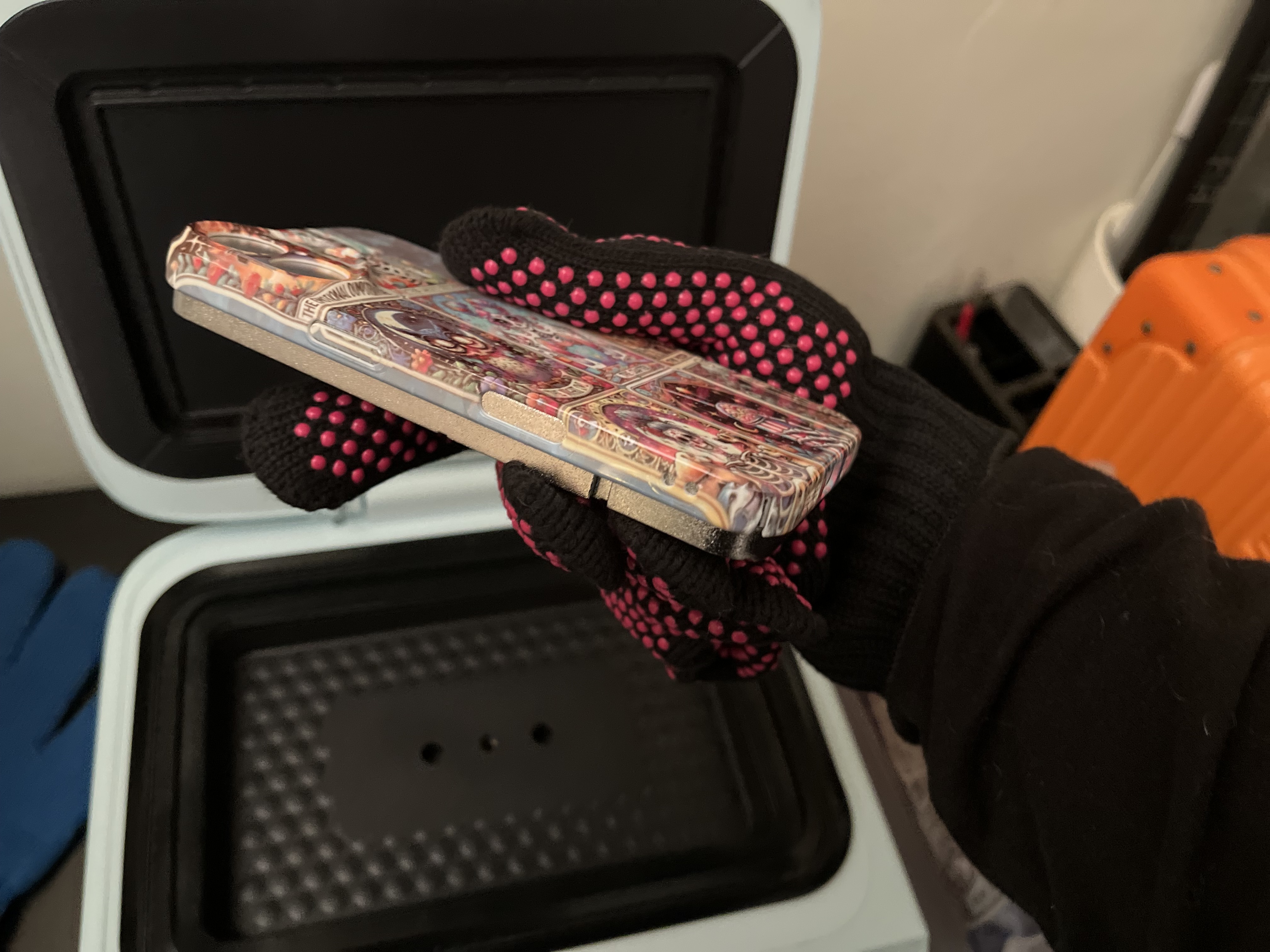
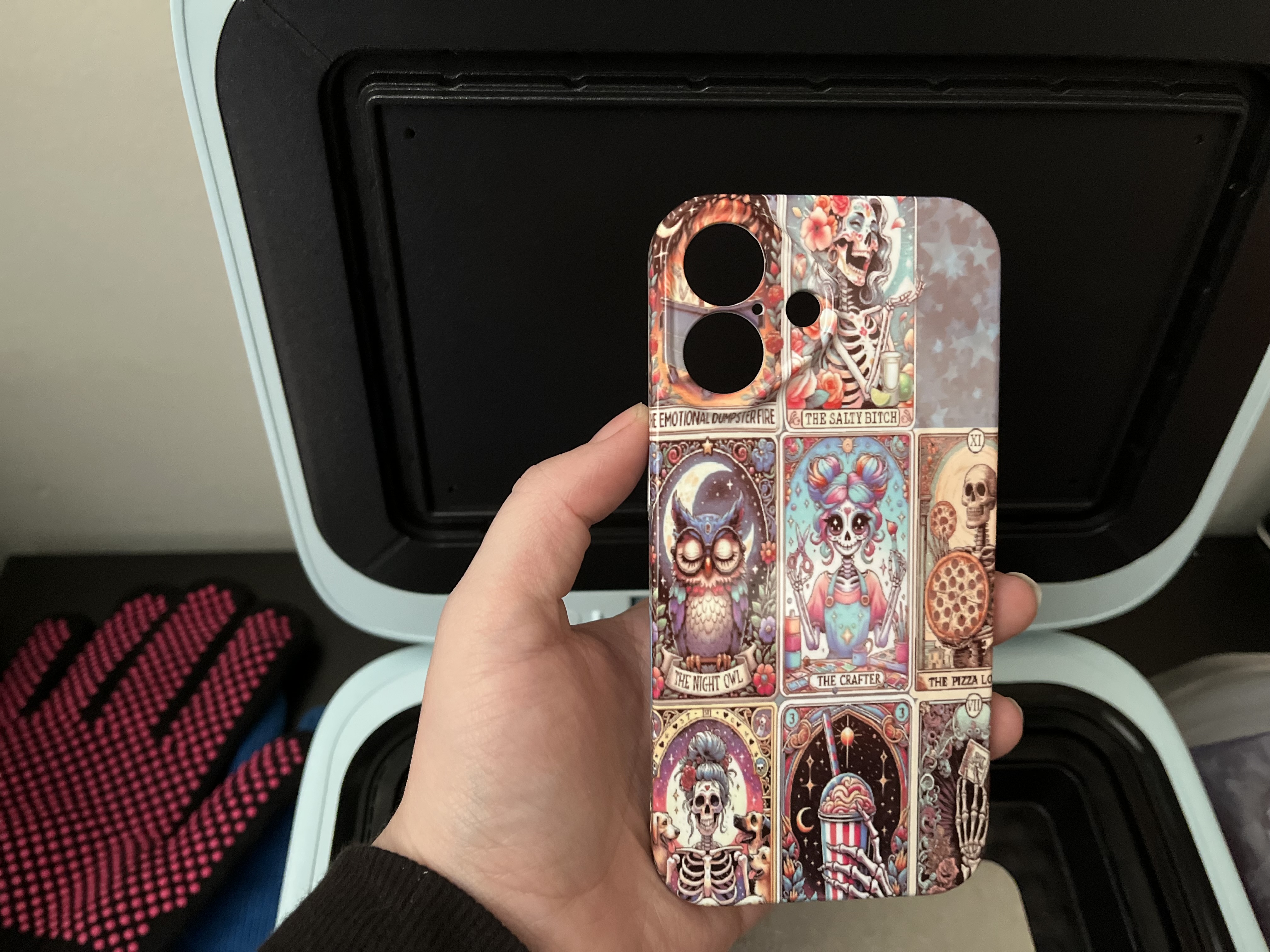
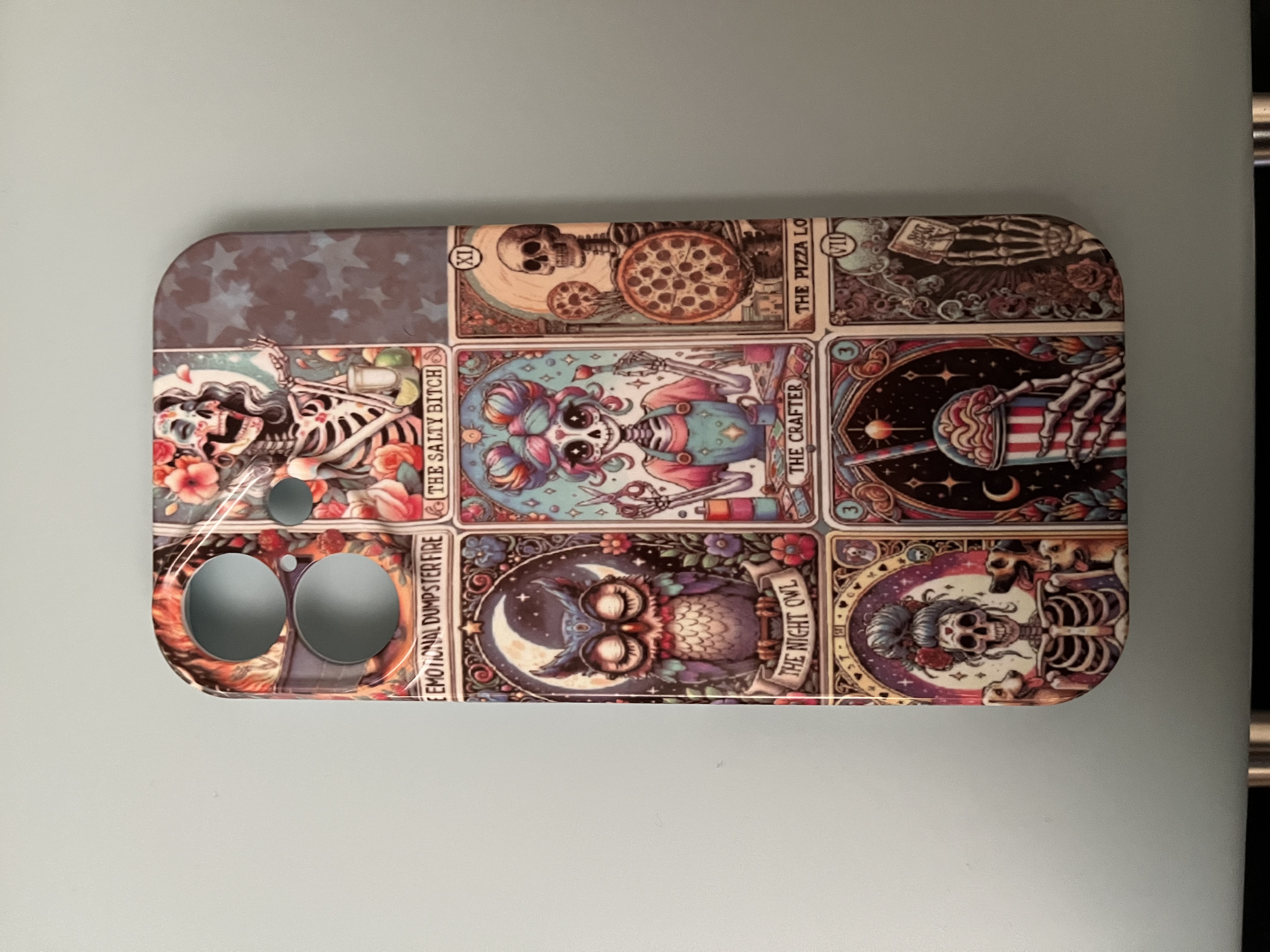
I have found the H17 to be a fun press that takes a bit of figuring out what works best for you and even with a flop I am still excited to see what can be done next.
I have quite a few random sublimation blanks sitting around so I am going to try two of those in my next review in the H17 a hobbyist look beyond phone cases and hoping to feel better so you will see that a lot faster! I a, so sorry for the delay on this review I hope it’s helpful!