I would like to see a bigger heat press maybe 16 X 24 or a double electric heat press I saw this lady on tiktok with one, also bigger sublimation paper maybe 11 x 17 or bigger for larger projects & a variety of blanks that you can either laser or sublimate on
4 Likes
I’d love to see a very compact 6 inch (not 4.5) cutting area machine, like the Cricut Joy. However, above all, it must be able to cut with the same quality and accuracy as the Crafter/iCraft, as the Joy cut is terrible in comparison.
For those of us with limited crafting space, it would be small enough to leave out all the time, while storing away the Crafter/iCraft until larger projects require it.
But, like I said, it needs to be MUCH better than the Joy, while keeping the footprint as small as possible.
4 Likes
Also, the blades, holders, & foiling tool, etc MUST be interchangeable with the iCraft.
… and able to do Print then Cut (accurately, first time, every time!)
4 Likes
You can create you own materials list settings. That’s what makes iCraft different from Loklik Crafter. You can add the depth of the blade in the settings you’ve personally created.
4 Likes
I’ve been requesting this as well 
4 Likes
I apologize for the confusion in my previous post—I primarily work with sublimation and heat pressing, so the feedback I shared earlier was meant for HTVRont. Now, regarding my Loklik iCraft, I have a few suggestions that could really enhance the experience:
• It would be great if the registration marks could be removed or made smaller to maximize paper usage.
• More storage space for saving projects would be incredibly helpful.
• I’d love to see support for cutting larger designs, especially when working with HTV sublimation sheets or materials bigger than 12x12.
• My tool holder consistently falls off and doesn’t stay secure when holding tools—this could use improvement.
• For text features, I’d love the ability to curve text and have access to a wider variety of fonts.
6 Likes
I love this topic! I am constantly telling Frida on the Amazon livestreams ideas and things I (and fellow crafters) want. My cordless glue gun became a reality, as well as the tape dispenser (just not exactly how I I had hoped).
Things I would like to see:
Glitter Puff HTV
Tape dispenser that holds both the wide and narrow heat tape together
Heat press mold for pens or a heat press for pens
Sublimation oven
Cordless heat gun
Holigraphic sticker paper
Tumbler/mug tool to help align and tightly tape the sublimation paper
That’s all I can think of off the top of my head, but there’s always something I wish HTVRONT would make!
9 Likes
The registration marks can’t be removed, as the sensor would have no reference to ensure accuracy for the Print then Cut feature. However, I think they should easily be moved to give a much larger work area.
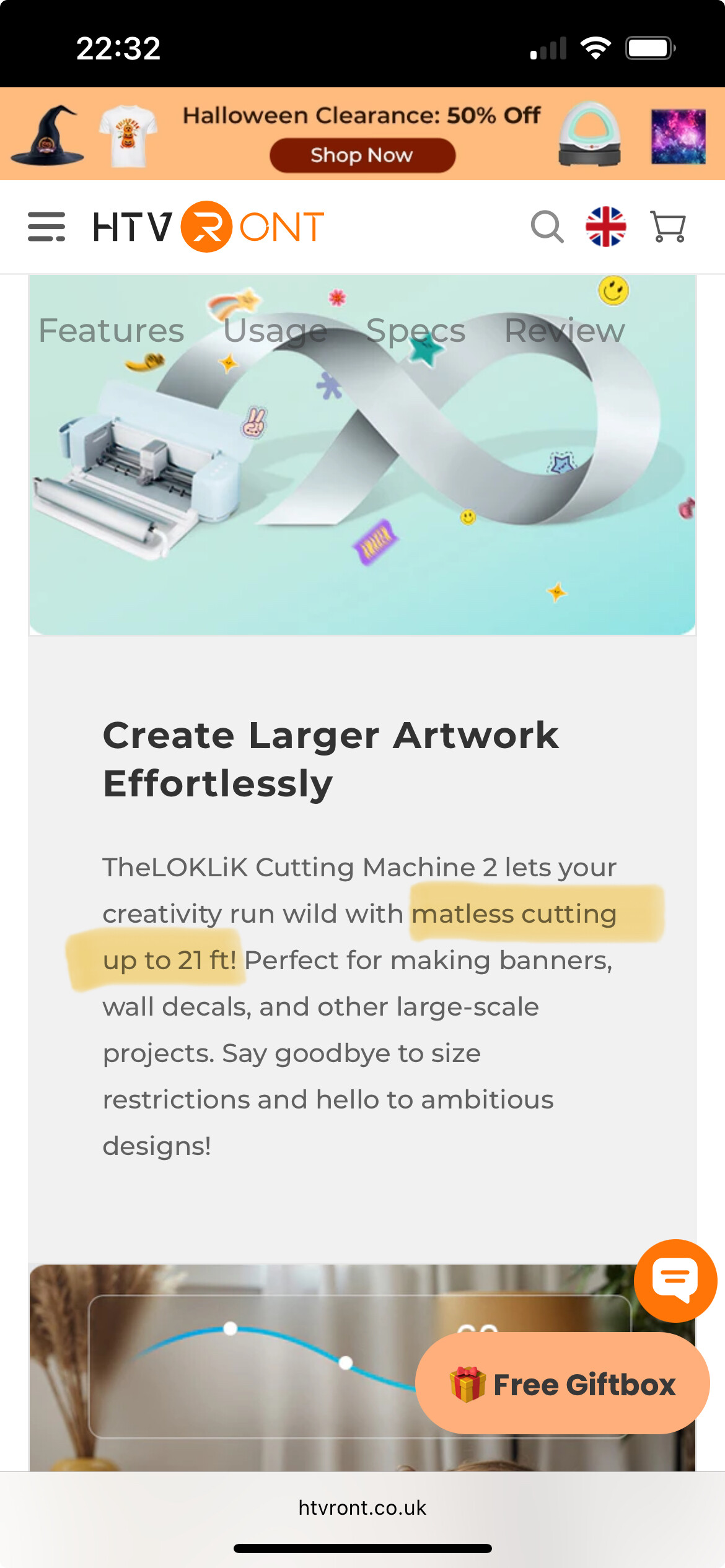
To the best of my knowledge, the iCraft (& Crafter) can handle 12” x 24” cutting mats, which you can buy on Amazon, etc. Also, the iCraft features list states it can cut up to 21 feet long when using matless (or ‘Smart’) materials.
7 Likes
Thank you
6 Likes
However, I’m not sure how well 21ft materials would work with the iCraft, as this was a boast that was also made in the Crafter features list, when it launched. That said, they also stated that the Crafter could cut metal! Lol 
7 Likes
I would love to see glitter puff htv and a pen mold/press too! I don’t think I’d be able to get pens done correctly without some help.
9 Likes
You can already curve text, it’s been recently implemented in the devices app, and it is being implemented in desktop. You can use many of the fonts you install in your system (otf).
Some of your whislist items are discussed here:
Idea Studio wishlist
While this topic is more on new products wishlist 
7 Likes
But the iEngrave cuts too, tons of materials. Ta-da! Your wish came true 
7 Likes
fab, i hadnt checked it out. From the name I thought it only did engraving.
7 Likes
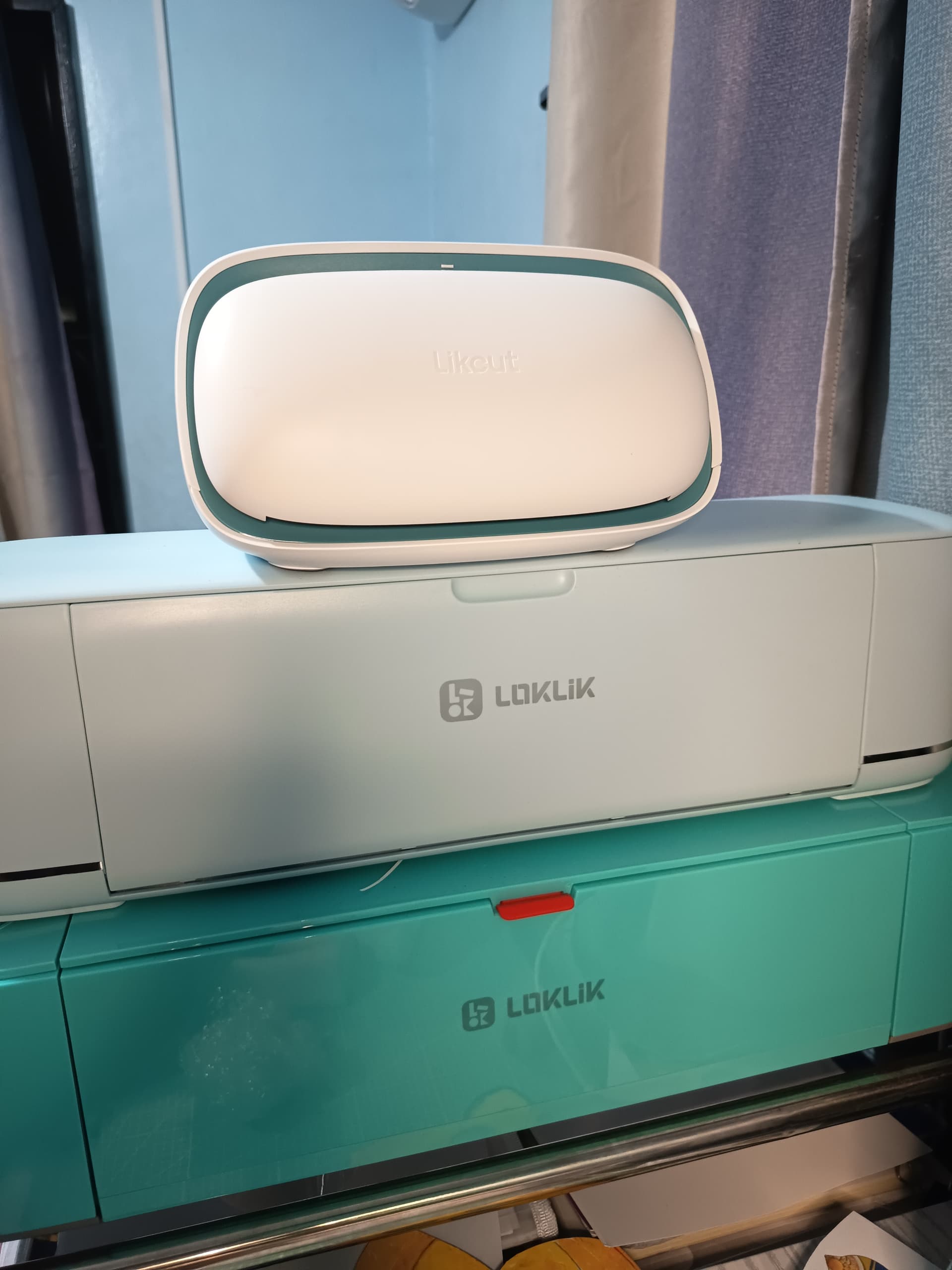
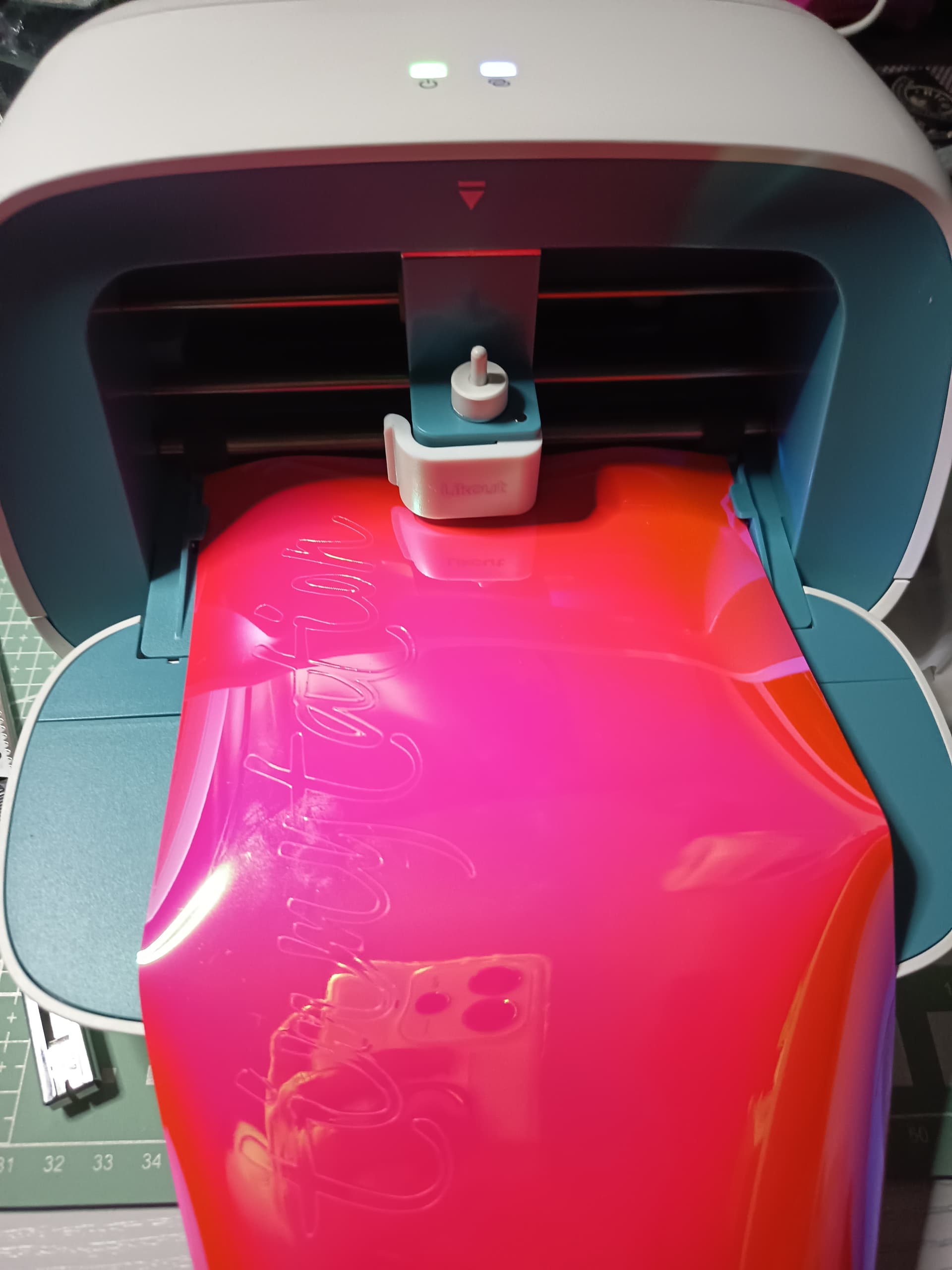
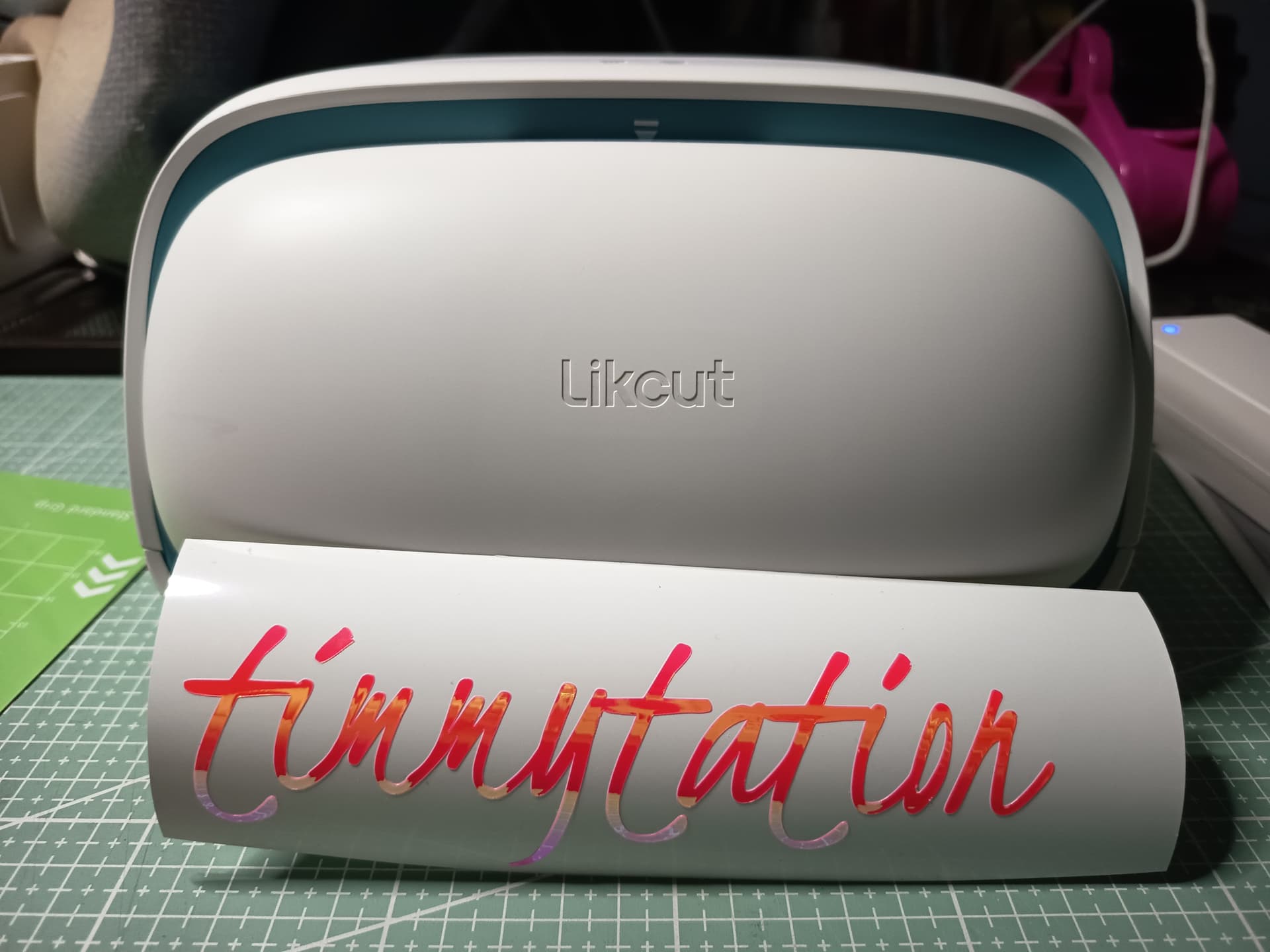
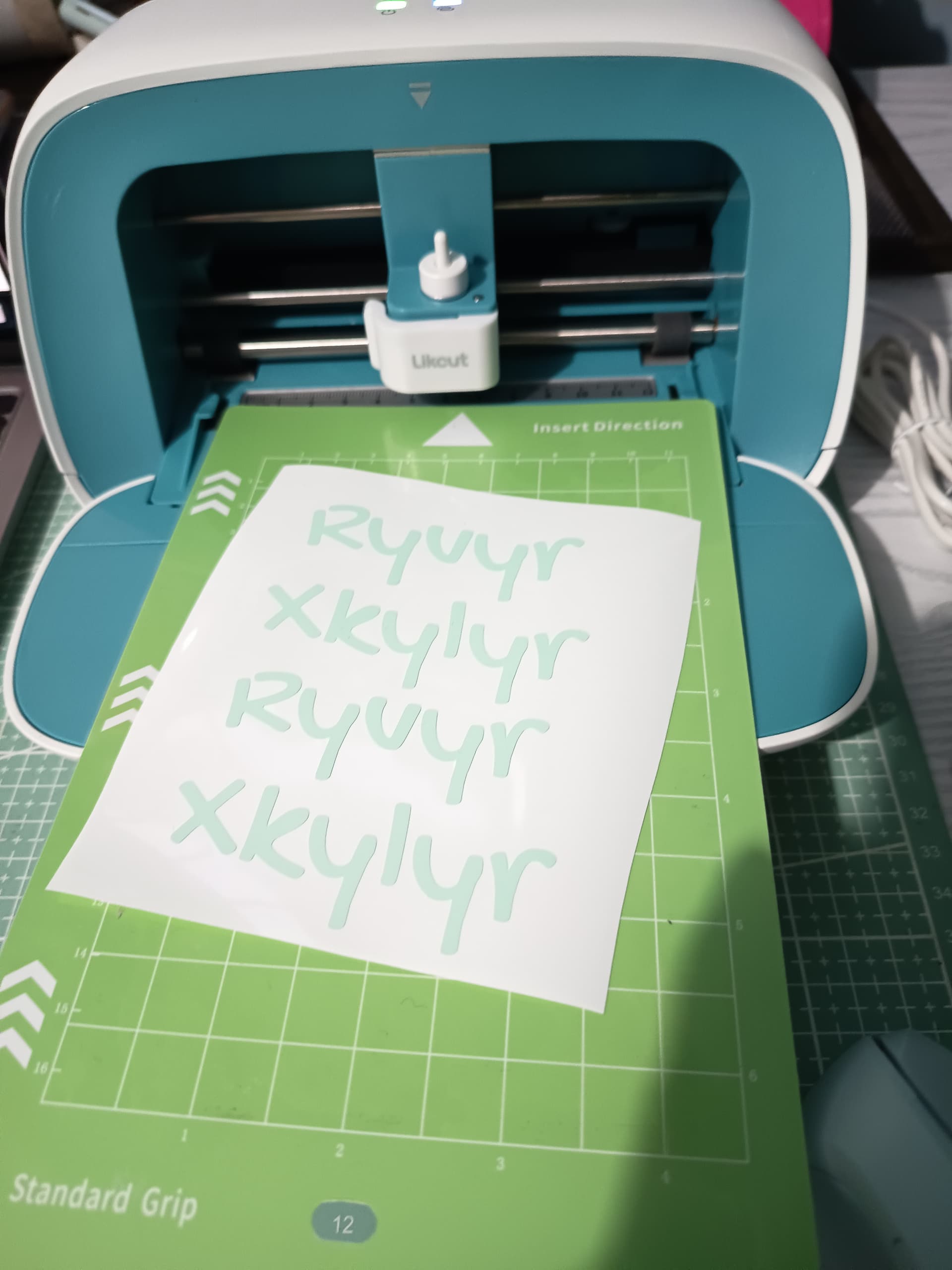
I wish Loklik would also have a portbale mini cutting machine. For now, this likcut is really cute and looks like a baby of my Crafter & iCraft 
7 Likes
Absolutely, I too want a very small, but high quality cutter, as I commented earlier.
5 Likes


I just purchased the Likcut little machine - after playing around with it some, I actually like it and have learned it. The only thing I don’t like is that within their program, if you try to use their fonts - you have to pay for them - even the “free” one’s you have to pay a subscription. So for now, I’m just creating my text/font in Canva and saving as individual files and then upload to Likcut…
2 Likes
Wow that sucks, how much is the subscription? LOKLiK idea studio doesn’t have a subscription which is great. I’m over the subscription model, I miss the days where if you bought something you owned it and that was it.
2 Likes
Yeah - they have $9.99 or $14.99 - I have Loklik, too & love that they’re subscription free. Seems like almost everything now has a subscription tied to it…lol
3 Likes