how can i print words and eliminate the background with a cutter machine?
2 Likes
Hi @AkishaNewton and welcome to the community. If you use the text tool in LOKLiK Idea Studio, you can type out your text, structure it how you want it and then cut it out of the material you want. It won’t have any background with it.
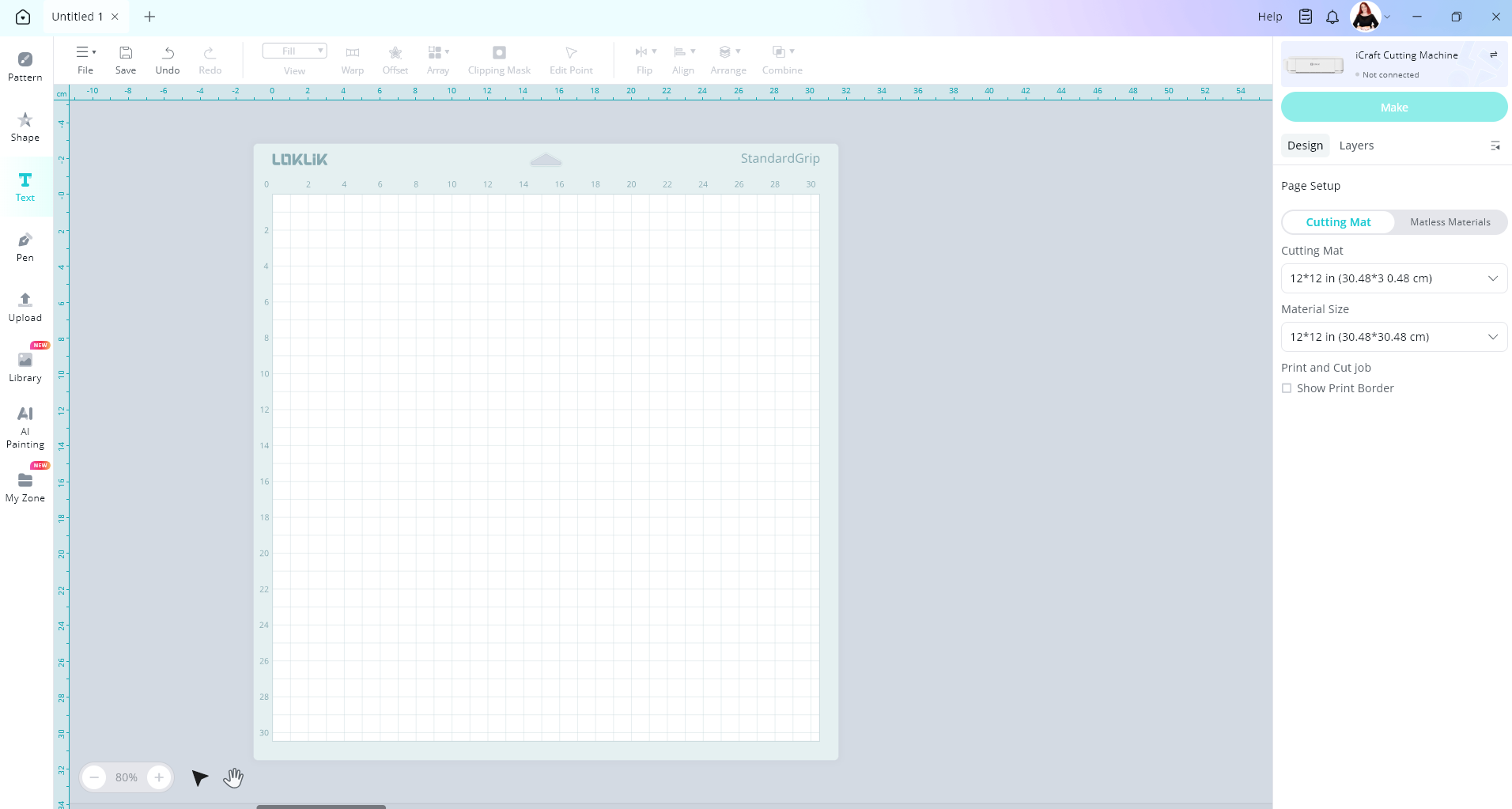
Click on the text tool
Type in your text in the text box by double clicking on the text box
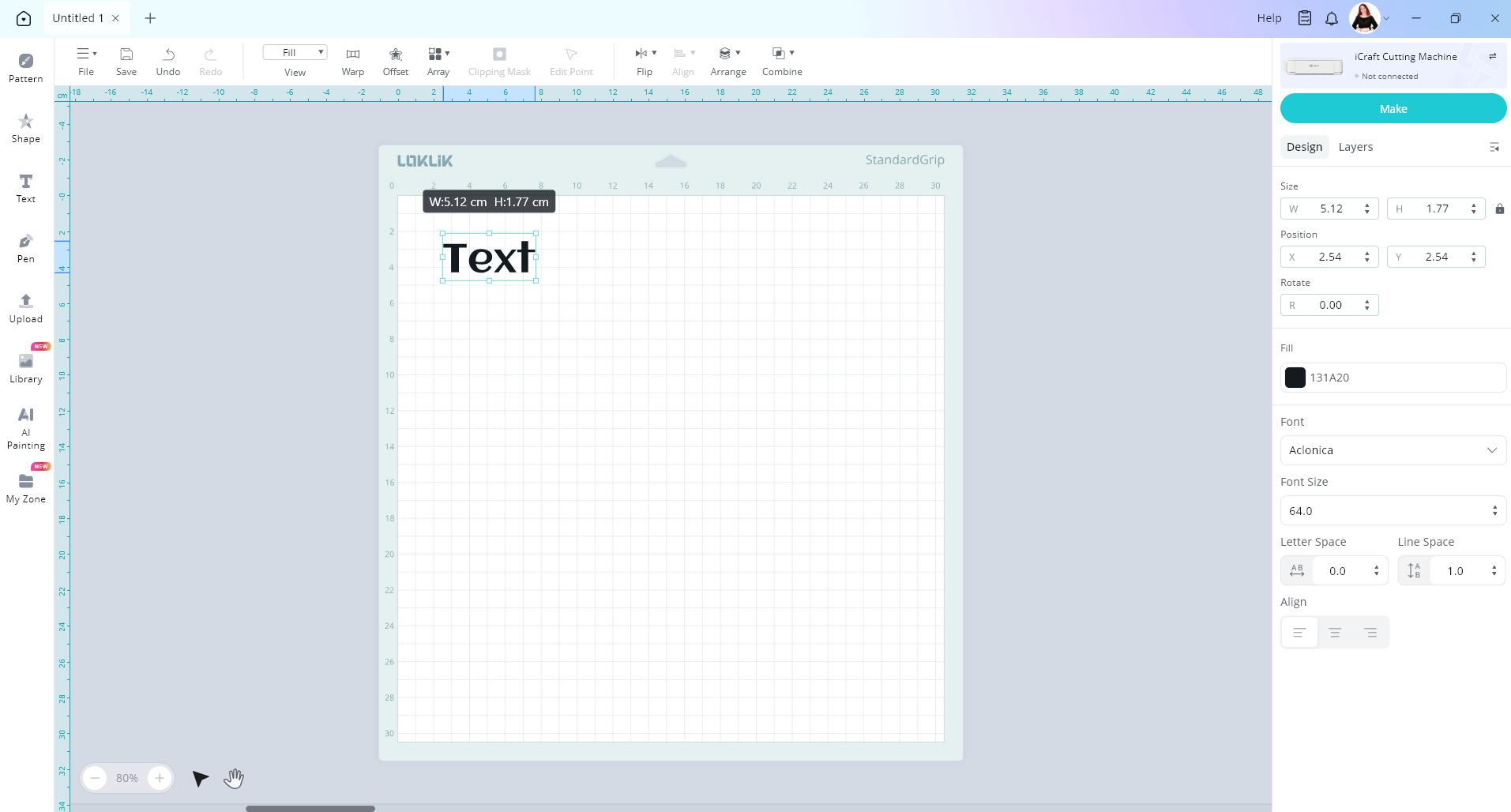
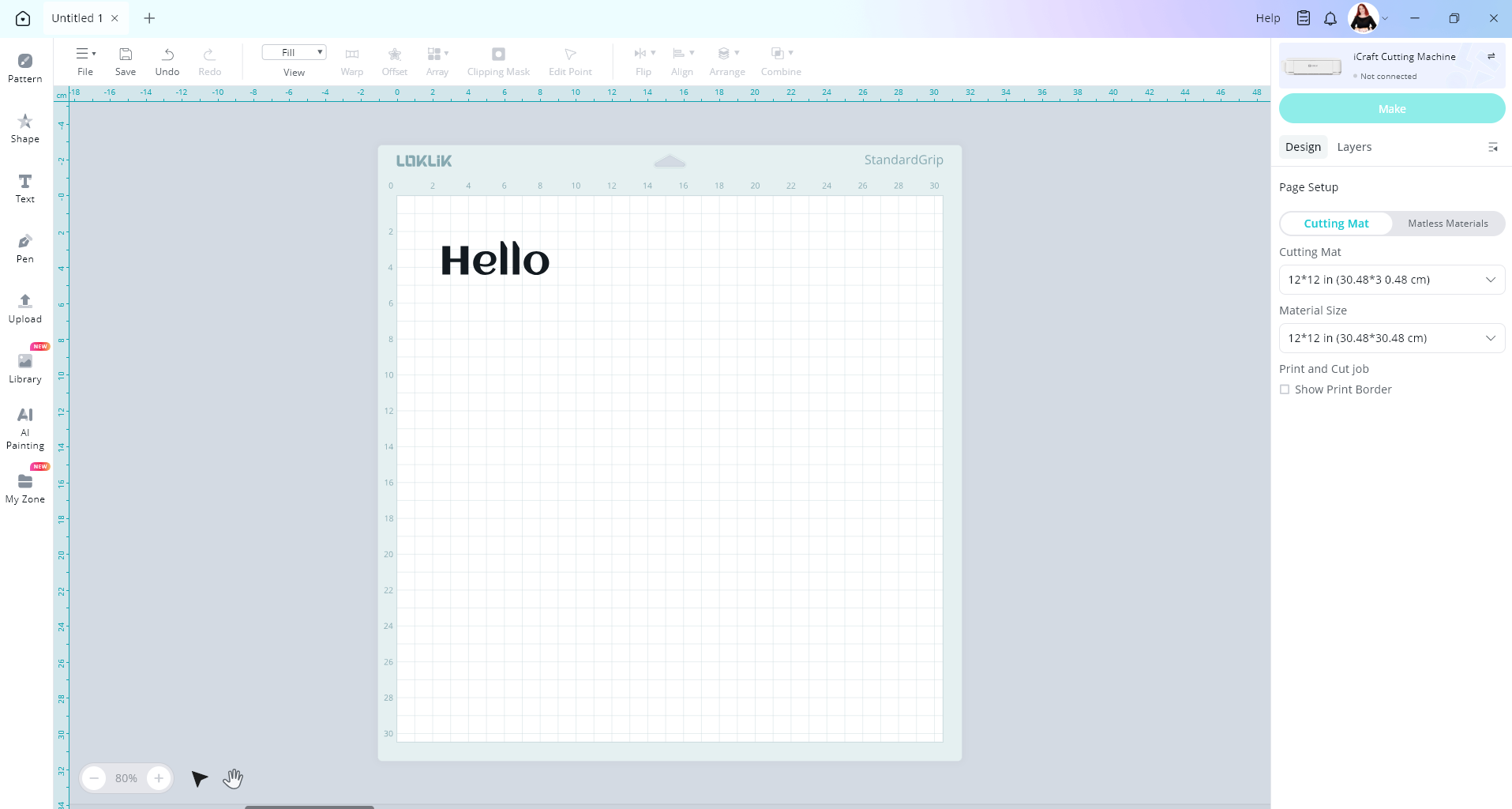
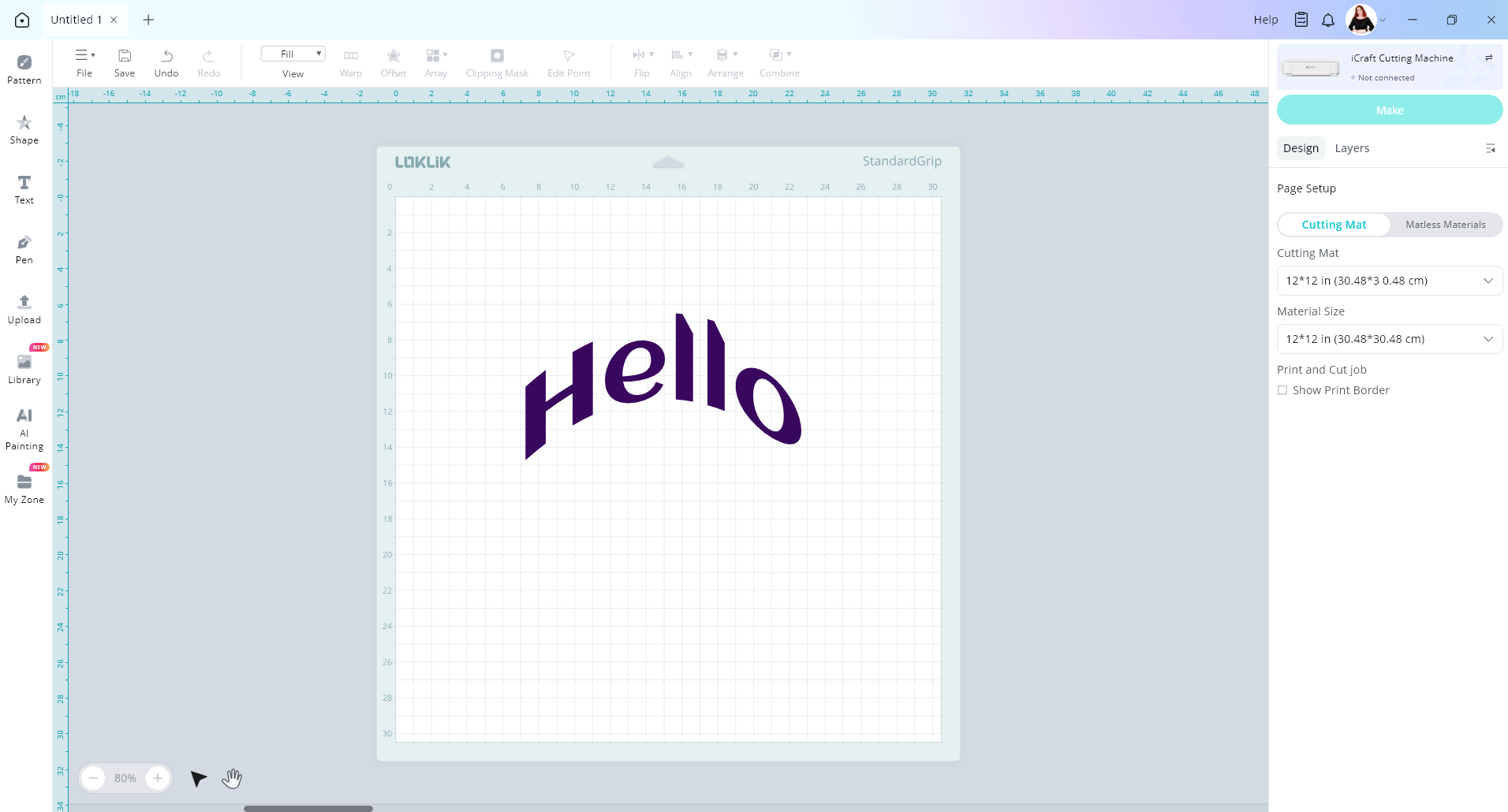
Then you can change the colour, warp the text if you want so make it curvy, change the font, change the size. Then when you are happy you can cut it out
If you are uploading an image with words on it, there is a background remover tool that can remove the background so you are just left with the words to cut out.
If you would like I can create a quick video showing you how to do this.
2 Likes