thank u I really appreciate ur help
3 Likes
Ok, that changes everything. If the cut materials show up on your phone but not on the desktop, that means the machine itself is working correctly. The issue is only with the desktop version of IdeaStudio. The mobile app pulls the material library directly from the cloud, but the desktop version stores part of the material list locally. When that local file gets corrupted, the cut materials disappear on the computer but still show up on the phone. That’s why engraving works and the machine homes normally — the machine is fine. It’s just the desktop software not loading the cut library.
At this point, it’s not your machine at all. It’s just the desktop IdeaStudio not reading the material database correctly. Support can reset that for you, but the important thing is: your machine is cut‑capable and it is working. The phone app proves that.
You can click the Help > Feedback and Errors and send them a log report with a description of what’s happening. The log report will help them pinpoint the issue. Just be patient with them as they are like 14 hours ahead of us, that’s why it takes a little while for them to respond.
2 Likes
You’re so very welcome. 
1 Like
Just did it thank you🫶
3 Likes
You’re most welcome. I’m really glad you were able to get the log sent in. When they get everything sorted out on their end, I’d love to hear how it turns out, so if you don’t mind sending me an update once they get you taken care of, I’d appreciate it. 
2 Likes
Hi @Denisse_Medina! I’m so sorry you’re experiencing issues with the IdeaStudio desktop app. I’m wondering—have you updated your iEngrave firmware to the latest version. Could you let us know which version your machine is currently on. Also, when you get a chance, please share a screenshot of your canvas and the steps you take when sending your design to the iEngrave to cut. That will help us pinpoint what’s going on and guide you better.
2 Likes
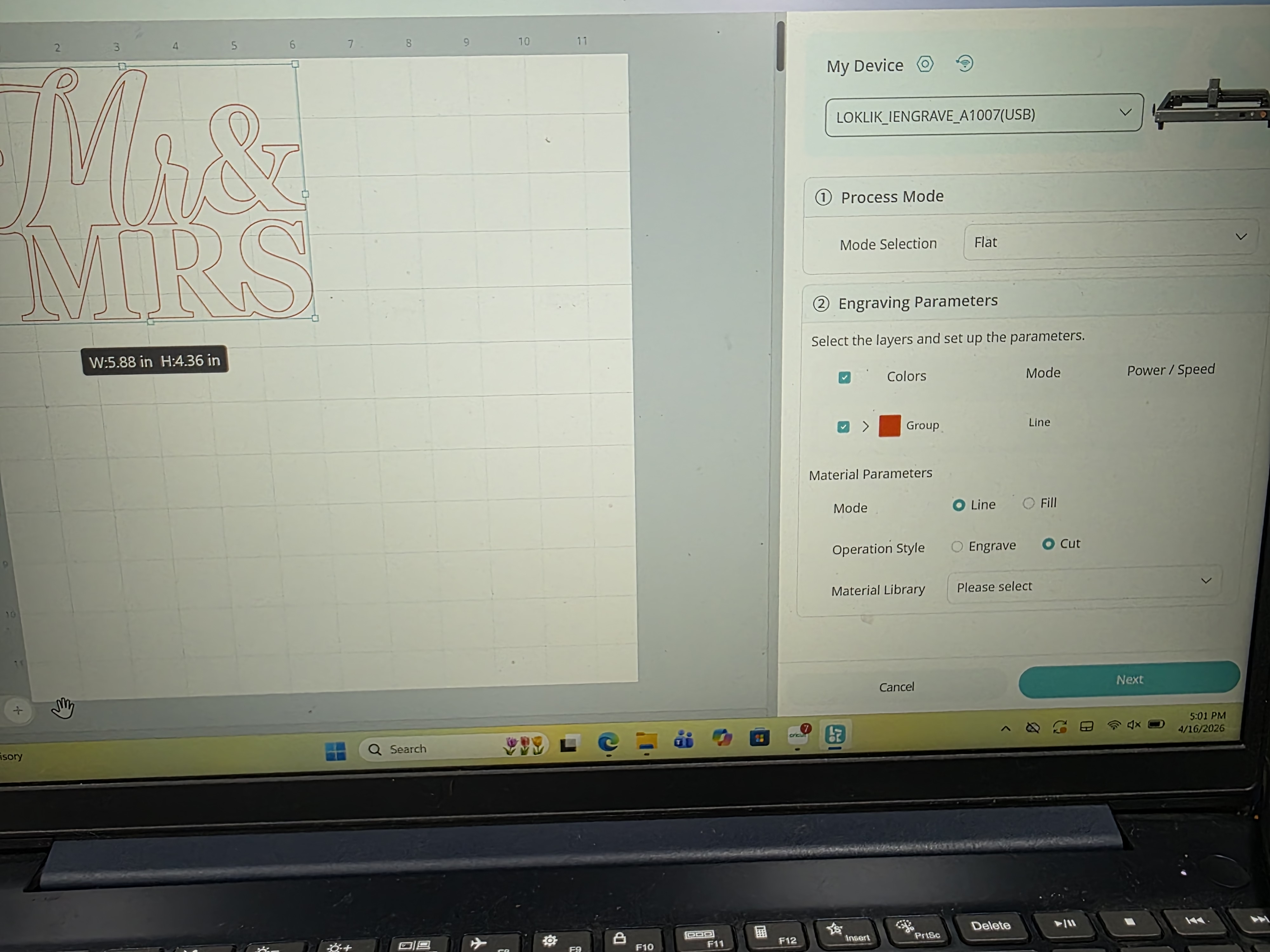
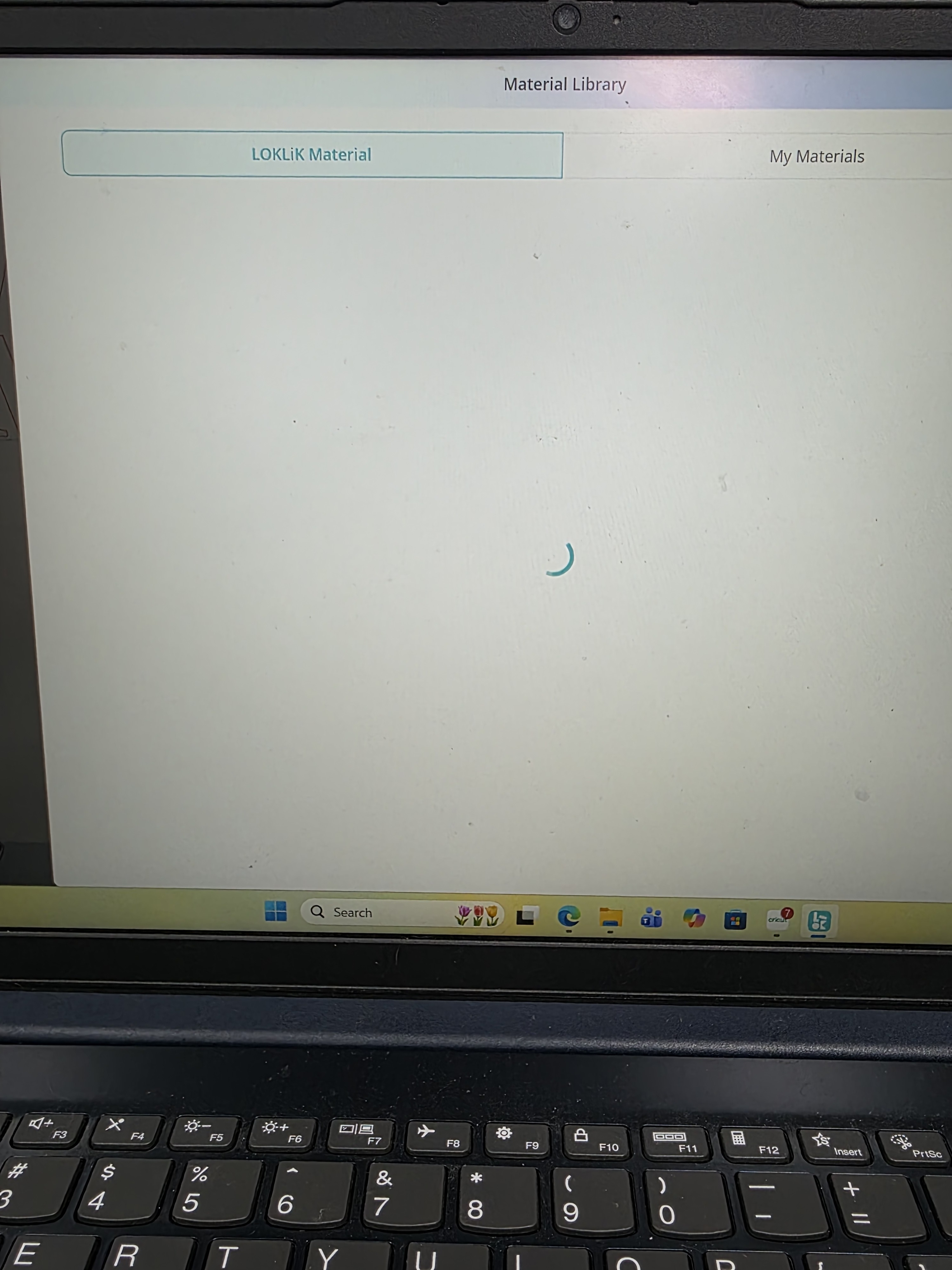
Yes! That’s quite unusual, but the good news is that your machine is completely fine, as @Samantha_Bryant mentioned earlier. Hopefully, the support team will get back to you soon so that you can resume creating beautiful things.
Thank you, @Samantha_Bryant, for stepping in to help our fellow crafter.
1 Like
No need to thank me. I enjoy this, it’s what I’m here for.
2 Likes
Hi, thanks for flagging this.
The tech team is already looking into it now, will keep you posted once there’s an update.
4 Likes
Hi there, the issue with missing data for cutting materials has been fixed. You can try again now and see if it works properly.
3 Likes
Fantastic! Thank you, Olivia!
1 Like
thank u so much
2 Likes
its worked  thank u guys so much
2 Likes
Awesome! You’re most welcome. I’m happy everything is working again! Happy engraving! Feel free to share your projects with us! We’d love to see them.