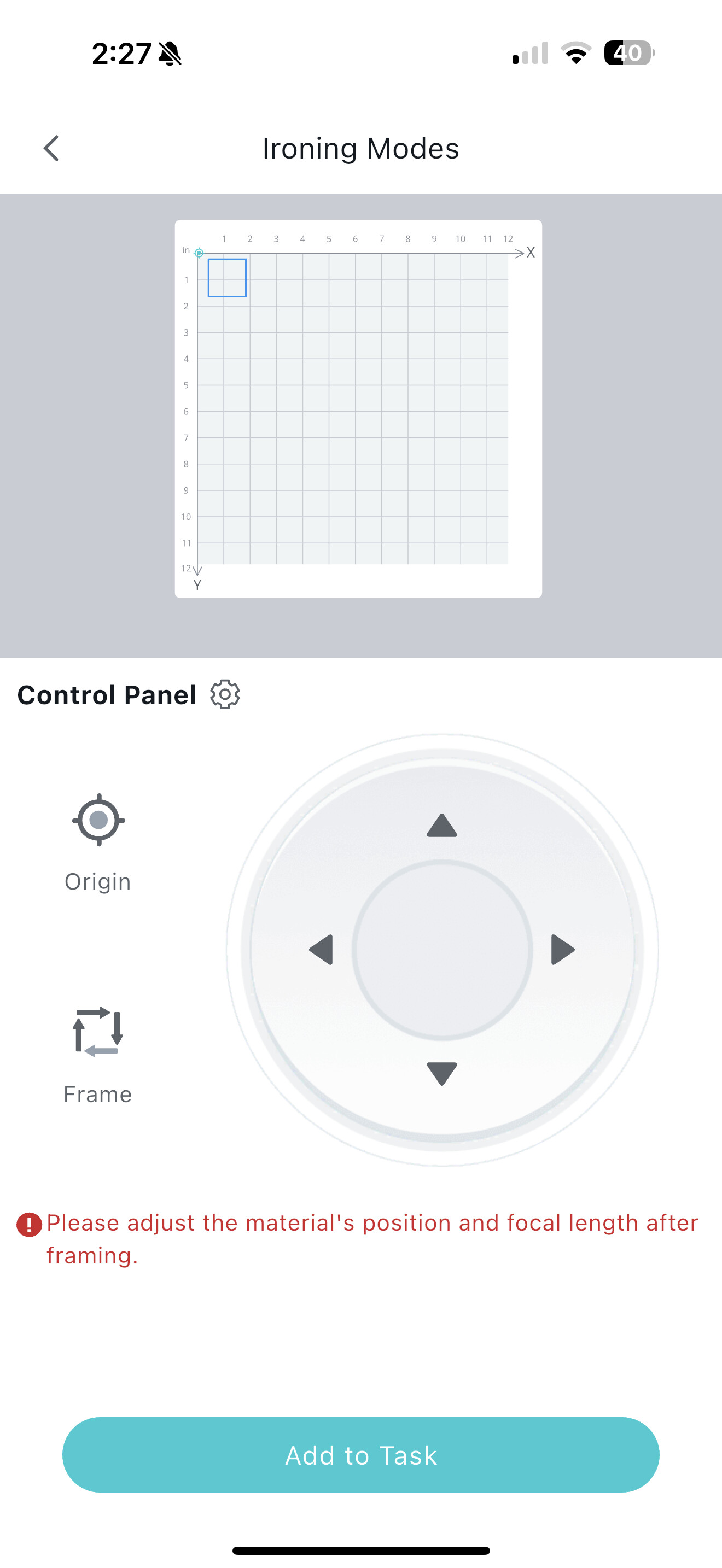
iEngrave will frame but won't engrave

After multiple days of trying to fix my iEngrave because it wouldn’t frame and make a horrible noise, I finally got it to frame but it won’t engrave. I’m lost. I’ve tried resetting the machine, unplugging, manually moving the laser head, disconnecting air assist, etc.

Please help, I’ve never been able to use this machine and I was so excited.

1 Like

Hi and welcome to the community @Aadele_Sill!

Oh no, I’m so sorry you’re going through this—especially after all that effort and excitement. You’ve already done a ton of smart troubleshooting, so let’s build on that and see if we can get your Loklik iEngrave to finally engrave.

Here are a few things to double-check:

1. Material and Settings Match
Make sure the material you’re using is compatible with engraving mode—not just cutting—and that your settings (speed, power, and passes) are appropriate for engraving, not cutting or framing.

2. Firmware and Software Sync
Confirm that your firmware is up to date and that the software you’re using (Loklik IdeaStudio App or LightBurn, if applicable) is correctly recognizing the machine. Sometimes a mismatch can block engraving commands.

3. Laser Head Positioning
Even though you manually moved the laser head, double-check that it’s not too high or too low. Engraving requires precise focus distance—usually around 50mm depending on your lens.

4. Preview vs. Actual Job
If it frames but won’t engrave, check whether you’re accidentally running a “frame” or “preview” job instead of sending the actual engraving command. Some software separates those steps.

5. Emergency Stop or Safety Interlock
Look for any triggered safety features—like lid sensors, emergency stop buttons, or air assist interlocks—that might be preventing the laser from firing.

6. Test with a Simple File
Try sending a basic shape (like a small square or text) to engrave on scrap material. This helps isolate whether it’s a file issue or a machine issue.

You’re not alone—this machine has a learning curve, but once it’s dialed in, it can do amazing things. If you want, I can help walk through your settings or even review a screenshot of your setup. You deserve to feel that excitement again :blue_heart:

In addition, you might want to visit our iEngrave Help Hub for your reference only.

2 Likes

I have been using the LokLik app and My materials and settings do match, I usually just leave the settings as LokLik automatically generates them. I did update my firmware when I was trying to get it to frame. I used the focal thing to determine the distance between the material and laser and I am using the air assist lens if that could be an issue. I am doing the actual engrave command and not just a preview command. All of the safety features are disengaged when using the machine, the emergency stop, the key, and the power switch are all disengaged. And I have been only trying to do a simple square to test out the machine. Nothing has worked.

1 Like

Some users have reported issues when using the air assist with the iEngrave (lidless version). To rule this out as the cause, try temporarily disconnecting the air assist and running your laser without it.

Before you begin, make sure you’ve completed all the essential startup steps:

:white_check_mark: Engage (turn ON) the emergency stop button
:key: Insert and turn the safety keys
:zap: Power on the machine
:floppy_disk: Confirm the SD card is properly inserted
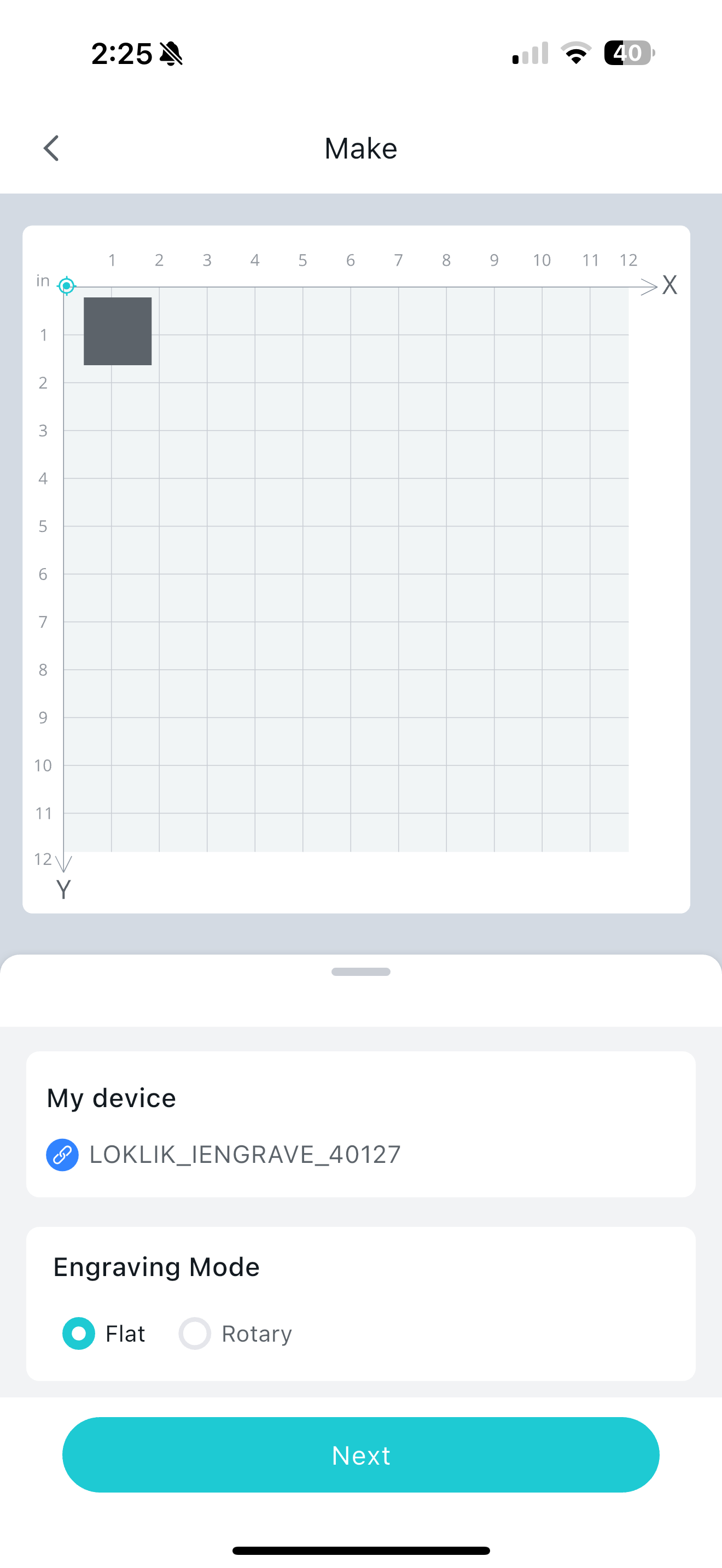
Skipping any of these steps can prevent your laser from functioning correctly. Double-check everything before troubleshooting further!

Here is a video for your reference only to get started with your iEngrave machine:

Also, could you please share your screenshot from your canvas to see what is really happening.

I took out the air assist laser head and replaced it with the factory one. Still not working. I followed the video to a T and followed your steps. Still making this horrendous and only will frame every few times I try to frame it. Will not engrave still. Just makes that terrible sound every time I go to start the job.


1 Like

That sound definitely isn’t normal. Is this the first time you’ve heard it? And just to check—how old is your machine?

I know you’ve already tried manually moving the laser head, but let’s walk through a slightly different reset approach:

:hammer_and_wrench: Manual Reset Steps for iEngrave

1. Manually reposition the hardware:
• Gently slide the laser head from left to right.
• Move the crossbar from top to bottom.
• Then push both the crossbar and laser head firmly into the top-left origin corner (like you really mean it - shove it hard).

2. Power down completely:
• Turn OFF the emergency stop button, safety key, and the iEngrave itself.
• Unplug the power cord from the outlet and wait at least one full minute.

3. Power back up:
• Plug the machine back in.
• Turn ON the iEngrave.
• Engage the safety key and emergency stop button.
• Make sure the SD card is inserted and stays in place—listen for how many beeps it makes.

4. Final step:
• Press the reset button on your iEngrave and listen for any beeps.
• Try framing and engraving again.

:crossed_fingers: Hoping this sequence helps resolve the issue! If the problem persists, it may be time to reach out to support Contact Us – HTVRONT for a possible replacement. Let me know how it goes—we’re rooting for you!

I just got this machine delivered a week and a half ago. I only got it set up maybe four days ago. And it has always made that sound ever since I first powered it on. I figured it wasn’t normal but wasn’t sure. I haven already tried all of the above suggestions, I’ve moved the crossbar and laser head many times. I’ve pushed the reset button many times and unplugged it many times. It only makes one beep, which from what I have read from other help threads, that is normal and how it should be. It has never beeped more than once.

1 Like

Oh no, I’m really sorry—it’s starting to sound like you may have received a faulty unit. At this point, I’d definitely recommend reaching out to support and requesting a replacement.

That said, I’m still excited for you, because once it’s up and running, I just know you’re going to love it! I’ve been using mine mostly for wood crafts (and loving it!), and I’m thinking about trying acrylics next. I haven’t added air assist yet—I’ve been on the fence because I’ve seen a few folks mention their machines started acting up after installing it later on.

I truly wish I could’ve helped more, but I’m rooting for you and sending all the good vibes your way. You’ve got this!

Thank you for all of your help. It’s greatly appreciated even without the ideal outcome.

1 Like