Would you like to get notified on your phone or tablet immediately whenever someone comments on your posts? Want to make it easy to get to the community, edit posts, and/or upload your images to events? It’s really simple. While on the community website, in your browser (community.loklik.com), click the 3 dots in the top right corner.
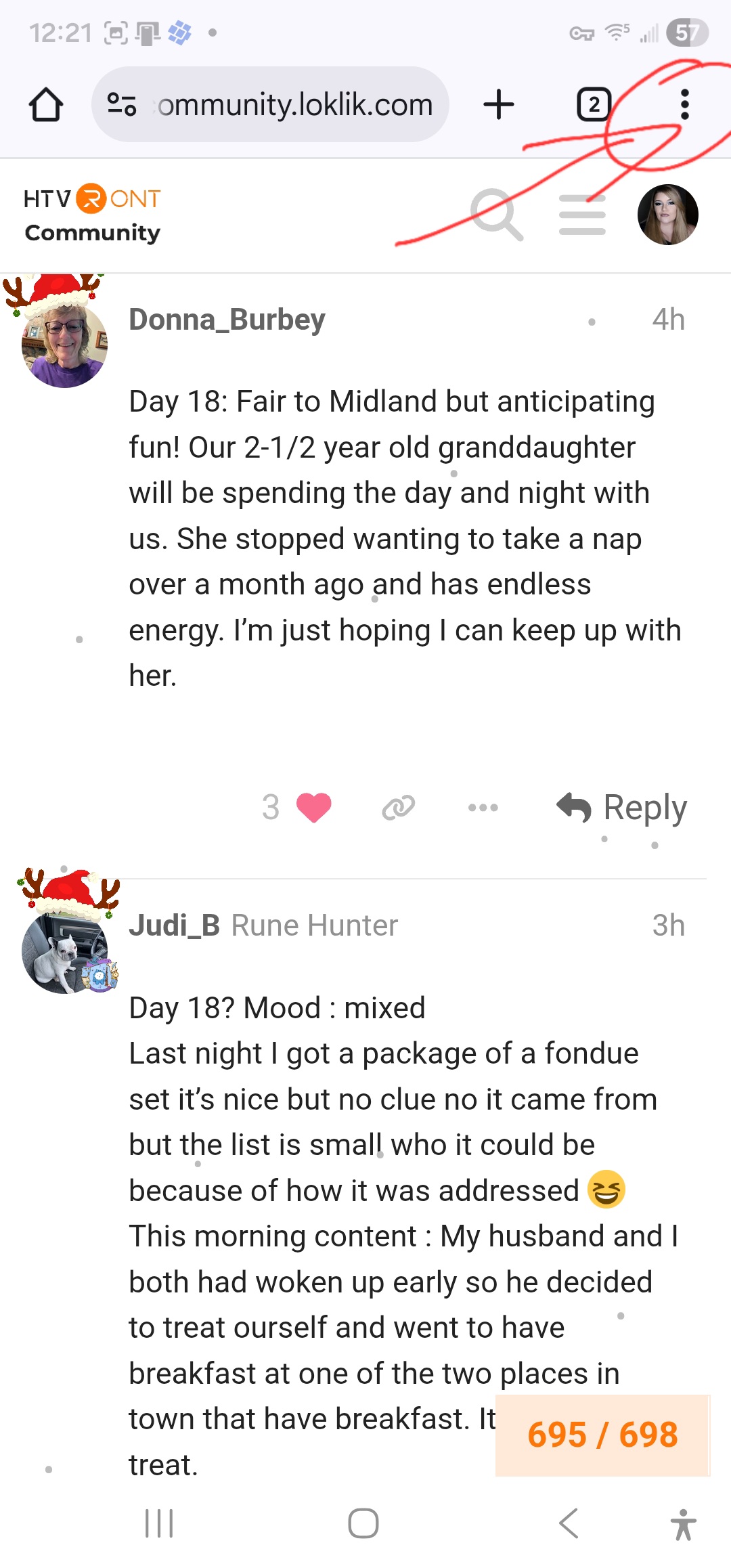
Scroll down and click ADD TO HOME SCREEN

This will create an app on your phone and you will receive real time notifications whenever someone replies to your posts or comments. That way, you don’t miss out on anything important, such as an answer to your help question. I do this with all of the websites that I like to visit often. It’s helped me tremendously, and I hope it helps you, as well. Have a fantastic day, makers!
Edit: As of right now, there’s no way of receiving messages, or notifications for messages, in the Loklik mobile app. When you install the HTVRONT Community browser app, and allow notifications, you’ll receive notifications for messages, and will be able to read them.