i cant get the LOKLiK app to install on my PC
1 Like
Hi @AprilHarper1. Do you have Windows? If so, is Windows Security’s Smart App Control turned on? It may be blocking the installation. You will need to turn off Smart App control.
Turn Smart App Control OFF → Restart → Install the software
Steps:
- Open Windows Security
- Go to App & browser control
- Select Smart App Control settings
- Switch it to Off
- Restart the PC
- Install Loklik IdeaStudio
Once the software is installed, SAC can be turned back on if desired.
Let me know if this works. It could help someone else who may have the same issue.
1 Like
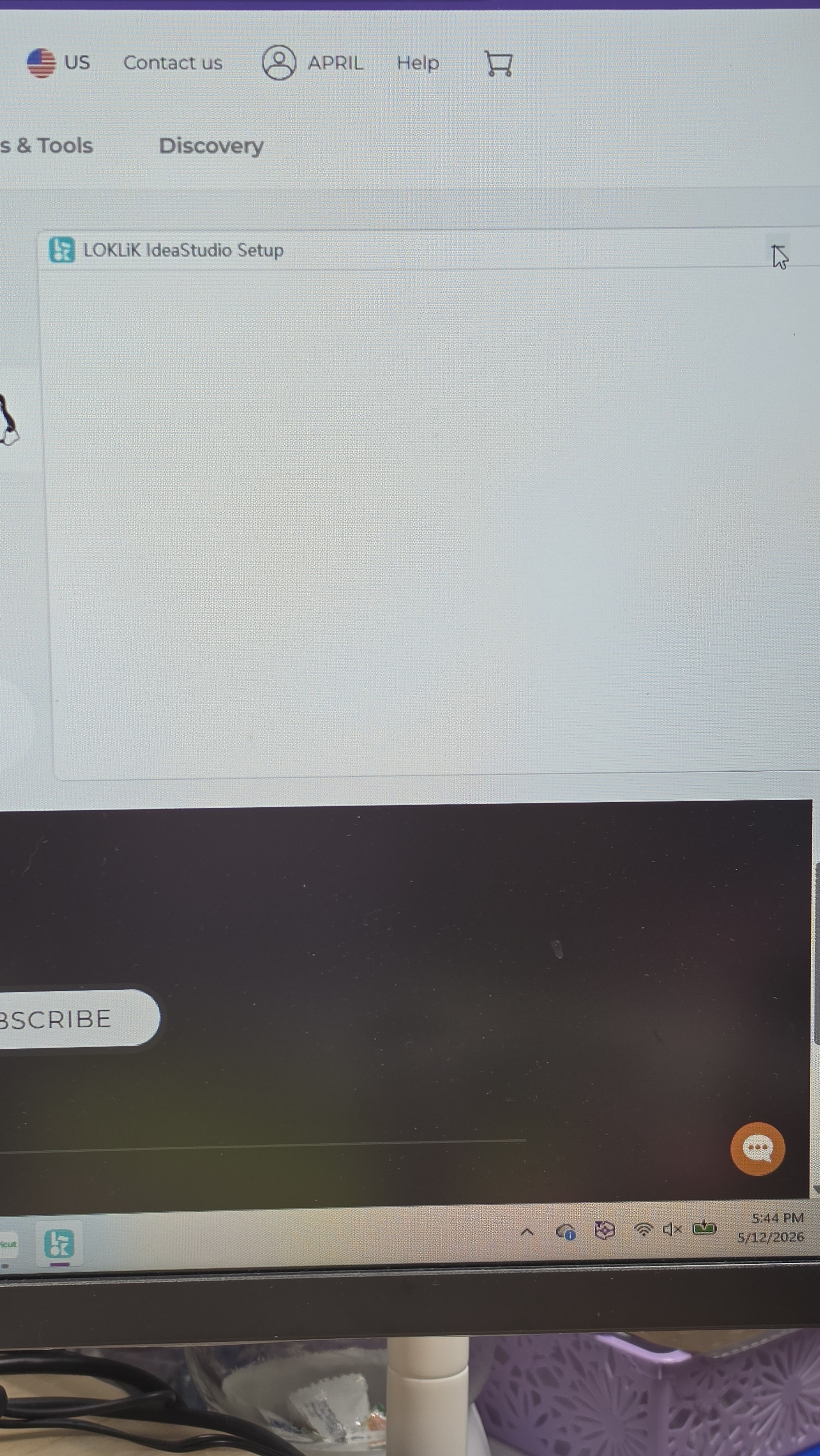
Ok, thanks for the screenshot. Try this:
Step-by-step fix
1. Restart the computer
SAC changes don’t fully apply until after a restart. If you turned it off but didn’t reboot, Windows may still be blocking the installer.
2. Run the installer as Administrator
Right‑click the “LOKLiK IdeaStudio Setup” file → choose Run as administrator.
This bypasses permission issues that can freeze the setup window.
3. Temporarily disable reputation‑based protection
Go to Windows Security → App & browser control → Reputation‑based protection settings, then turn off “Potentially unwanted app blocking.”
This setting can still block Loklik even when SAC is off.
4. Check SmartScreen settings
Under the same section, make sure SmartScreen isn’t set to “Warn” or “Block.”
Set it to Off temporarily, restart, and try again.
5. Re‑download the installer
If the setup window opens blank like in the photo, the file may be corrupted.
Download a fresh copy from Loklik’s official site before retrying.
Why this happens
Even with SAC off, Windows still uses SmartScreen and Reputation‑based protection to block unknown installers. Loklik’s setup file is unsigned, so Windows treats it as suspicious and prevents it from running fully — that’s why you see a blank setup window.
1 Like