Issue Description:
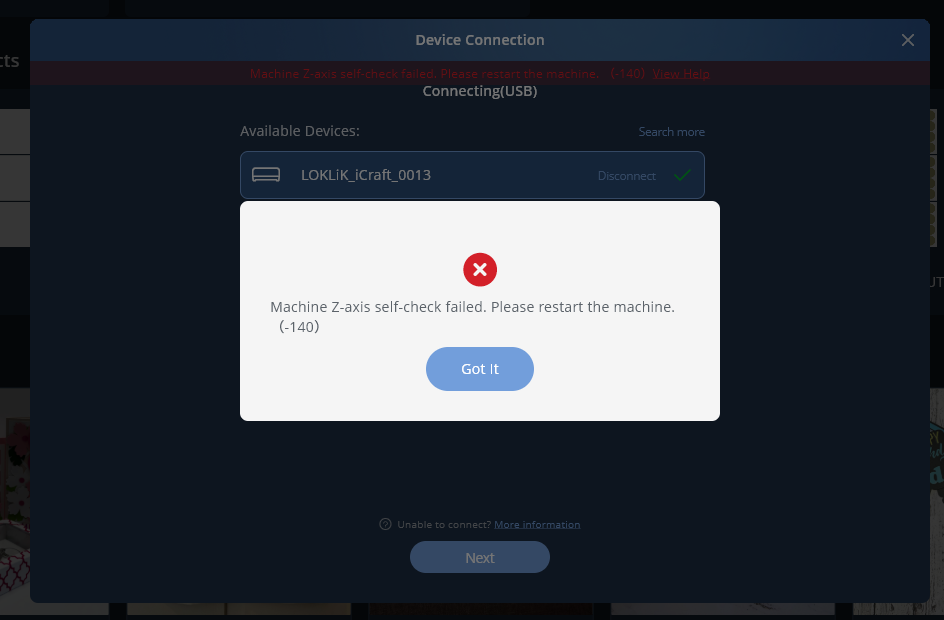
The machine suddenly stopped operating normally and displays the error message:
“Machine Z-axis self-check failed”
Background:
The machine was previously functioning correctly. Upon startup, the system performs its self-check procedure but fails during the Z-axis verification process, preventing normal operation.
Observed Behavior:
- Error displayed: “Machine Z-axis self-check failed”
- Machine is unable to complete initialization/self-check.
- Normal operation cannot proceed after the error appears.
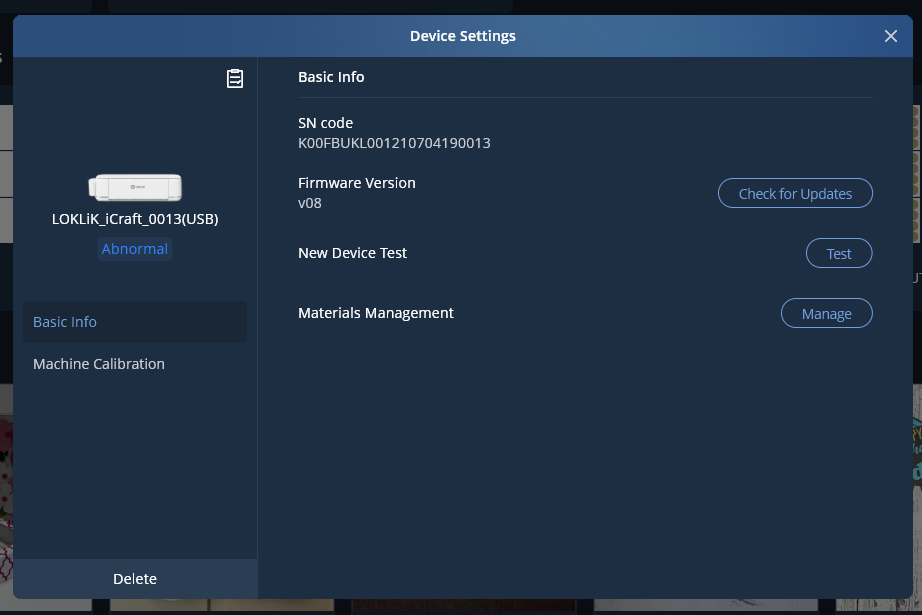
- Unable to update firmware
Troubleshooting Performed:
- Restarted the machine.
- Checked for visible obstructions around the Z-axis assembly.
- Inspected cables and connections for any obvious damage or looseness.
- Relaunched the control software.
Impact:
The machine is currently unavailable for production/use because the startup self-check cannot be completed successfully.
2 Likes
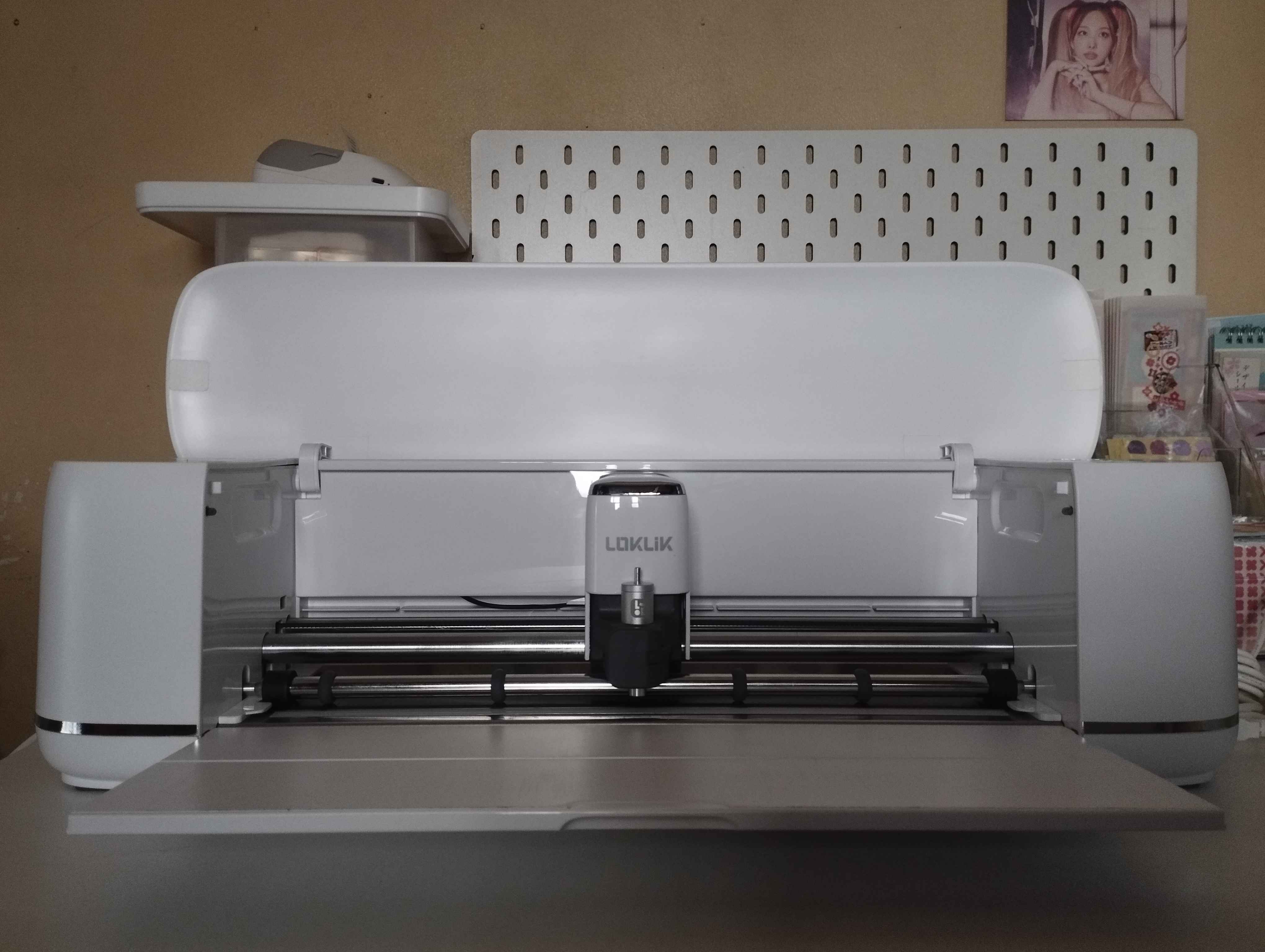
Hi @Minarin. Welcome to the community. This usually happens to me when I try to connect while the lid is down on the machine. Once you restarted, did you try to connect with the lid up, or was the lid still down. If the lid is down, the hinge blocks the module from moving into the homing slot. (The homing slot is the hole in the left side panel in which the module moves into with the little prong that’s on the left side of it.) If your lid was up and it’s still giving you this error, and there is nothing blocking the homing slot, you may want to go into the Help section of the app and send in a Feedback and Errors report. Be sure to toggle the Log Files option. This will send a diagnostic report to support and will help them to pinpoint the exact cause.
1 Like
Appreciated, the local shop here confirmed that it is a faulty unit and they would send a new one for replacement.
1 Like
Ok, so your lid was up when you tried to connect? Did it make a slamming/hard knock sound when it threw the error?