I’ll be honest, I’m used to Cricut and know how to do most things. So my issue tonight is, I’m trying to make a christmas card. I’m trying to do a print then cut, to cut a square that has red and green trees on the front. I do the print, works great, but I want to cut the square out and it simply doesn’t work. It wants to cut every single item. How do I get it to just cut the square. I’ve tried and offset, I’ve tried putting a square behind everything and grouping. There isn’t an attach or flatten option, what am I missing?
5 Likes
I can totally understand your frustration with this as I have been there with it. The easiest way to get around this is to select all your layers press make. Then do print then cut, select print. After your sheet is printed go back to the canvas screen. Now only select the layer you wish to cut, in your case it would be the square. Making sure you don’t move anything on your canvas select that layer only and press make. Now go print then cut, select already printed. Select cut layer and your settings and add to task. Place you print out on your mat. Load your mat and press start. The machine should read the registration marks and then cut out your square. Hopefully this helps, if not I can do some screen shots to show you the process
9 Likes
Thank you, I will try this in the morning! Appreciate your help!
6 Likes
Can’t wait to see what you make.
I have not tried for the print and cut part just print and for that I have just selected to print then cut by hand.
5 Likes
Now I’m waiting for an embossing folder to be delivered tomorrow, LOL
2 Likes
So, you got the print and cut working? Embossing folders are so fun
2 Likes
Mostly, it didn’t cut exactly right, but close enough!! But now I want to emboss a couple things before I put it together.
3 Likes
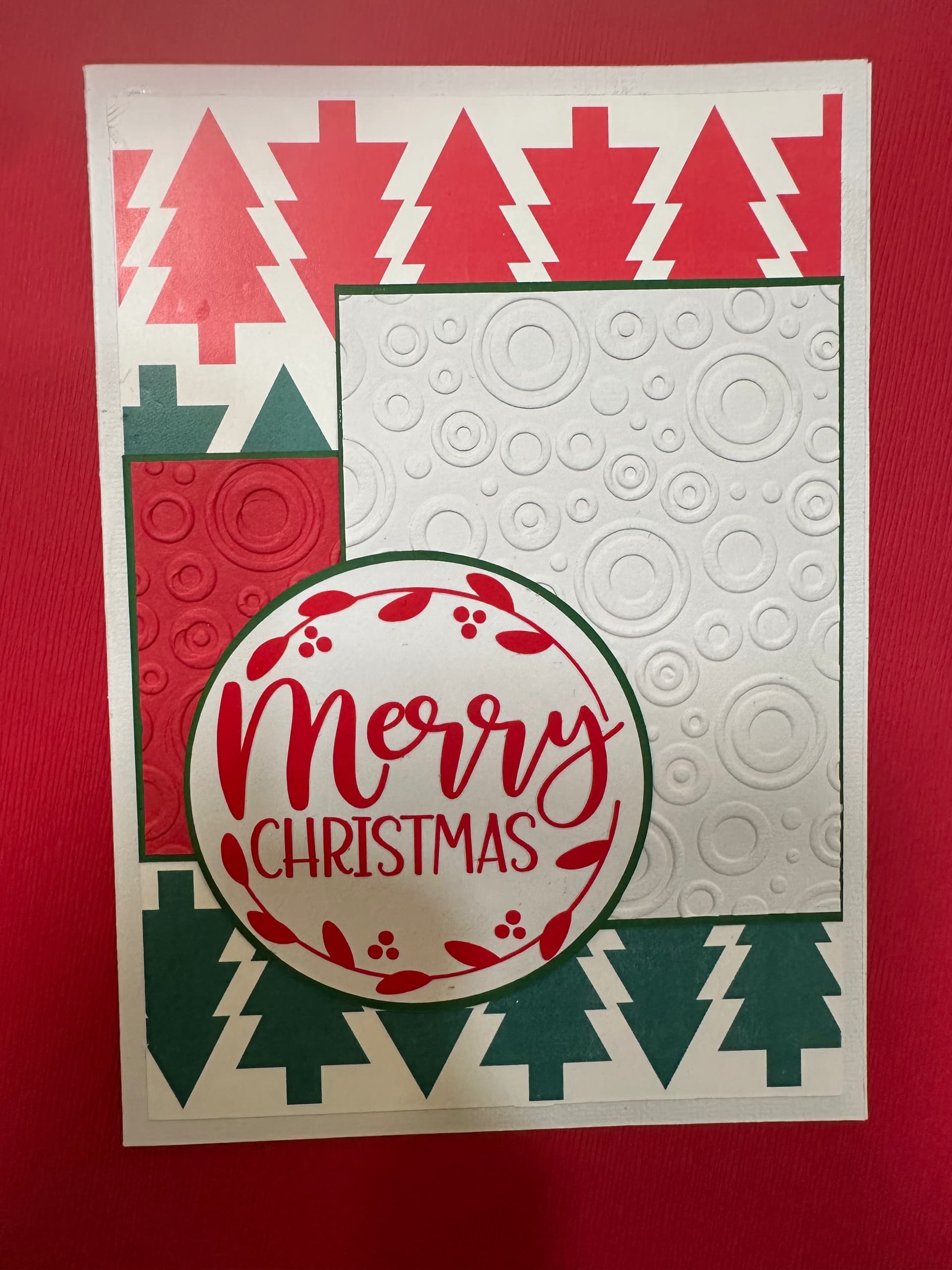
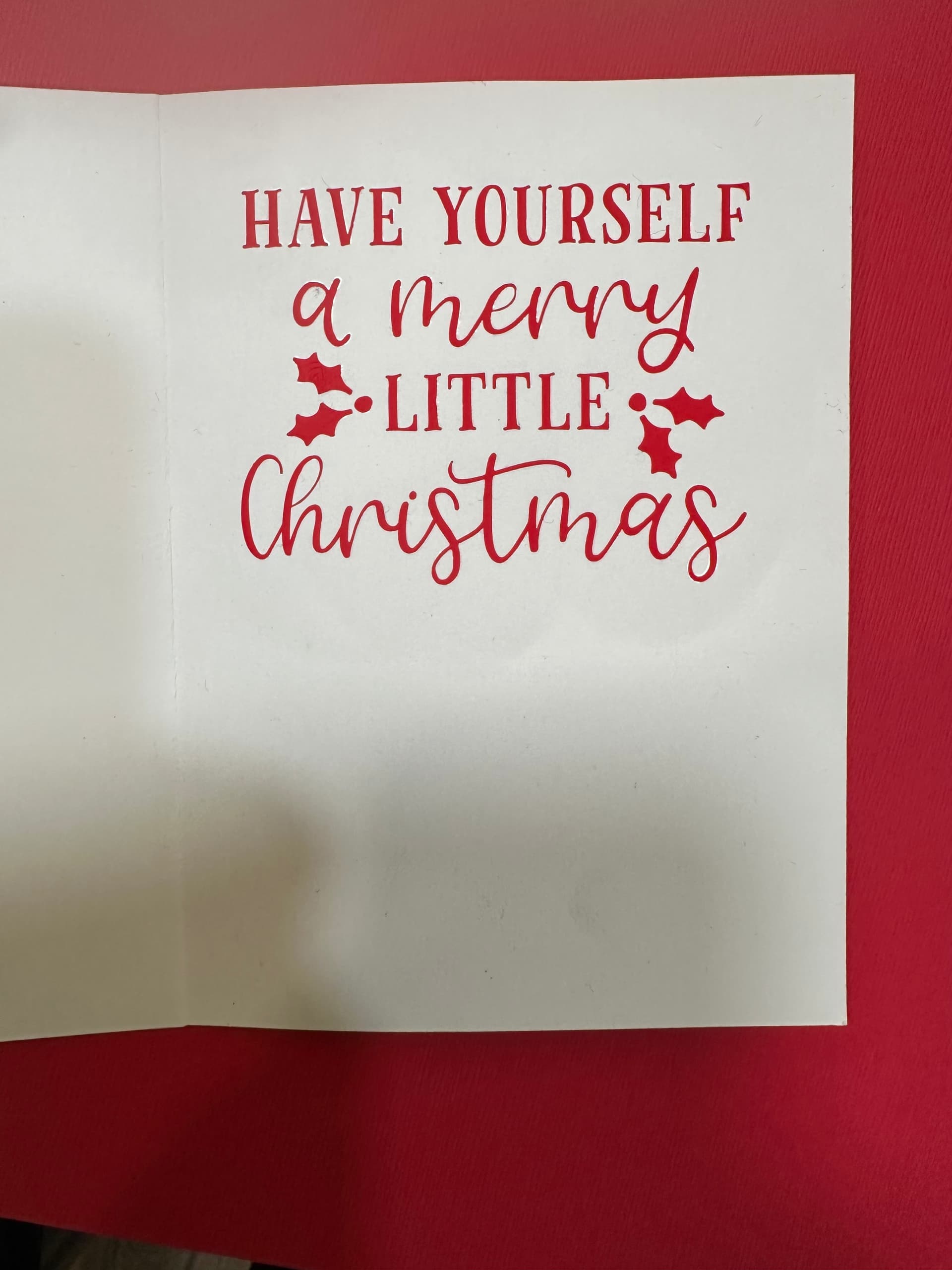
Oh wow, I absolutely love it. Everything goes so well together. Very captivating 
2 Likes
Thank you!
2 Likes