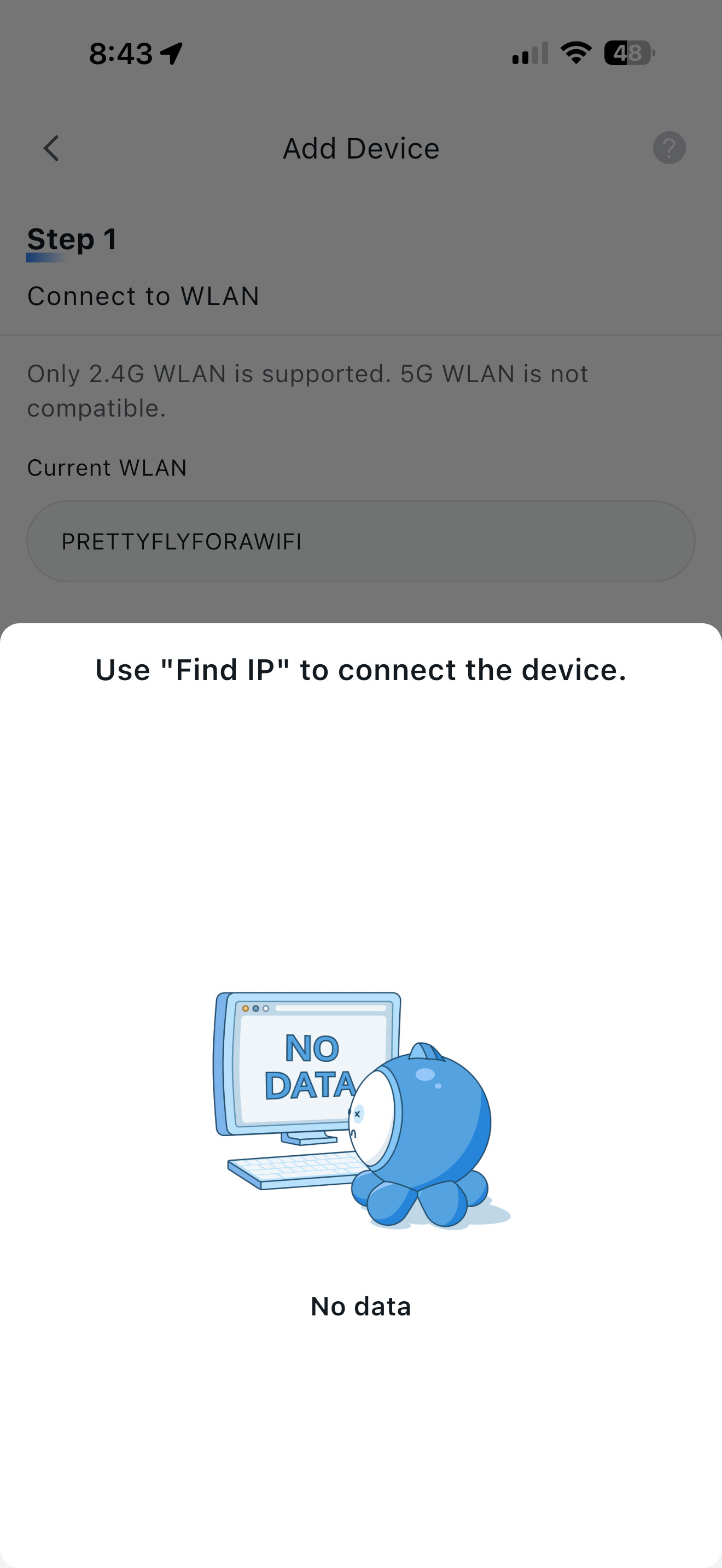
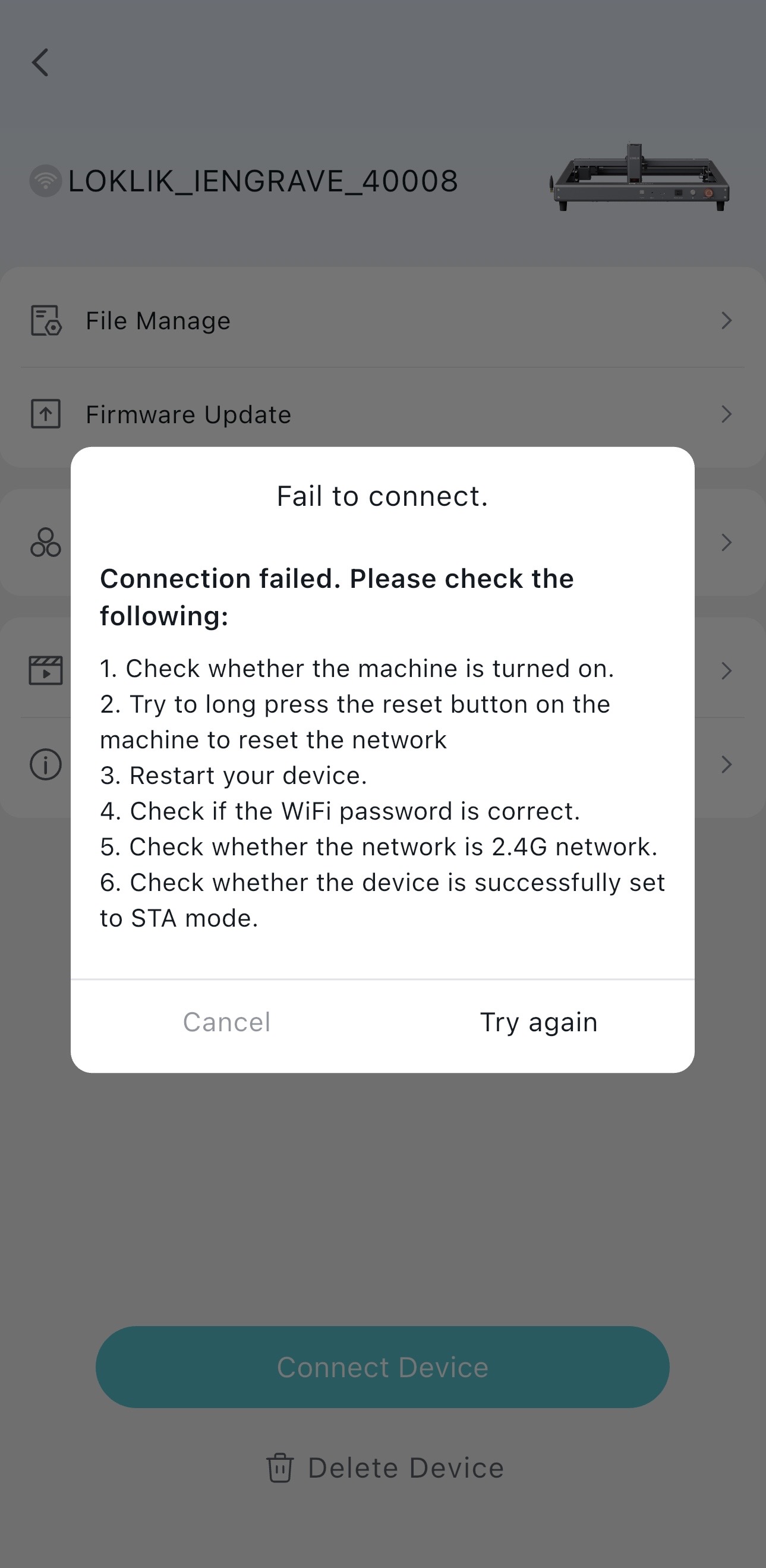
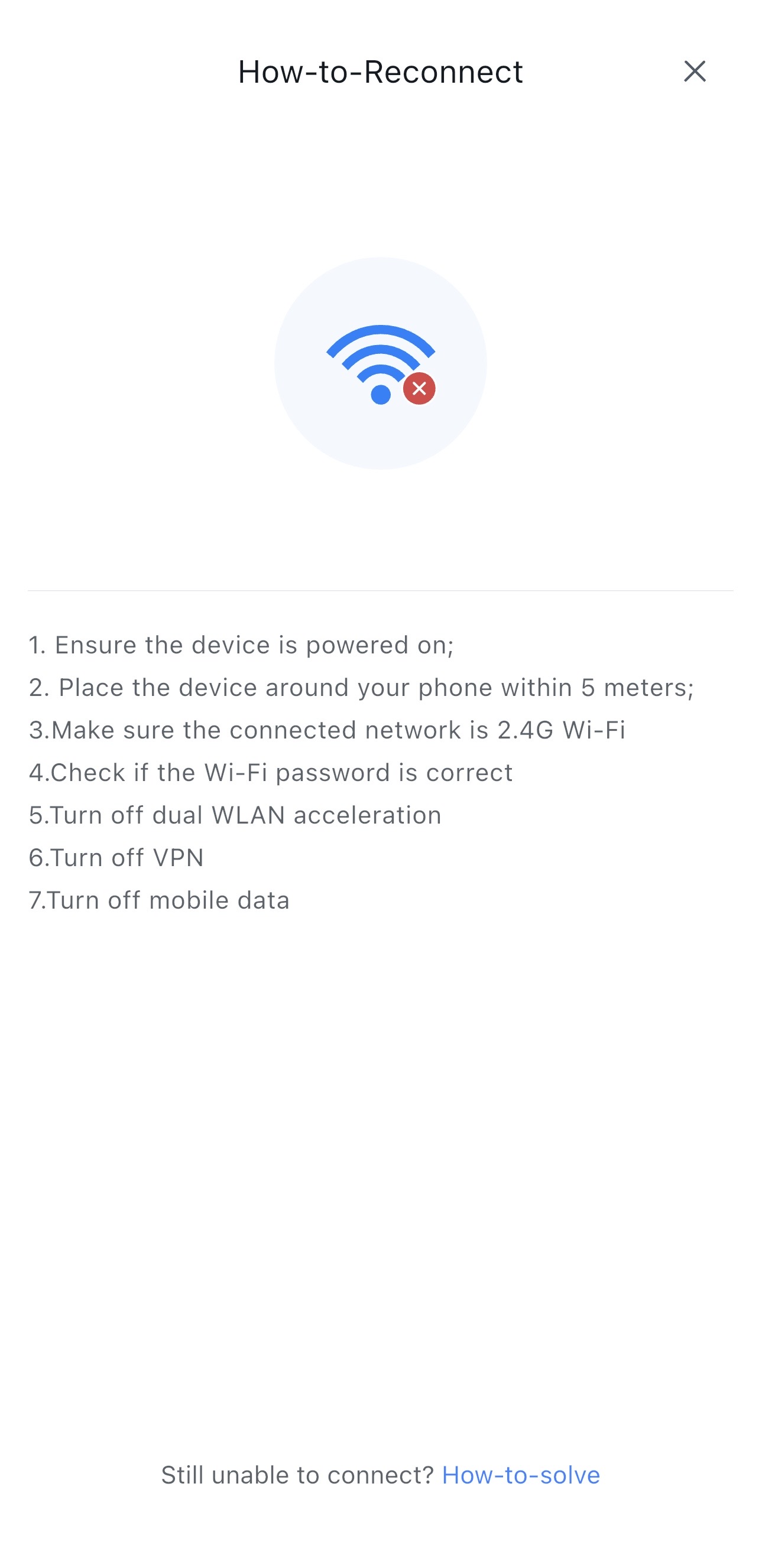
Several members of our community have been experiencing connectivity issues between their phones and their iEngrave machines. So, I created this simple tutorial for anyone who just received their new Loklik iEngrave. If that’s you, follow this step-by-step guide to get connected. These are the same steps you’ll want to follow if your machine ever disconnects from your phone later on.
Here is a quick video tutorial link below:
Enjoy creating wonderful things with your NEW iEngrave Machine!
@rinsky, WOW! —this tutorial is fantastic! Super clear and packed with helpful details. It’s going to be a lifesaver for anyone setting up their new iEngrave, especially those who aren’t super tech-savvy. Thank you for taking the time to break it all down so thoughtfully—this kind of support makes such a difference! Love it!
As always, such a great video! I’ve noticed others asking about this too, so it’s really helpful to see you show how to overcome the troubles and make the connection work.
Thank you so much! I’m really glad it helped—especially since this connection issue has been popping up for quite a few folks lately. I wanted to make sure the steps felt doable even if tech isn’t your comfort zone. If it saves someone a headache (or a few hours of troubleshooting), then mission accomplished! Appreciate you taking the time to share your thoughts—it means a lot.
Hi and welcome to the community @Corie_Kaminki! I’m sorry you have some connection issues. Please check this link and see which one is your set up. I updated the troubleshooting guide to this thread,Lef01 - #18 by rinskyhope it helps!
So, the system isn’t even showing up on my devices. I have it on, the key in, and setting up on my macbook and phone, but it’s not sowing up on blutetooth or wifi. It is also not connecting to a wlan. I am about to call my wifi and make sure that I have the 2.4-update i do have the 2.4
Oh, I see! You are trying to connect with your MacBook and phone. I don’t personally have an experienced with MacBook-iEngrave connections but connecting from your phone should not be an issue. Did you try to follow these steps below? Just wondering. Also, did you try to use the USB cable to see if you can get more established connections (I prefer that way.)?
Hi, @Corie_Kaminki, so I see you were talking with @rinsky in this thread. Did these steps help you last time? If so, maybe, try them again. If you still can’t get it to work properly, your best bet would be to contact Loklik Support. Maybe, they can help you and even provide either a fix or a replacement. Please, let us know how it goes, either way.

 —this tutorial is fantastic! Super clear and packed with helpful details. It’s going to be a lifesaver for anyone setting up their new iEngrave, especially those who aren’t super tech-savvy. Thank you for taking the time to break it all down so thoughtfully—this kind of support makes such a difference! Love it!

 As always, such a great video! I’ve noticed others asking about this too, so it’s really helpful to see you show how to overcome the troubles and make the connection work.
 I’m really glad it helped—especially since this connection issue has been popping up for quite a few folks lately. I wanted to make sure the steps felt doable even if tech isn’t your comfort zone. If it saves someone a headache (or a few hours of troubleshooting), then mission accomplished! Appreciate you taking the time to share your thoughts—it means a lot.