You bet! We are here to help. When things all sorted out for you, please don’t hesitate to share your first sublimated phone case when you get your sublimation printer later.
3 Likes
4 posts were merged into an existing topic: How to rotate image for your H17 Phone Case Heat Press Tutorial by rinsky
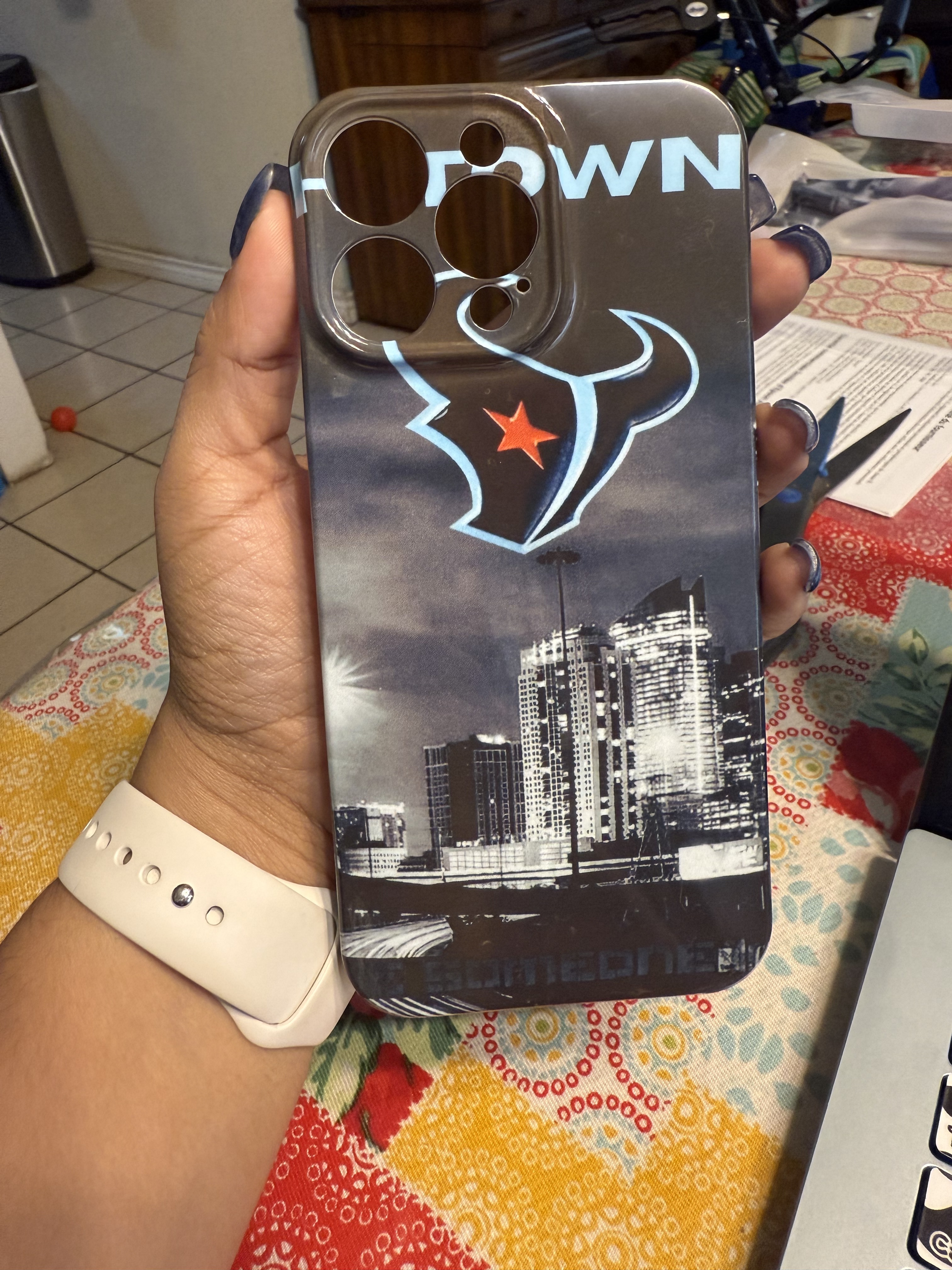

Nice! That came out so fast! 
3 Likes
Great finished project 
2 Likes
Lovely 
2 Likes
Did you ever receive an answer for this? I have an eco tank 15000 and use printer jack sublimation in but no matter what it won’t print on the film. Printed fine on regular sublimation paper but not on the film
3 Likes
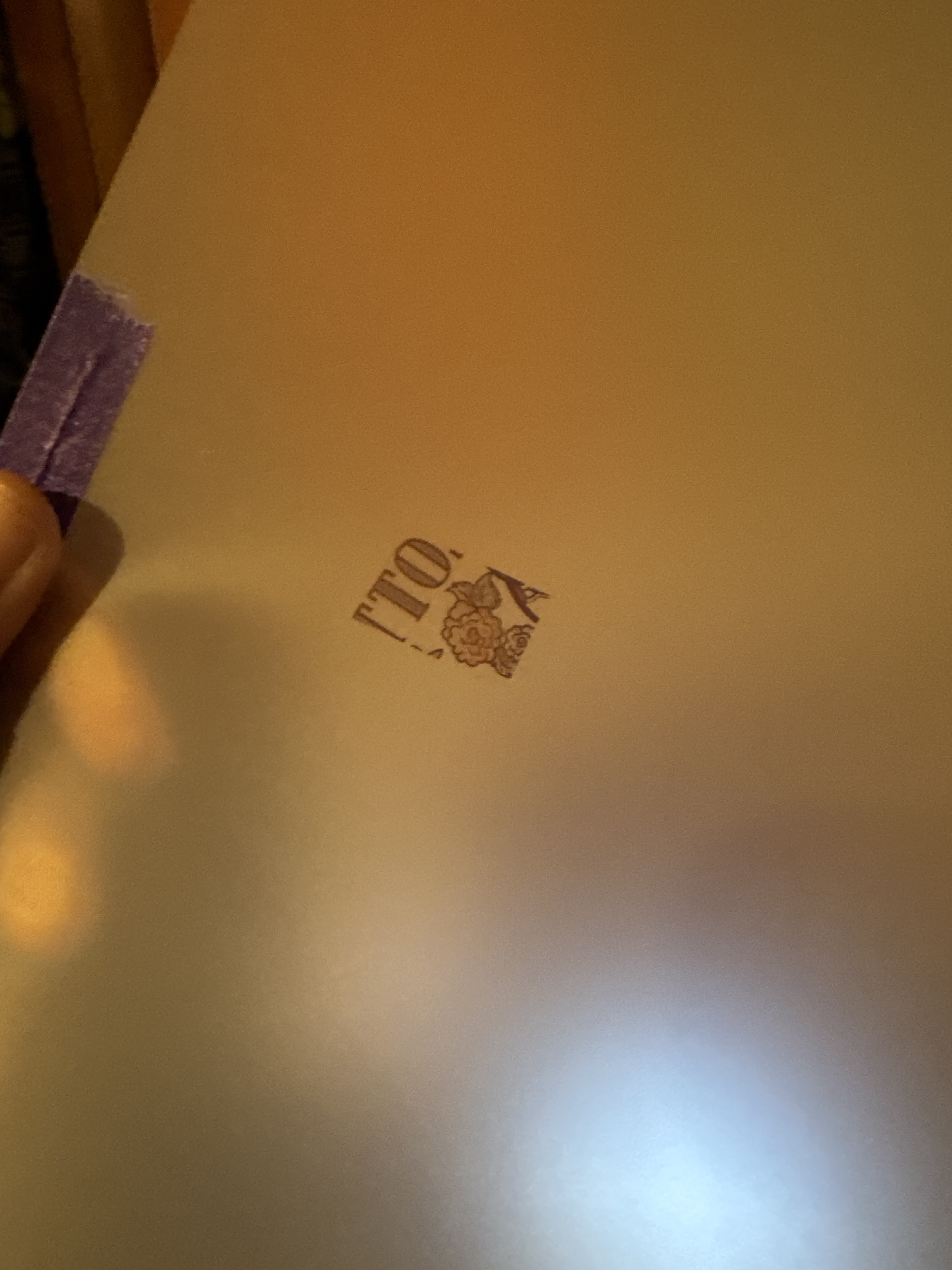
Most people who have had problems getting the sublimation film to go through the printer place a piece of regular copy paper to the shiny side of the sublimation film and attach it with a strip of masking tape. The shiny side makes it hard for the printer to grip and pull it through the printer. Some others have mentioned they needed to go into their printer settings and tick thick paper setting so the printer allows for the thickness of the film. This quick video might help
3 Likes
ive tried everything nothing works properly
4 Likes
What problem are you having?
3 Likes