My projects are not opening as before and from canvas it takes a long time to scroll through the projects and I don’t even see all of them so I guess this is a bug and it’s gonna be fixed!
I prefer the previous way to open the projects.
If anyone has any tips can write in the comments 
@admins
5 Likes
So one click it gets selected and two clicks it opens… I think it’s not practical sorry
5 Likes
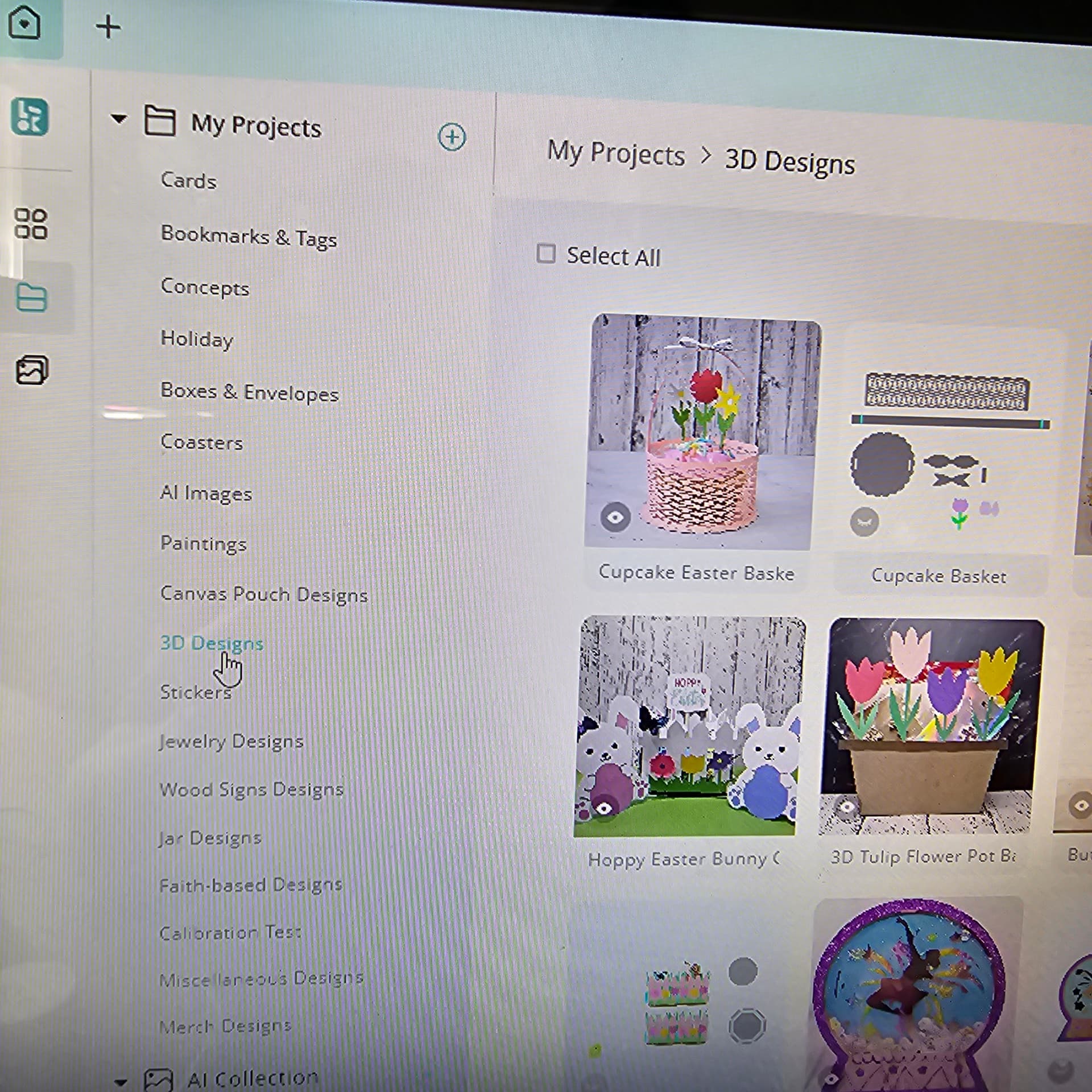
I have to click on my projects 3 times really fast to open them. Or you can just open them from the side panel on the left in My Zone. It’s been this way for a while now. So annoying. I’ve sent tickets about it, but they get ignored.
Also, have you updated to 3.0.2? I just realized last night there was an update sitting in my notifications for 3 days. 
4 Likes
Both ways are not practical lol yes I just updated it but didn’t check what’s new or what changed lol
4 Likes
It gave us a Smart Nesting feature, which I find pointless. It basically separates all the colors into sections, so they can be layered, but I can just hide all the colors but one, set the parameters for it, then, hide that one and reveal another set of colors, and set parameters for it, so on and so forth. But smart nesting wants to place the different colors all over the canvas. It really makes no sense to me. Really disappointed in it. Just a new tool for everyone to be confused by.
4 Likes