Tengo dos días que descargue la ultima actualización y ahora ya no imprime mis imágenes, solo imprime formas pero si agrego en imprimir y cortar no lo hace, se queda solo la pantalla que mandara a imprimir y nada.
ya intente con formas y con esas si quiere pero las imágenes no, alguien sabe cual es la solución?
¡Hola Janeth! Gracias por compartir lo que te está pasando — no estás sola, y vamos a encontrar una solución juntas
Este problema suele estar relacionado con cómo el software interpreta las imágenes después de una actualización. Aquí van algunos pasos que podrían ayudarte:
Verifica el formato de la imagen: Asegúrate de que esté en PNG o JPG. A veces los SVGs o imágenes con transparencias pueden fallar tras una actualización.
Convierte la imagen en una forma sólida: Intenta usar la función “Flatten” o “Merge” si está disponible, para que el software la reconozca como un solo objeto imprimible.
Reinicia el software y la máquina: A veces, un simple reinicio puede resolver conflictos internos tras una actualización.
Prueba con una imagen nueva: Descarga una imagen diferente y prueba si esa sí se imprime. Esto puede ayudar a identificar si el problema es con el archivo o con el sistema.
Reinstala el software: Si nada funciona, considera desinstalar y volver a instalar la aplicación para asegurarte de que no haya archivos corruptos.
Si necesitas ayuda paso a paso con alguno de estos puntos, ¡aquí estoy!
In English:
Hi @Janeth_Galeana! Thanks for sharing what’s going on — you’re not alone, and we’ll figure this out together
This issue is often related to how the software processes images after an update. Here are a few steps that might help:
Check the image format: Make sure it’s a PNG or JPG. Sometimes SVGs or images with transparency can glitch after an update.
Convert the image into a solid shape: Try using the “Flatten” or “Merge” function if available, so the software sees it as a single printable object.
Restart the software and your machine: A simple reboot can sometimes clear up internal conflicts caused by the update.
Try a new image: Download a different image and see if that one prints. This can help you figure out if the issue is with the file or the system.
Reinstall the software: If nothing else works, uninstall and reinstall the app to make sure there aren’t any corrupted files.
If you’d like step-by-step help with any of these, I’m here!
My loklik icraft is just 3days old, and trying to calibrate it but today its not working, the mat is not loading. it’s not cutting, only the power button is on
Hi and welcome to the community @Corrine_Gail_Lopez! Since your Loklik iCraft is just 3 days old and you’re already running into issues, that’s definitely frustrating—but let’s troubleshoot together. Here are a few things to check:
Quick Troubleshooting Steps
Mat Not Loading: Make sure the mat is inserted correctly and aligned with the guides. Try gently pushing it in while pressing the “Load” button.
Not Cutting:
Check if the blade is properly installed and not obstructed.
Ensure the cutting settings in the software match the material you’re using.
Try a test cut with a different material to rule out software or blade issues.
Only Power Button On:
Confirm the USB or Bluetooth connection is active.
Restart both the machine and the software (Loklik IdeaStudio).
Check for firmware updates in the app.
Still Not Working?
If none of that helps, I’d recommend reaching out to Loklik’s customer support for warranty help or a replacement C.
Let me know what happens after you try these steps—I’m here to help you get crafting again!
Ugh, I feel your frustration, @Corrine_Gail_Lopez That’s so disappointing—especially with a brand-new machine. Just checking—did you update the firmware before trying to calibrate and follow the steps above? Has the seller gotten back to you yet? If the machine’s defective, you might be eligible for a return or replacement under warranty. Fingers crossed they make it right!
Might sound a joke, but… did you tried to unplug and plug again after a minute? It has solved it all the times I had a not responding to something problem.
That and reviewing if all the mechannics where correctly in place, meaning, properly placed blade or pen (when they are lower that they should, the machine senses it in the first tap and freezes which is a good mechanical security system although it doesn´t alert with a message), the holders lids well closed…


 Consejos Avanzados para Solucionar Problemas con Imágenes en “Imprimir y Cortar”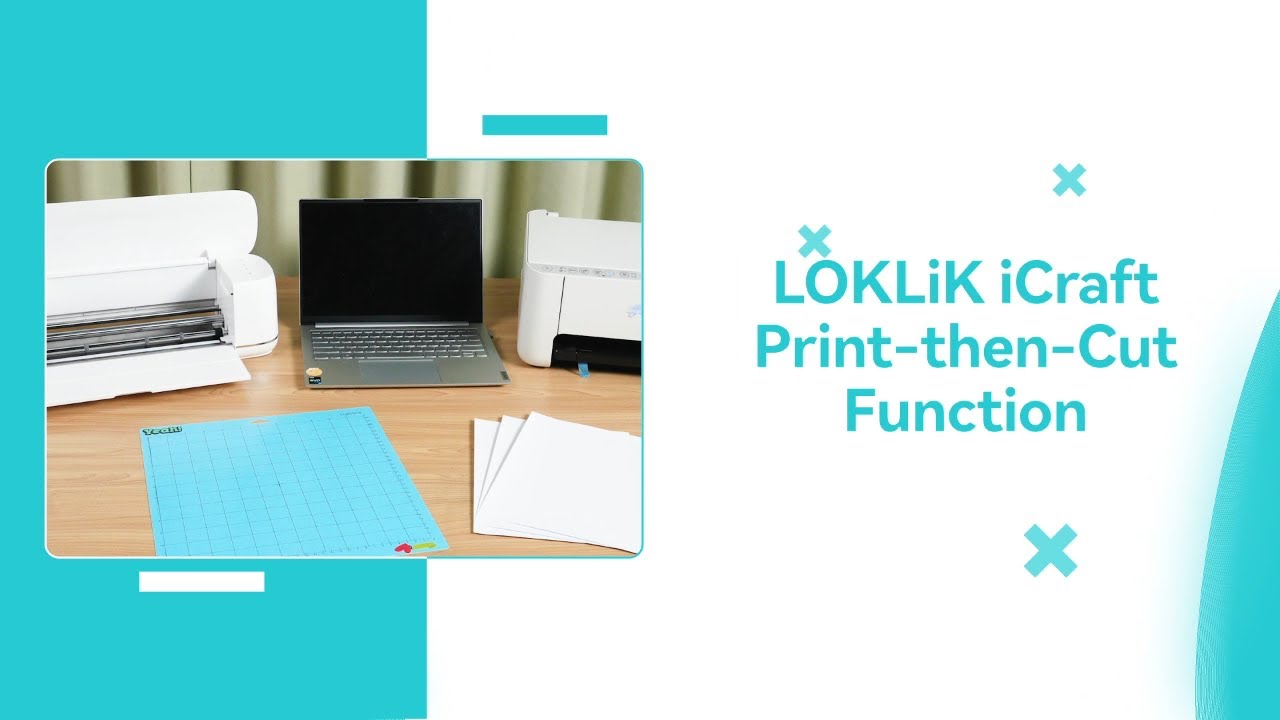

 Still Not Working?
 That’s so disappointing—especially with a brand-new machine. Just checking—did you update the firmware before trying to calibrate and follow the steps above? Has the seller gotten back to you yet? If the machine’s defective, you might be eligible for a return or replacement under warranty. Fingers crossed
  they make it right!