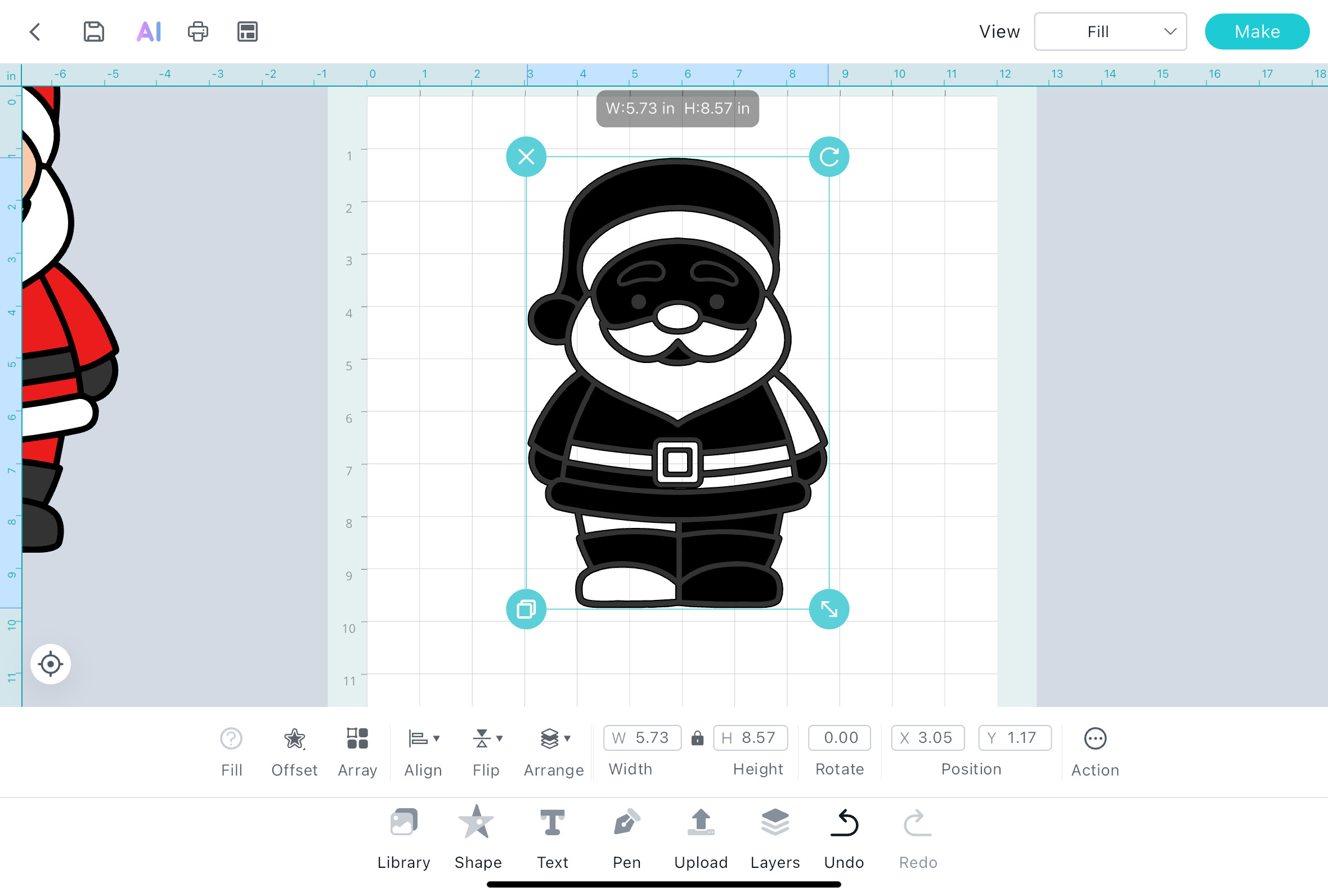
When I try to use the offset option, it does not apply correctly to the image, as shown in the image below.
How shoul I proceed?
2 Likes
I’m not sure it is not working well. What I see is that you’re trying to apply an offset and you may want it to fill the black drawing line gaps?
If so, sorry if I mis understood, I guess you’re aproaching it wrong. You should get a combined full shape of the drawing and then apply the offset to that combined silhouete. Does it fit and make sense to you? Or is it a complete other thing happening? Why are there blank shapes? It is what I don’t get of that image and the relation to an offset, as there’s no offset in the image.
Please explain a bit more for us haha
2 Likes
Thanks @redhada and I’m sorry, but I didn’t explain it well. I was using IS on my iPad, and the offset didn’t leave the image as leaked as in these screenshots I took from my computer screen.
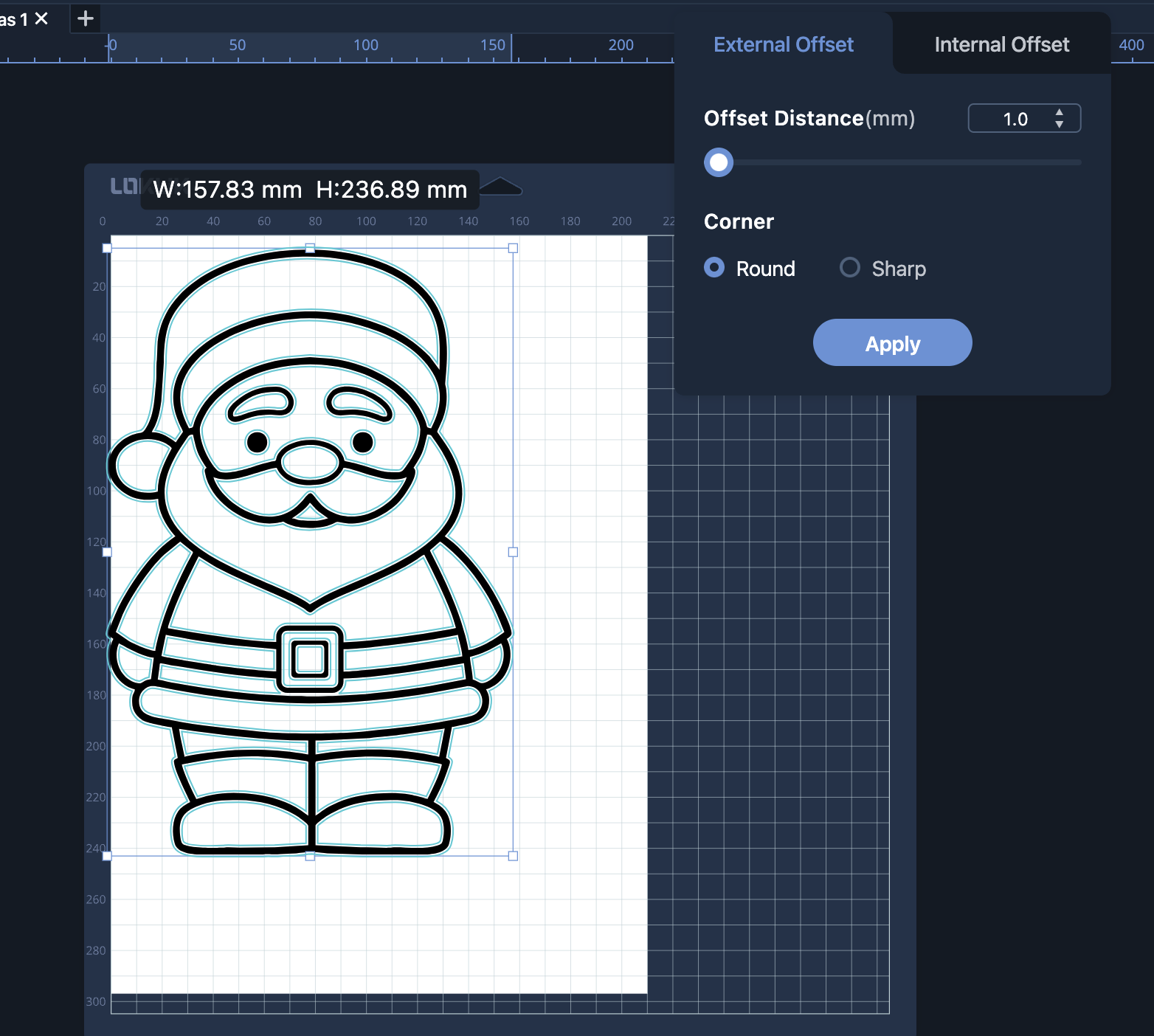
On my computer, I got the result I wanted, but every time I use the app on my iPad, it gives me problems.
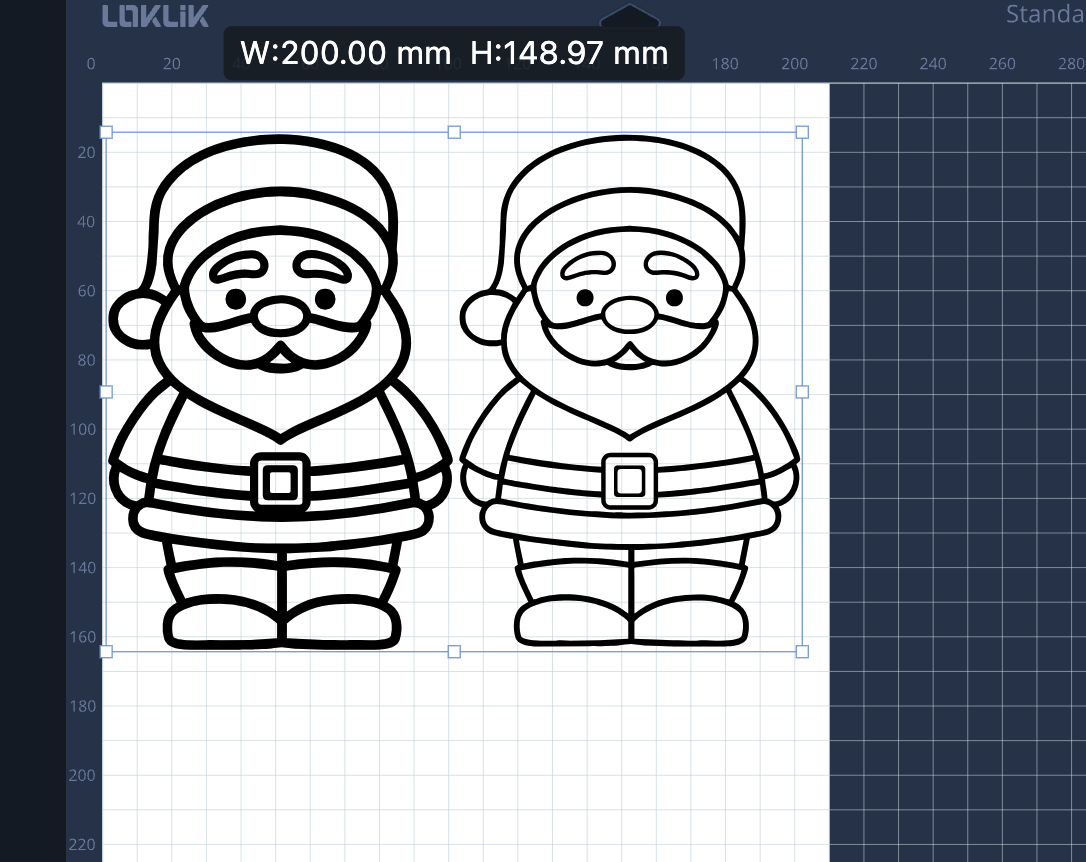
This is what I was trying to do:
3 Likes
good morning Jana @jana_dori, have you thought about completing your design on your computer and saving it, because the iPad IS project will then be synchronize and you can go and get the project out of IS on the iPad and continue on, do you think that will work. 
3 Likes
Ohh I see @jana_dori ! What a strange behavior! Not a surprise that I couldn’t understand you talking about offset related to your screenshot 
Yes. I guess you did as @InkiteeWorkshop pointed out, that’s the best solution.
3 Likes