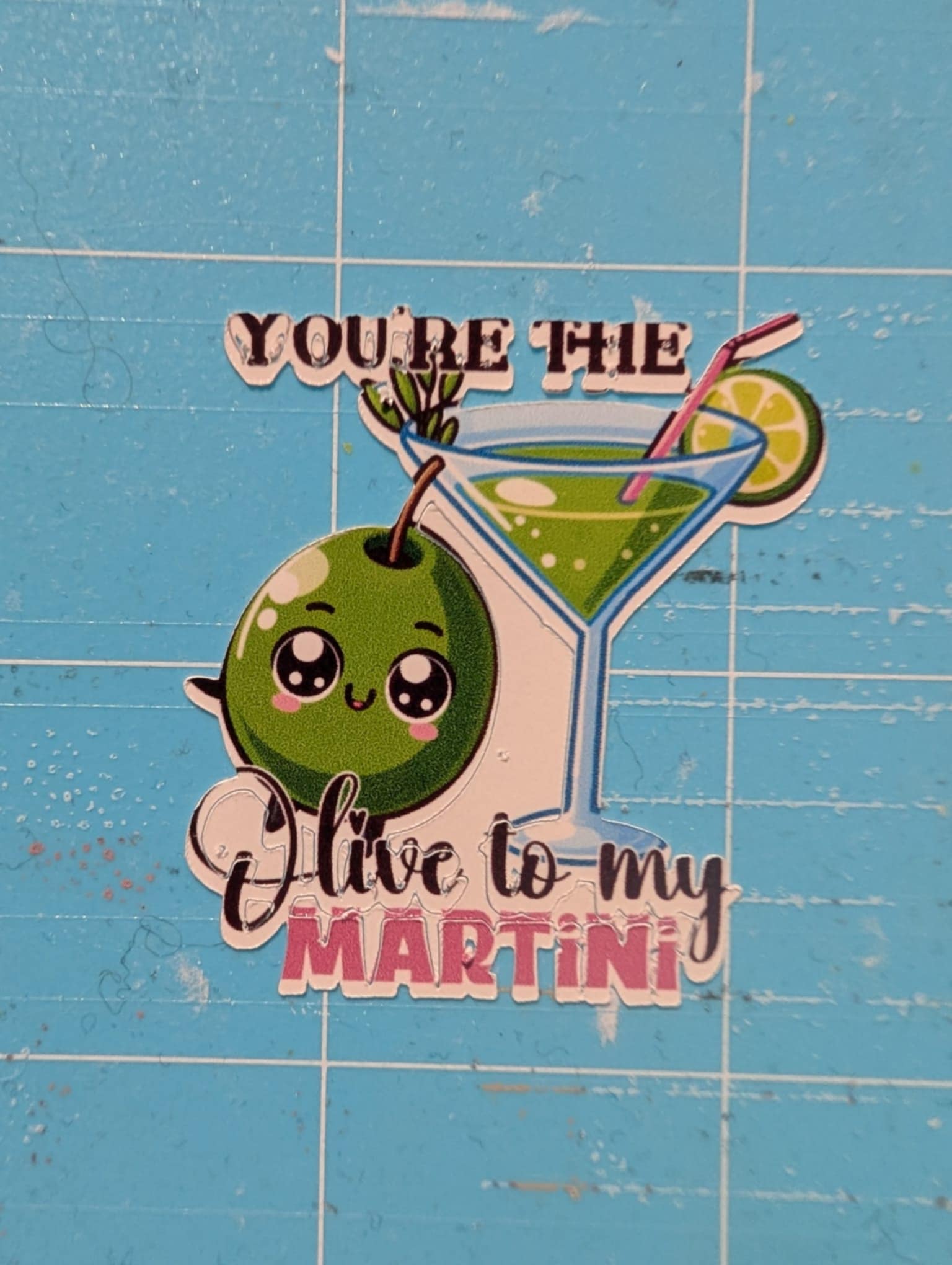
Print and Cut with iCraft

So apparently you can Print and Cut with the Loklik iCraft even though the material isn’t placed at the exact left corner touching the grid.

Maybe this was added after the recent update since I tried this before and it the reg marks were not read then. But after the software update this is now possible. Thank you @LOKLiKCommunity. Looking forward to more updates with improved and new features :smiling_face_with_three_hearts:


12 Likes

Oh this is very cool you always make me wanna run to print and cut and try it again :joy:

3 Likes

Wow this is great!

3 Likes

ohhh atleast pwede na mamove!

4 Likes

THank you ! How do you cut just on the line of your pictures ?? I always have blank under… My Icraft is closed and I use scissors now…

4 Likes

Hope you can explain more or share a picture of what is happening or what you widlsh to happen

3 Likes

Here’s how it cuts

2 Likes

Has this been calibrated?

1 Like

Yes, I followed everything I found here about calibration

2 Likes

And it’s only when I use my own designs. For designs from the library it’s ok

2 Likes