Those are great! Nice idea for party favors or for individual sticker sales. I like whole sheets of stickers since my clients use the same design over and over and its easy storage.
6 Likes
The iCraft is better at making stickers. In the crafter it was a struggle. But the Crafter cuts htv, vinyl and other materials well as long as it’s standard cut
6 Likes
Thank you ! I did everything exactly as you did and it always cut 1 or 2mm under my circle… ALWAYS ! I have lost dozens of sheets… How do you do to stick to the picture ?
7 Likes
Make a “calibration” search in the forum and you’ll find many topics on that, with all the key factors to get a perfect match to the shapes.With the common answers given to different people and hints fot their particular case.
Don’t use valuable materials till you feel comfortable with your results along the process.
It’s easy, you’ll see. Once you control the 6-10 factors that may be throwing the bad results 
I could search for some links for you, but it’s better your own search as there are many topics, similar, but not equal.
6 Likes
Thank you
3 Likes
Thank you but despite everything, it still cuts on the side…
3 Likes
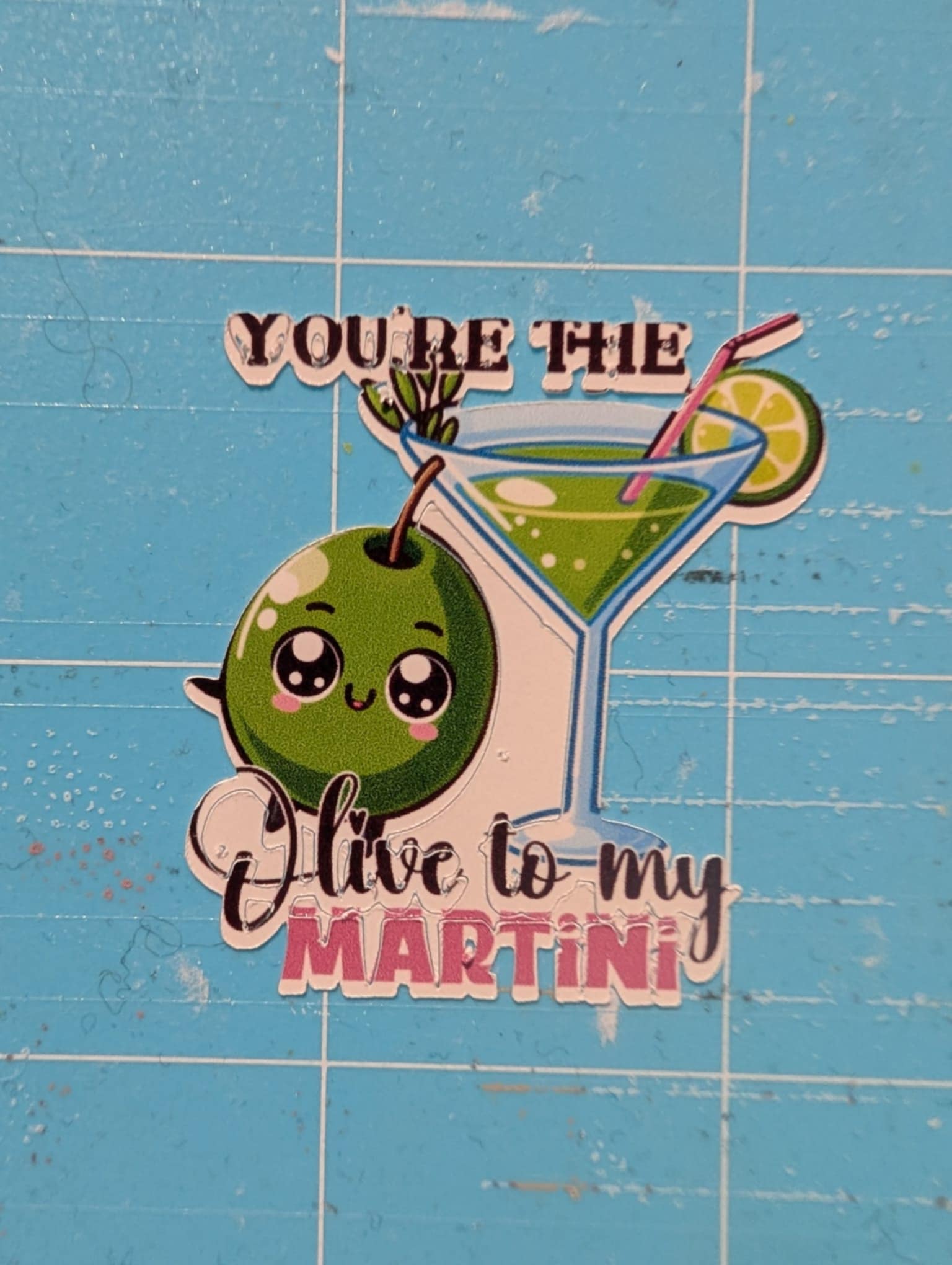
@Ludivine_SANTINA-BLE the learning curve can be a bit slow, but not than much, so don’t give up.
Here is what you can do:
- Reset calibration, then perform a row of 3 calibrations for fine tune. Be sure to print 100% scale and have proper lighting.
- Make a test with a grid of squares in a print then cut sheet. Allways be sure to print 100% scale and have proper lighting.
- Post the third calibration and the test sheet here so we can help you find what’s happening

4 Likes
ok thanks !
4 Likes
The squares are perfectly cut, I test with one of my own PNG desings 
4 Likes
Fingers crossed. Do it with the same conditions, same regular paper first
3 Likes
it’s ok ! thank you very much for your help !
4 Likes

4 Likes
Is transfer paper the same as sticker paper? Confused. What type of paper is going into the printer, not the loklik, to be printed on?
2 Likes
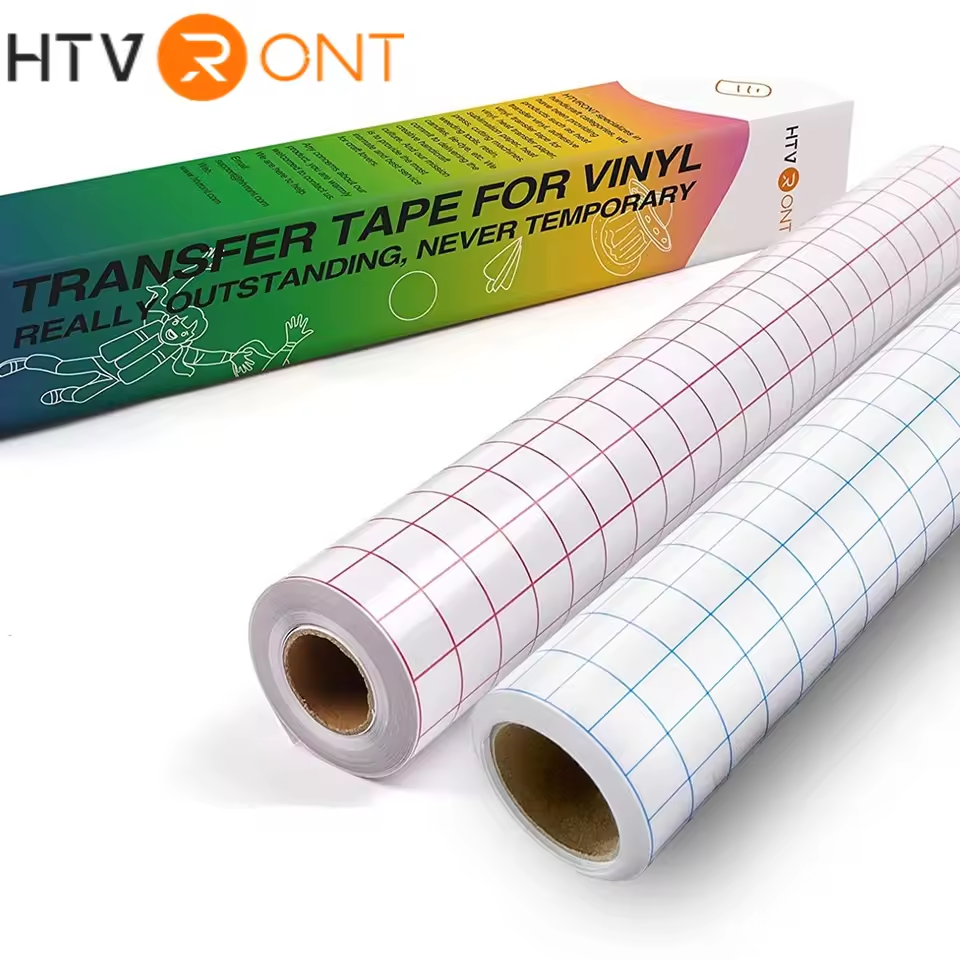
Transfer paper is used to transfer adhesive vinyl from the backing to the blank. It’s normally clear and has grid lines on it and normally comes in a roll.
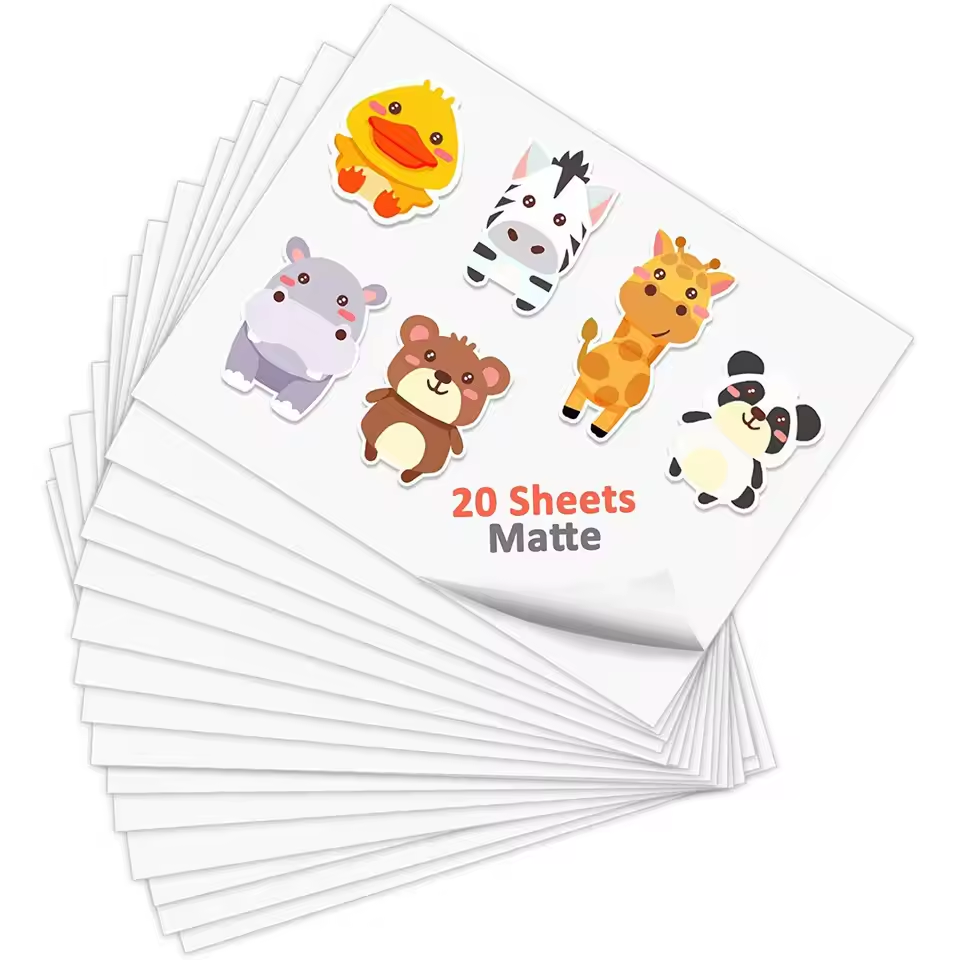
Sticker paper is a paper sheet that has an adhesive backing to make it like a sticker. These can be matte or glossy. Come in printer size like A4 or US letter. This is normally used to do print then cut projects. The printer prints the design and then your LOKLiK crafter or iCraft reads the registration marks and then cuts around your pictures.
3 Likes