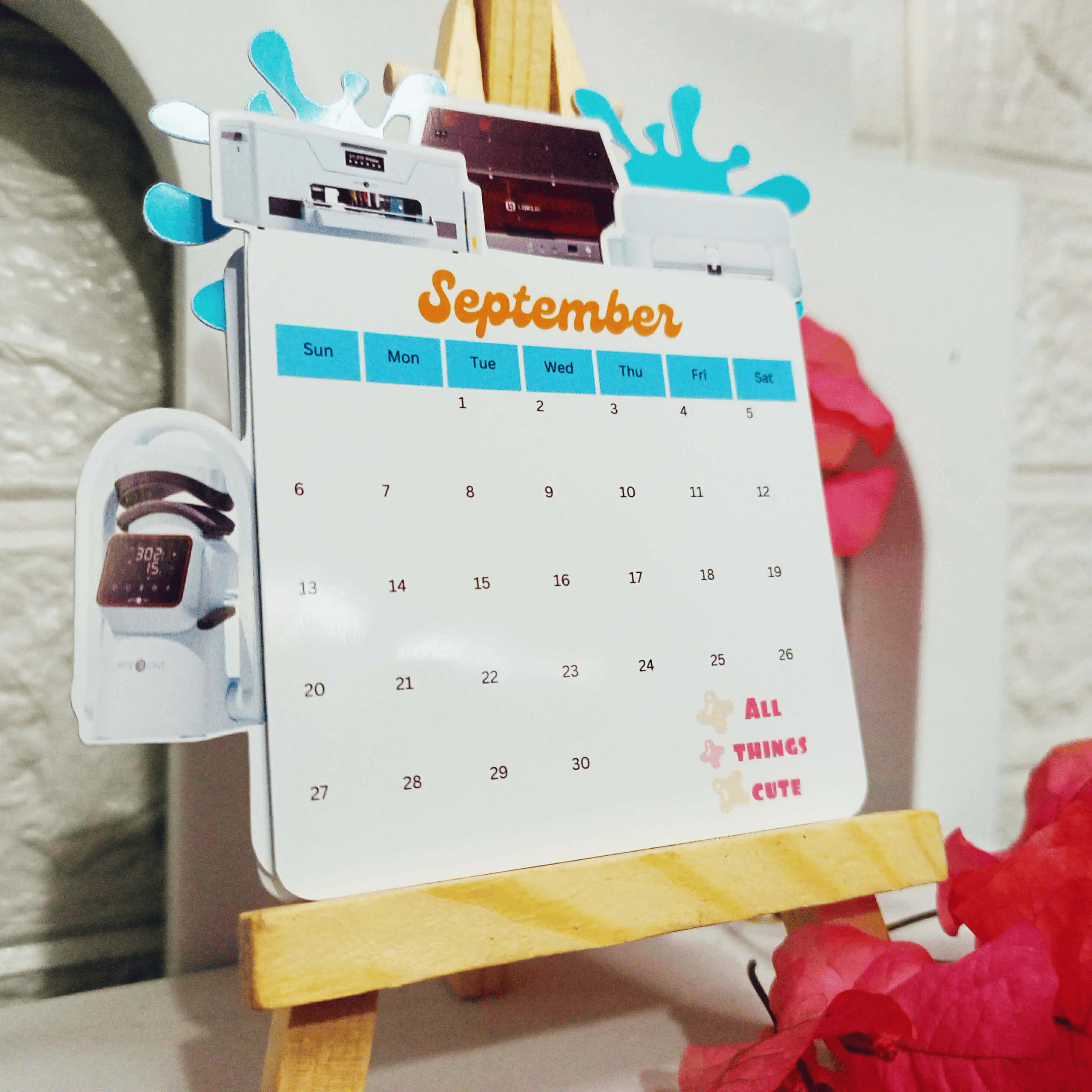
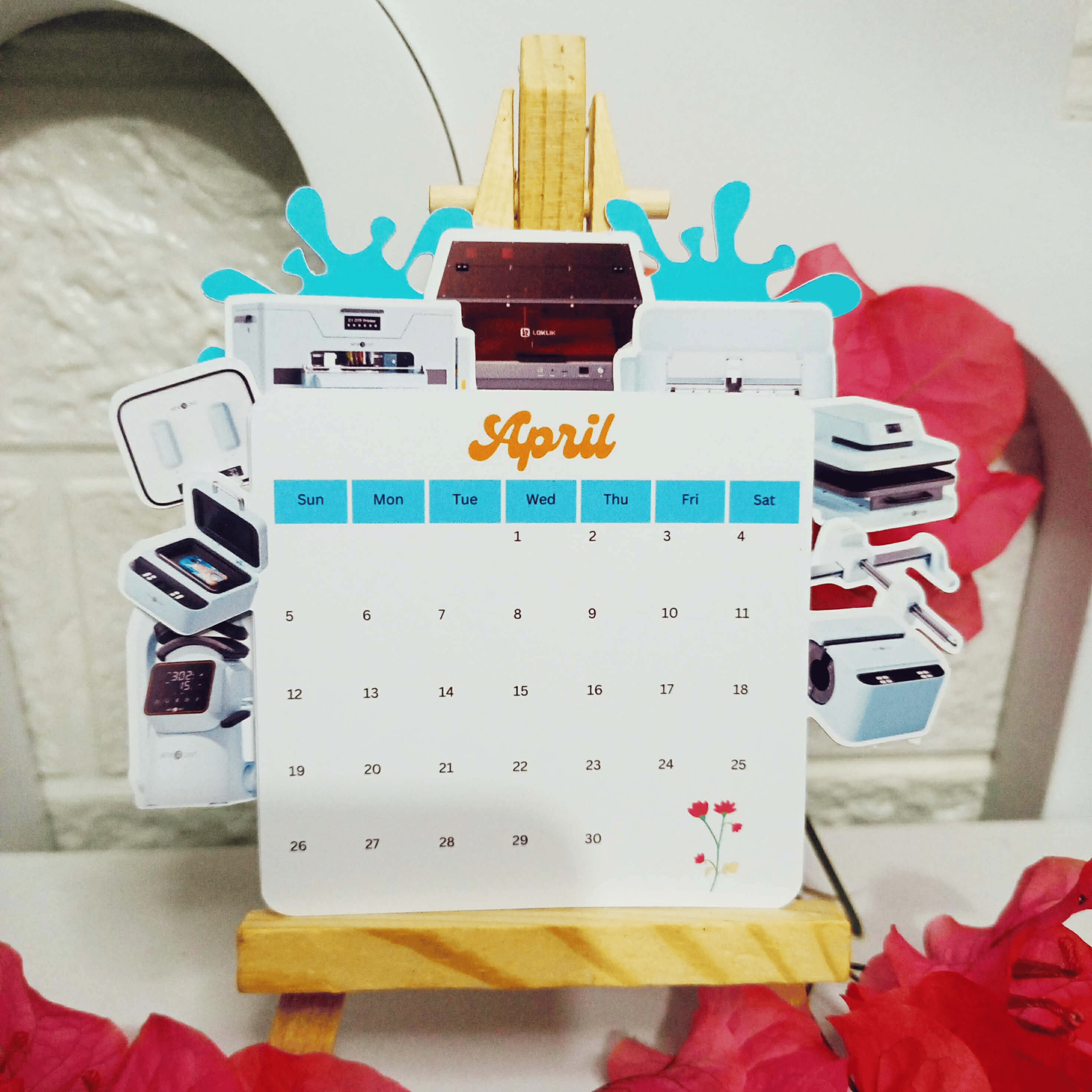
The Loklik and HTVRont machines truly stand out as extraordinary creations, blending innovation with creativity in ways that inspire endless possibilities. Last anniversary, I celebrated with my “7 years, 7 machines” milestone—a vision of the tools I dreamed of having. Now, as a meaningful reminder of that journey, I’ve crafted a Loklik/HTVRont desktop calendar. This calendar isn’t just a functional piece; it symbolizes my commitment and excitement for the year ahead, marking 2026 as a year I’ll be with Loklik, embracing its power to turn imagination into reality.
How to make it:
- Create Your Design
Design your calendar layout using your preferred software.
Add monthly grids, decorative accents, and any personal touches.
- Prepare Your Materials
Paper: 230gsm glossy paper for durability and shine.
Blade: Fine point blade for precision cuts.
Stand: A wooden easel to display your finished calendar elegantly.
- Cutting Settings
Speed: 6
Passes: 1 pass
Force: 9.3
These settings give clean, crisp cuts on glossy paper.
- Cut and Assemble
Load the paper onto your cutting mat and send the design to your Loklik/HTVRont machine.
Carefully remove the cut pieces and arrange them into your calendar format.
Place the finished calendar on your wooden easel—this adds a stylish, gallery-like presentation.