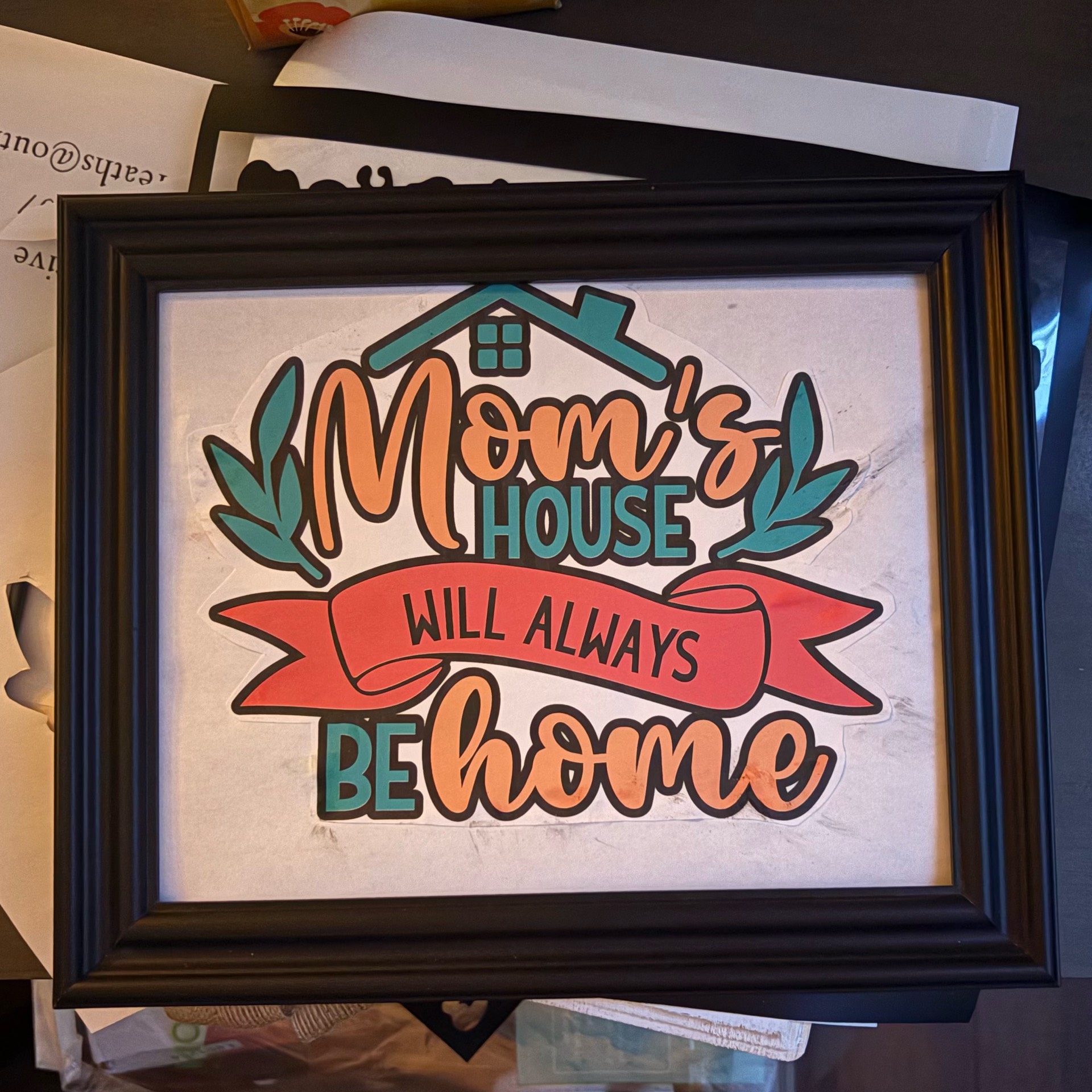
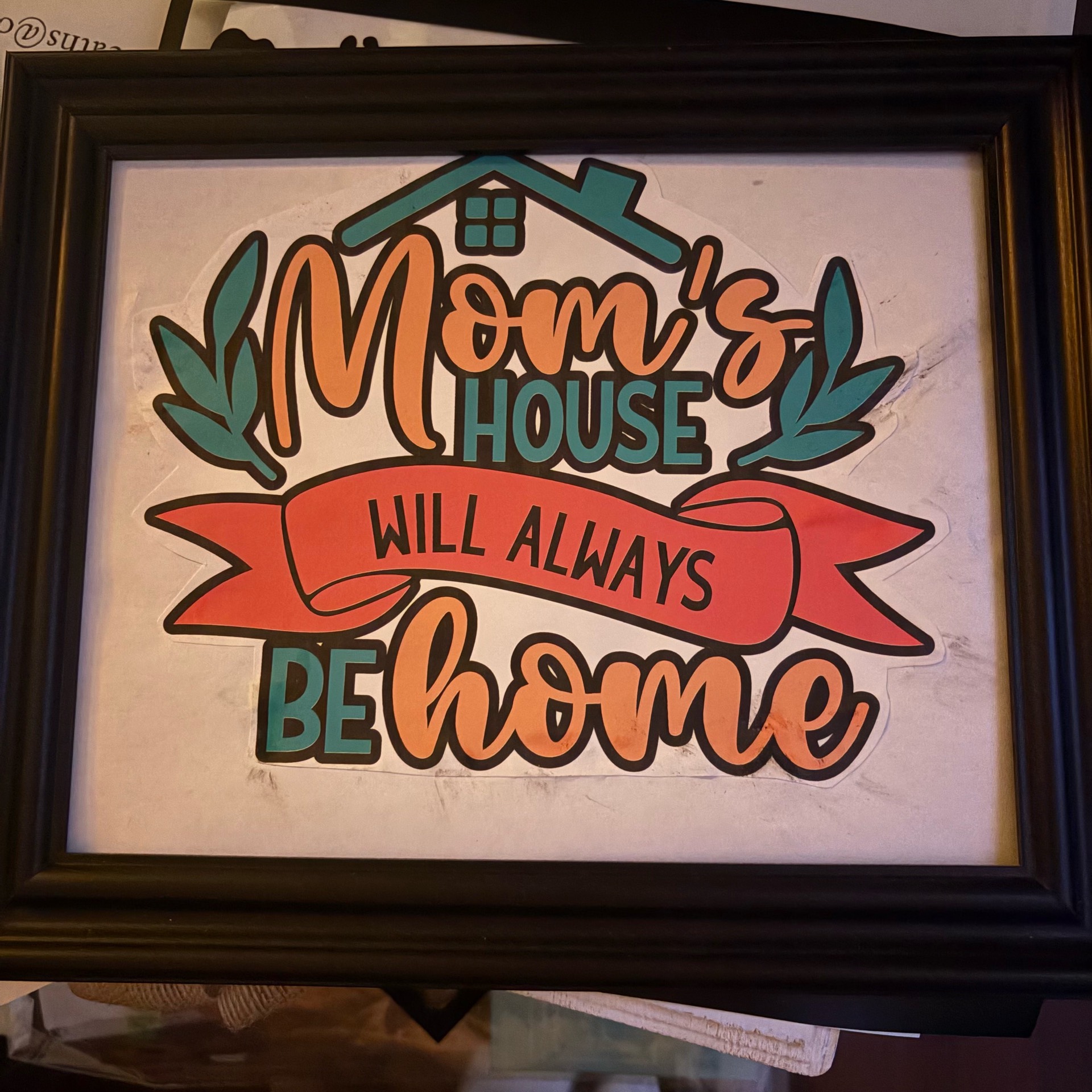
Mom’s House Will Always Be Home – Framed Print Then Cut Decor
This sweet framed sign was made using Ideal Studio’s design, sticker paper, and the print then cut feature for an easy layered-look project without cutting individual cardstock layers!
Supplies Needed:
• LOKLiK iCraft machine
• Ideal Studio design image
• Printable sticker paper
• Inkjet printer
• Standard grip cutting mat
• Weeding tool
• Black picture frame
• White cardstock or scrapbook paper (for backing)
• Scissors or paper trimmer
• Squeegee/scraper tool
Step 1: Choose Your Design
Open Ideal Studio and search for a sentimental home design. Select the “Mom’s House Will Always Be Home” graphic and upload it to your canvas.
Step 2: Resize Your Artwork
Measure the inside opening of your picture frame and resize the design in Ideal Studio to fit perfectly inside the frame backing.
Step 3: Set Up Print Then Cut
Select your design and choose Print Then Cut settings in Ideal Studio. Make sure registration marks are enabled so your machine can accurately cut around the design.
Step 4: Print Your Design
Load your printable sticker paper into your printer and print the design. Allow the ink to dry completely for a few minutes to avoid smudging.
Step 5: Place on Cutting Mat
Put the printed sticker sheet onto your standard grip mat and smooth it down firmly with a scraper tool.
Step 6: Cut the Design
Load the mat into your LOKLiK machine and let it scan the registration marks before cutting around the design.
Step 7: Weed & Peel
Carefully remove excess sticker paper around the design and peel the finished decal from the backing.
Step 8: Prepare the Frame
Insert white cardstock or decorative paper into your frame as the background.
Step 9: Apply Design
Center your sticker design onto the frame backing and press firmly to remove bubbles.
Step 10: Assemble & Display
Place everything back into the frame and display your beautiful handmade sign at home or gift it to Mom