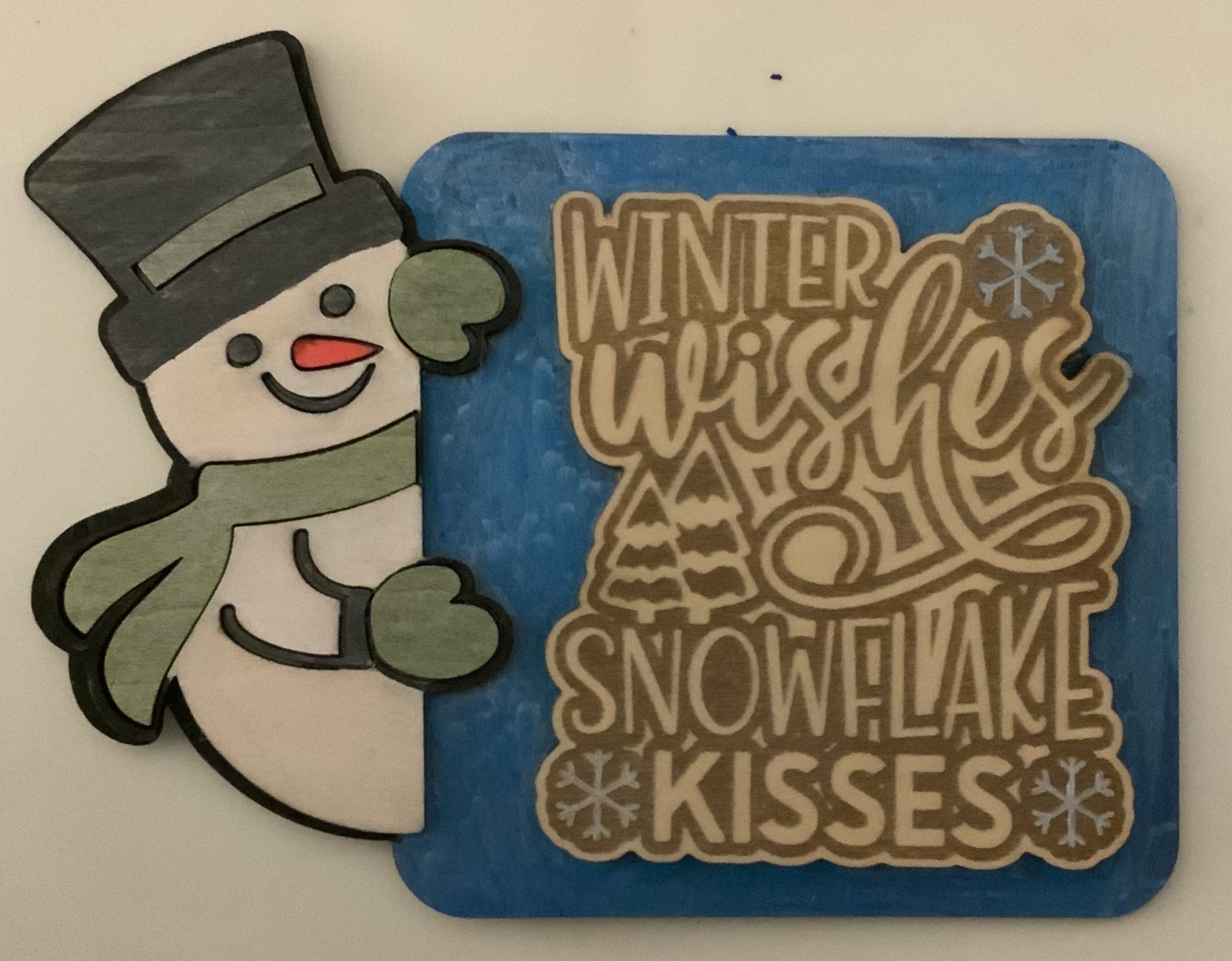
Combined images to make a fun sign that can go on a tieir tray.
i cut the image seprate from backing. then put them togther after painted back where cut from.
I am not sure if its slicing images or what but i attached images i used this time since they were not showing up but the one i decied not to use was.



8 Likes
How do you attach? I’ve been looking all over for that function in the software.
1 Like
I did not group them I had the items I want together on top of each other but not grouped. But to attach / group select items then select group. If you want to weld, slice or other functions select them click combine and select option your looking for.
1 Like
Thanks. I wasn’t sure if you wanted to engrave and cut if the two functions of the design needed to be attached or flattened in some way. I’m still trying to get a feel for how to place materials for designs with both cutting and engraving.
2 Likes
I have a layer per function I have attached parts to be engraved but don’t group it just have them on top of the cut layer.
1 Like
This is a really cute project. I love how you took two designs and made them your own. Very creative
1 Like
Thank you.
1 Like
I love snowman and snowflakes! Well done!
2 Likes