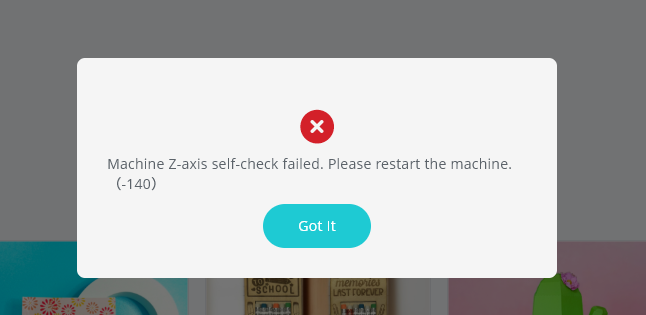
Any one who know how to solve this error?
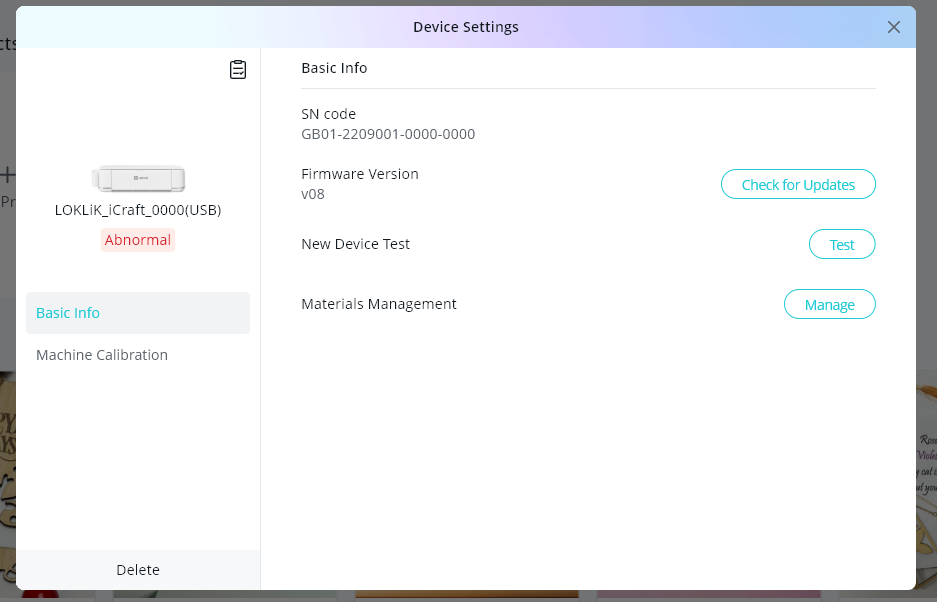
already try manual update, remove all things around the machine
Any one who know how to solve this error?
already try manual update, remove all things around the machine
Hello @Angelica_Jaropay 
 Welcome to the community! We’re happy you’ve shown up here. Mine does this whenever I connect it while the lid/door are closed. All you have to do is restart the machine. Just turn it off for 10 seconds, then power it back on, it will reset itself. I’ve stopped connecting mine while the lid/door is closed, and I haven’t encountered this problem anymore.
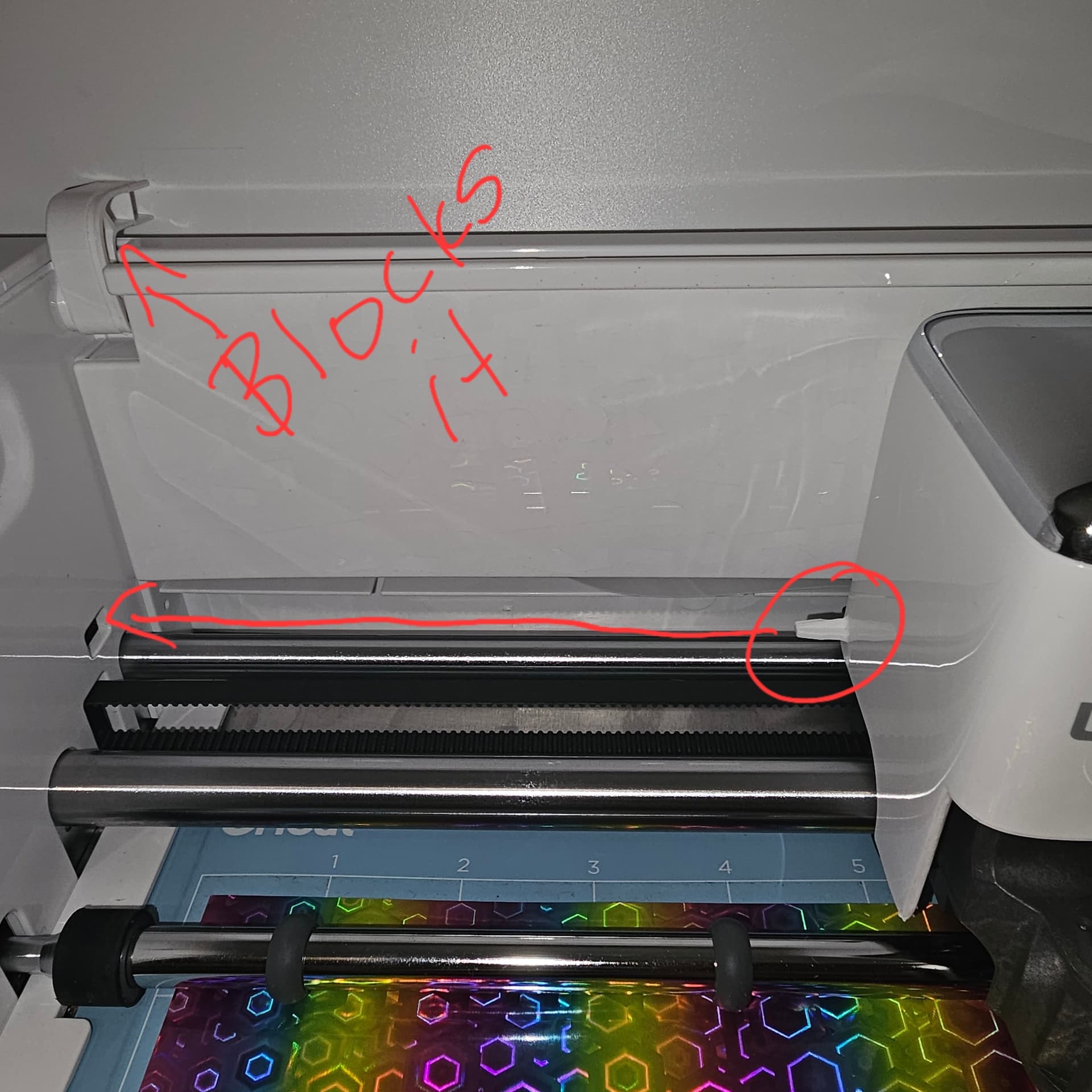
Yeah, so I just forgot to lift the lid on mine, and it happened to me, again. I wasn’t paying attention and I heard a bang — like it always does when I leave the lid closed — and got that same error. I noticed the hinge on the lid keeps the blade component from sliding all the way to the left, so it throws that error. I didn’t have to restart my machine, I just had to restart my project.
hi @Samantha_Bryant , I always open the lid when using my machine, actually its only happen when my loklik studio update.
Yeah, I try to always open mine, too, but sometimes I forget and that’s the result. My power had went out for a second in the middle of my project, so I closed the lid so I could set my mat on top, then I forgot to open it back up. I went to start my project, had to reconnect the machine, then I heard the bang. Does yours make a banging sound before it does it? I didn’t understand the first few times mine did it, either, but I finally realized it only happens when I forget to open the lid. So, I would just pay attention next time, and see if that happens to be the case. It’s for this very reason that I try to always remember to open my lid and door before connecting my machine, but sometimes I forget, and it happens EVERY. SINGLE. TIME. If it happens again, and you know for sure that the lid was open when it did it, then let me know. I’m pretty sure the reason it goes off axis is because it can’t make it to the little square slot in the left side of the machine because the hinge of the lid is keeping it from going into the hole.
You can always close the lid, try to connect the machine, then see if it does it. Then you’ll have the answer.
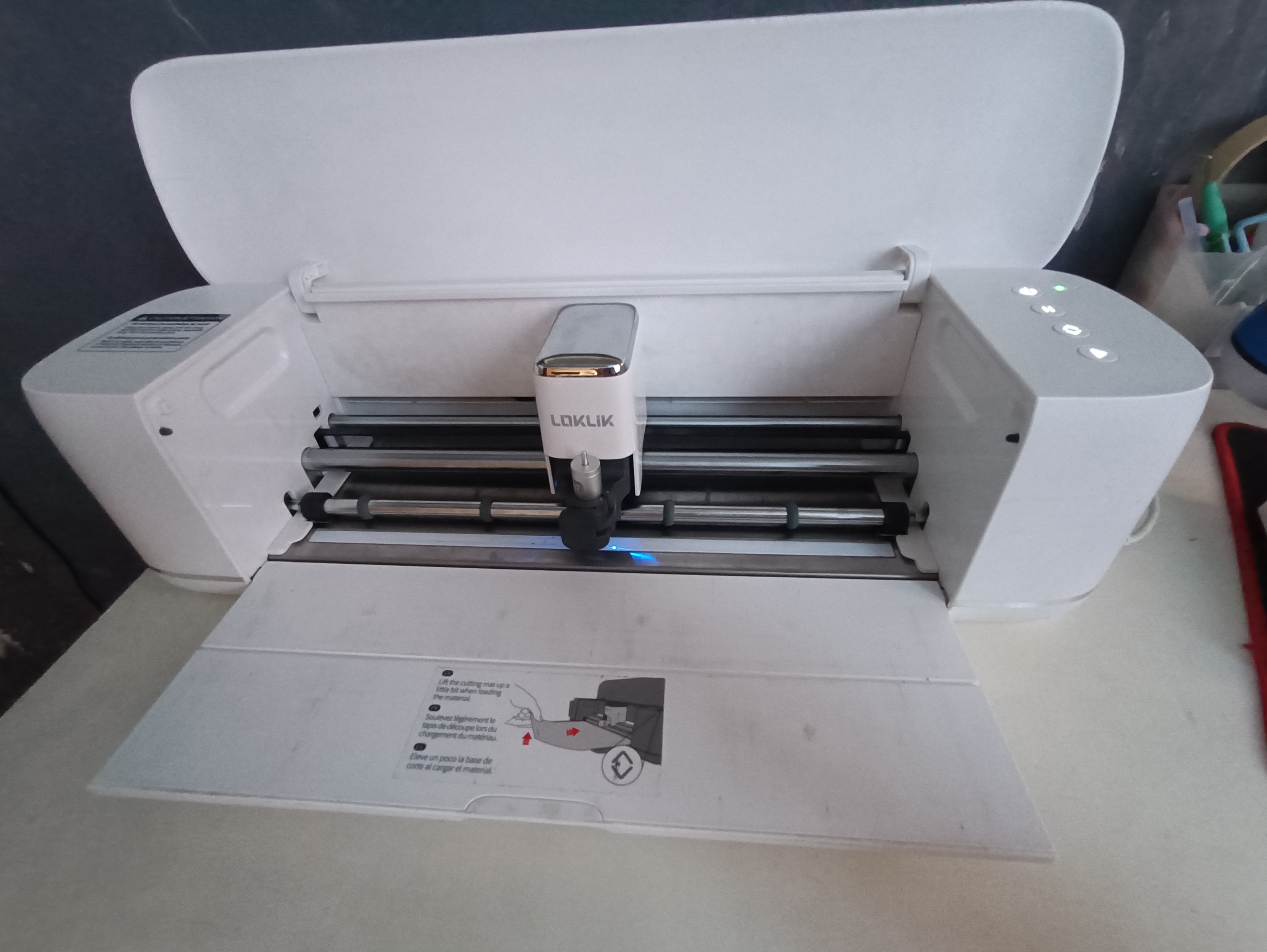
this is my machine right now.Base on my observation, when i update update to V8 using flasing tool it will connect then later on it appears the error.
Hmmm…  I don’t think you have to update using the flash tool. The flash tool is used when standard LOKLiK IdeaStudio updates fail. It fixes connection issues, power problems, or “LOKLIK_REFRESH_USB” errors by manually reflashing the device via a USB connection. Did the standard update not work for you?
The reason for the Z-axis error:
The “Z-axis self check failed” error on the LOKLiK iCraft occurs when the machine’s vertical movement mechanism (which controls the blade or pen depth) is obstructed or cannot find its “home” position.
Common reasons for this failure include:
Physical Obstructions: Debris, scraps of vinyl, or a misaligned blade housing can block the Z-axis from moving its full required distance.
Loose or Improperly Seated Tool: If the blade holder or pen is not pushed all the way down and securely locked in the clamp, it may trigger a sensor error during the self-test.
Sensor Interference: Dust or adhesive residue on the internal photoelectronic sensors can prevent the machine from detecting the Z-axis position.
Mechanical Binding: The Z-axis screw or guide rods may be dry or slightly misaligned, causing enough resistance that the motor “stalls” and fails the check.
Firmware Glitch: Occasionally, a corrupted firmware state prevents the self-check from completing, which is where the LOKLiK Flash Tool would be used to refresh the system.
How to fix it:
Are you seeing this error immediately upon turning the machine on, connecting to Bluetooth, or only when you start a new cut?
its error immediately when I am traying to connect my machine.
Thank you for the Tips, I going to try it all again then follow the details you said.
I update once am done doing all the solution you listed.