It would be nice if the Task List showed the speed and force in each print project. I only shows how may passes now. It would make it easier to remember which setting worked and which didn’t.
7 Likes
I agree with this and have suggested it before
5 Likes
Yes, I agree. Also, the option to quickly change force and speed and passes in the task list screen would be a nice feature.
4 Likes
Yeah, that’s a wonderful suggestion! I hope they implement it. 
4 Likes
Do they read these boards?
3 Likes
Yes, they take our suggestions seriously, and have implemented many suggestions that have been given here in the community. They’re really good about that.
3 Likes
Awesome!
3 Likes
Another suggestion would be to implement the arrows that will bring you to either the top of the bottom of a board page. I may be doing it wrong but it took a long time to post my mood today because of the time it took to scroll to the bottom to be able to post.
3 Likes
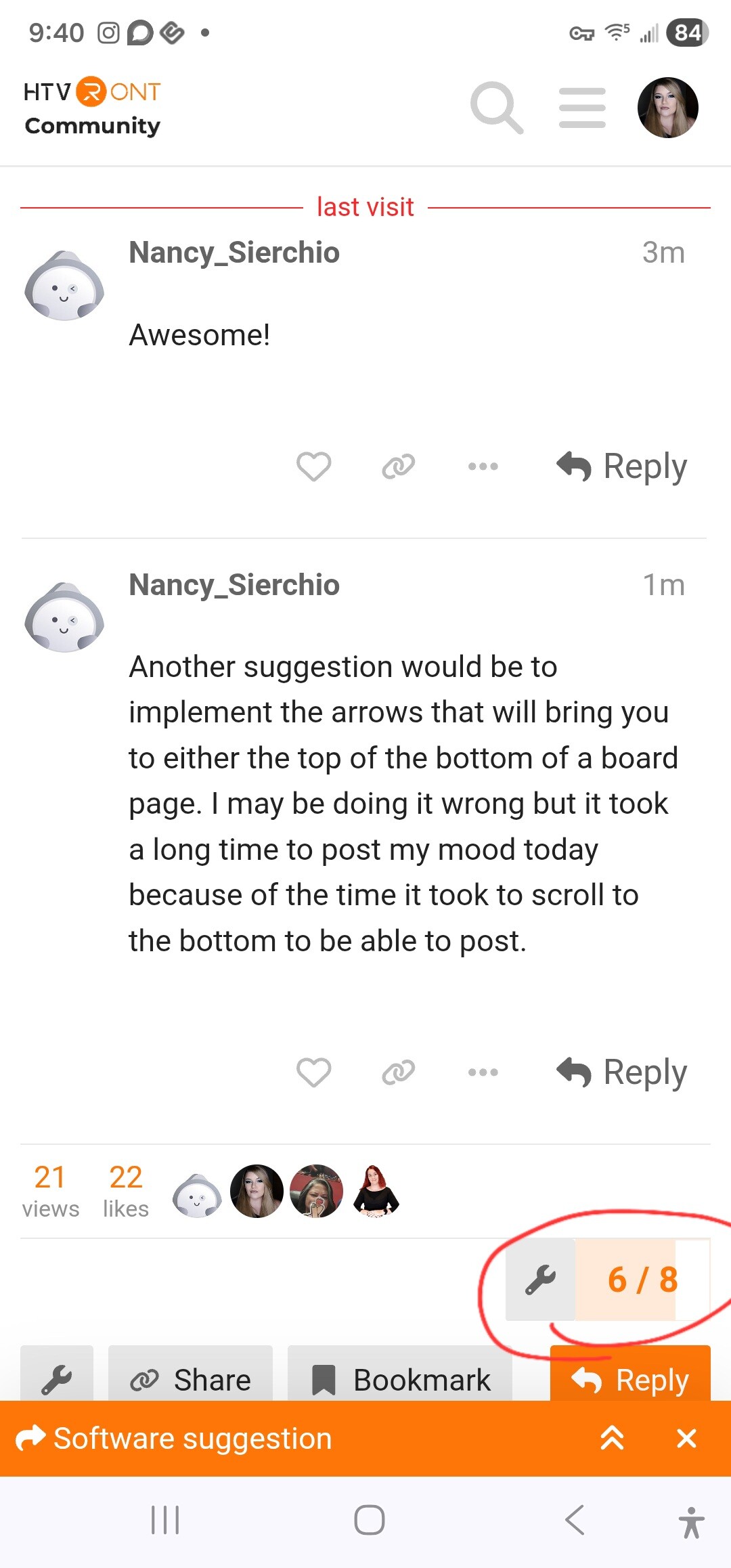
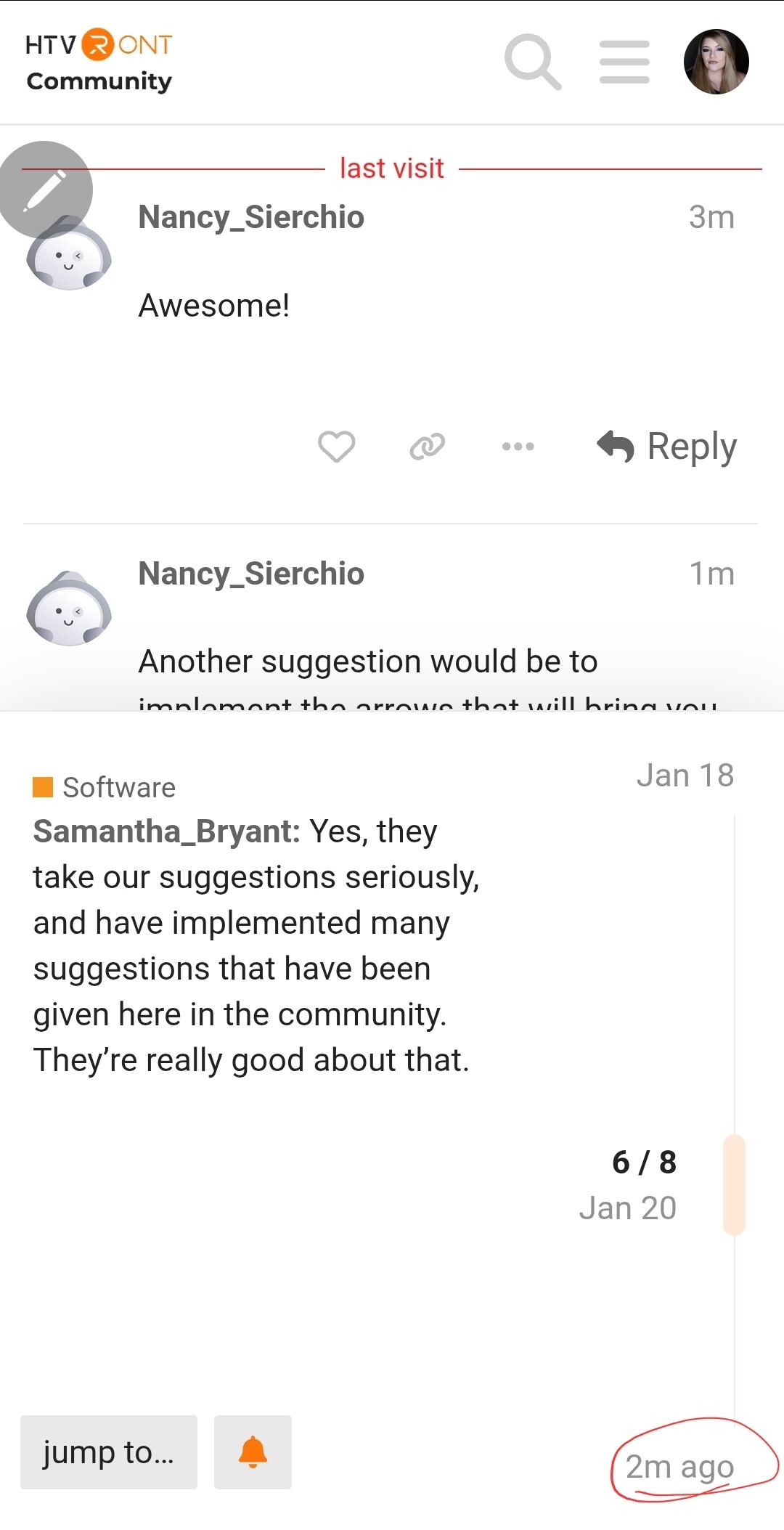
You can move quickly to the bottom by clicking the orange box with the number of posts in it, then click the time at the bottom. Or if you want to move all the way up click the time at the top. You can also use jump to: to jump to whatever day or post.
3 Likes
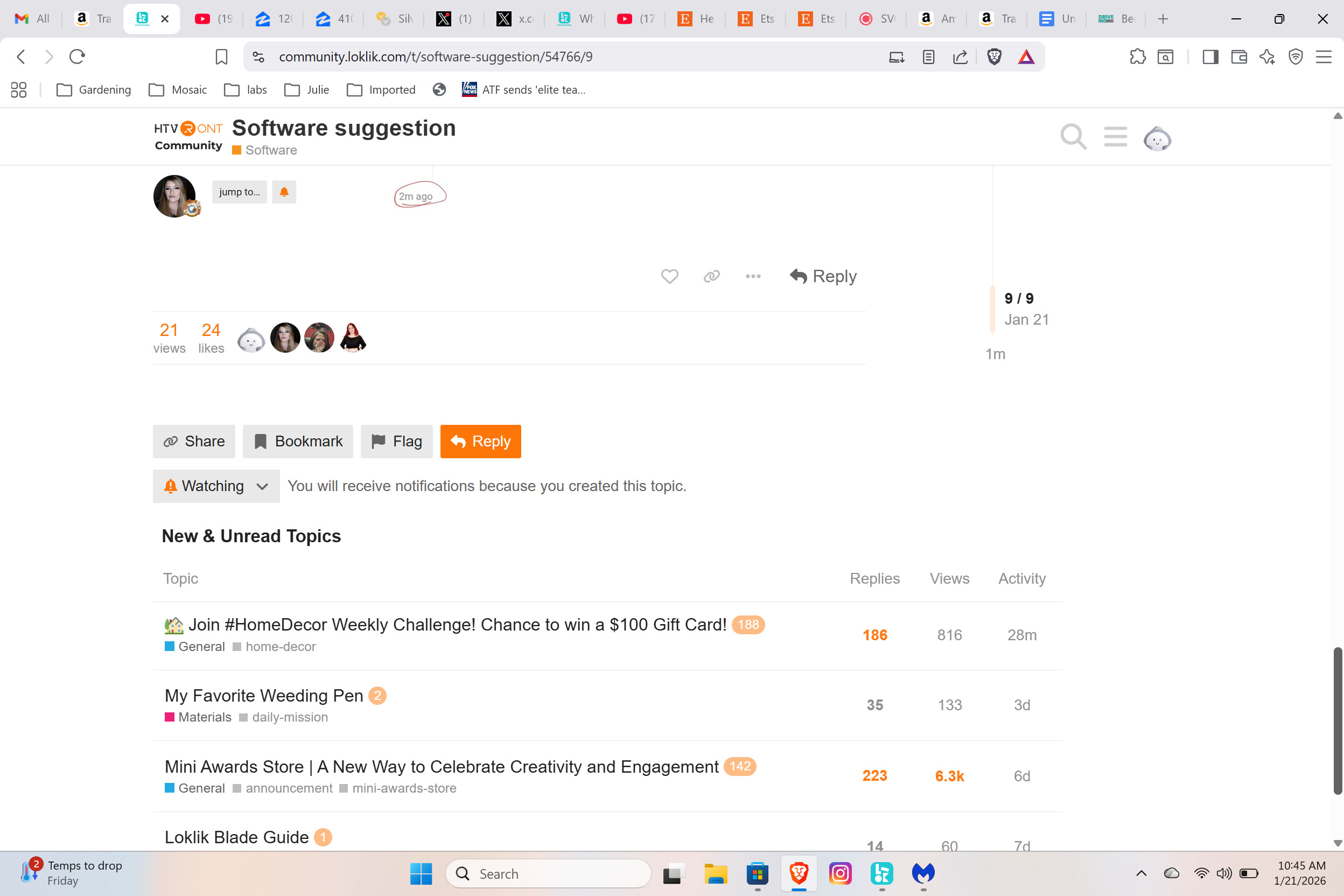
Ok, since you’re on desktop, use the little timeline scrolly thing…
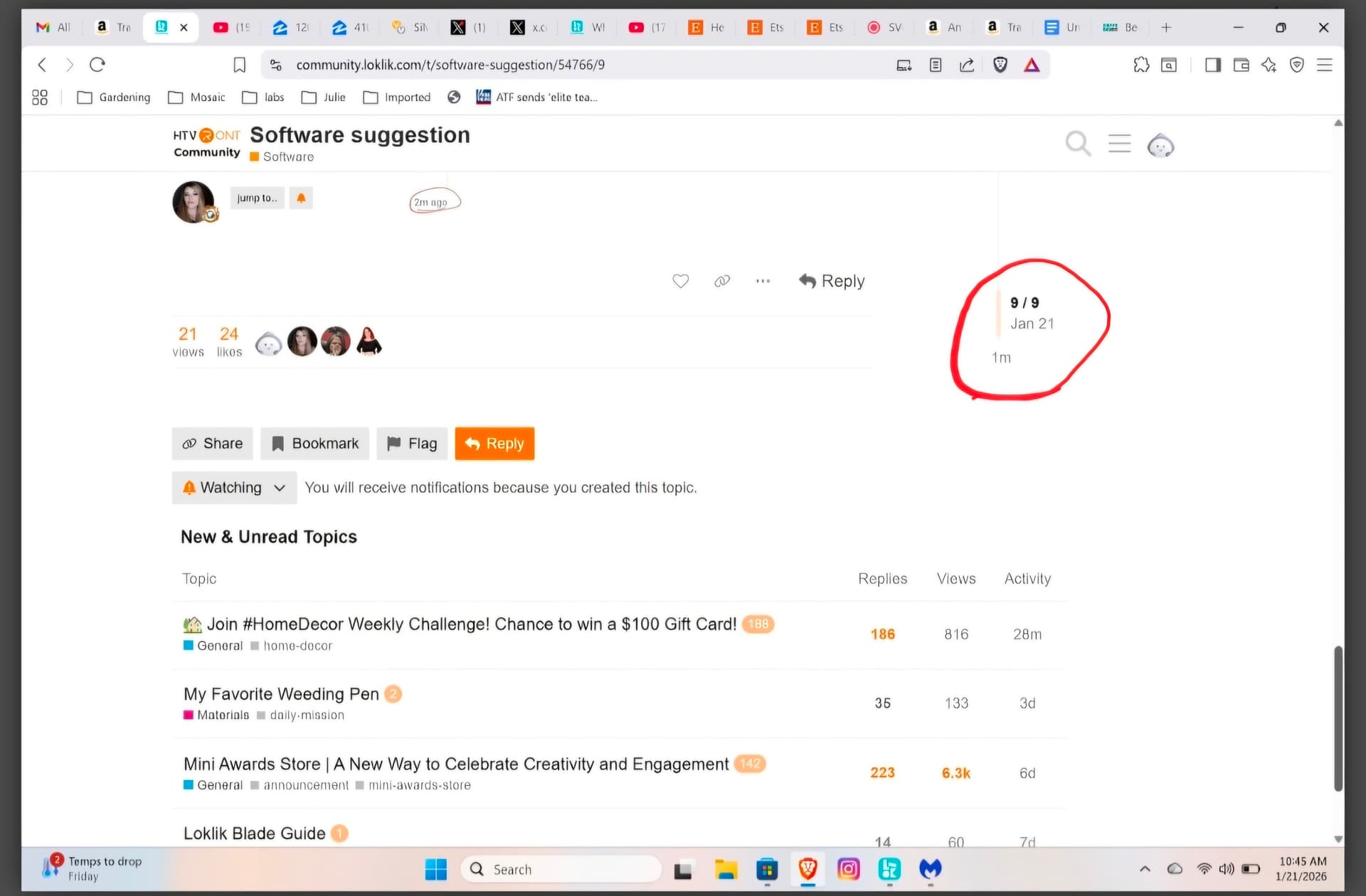
Just tap 1 m and it will take you to the post that was posted last.
You can use the scroller to quickly move up and down, as well.
3 Likes
That worked thank you. I did use the scroller on my mouse but it took forever.
3 Likes
Sorry, this scroller thing.
3 Likes
That’s what I did.
3 Likes
Yeah, I guess when the post has 1500+ comments, it will take awhile. I always just click the bottom time, which is, of course, the time of the last post. However, you can just click anywhere on the timeline and it’ll take you to that area if the post. You don’t have to scroll with it, per se.
3 Likes
My mouse is temperamental
3 Likes