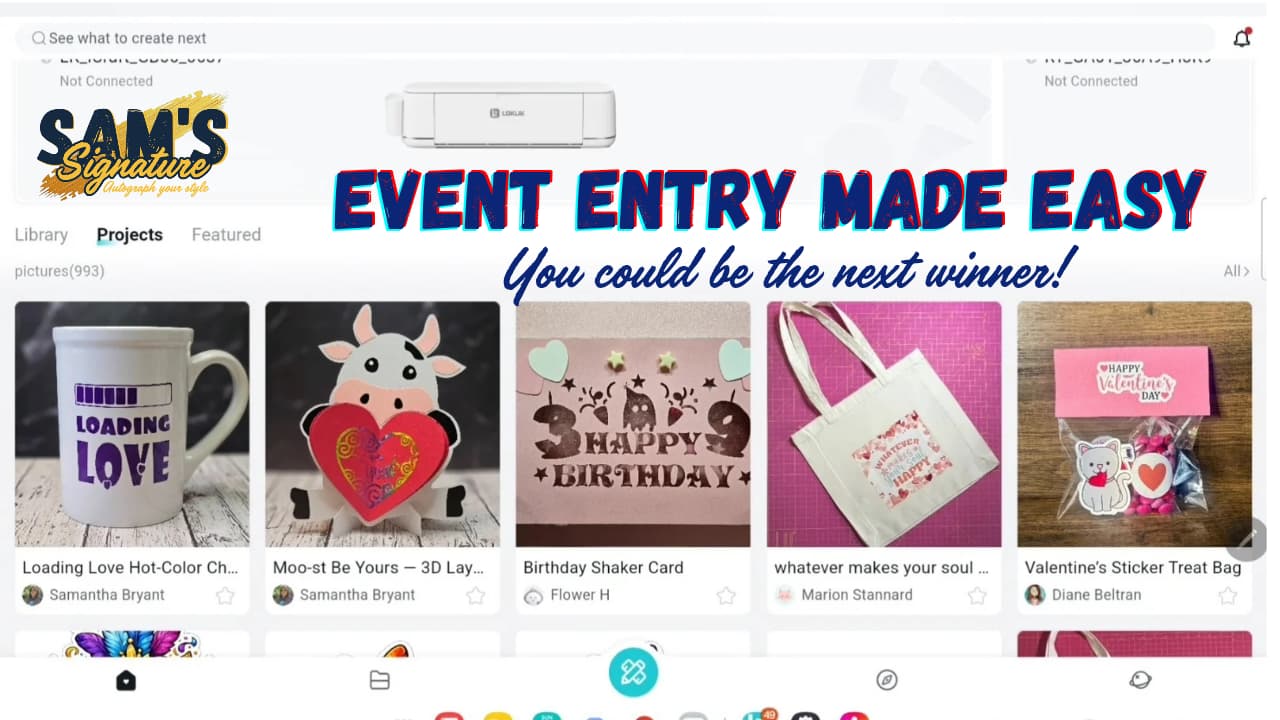
Hey friends! I put together a brand‑new step‑by‑step video showing exactly how to save your projects in Loklik IdeaStudio and enter them into the HTVRONT Weekly Community Events.
If you’ve ever felt confused about:
- where your saved projects go
- how to publish them
- how to find your project link
- how to add event tags
- or how to actually post your entry in the weekly event thread
…this video walks through every single step, slowly and clearly, from start to finish.
I cover:
- Saving your project in IdeaStudio
- Sharing it to the community
- Finding your project again
- Installing the Community Browser App
- Adding event tags
- Creating your event entry post
- Adding your IdeaStudio link
- And more
Here’s the full tutorial if you want to follow along:
I hope this helps make entering events a whole lot easier. If you have questions, drop them below — I’m always happy to help!