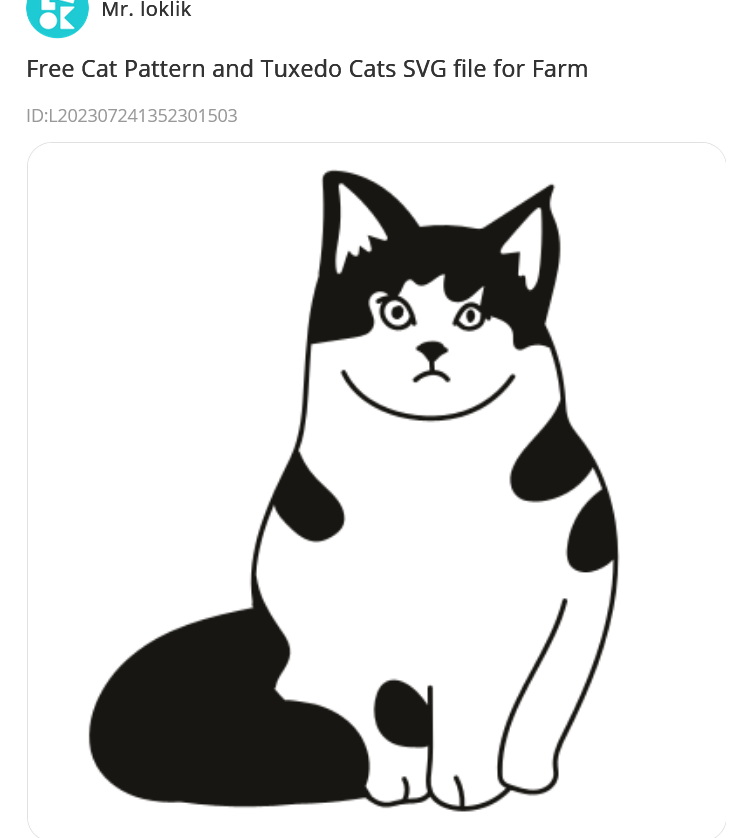
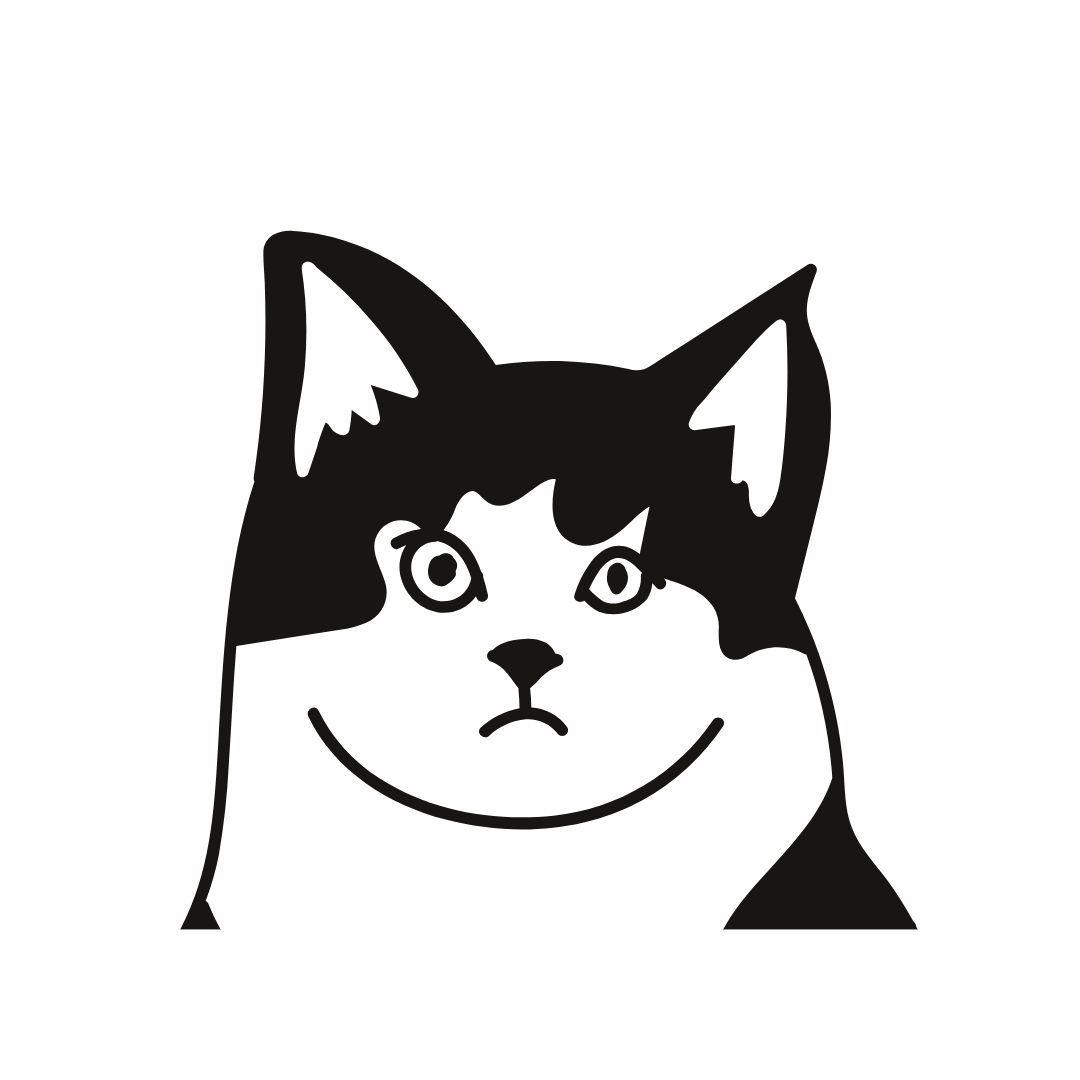
As I only need the head, I thought I could simply overlay a rectangle and use the subtract option.
Unfortunately this does not work!!
I either end up with nothing or if I ungroup the image, I just get left with some cat fragments.
This is the request part - does anyone know if this can be done in the studio?
(I found the help on using the combine feature for making new shapes, but that shows shapes not SVG images).
In the process of searching for ways to do this, I discovered another useful lokLik website:
This appears to be another way to access the projects and images that are in the IdeaStudio Library.
If you sign in, you can download the images as SVG files.
I think my work around will be to use Canva, upload the file from loklikworkshop, Crop it to remove the body, then download as a new SVG.
You just need to make the face lines white, reserve them and finish the cat body in black with the pen fulling the bottom part. Then use the white reserve to merge the shapes excluding whites feom black.
Svg are vector lines, as the shapes are (a curved or stright line between point A and B). That’s the opposite of raster or bitmap images, a map where each pixel has a hue, opacity, darkness…
So wether it is in IS or in an external software, you can combine shapes. You just need a strategy to perform it so you get what you’re looking for.
I understand the difference between Vectors and other image types.
I tried in Canva and while overlaying a white shape or using crop to remove what I wanted to lose appeared to work, exporting as SVG meant I still had the original image when “uploaded” to IS.
The original SVG is never altered, just resized or rotated!
The combine / substract shapes option appears to treat the svg image as a single entity* and does not work on the individual vectors. It does not cut the original image.
(*or group of shapes - I could un-group the original, but all connected shapes stayed joined e.g. I could move the eyes separately to change the expression).
The work around from Canva was to export as a PNG file, then in IS, covert it back to a vector.
I also have Affinity designer. It has a vector crop tool, but like Canva it does not actually crop the original, it just hides part of the image.
There was a flatten option that appeared to work, but the exported SVG was no longer a vector image.
I will need to try your suggestions in IS, though I am not 100% clear on the steps involved.
I may be over complicating it, just covering the unwanted parts may still cut correctly.
Or add an actual cut line, so I end up with with a separate head and body.
Fuff I don’t know. Sometimes, user software brings more troubles than solutions, and can be really disapointing, as they haven’t the right tools or the tools at all.
I always recomend learning serious illustration software such as Illustrator, or Inkscape, which is free… which ever you like, your problem can be solved in 5 minutes there.
You can also use a raster edit with layers and inverts and drawing… it’s not a tricky image xdd
And again, I don’t see where is the problem. Maybe it is just you have two separate groups, the shapes should be in the same group to exclude and merge. May it be that?