Save on wasting the htv transfer paper
1 Like
Two out of three times it was. The only one out of that range was a -4 at the top. The middle of the three calibrations was 0 0 0 -1.
I did do a simple one a while back. Before all the latest calibrations. haven’t tried it since.
Latest cut on HTP was closer but still not perfect. Grrr!!! Going to reset calibration again then recalibrate. Then I’ll print a simple design on plain paper before trying the final again.
1 Like
I’m glad it’s closer. Mine have been so far off so far. So I think I’m going to do a reset and then calibrate until it gives me values within the - 2 to 2 range. As it says on the last screen no need to recalibrate if your values are with in that range
1 Like
Hmmm … Didn’t catch that. I’ll pay closer attention.
With that value of - 4 for top was your cut off vertically by chance? Like did it cut through the top or bottom of your image?
This last cut was high and to the right a couple mm.
1 Like
OK after my fourth calibration mine is cutting well. All my values weren’t in the - 2 to 2 range either
After doing the first 3 calibrations I didn’t reset the calibration when I did the fourth.
1 Like
First cal was -10 -9 +2 +2
Second was 0 0 +1 +1
Third was -8 -8 +3 +2
Should I run it again?
I would do a circle test cut and try out those settings and see how it cuts.
I tagged you in a post of my calibration process. Hopefully it helps
1 Like
Giving up for the evening. So many calibrations and soooo many wasted HTP sheets.
Printed plain, easy shapes after the latest calibration. See images for results.
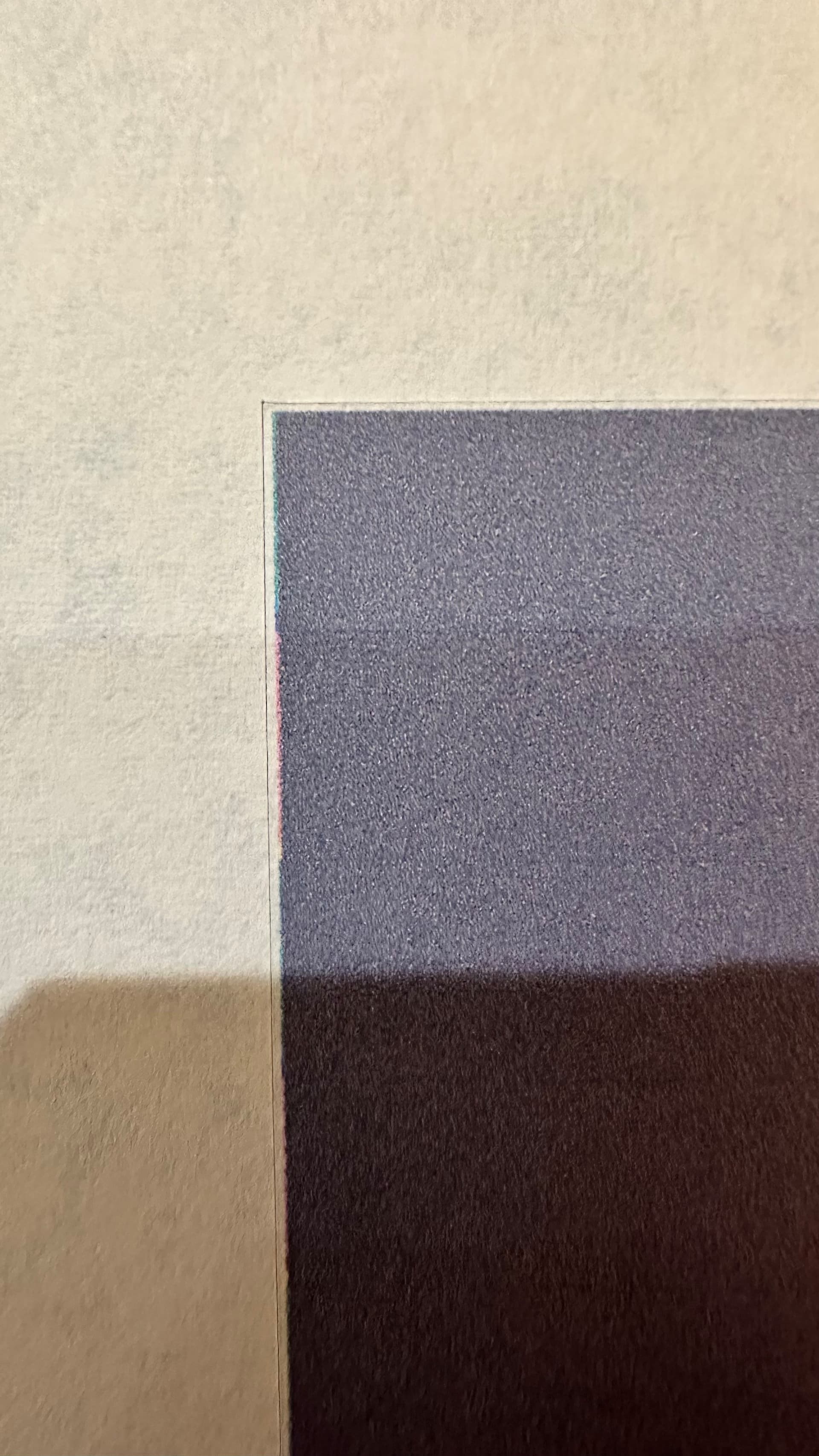
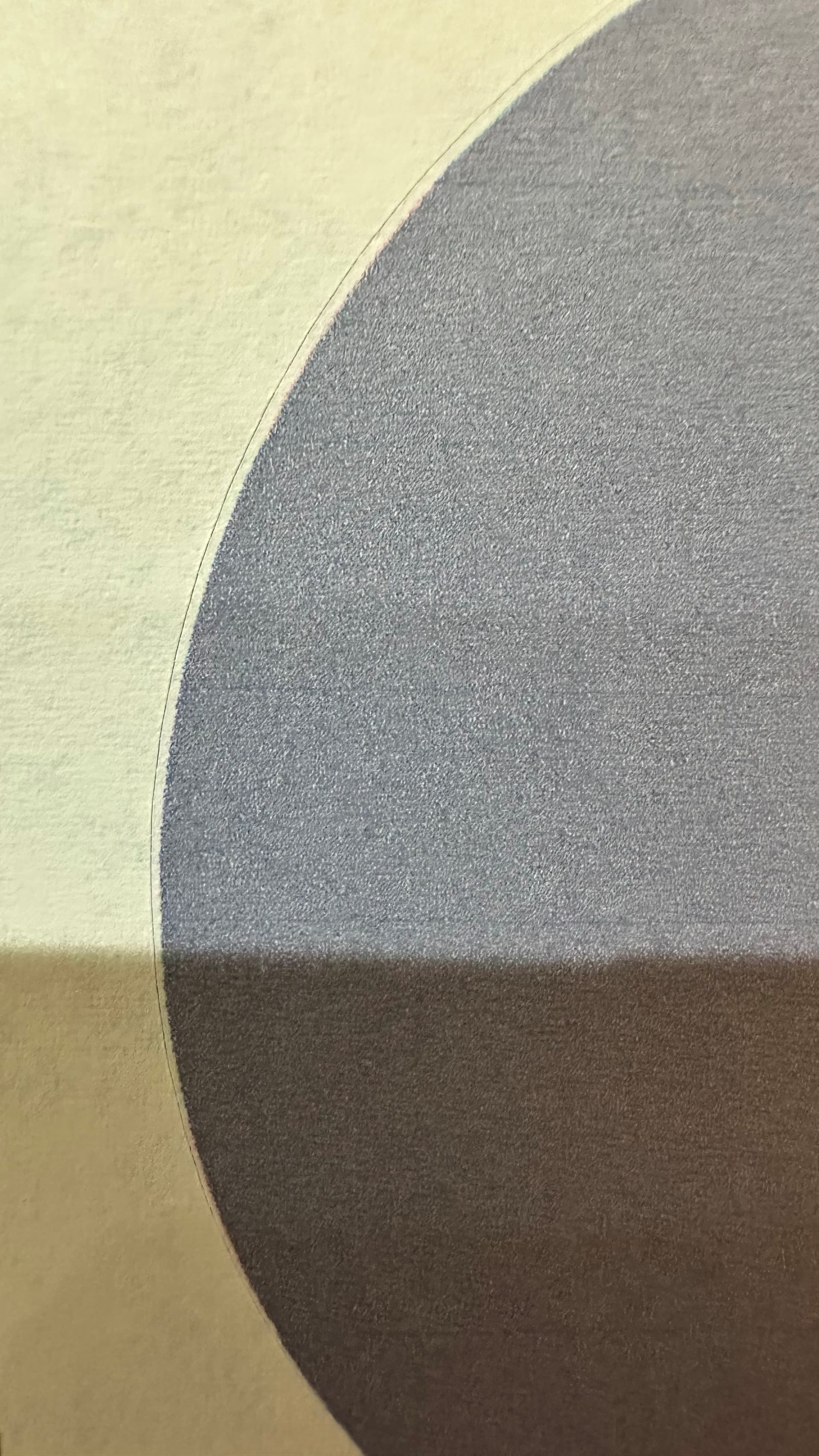

Now what???
1 Like
Was that after your 3rd calibration? I had the same results after my 3rd one and ran a fourth without resetting the calibration and it came out really good
1 Like
Yes, after the third. Will do it all again tomorrow I guess. Hopefully I get your same results and it’s not an issue with my machine.
1 Like
I did reply to you with another possibility you might be regarding your uploaded image.
1 Like
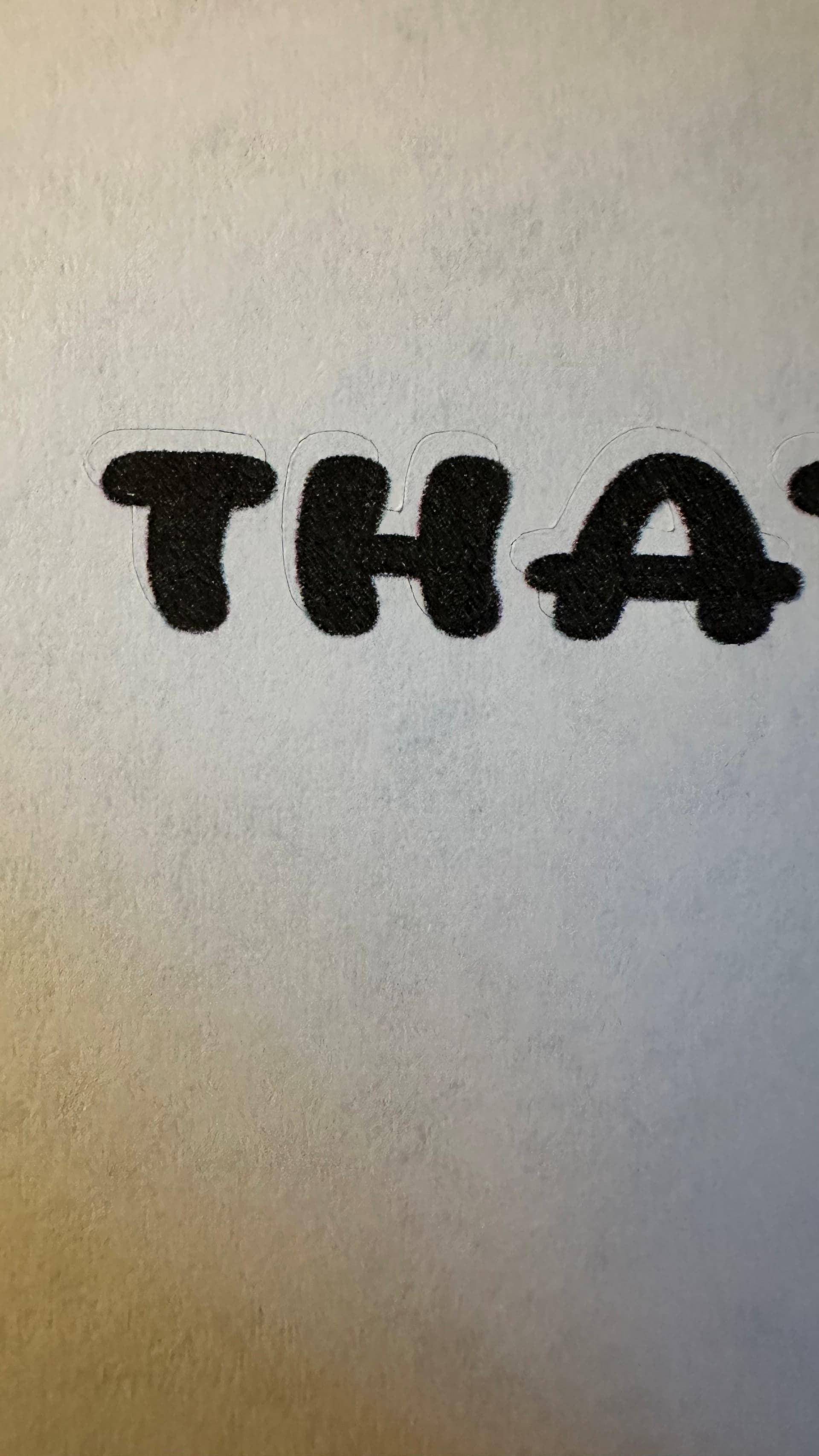
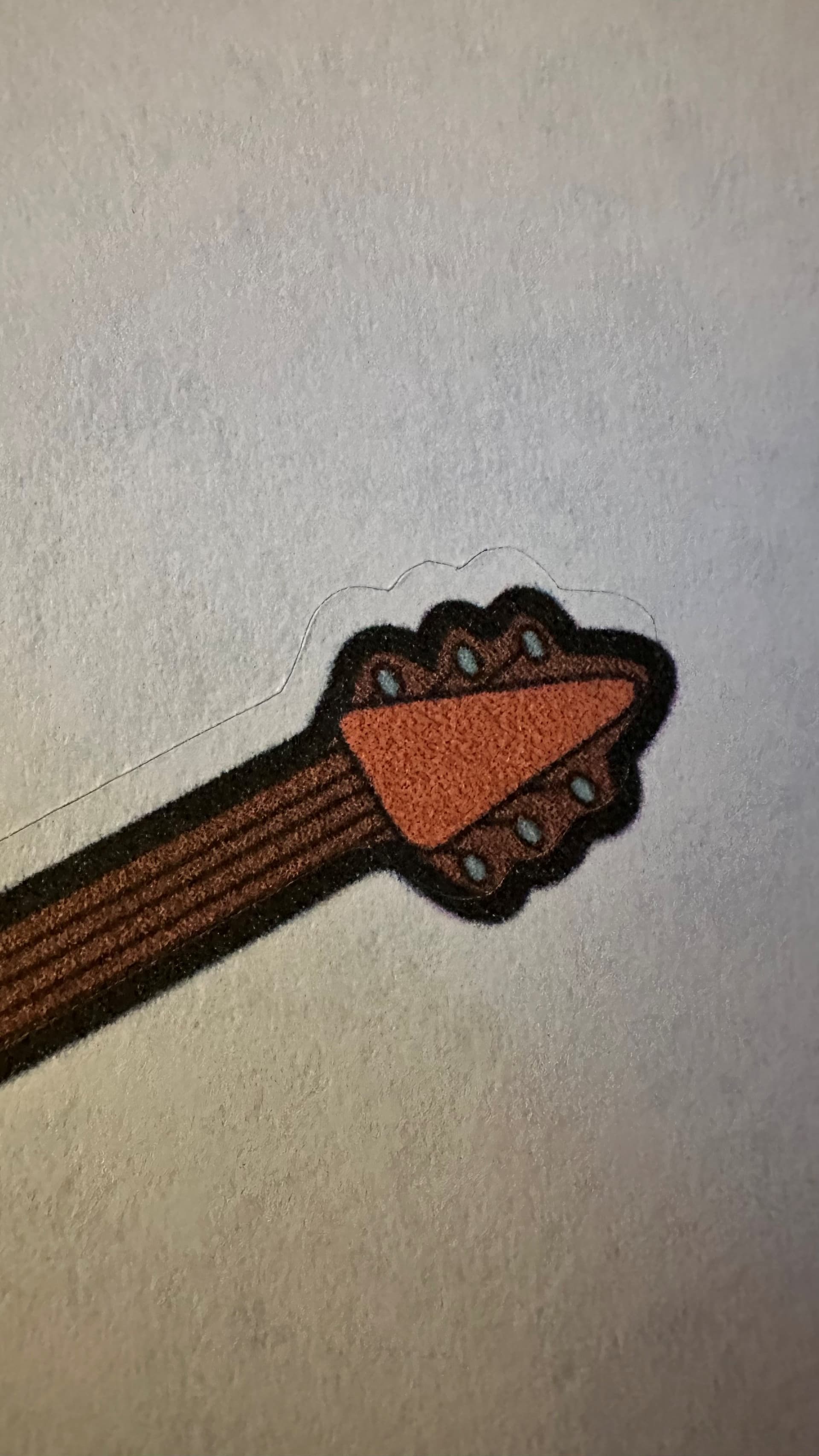
When testing, I really recommend using a shape from idea studio as you know that the cut lines are accurate on those. Its best to try an eliminate all the variables when testing.
1 Like
I’m about to give up. I think I got a lemon.
3 Likes
I would contact customer support if it hasn’t calibrated by now. You should have seen an improvement by now.
1 Like
I performed 7 calibrations. The newer method doesn’t work. Use the old calibration method. After the 7th calibration, it now works.
1 Like
Hi and welcome to the community @KarstenMuller! Glad that you joined and so happy that you made your icraft back to work!