Hey everyone, with the new update there’s been some questions on where to find the upgrade to pro feature for new users.
First open LOKLiK IdeaStudio 3.0
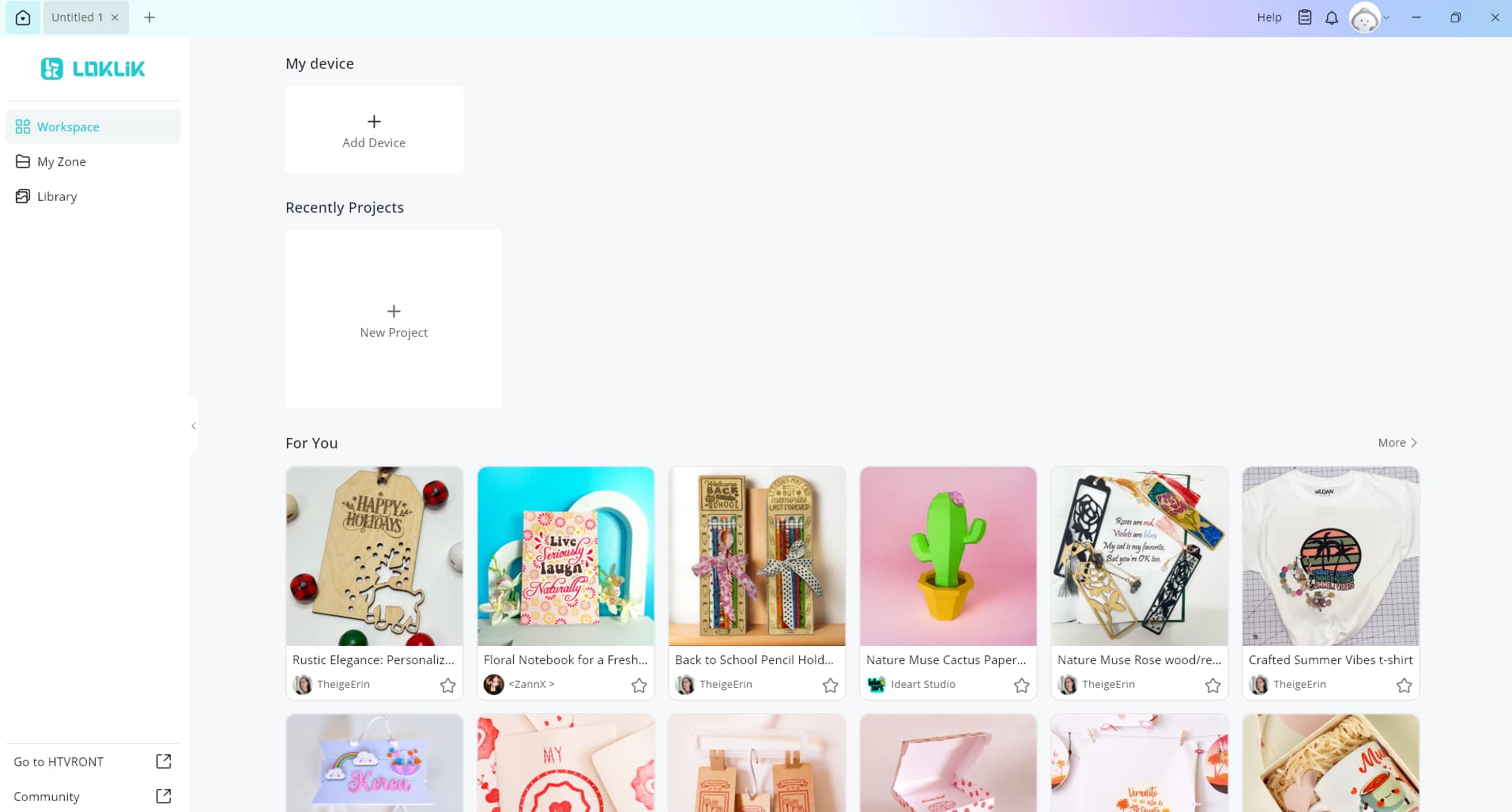
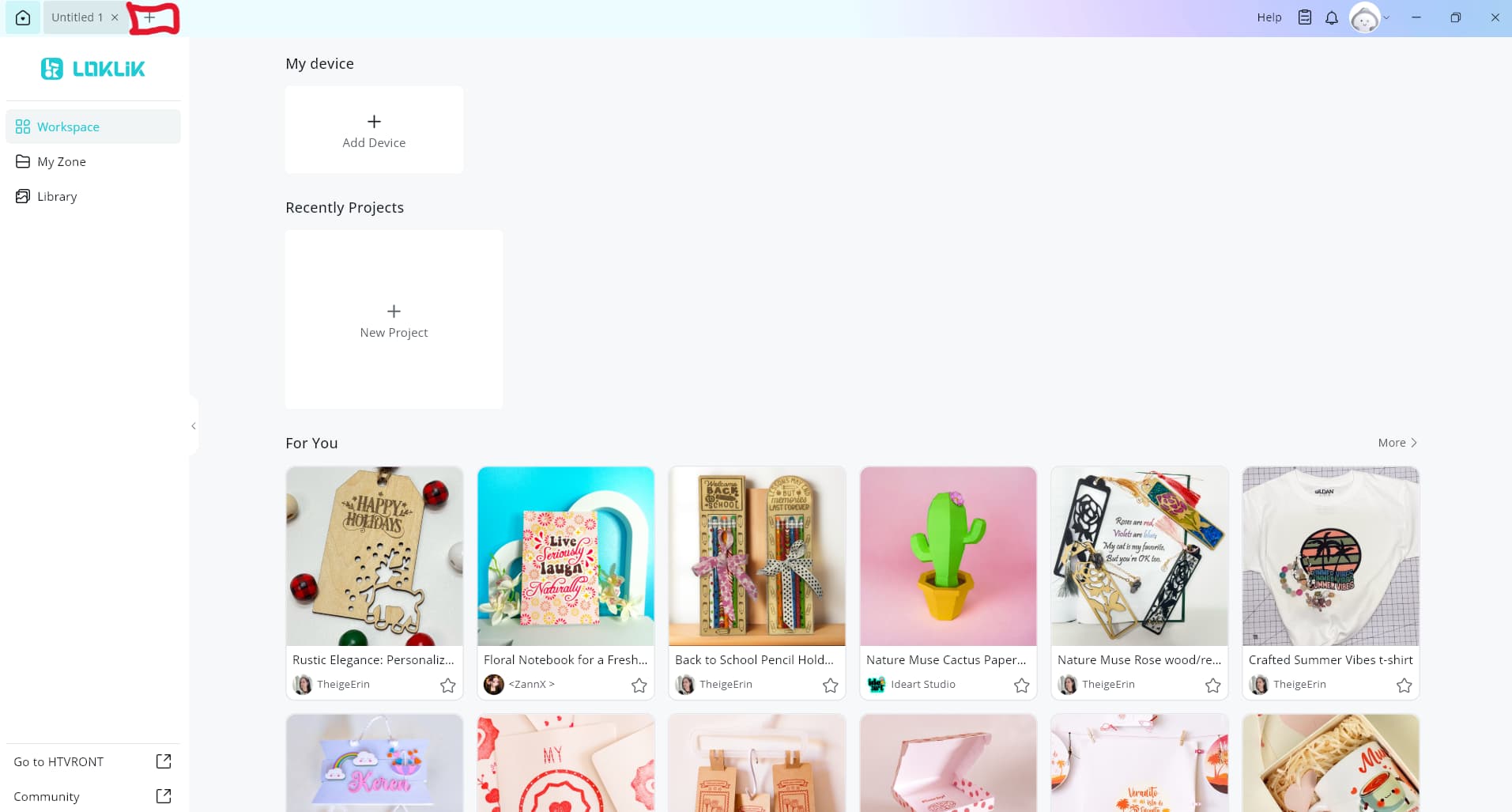
Click on the plus button on the top left hand corner of your screen
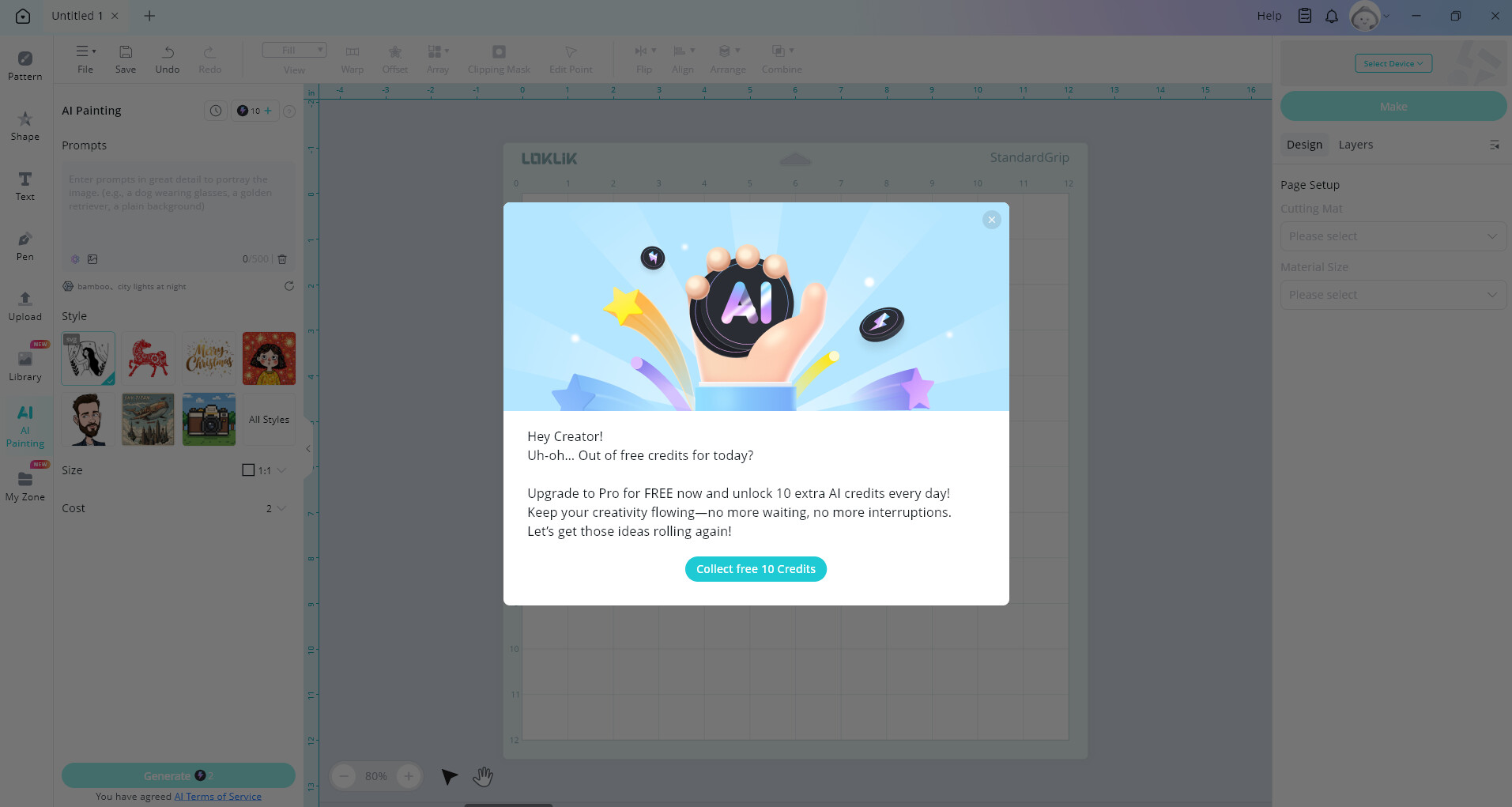
On the canvas screen click on AI Painting
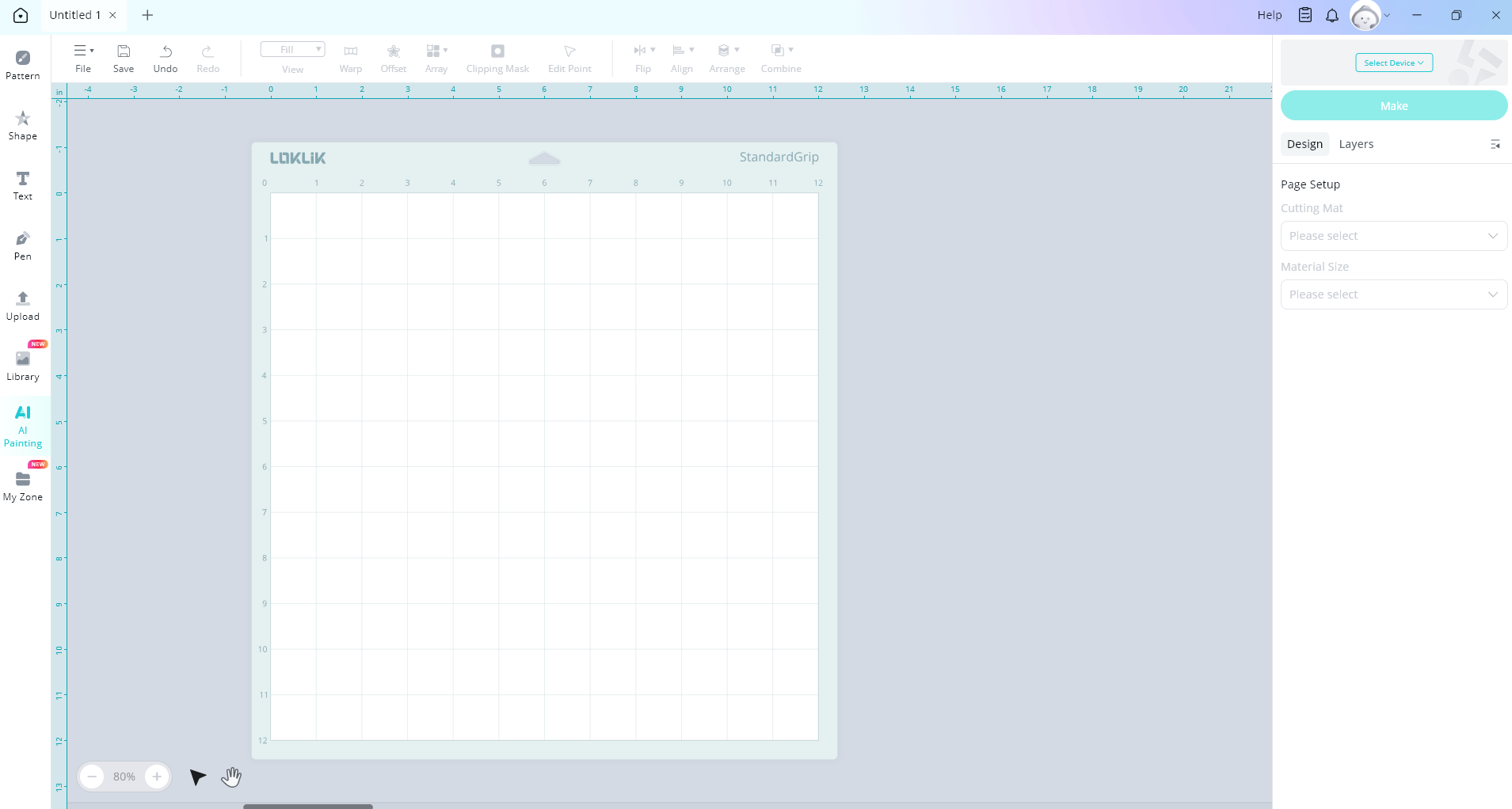
Hover over the question mark at the top right
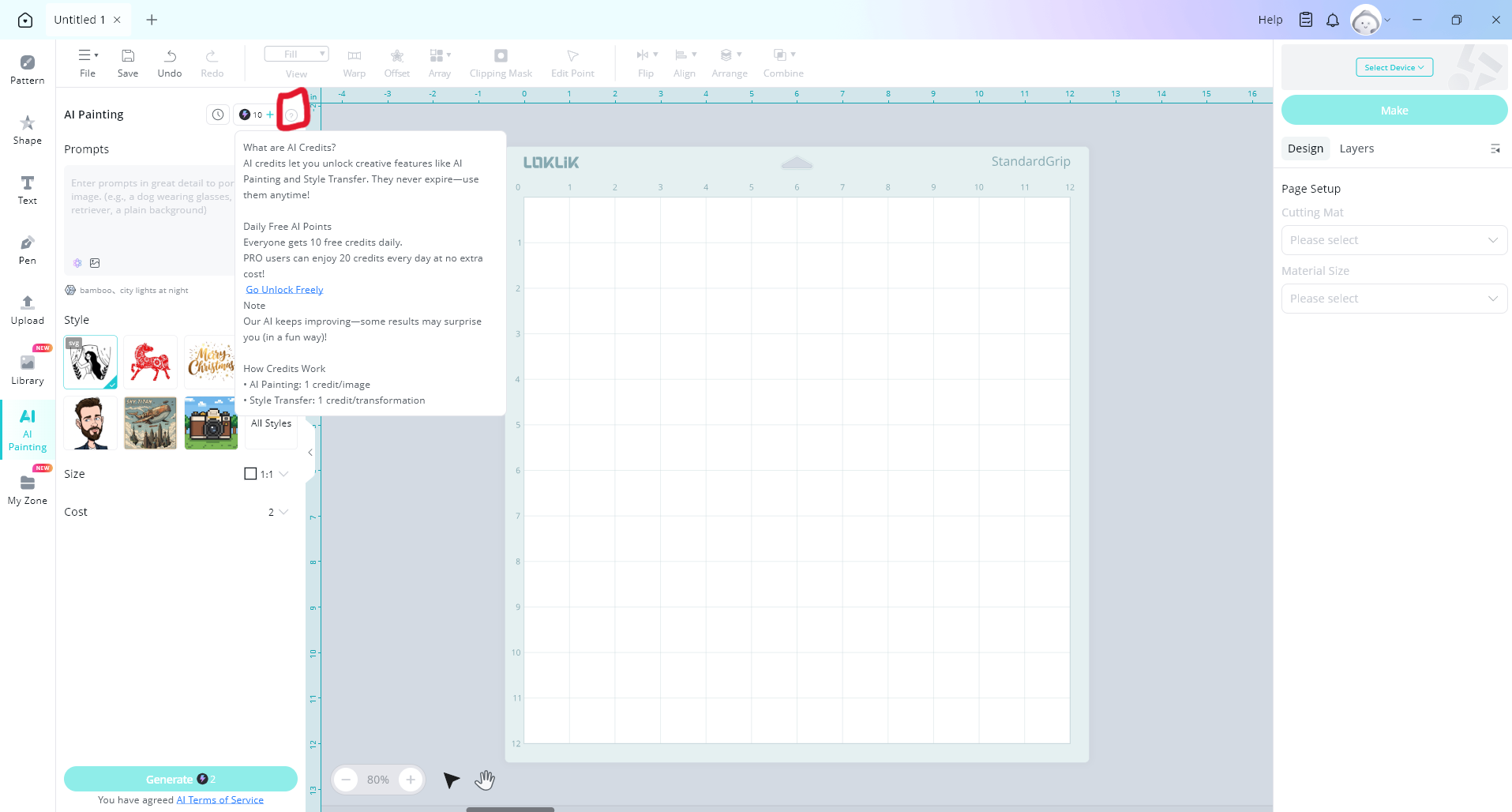
Then click on go unlock freely

Click on collect free 10 credits
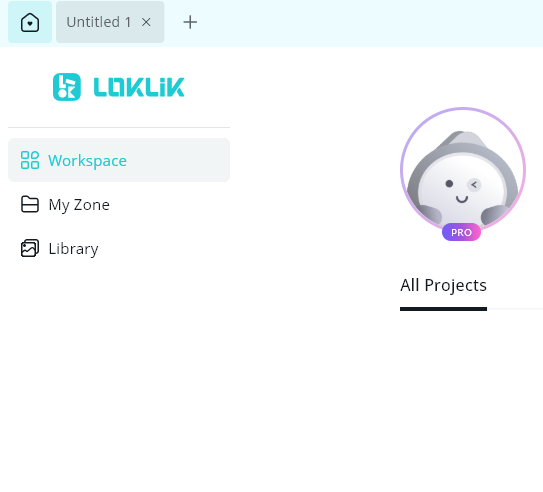
Now you are a pro user, you can tell by the little pro boarder around your image
You now unlock 10 free AI credits extra each day making a total of 20 AI credits