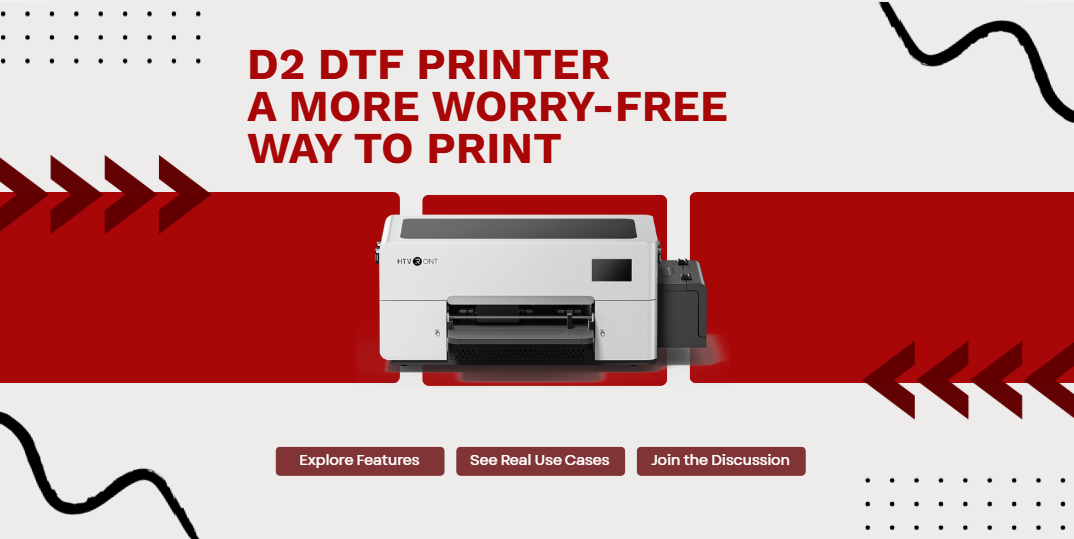
DTF is easy to get interested in. It covers a wide range of use cases, and the results are visually appealing. Whether it’s for personal customization or starting to take small orders, the path itself makes sense.
But in practice, the challenge is rarely about “can it print,” but whether the process is smooth. Frequent maintenance, risk of clogging, complex software steps, and unexpected interruptions during printing all affect the workflow.
This is where D2 DTF Printer stands apart.
It doesn’t just focus on printing capability. It addresses the points that tend to interrupt usage, with the goal of making the process more stable and less dependent on constant attention.
 Shop now and see what it’s about
Starting with one of the most common concerns: clogging
Clogging is one of the biggest concerns for DTF users. After the machine sits idle, restarting often means checking whether everything is still working properly, sometimes followed by cleaning.
D2 approaches this with a system designed to keep the ink path stable. Features like offline ink circulation, printhead cleaning, white ink circulation and stirring, multi-layer filtration, and automatic cleaning work together to reduce sediment buildup. Even during idle time, the printer maintains itself in Sleep-care Mode, so it is ready when work starts again. No need for constant computer connection or extra dongle devices.
In practical terms, this means less frequent maintenance and easier recovery after downtime. Even after sitting unused for a while, the machine is more likely to return to a working state without extra steps.
Consistent output matters more in real use
In real production scenarios, what matters isn’t how good a single print looks, but whether the machine can deliver consistent results over time.
D2 uses an XP600 printhead, which provides more stable ink output and operation. Combined with CMYK+WW six-channel printing, 1080 nozzles, and 720×1440 dpi resolution, this translates into better color coverage, clearer detail, and more predictable results.
Supports high-saturation full-color output with sharp detail, offering speeds up to 16 sq ft/hr and a maximum print width of 13 inches (A3). During continuous printing, it helps maintain throughput without slowing down the workflow. A more stable feeding system also reduces misalignment or jams.
Together, these factors determine whether batch production can run smoothly.
Loss often comes from unnoticed issues
Some costs are obvious, like materials. Others come from small issues that aren’t caught in time.
Running out of ink or experiencing leakage mid-print, if unnoticed, can result in wasted materials or additional cleanup. The issue isn’t complexity, but visibility.
D2 includes ink shortage and leakage alerts, using both visual and sound signals. This makes it easier to catch problems early and avoid unnecessary loss.
These features don’t directly improve performance, but they reduce uncertainty during use.
For beginners, software is often the bigger hurdle
Many users expect hardware to be the main challenge, but in reality, software workflow often creates more friction.
Multiple steps, format handling, and switching between different programs can make the process harder to manage, especially for beginners.
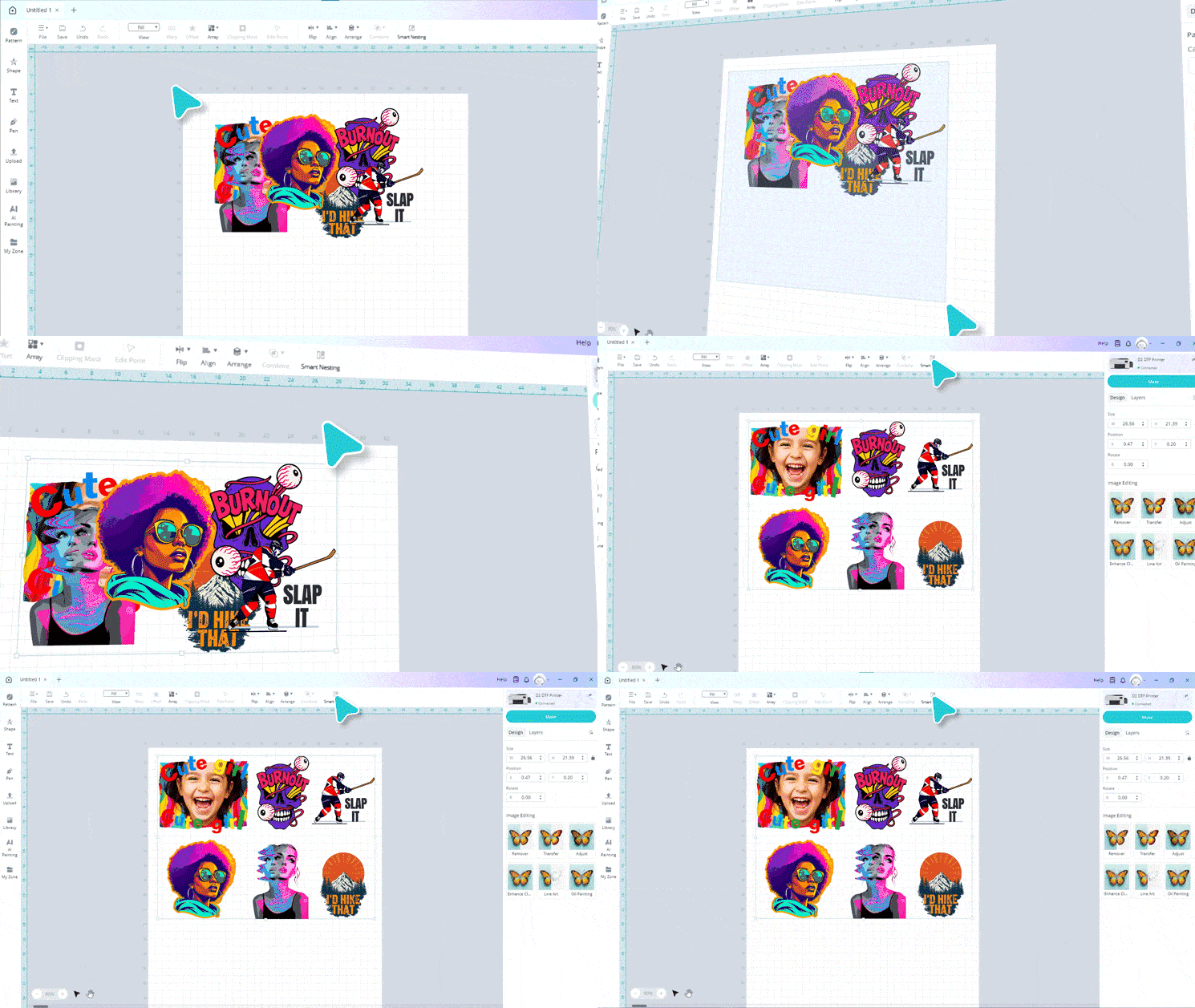
D2’s IdeaStudio (Windows version) integrates RIP and image processing into a single workflow. Features like auto layout, auto film output, and broad format support help reduce the number of steps involved.
This lowers the barrier to getting started. Users don’t need to fully understand complex workflows before they can begin printing.
Details that affect daily use
Beyond core performance, certain design choices affect daily usability.
A 300 ml ink tank reduces how often refills are needed. Dual suction fans and pinch rollers help keep materials flat and reduce shifting. The built-in film cutter simplifies post-print handling.
Additional features like printhead collision detection, a touchscreen interface, pneumatic support rods, and multiple access panels make operation and maintenance more straightforward.
Individually, these are small improvements. Over time, they add up.
It comes down to cost and sustainability
Once printing becomes part of regular use, two questions matter most: whether the initial investment is manageable, and whether ongoing use is sustainable.
D2 addresses both. It lowers the entry barrier while also helping control long-term costs.
Machine pricing, consumable costs, and reduced maintenance frequency all contribute to a more predictable cost structure. For example, ink pricing is kept relatively low, with color ink at $0.04/ml and white ink at $0.059/ml, placing it among the lowest in its category. Over time, this directly affects per-print cost, especially in higher-volume use. Financing options further reduce upfront pressure.
Taken together, these factors make the workflow more manageable. Less time is spent dealing with the machine, and more time can go into actual production.
For a desktop DTF printer, that’s ultimately what defines its value.
When looking at it from actual use, these factors tend to show up differently over time.
If you think about your own setup or workflow, which of these would make the biggest difference in the long run?
And is there anything you’d prioritize differently based on your experience?
