#WorshopWednesday
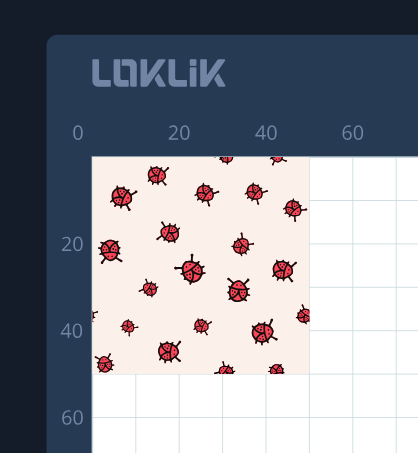
For this daily-mission I’m working on this sticker label for my brother. I love the Array function on the idea studio. It’s very helpful when you want to duplicate a single design. No need to keep on doing copy + paste
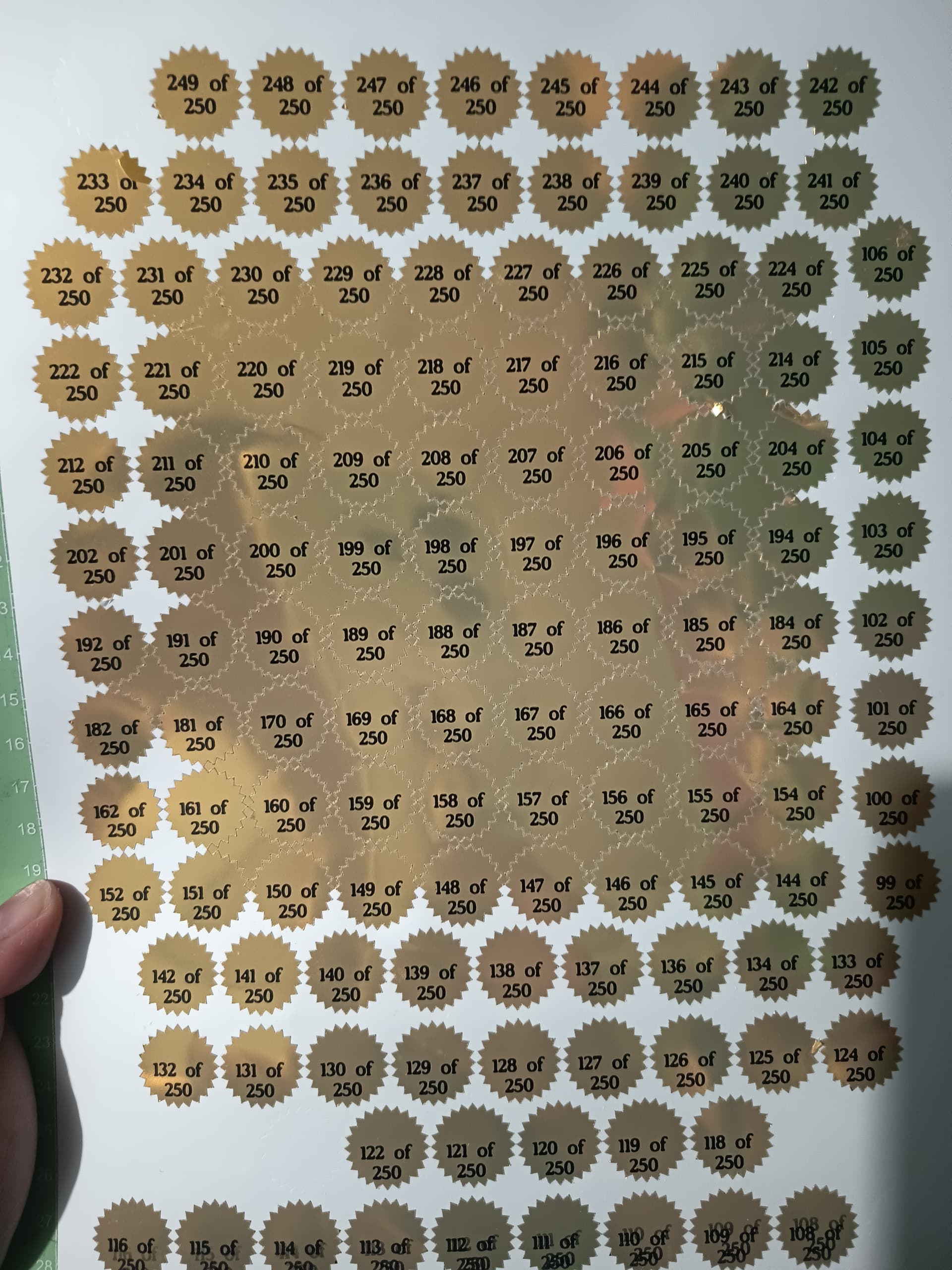
But my problem is, the top half is okay but the bottom half cuts are not centered on the prints
*Another issue is… I’m not sure if I posted this a bit late already. I was trying to post this earlier but since I’ve made several posts prior, I got a warning stating I need to wait several hours before I can post again. So I forgot about it and only remembered before going to sleep I hope it still counts for the daily mission
That tool is very useful, not only for stickers but also to make patterns. Once you have a pattern sample, you only have to make the array. The tool has the neccesary parameters to control it, so you can get a controlled result.
For the not centered cuts, I would make a test on regular paper, to see if the problem is in the conditions (printing, lighting, calibration, although not likely… ) or in the paper, meaning it would be a problem with light registration marks.
PD: The tools expanding on the canvas and blocking the design is not the best of the layouts…
On the canvas the contours are well aligned. The machine also had a hard time reading the registration marks at 1st, I had to put matte tape over the marks for them to be read. I’ll try again later and see what happens.
I don’t think so. I tried it again now. At 1st the vertical registration marks cannot be read so I decided to put some spell-o tape over it. It was read and cuts are much better already


 I hope it still counts for the daily mission