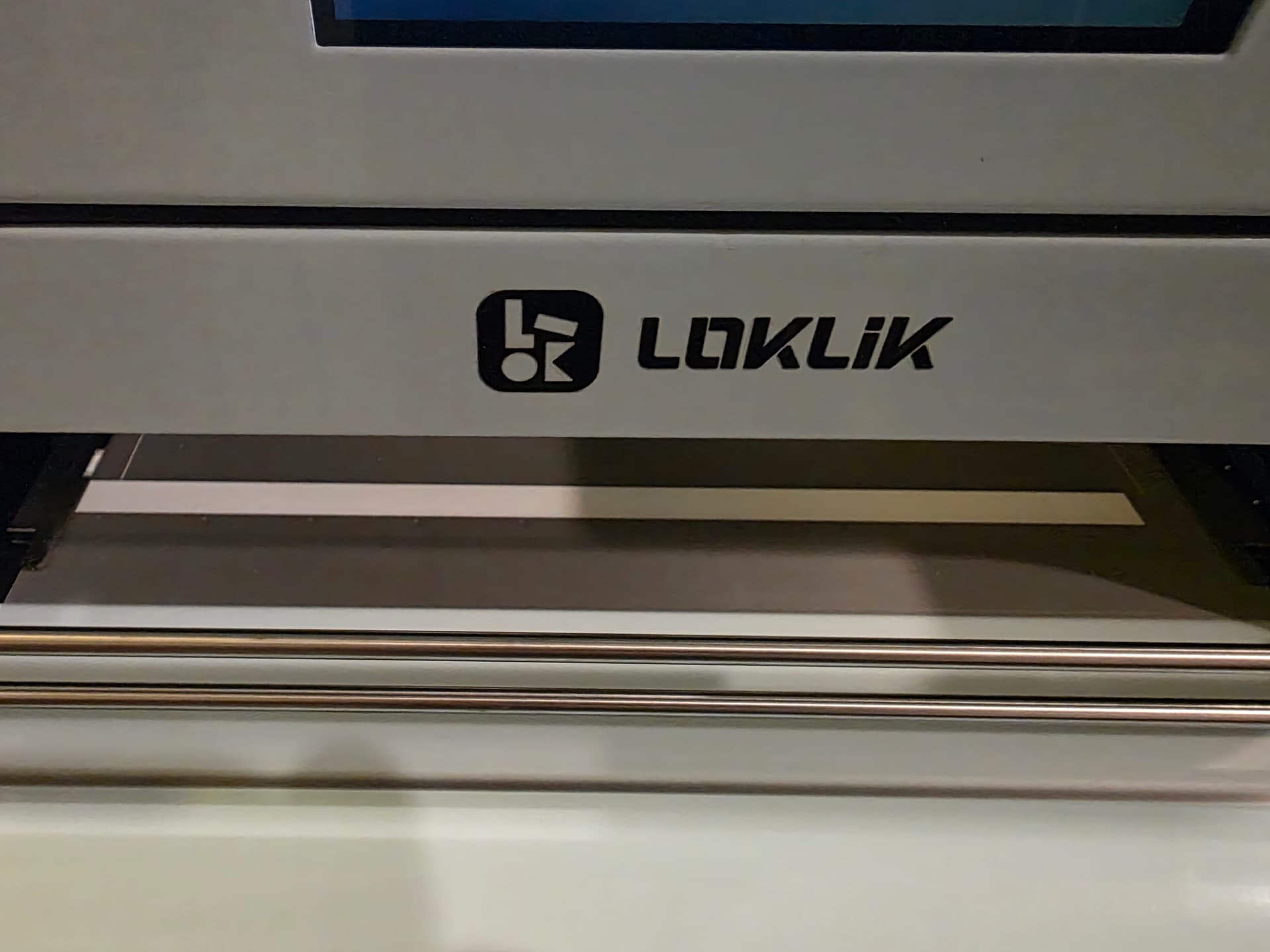
Hello, we are having an issue with our new xp600. Everything is functioning well after weeks of use and our largest print had been 11" x11".
I attemped to print 12" x 12" and it printed offset on the x-axis, printing on the film guide. Tried some calibration of x-motor but nothing seemed to help.
I ran some tests to confirm the following:
Smaller prints print fine.
Printer head is aligned for cleaning and has been running for weeks.
Our 11x11 was offset, just didnt cause an issue, so its been that way since setup.
11" wide canvas printed measures correctly at 11 inches wide.
RIIN has no margins set.
Betterprintapp homes x-motor without issue.
Printer power cycle homes x-motor without issue.
Please see image, which shows film guides and white aligment lines under the film, and the ink not aligned with the lines under the film and ink is ontop of the left film guide.
Thanks,
Tony
2 Likes
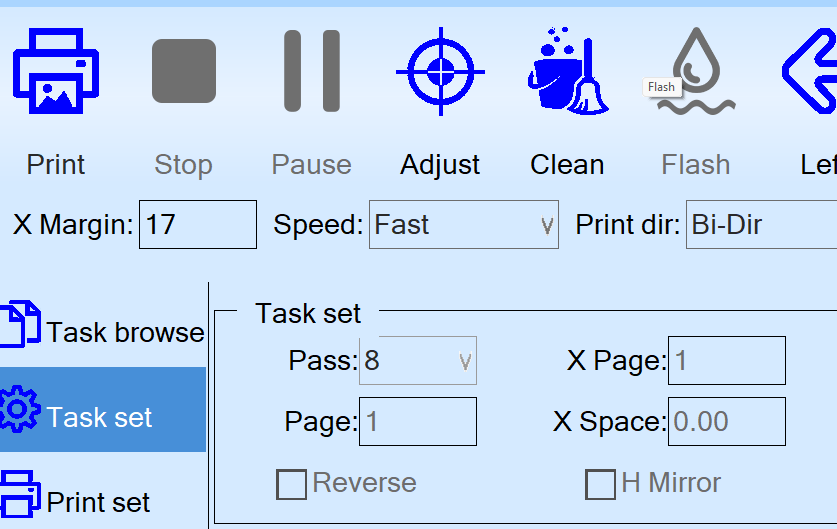
I emailed support and got back some fairly generic response but in working through their items to look at I noticed that BetterPrintApp has an x-margin as the top/left first field so now I feel dumb. My was defaulted to 30, but after trying a few, 17 was closest to centered and the maximum printable area (315mm/12.4").
Hope that helps anyone having the same issue.
2 Likes
Hello, Tony!
 Welcome to the community! We’re thrilled to have you here. Thanks for sharing what worked for you! I’m sure this will help others.
No need to feel dumb, we’ve all been there and overlooked a setting that could’ve solved our problems.  I’m sorry no one here was able to help you with this issue. With it being the holidays, many are still busy with their celebrations. Hopefully, if you have any issues in the future, someone will be there to help you figure out a solution.
Wishing you lots of luck with your printer and hope all goes smoothly from here on out. Have a wonderful day and a very happy and prosperous new year!