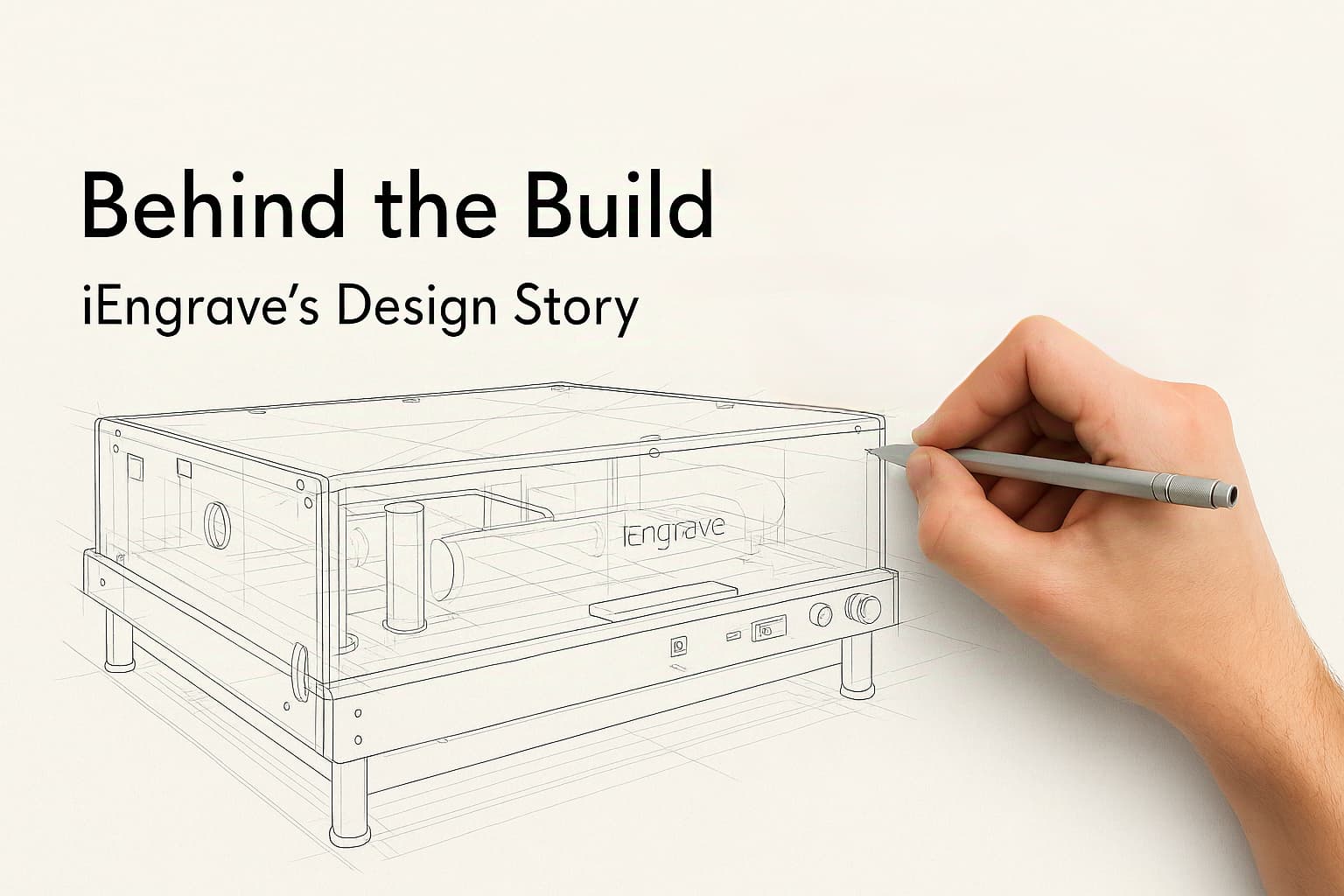
We once saw someone in the community ask, “How does a machine even get designed?”—what happens before it shows up in a box on your doorstep? We loved that question. So here’s something new: Behind the Build — a peek at what it really takes to go from an idea to something you can actually create with.
For our first issue, we talked to Tim, the product director, who led the development of our laser engraver. Here’s the story behind iEngrave — from the why, to the how, to the little things that made a difference.
 Q1. Why did you decide to make iEngrave? What was the starting point?
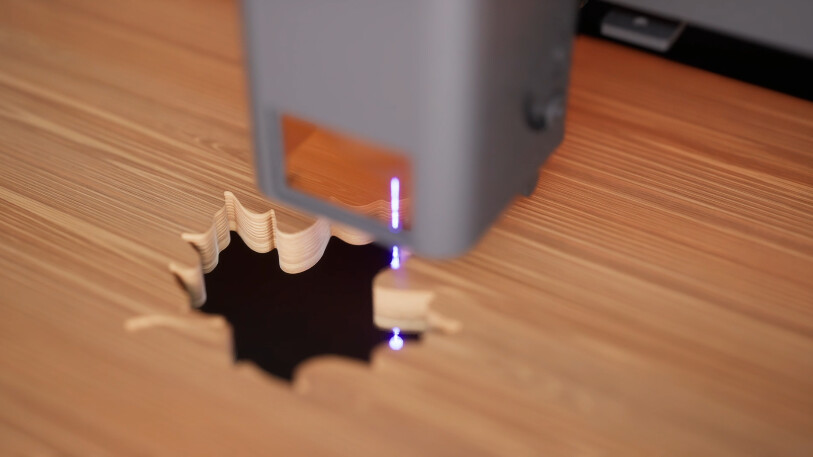
Tim: It really started with user feedback. People kept asking if we had something for engraving—especially for wood. A lot of our users were already into soft-material crafts, but they wanted to try more, like harder materials. iEngrave was built to fill that gap.
 Q2. Were there any pain points you knew you had to solve from the beginning?
Tim: Yeah, two things came up right away.
First was safety. A lot of people told us they liked the idea of having a laser machine at home, but were worried — especially if they had kids around. So we knew from the beginning: this had to feel safe enough to sit right on your desk.
Second was how easy it is to use. A lot of laser machines out there have a learning curve. We wanted this one to be something beginners could genuinely use with confidence.
 Q3. What design choices helped make it more beginner-friendly?
Tim: We made sure there’s no assembly needed. A lot of other machines out there take ages to set up. Even for someone like me who’s used to this stuff, it can still take over an hour just to get things going. With this one, you take it out of the box and it’s ready to go. Even the version with the safety enclosure is simple. You just snap the acrylic lid on and you’re all set.
The app was another focus. Our LOKLiK App is designed for beginners. Most laser machines rely on complex PC software, but our app is lightweight and easy to use.
 Q4. Was appearance something the team cared about?
Tim: Honestly, this part came together smoothly. We all agreed early on—iEngrave shouldn’t just work well, it should look good too. Even if some users say they don’t care about looks, we know how powerful a beautiful machine can be when you see it in a store.
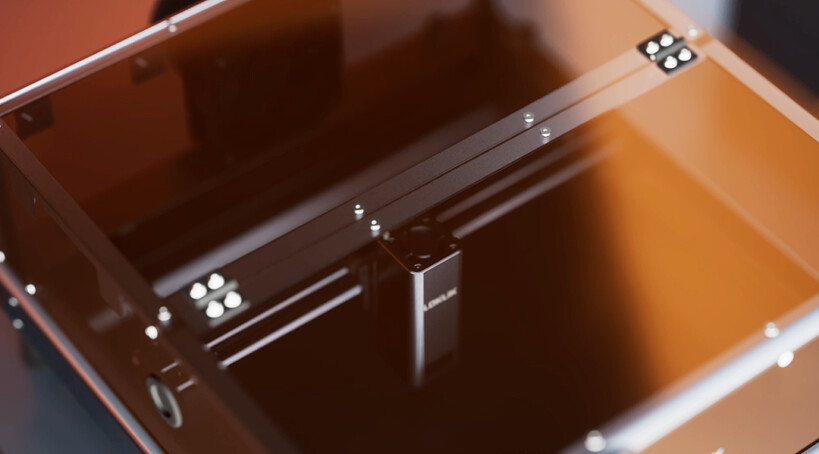
We spent a lot of time on the safety enclosure. Most use orange acrylic, which can be harsh on the eyes over time. We tested a bunch of options and landed on tea-colored acrylic — it blocks blue light, feels softer, and actually provides better protection than typical orange ones.
 Q5. Any small details you’re especially proud of?
Tim: Yeah, a couple.
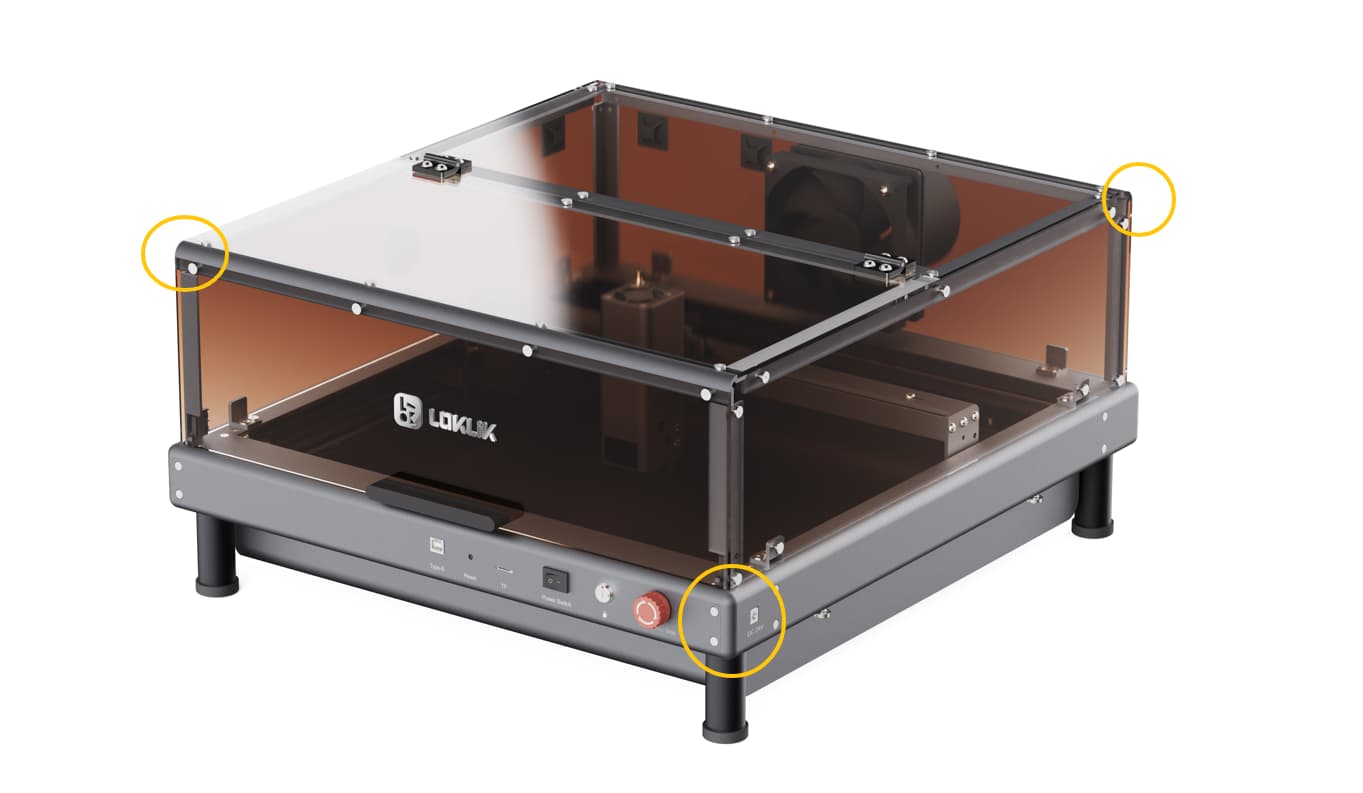
We added rounded edges. When we were testing other machines, we kept scraping our hands on those sharp corners. Ours are curved, safer and smoother.
We also included an aluminum base plate as standard. Many machines skip it, but without it, you can’t meet Class 1 laser safety standards. We wanted to get that right from the start, so users don’t have to worry.
 Q6. Was there something that seemed impossible at first—but worked out?
Tim: Haha, a lot. This machine was in the works for two or three years. Internally, we were all pretty clear: we didn’t want to rush it. It had to feel polished.
One big one was performance. From the start, we wanted to beat the usual 6mm cutting depth on basswood. We ended up getting to 8mm. But that also meant carefully balancing laser power and engraving accuracy — the laser spot size had to be just right.
At the same time, we worked on speed without losing detail. Other models we looked at go fast but end up with shaky lines due to unstable frames. We reworked the pulley system, frame materials, and movement path to keep everything precise and steady.
Another was the circuit board design. We were set on keeping it enclosed to prevent dust damage. It took several tries, but we got a sealed version that still cools well.
 Q7. If you had to name just one thing the team’s most proud of?
Tim: Probably the quality testing system. We didn’t just go by the standard checks — we added a bunch more from a user’s point of view. Some folks at the factory teased us a bit, like “you sure this isn’t overkill?” But we figured, better picky now than sorry later.
 Q8. Is there anything personally meaningful to you about this machine?
Tim: For sure. This project had been in the works for a long time, and we really wanted to get it right. Seeing it finally come together, especially in a way that feels accessible and thoughtful, feels really meaningful.
One of the best moments was during internal testing—no negative feedback. Testers noticed the polish, said things like “you really put care into this.” That felt like a really good moment.
That’s a wrap on this chat.
Making a machine from scratch is always more complicated than it looks. From safety decisions to software simplification, every detail adds up. iEngrave is made to quietly sit on your desk—or become something the whole family gathers around.
Curious how it all came together?
Take a look at the final result → View iEngrave
We hope it’s more than just a tool. We hope it becomes a part of your creative journey.

 it just makes us so excited to try it


