Hi everyone!
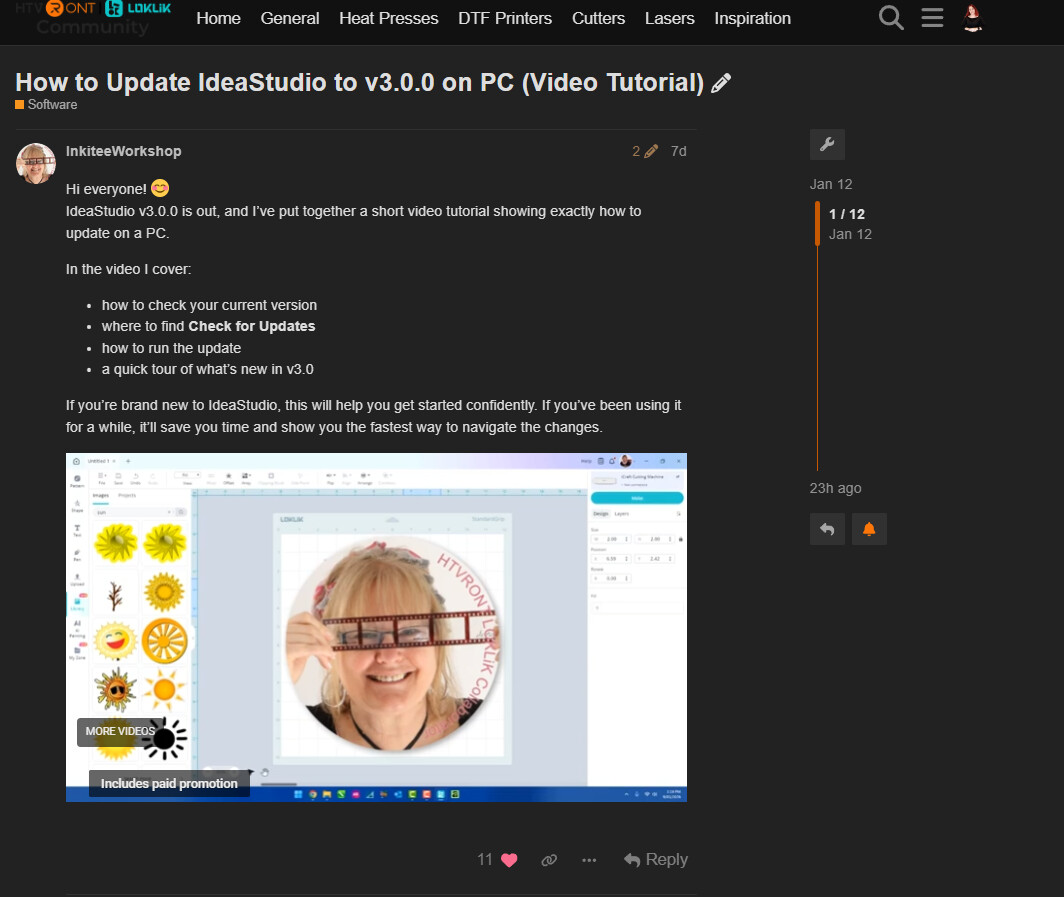
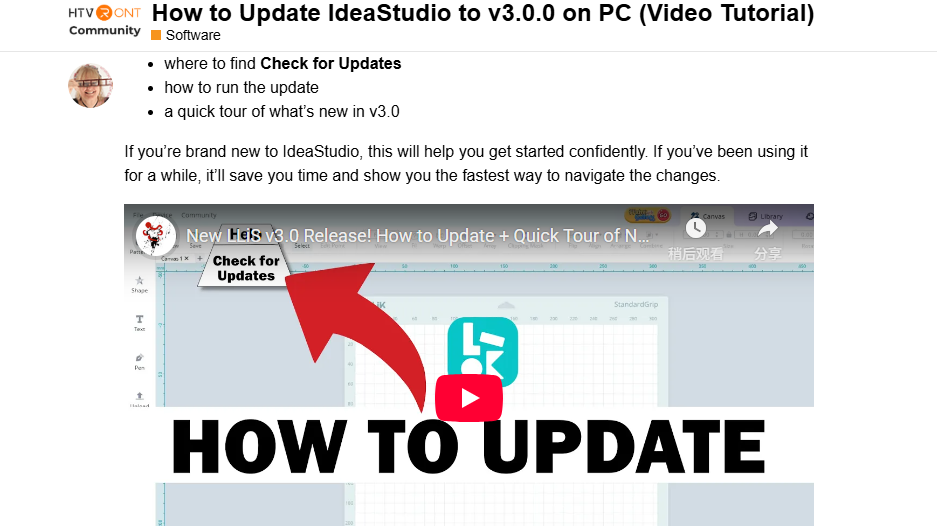
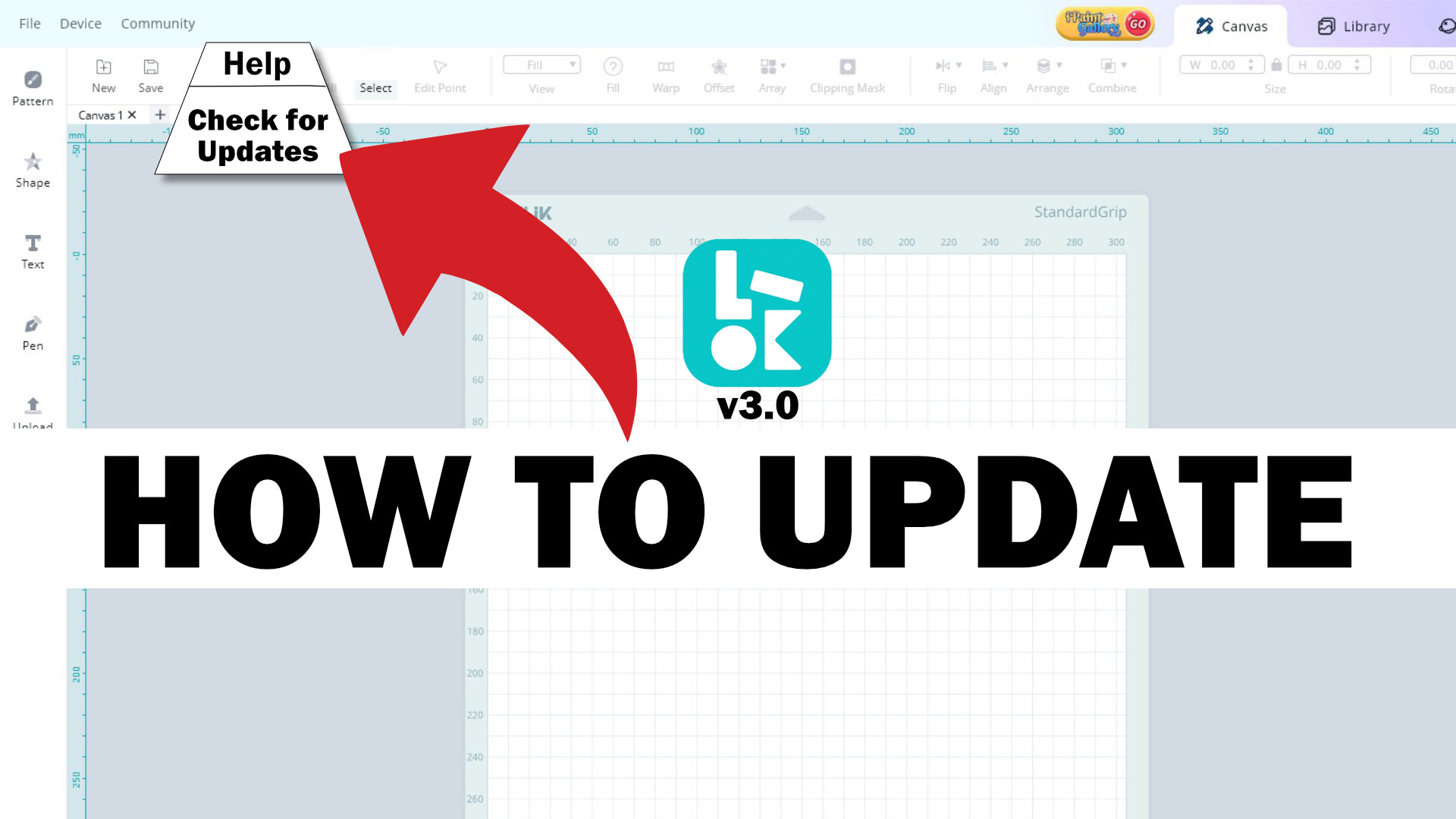
IdeaStudio v3.0.0 is out, and I’ve put together a short video tutorial showing exactly how to update on a PC.
In the video I cover:
how to check your current version
where to find Check for Updates
how to run the update
a quick tour of what’s new in v3.0
If you’re brand new to IdeaStudio, this will help you get started confidently. If you’ve been using it for a while, it’ll save you time and show you the fastest way to navigate the changes.
Such a clear and practical walkthrough. This is going to make updating to v3.0.0 way easier for a lot of members. Really appreciate how easy this is to follow!
Now featured on the homepage and pinned in the Software section, with 300 cheers added to show some love for sharing something this useful
Oh wow @OliviaZzz thank you so much! I really appreciate you featuring and pinning it (and the 300 cheers! ). I’m so glad to help out, we all here strive to get people creating. If anyone has questions as they update, I’m happy to help where I can!
hey @OliviaZzz I have been trying to get my video to show up on my post without having to click on the title and go into the post, is there a problem with video’s displaying at the moment?
thanks @OliviaZzz it looked like this, it was sowing up without the image or a video, I uploaded an image again and placed it at the very beginning of the post and it’s now showing up on the post like i wanted it too. thanks for checking it for me
Ahh got it, I know what you mean now
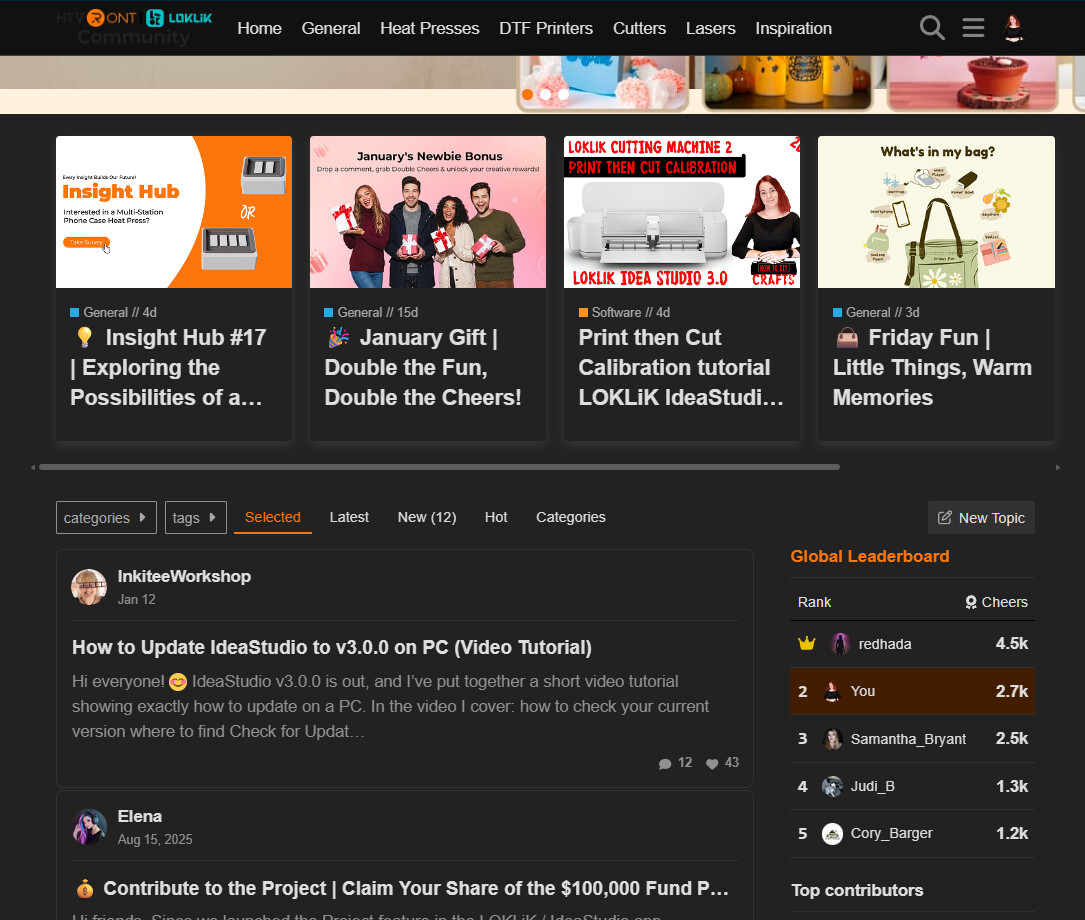
If you’re talking about how it shows on the Home Feed, it usually auto-pulls an image from the post to use as the preview. Videos don’t show up there at the moment haha.
Adding the image at the very beginning was the right move, glad it’s displaying the way you wanted now.
Thank you for this! Much better features and I think it’s well calibrated now with the new calibration sheet. Hoping there will be also an upgrade with the registration marks adjustment so we can maximize the space/material well.


 I really appreciate you featuring and pinning it (and the 300 cheers!
  ). I’m so glad to help out, we all here strive to get people creating. If anyone has questions as they update, I’m happy to help where I can!