I’m using the Loklik iPaint paint-by-number plotter. I’ve plotted a picture I’d like to paint and used the largest size paper possible for this plotter. However, many of the numbers telling me what paint to use are too small to read. It looks like the numbers are somehow associated with the area to be covered since the numbers are large in large areas and really small in small areas. How can I enlarge them? Thanks in advance for any help!
4 Likes
Hello, @David_Burger 
 Welcome to the community! Congratulations on your new iPaint!
I don’t think there’s a way to adjust just the numbers, as it is most definitely determined by the size of your design, as you mentioned. So, I think the only way to make them bigger would be to make the design bigger.
Maybe you can make that suggestion in this post here 
 IDEA LAB Vol.07 | Help Us Improve iPaint with Your Real Experience
Here’s a tip: Maybe upload the numbered image into Microsoft Paint, as a guide, and use the Magnifying Glass as instructed in this video.
1 Like
Hello David and welcome to the community I can add another way to see small numbers (this works for everything small) grab your phone, camera and if you have 2x use this to view, or place your phone over the small numbers and enlarge the screen controling with your fingers, i got to see easily with 1.5x on the demo photo. @David_Burger
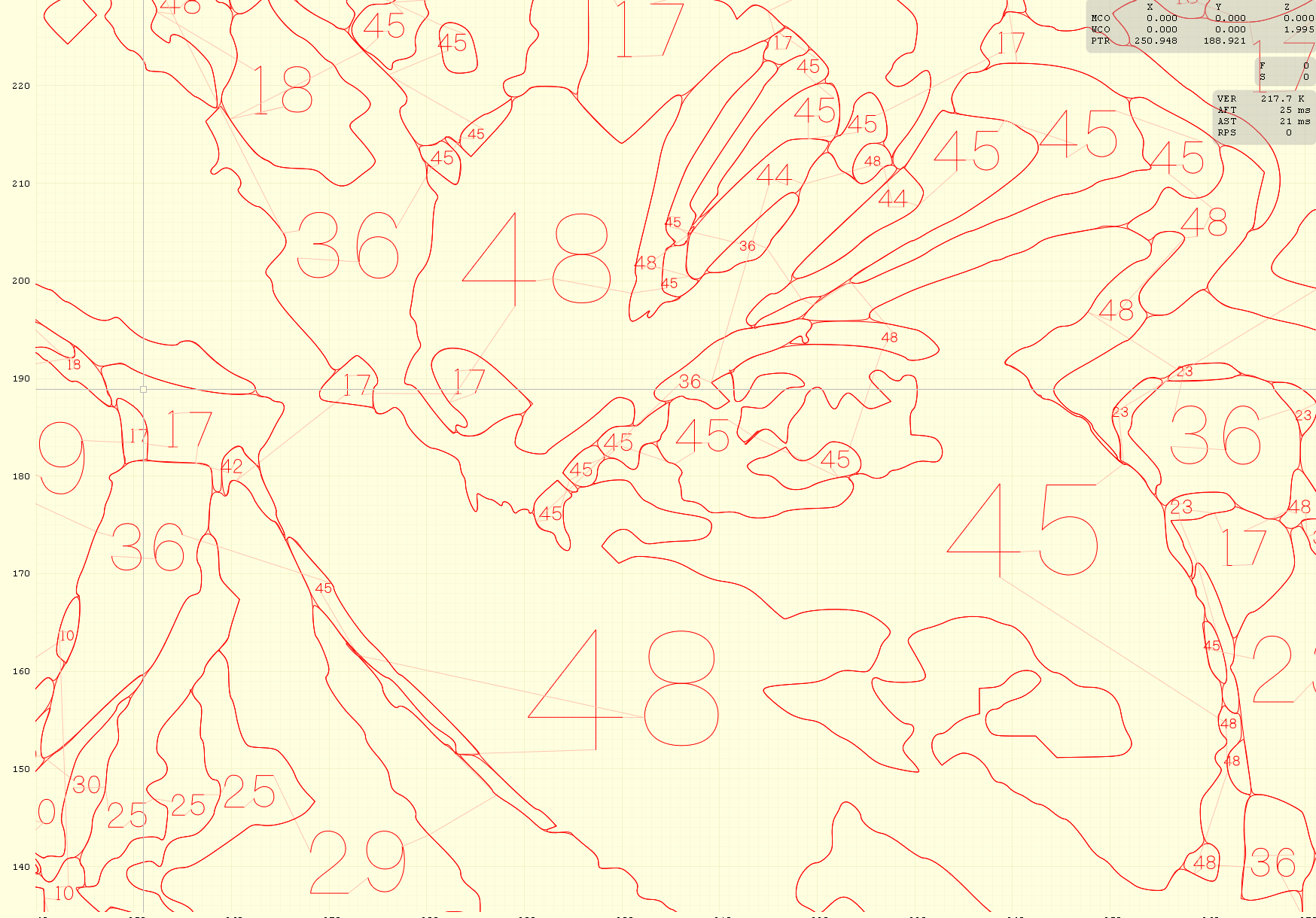
Thanks for all the thoughtful replies. I think I’ve found a workable solution. It turns out my pen plotter software (LaserGRBL) can open the SVG created by LokLik Studio. I can zoom in on any area of the drawing and clearly see the paint number no matter how small. Here’s an example of an area where I’ve zoomed in quite a bit.
1 Like
Super David this is a terrific solution, nothing worse than small print lol @David_Burger