Whether you are a hobbyist or running a small business, your machines are the heart of your workspace. Dust, residue, and wear are the “silent killers” of precision. To keep your iEngrave, iCrafter, and Heat Presses running like the day you unboxed them, you need more than just a quick wipe-down.
This guide dives into the technical nuances of maintaining your hardware to ensure professional-grade results every time you hit “start.”
1. The iEngrave & Laser Systems: Precision Through Clarity
Laser engravers are high-precision optical instruments. Even a tiny speck of dust on a lens can refract the beam, leading to blurry edges or decreased cutting power.
- The Golden Rule of Optics: Clean your laser lens and mirrors after every 8–10 hours of use. Use 90% isopropyl alcohol and a lint-free microfiber swab. Never use paper towels, as they can scratch the delicate coatings.
- Exhaust & Airflow: Smoke and resin buildup in the exhaust fan will eventually cause the motor to burn out. Use a soft brush or compressed air to clear the honeycomb bed and the exhaust port weekly.
- Focus Calibration: Periodically check your focal distance. Over time, the gantry (the rail the laser moves on) can settle. Re-leveling your bed ensures the beam hits the material at the exact meter precision required for crisp engraving.
- Rail Lubrication: Use a dry PTFE lubricant on the X and Y rails. Avoid “wet” oils like WD-40, which attract dust and create a “gritty paste” that can jam the motors.
2. The iCrafter & Vinyl Cutters: Maintaining the Perfect Edge
Vinyl cutters rely on mechanical friction and blade sharpness. When your cuts start “dragging” or skipping corners, it’s usually a maintenance issue rather than a software error.
- The Blade Check: Tiny shards of vinyl or adhesive often get stuck inside the blade housing. Remove the blade monthly, press the plunger, and blow out any debris.
- Cutting Mat Longevity: Don’t toss a “dead” mat. Wash it with lukewarm water and a drop of mild dish soap to remove lint and hair. Let it air dry to regain its tackiness.
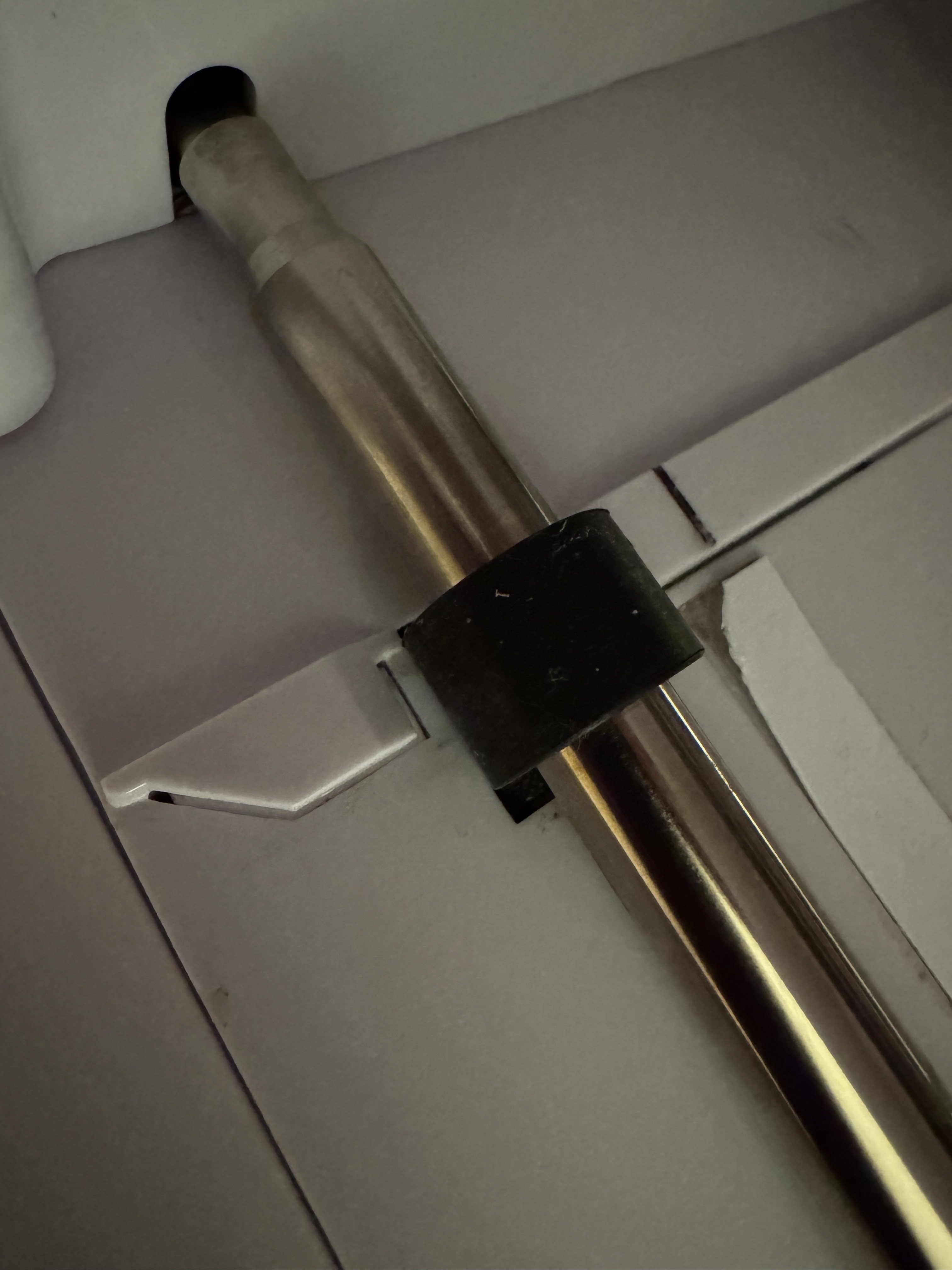
- Pinch Roller Hygiene: The rubber rollers that move your material can pick up adhesive residue. Wipe them down with a baby wipe or a damp cloth to prevent the material from slipping or tracking crookedly during long cuts.
- Strip Replacement: Look at the white “teflon” strip under the blade path. If it has deep grooves or gouges, your blade won’t have a flat surface to cut against. Replace this strip annually to maintain “kiss-cut” perfection.
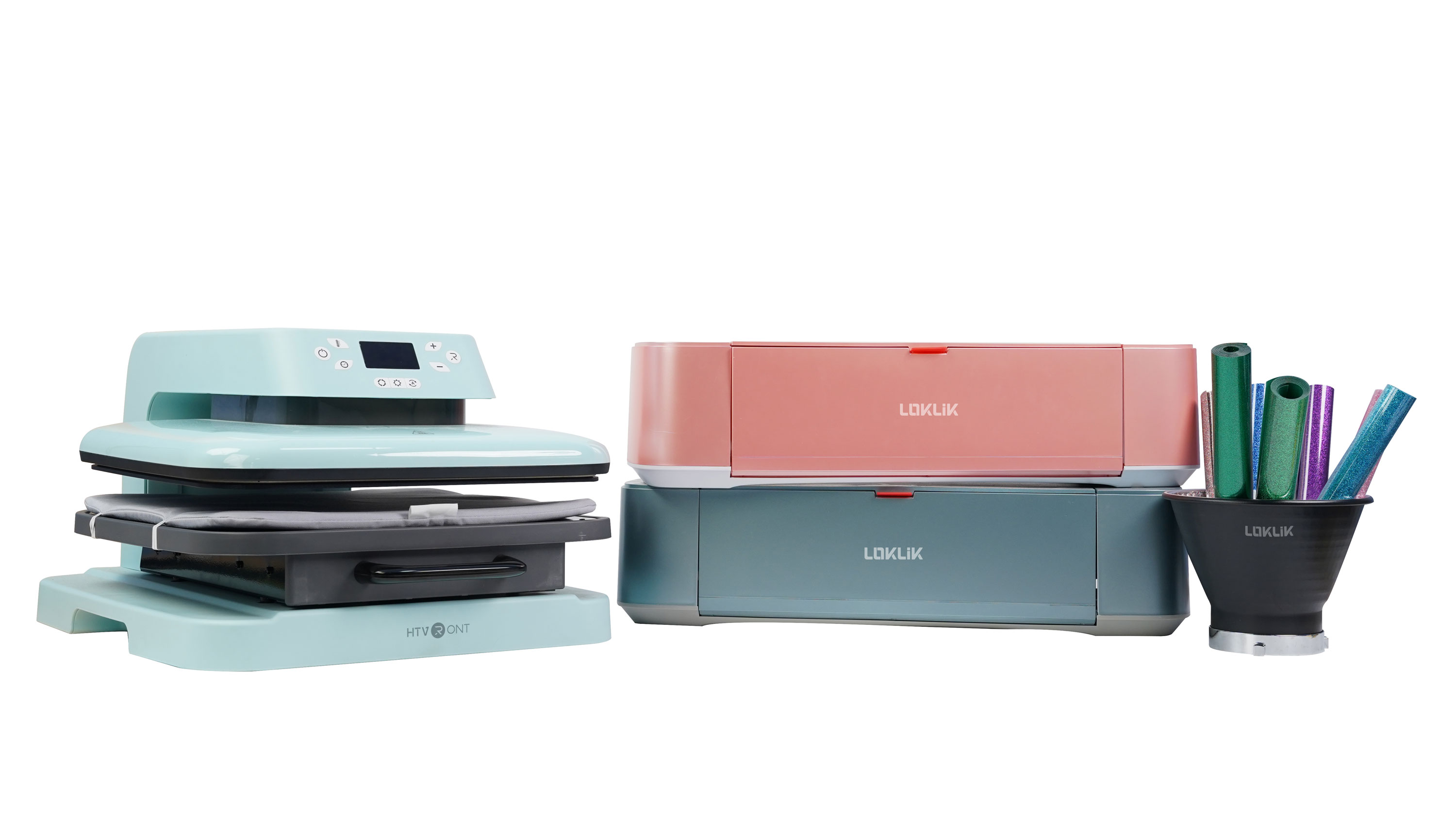
3. HTVRONT & LOKLiK Heat Presses: Consistency is Key
Heat presses are the workhorses of the studio. Maintenance here is focused on heat distribution and surface integrity.
- Platen Protection: Always use a Teflon sheet or parchment paper. If HTV (Heat Transfer Vinyl) melts onto the upper platen, do not scrape it with metal! Turn the press on low, wait for the residue to soften, and wipe it away with a thick cotton rag.
- Pressure Calibration: Over time, the central pressure screw can loosen. Periodically perform the “Paper Test”: Place four strips of paper at each corner, close the press, and try to pull them out. If one pulls out easily, your pressure is uneven, and you may need to adjust the leveling bolts.
- Electrical Safety: These machines pull significant wattage. Always plug your HTVRONT or LOKLiK directly into a wall outlet rather than a power strip to prevent overheating the cord or tripping breakers.
- The “Cold Start” Check: Once a month, use an infrared thermometer to check the surface temperature of the platen. If your display says 315°F but the edges are only 280°F, you know you need to increase your press time or adjust your layout to the center.
Quick Reference Maintenance Schedule
| Frequency | Task | Machine |
|---|---|---|
| Daily | Clear debris from the cutting path | iCrafter / Vinyl Cutters |
| Weekly | Clean laser lens and mirrors | iEngrave / Lasers |
| Monthly | Inspect platen for residue | HTVRONT / LOKLiK Heat Presses |
| Quarterly | Lubricate rails and check belt tension | All Mechanical Units |