my iengraver stoped working after a month it makes noise and will not fram out
4 Likes
Oh no sorry to hear. Hope someone can help you.
Welcome to the community.
1 Like
I sent a few emails hoping to hear back it wont frame out its like its stuck and the laser fan is making noises
2 Likes
hello @littlejude74 welcome to the community, meet @rinsky our Machine moderator she may be able to help while your waiting for a reply from support email.
3 Likes
I willing to t ry anything ive only had it a month was working all day then stopped so ive shut it down and let it set
2 Likes
Hi and welcome to the community @littlejude74!
I’m sorry to hear your iEngraver stopped working so soon—that must be frustrating! If it’s making noise but not framing out, it could be a mechanical or calibration issue. I’d recommend checking the manufacturer’s troubleshooting guide to see if there’s a reset or calibration option. If that doesn’t help, since it’s only been a month, you may want to reach out to the seller or manufacturer for warranty support or a replacement. Can you share a bit more detail about what happens when you try to run it—does the head move at all, or does it just stay in place while making noise? Did you check cables behind the x axis bar where the laser head module attached to it if all in one place and not stuck at some point? A picture and a short video might help us pin point the issue.
3 Likes
When you push orgin its moves tiny bit fram it will not move at all it says frame failed try again
3 Likes
Can you share your software setup—are you running LokLik IS or Lightburn? Also, did you purchase the standard iEngrave or the Cover Edition? When homing, do you manually push the laser head to its origin, or let the software handle it? Lastly, double‑check that none of the cables are tangled or caught behind the laser head module, since that can stop the module from moving and trigger an error in Lightburn.
1 Like
I am using the loklik software all cables are moved and letting it go back with software i have cleaned it and everything
2 Likes
**how do i send a video **
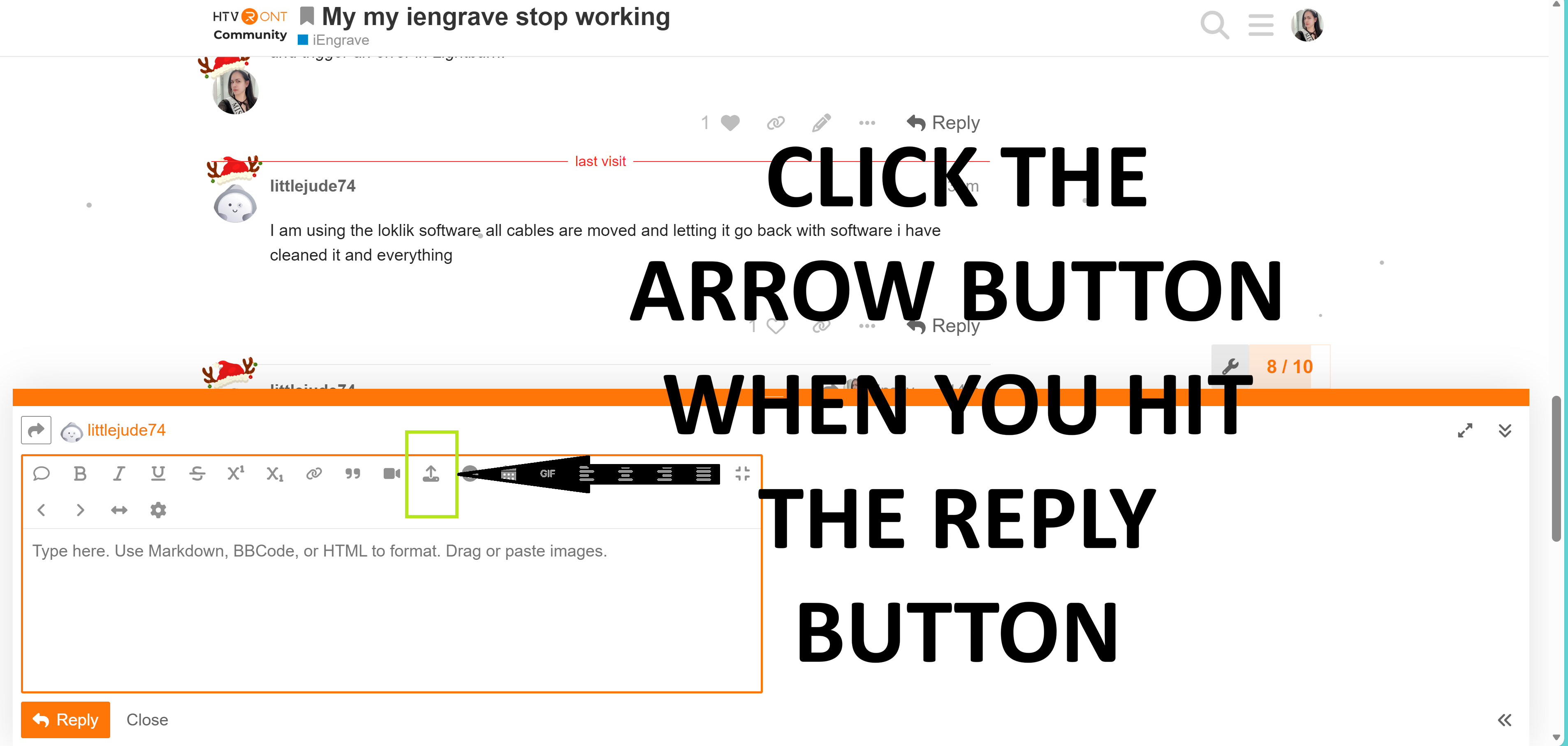
Could you describe the noise your machine makes a bit more? When you were engraving, the sound seemed normal to me.
Did you perform a reset for your iEngrave yet so it will go back to default settings?
It is really loud and stops continuously sounds like a car start almaot like a chriping sound i just went theew and tightened everything up
1 Like
You mentioned the noise is coming from the fan. Without running the laser, have you tried unplugging the fan cable and plugging it back in to see if that makes a difference?
How do i do a reset
Before resetting, ensure the laser head is at the origin, the machine is ON, and both the emergency stop button and safety key are engaged. Once confirmed, press the reset button located on the front of your laser (next to the USB port). Listen and observe what happens. After a minute or two, power OFF the machine, wait 2 minutes, then plug it back in and turn it ON again. Open IS, add a square shape to your canvas, hit “Make,” and check if you can frame this time.
In addition, you might want to check this thread that has been discussed couple times and double check it in your end. Hope this helps! Otherwise, you might be needing a replacement.
when i reset it it does nothing
2 Likes
Hi @littlejude74! Sorry for the late reply — I’ve been fighting off a cold and cough for the past few days. Were you able to reach out to HTVRONT Support yet to ask about a possible replacement? From what I’ve seen and researched, this issue is becoming pretty common. It really does look like you may have received a faulty unit.