Hi
I am unable to cut anything sticker paper related
After the print when i want to cut
It doesn’t detect the lines so it won’t cut
Its dark in the room
Calibrated and the newest software is up to date
2 Likes
Hello @chelseavan_der_ark! 
 Welcome to the community! You may need to change your printer’s settings to Fit to Page and make sure you choose borderless printing, as well. You can change the printer settings when you choose the print from printer dialogue or something along those lines. You may need to select Advanced Settings or Preferences to find those settings. Also, I recommend practicing on regular copy pape, preferably on a light grip mat, as the copy paper will tear when you try to remove it from the mat — until you’ve made sure everything is just right.
Also, Print Then Cut can be very tricky, so I’d like to direct you to a video made that includes the way I like to do a PTC. It’s the only way I’ve found that works. From IdeaStudio to Finished Envelope — My More Self‑Love Project Video!
I also explain my PTC process in this post: No lee las marcas de registro [RESOLVED].
Let me know if this works for you, as it may help others who come across this post.
If you have any questions, don’t hesitate to reach out. I’m here if you need me.
1 Like
the problem is al the videos i see are with a different idea studio or something idk
its hard to understand the thing when its not the same as what you see
i did everything the video says and stilll it doenst work
In the video I linked to, I’m using the latest version of the PC software to do the Print Then Cut. At the beginning, I use the mobile version on my tablet. However, like I said, the PTC part where I print then cut the affirmations (21:00 mark), I’m using the updated version on my PC.
As for it detecting the lines, did you ever get it to read the lines? If not, did you change the printer settings to Fit To Page and Borderless?
i have the carfter machine
1 Like
it does cut lines when calibration
1 Like
Oh, you have the first generation machine? Not the 2nd one? If so, I can’t tell you how to do that one. I never could get that one to work right. I upgraded to the Cutting Machine 2 and have had a way better PTC experience.
i think its the crafter 1
1 Like
Yeah, I hate to say it but, you may not have any luck with that one. Some members have been able to do PTC with it, but I never could. It drove me mad.  I did all of the things I was told, and nothing ever worked. How long have you had the machine? I don’t think they sell the Cutting Machine 1 (Crafter) anymore, but if you bought it from HTVRONT within a year, it’s under warranty. You can contact support@loklik.com with your order number and a short video showing you trying to perform a PTC. They may provide you with a replacement.
Does your machine look like this:

Or this:
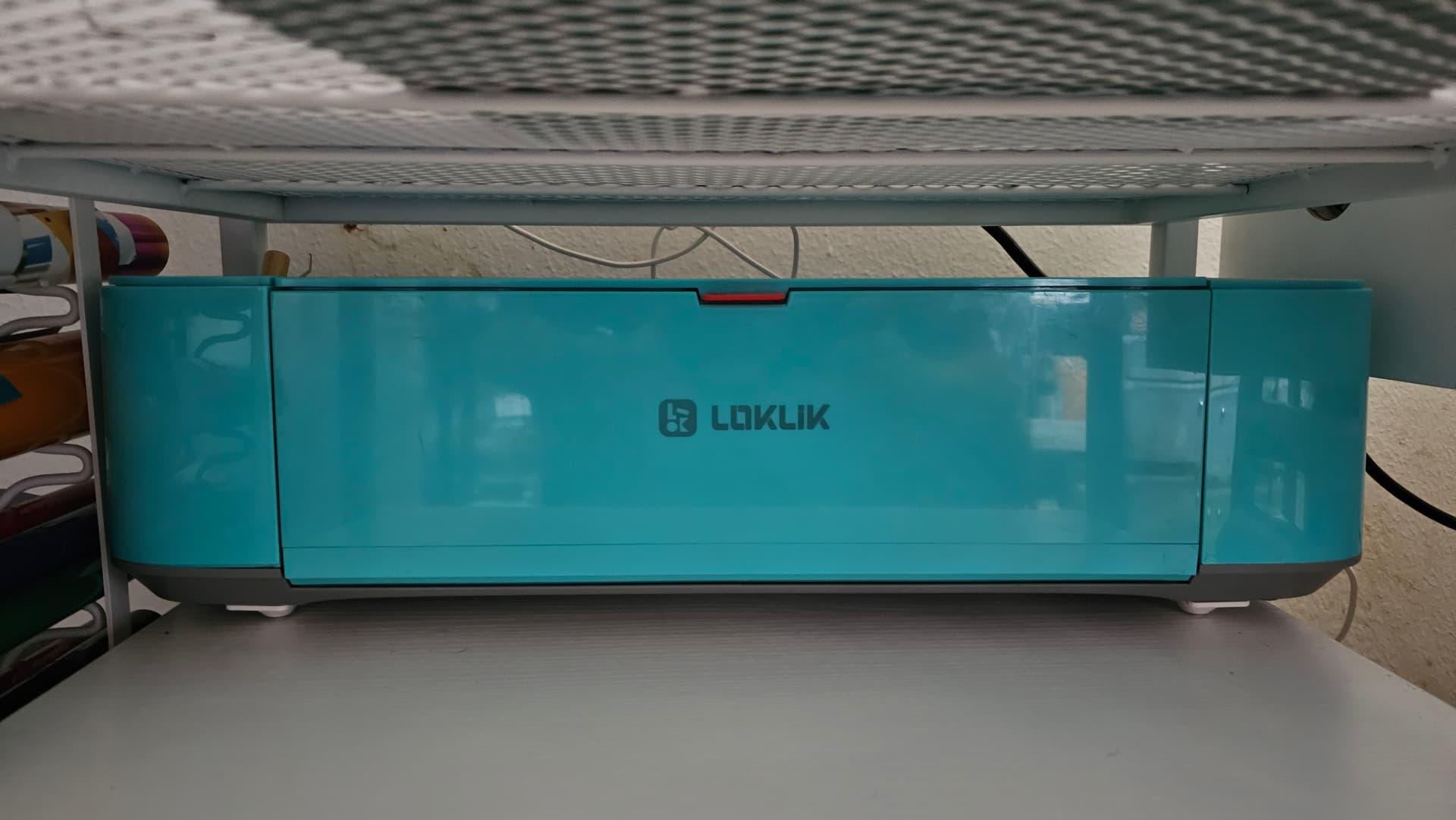
Like the blue one but i got it to work
Oh awesome, I’m so glad you got it to work. Can I ask, what you did. So, if other members have the same issue, your fix may help them.