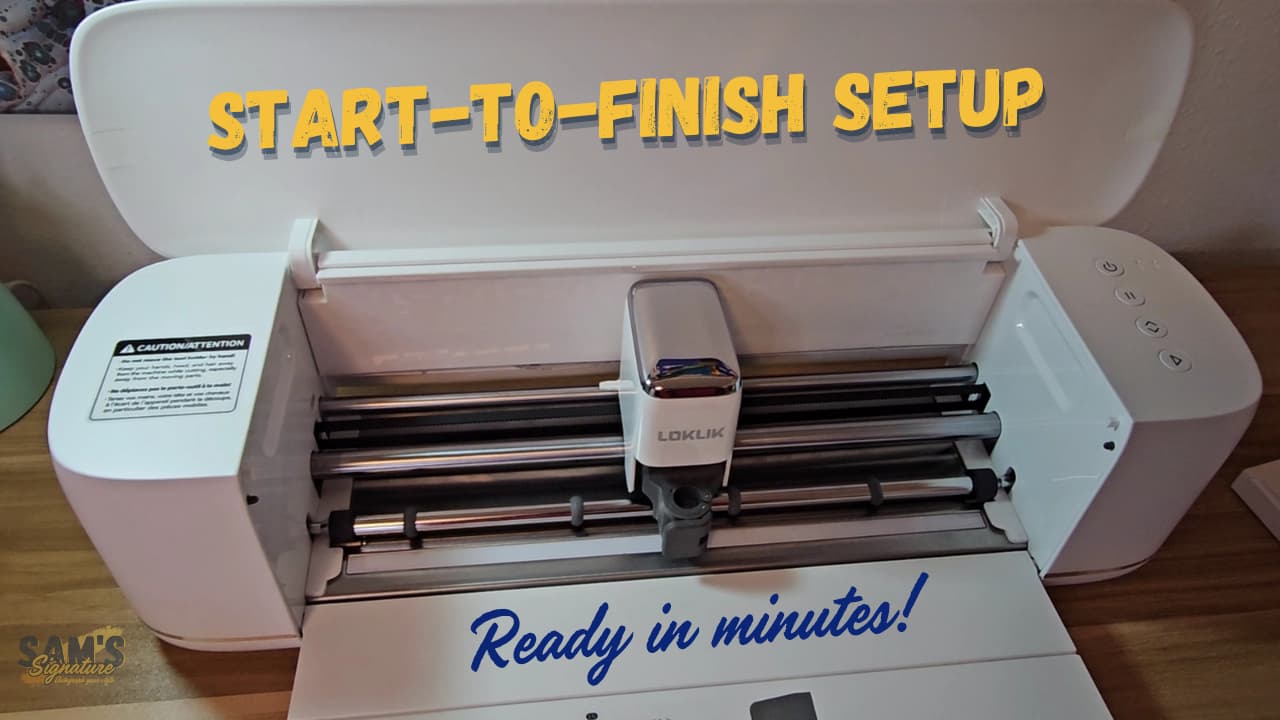
I just finished putting together a full Loklik iCraft unboxing and setup walkthrough, and I wanted to share it here because I know how overwhelming those first steps can feel for new owners.
In this video, I walk through everything from the moment the machine comes out of the box all the way to completing a Print & Cut calibration. If you’re setting up your iCraft for the first time—or you want a clear, frustration‑free refresher—this guide covers:
- What comes in the box
- How to install the pen in the pen housing
- How to update the firmware
- How to connect the iCraft to Loklik IdeaStudio
- How to run a full Print & Cut calibration
- A quick look at the machine’s movement, sound, and overall build quality
My goal was to make this as smooth and beginner‑friendly as possible, especially for anyone who wants to get accurate cuts right away.
I hope this helps anyone getting started with their new iCraft — let me know if you have questions or if there’s another topic you want me to cover next.

 Thanks for commenting!

