Can anyone tell me where is the slice button on the Toolbar
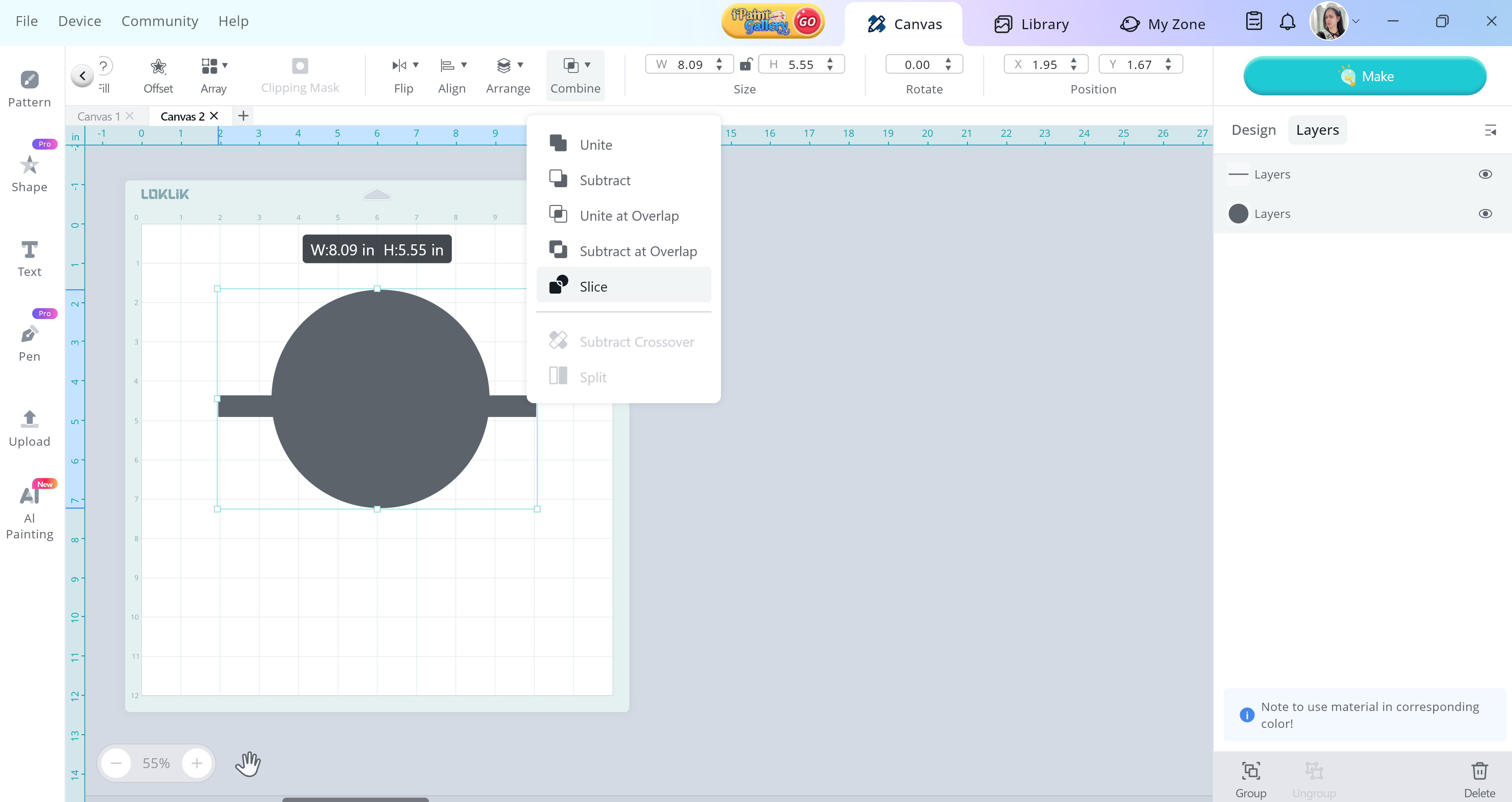
It’s with the actions combine you will find slice.
2 Likes
Hi @mel0373! Did you find what are you looking for? Attached below is the slice button. Please keep us updated! 
3 Likes
Do I need Pro? Mine are grayed out
No, you don’t need a pro to do that.
Do you know what mine would be grayed out?
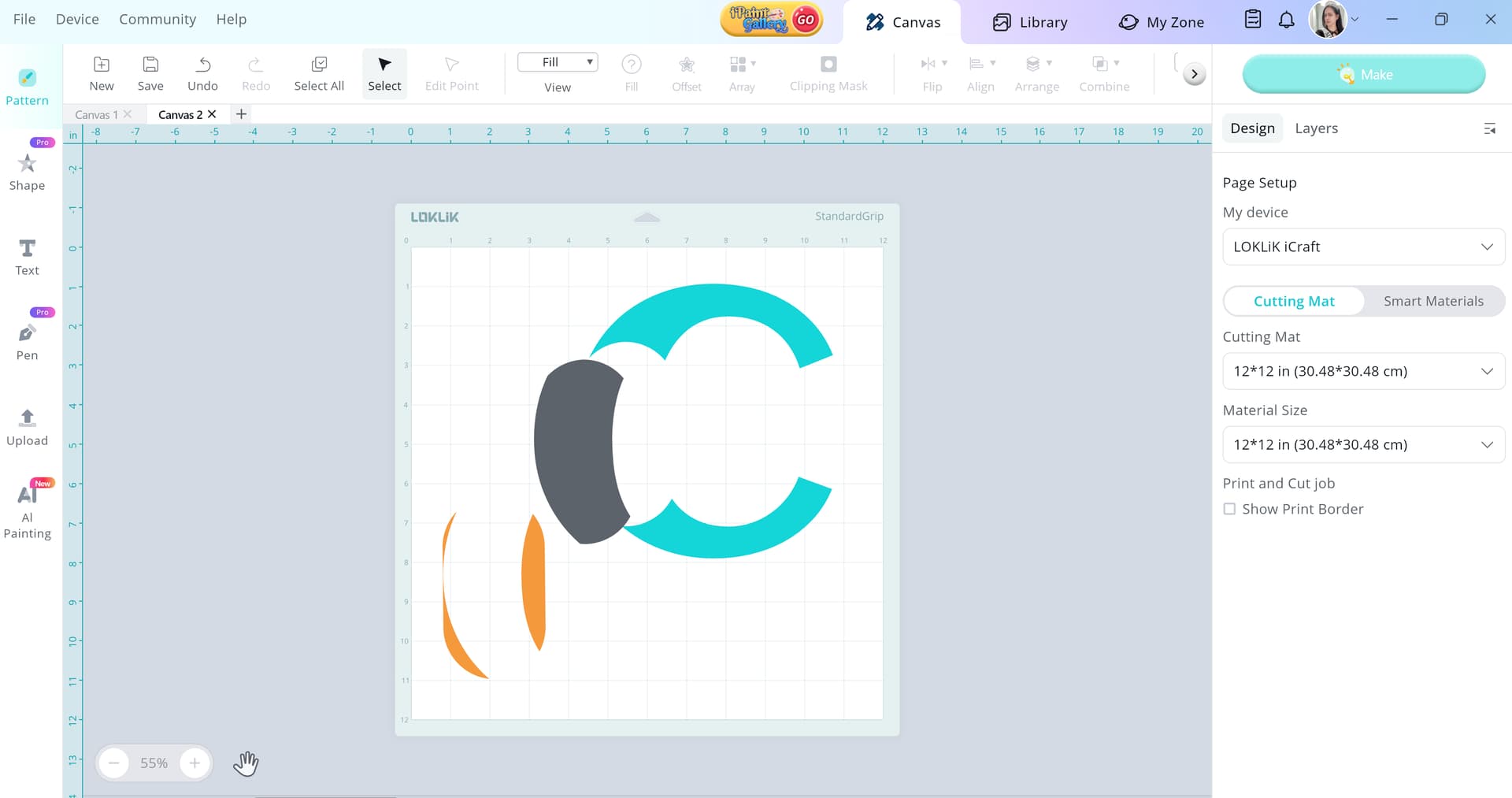
Not sure, but I’m thinking about your own settings? It might be set to that? Would you mind sending us a picture of your IdeaStudio App so we can figure it out?
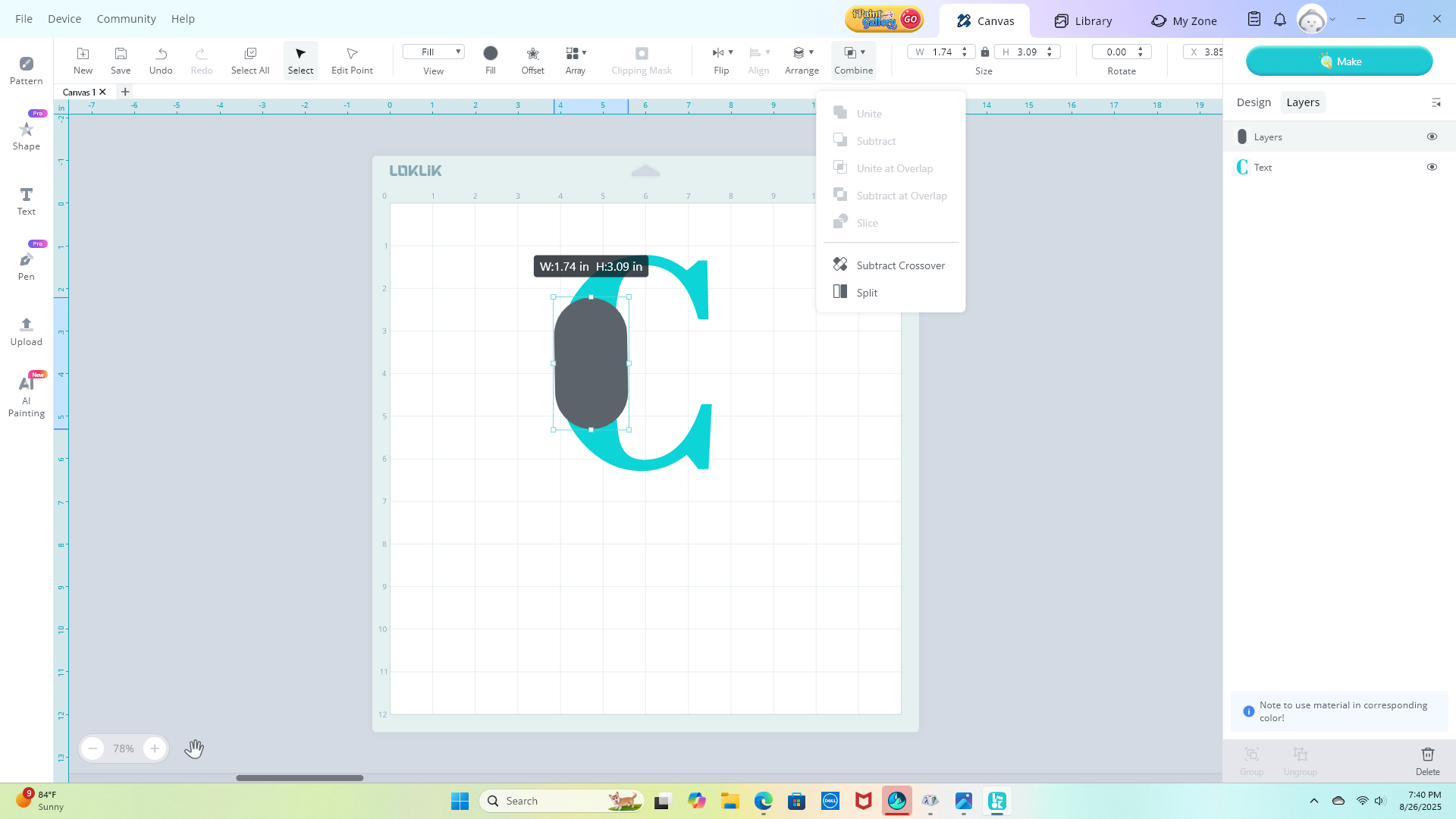
Ah okay, I see now the problem. You need to select the C together with the shape in order to slice it. Let me know if that works.
1 Like
Thank you let me try that
1 Like
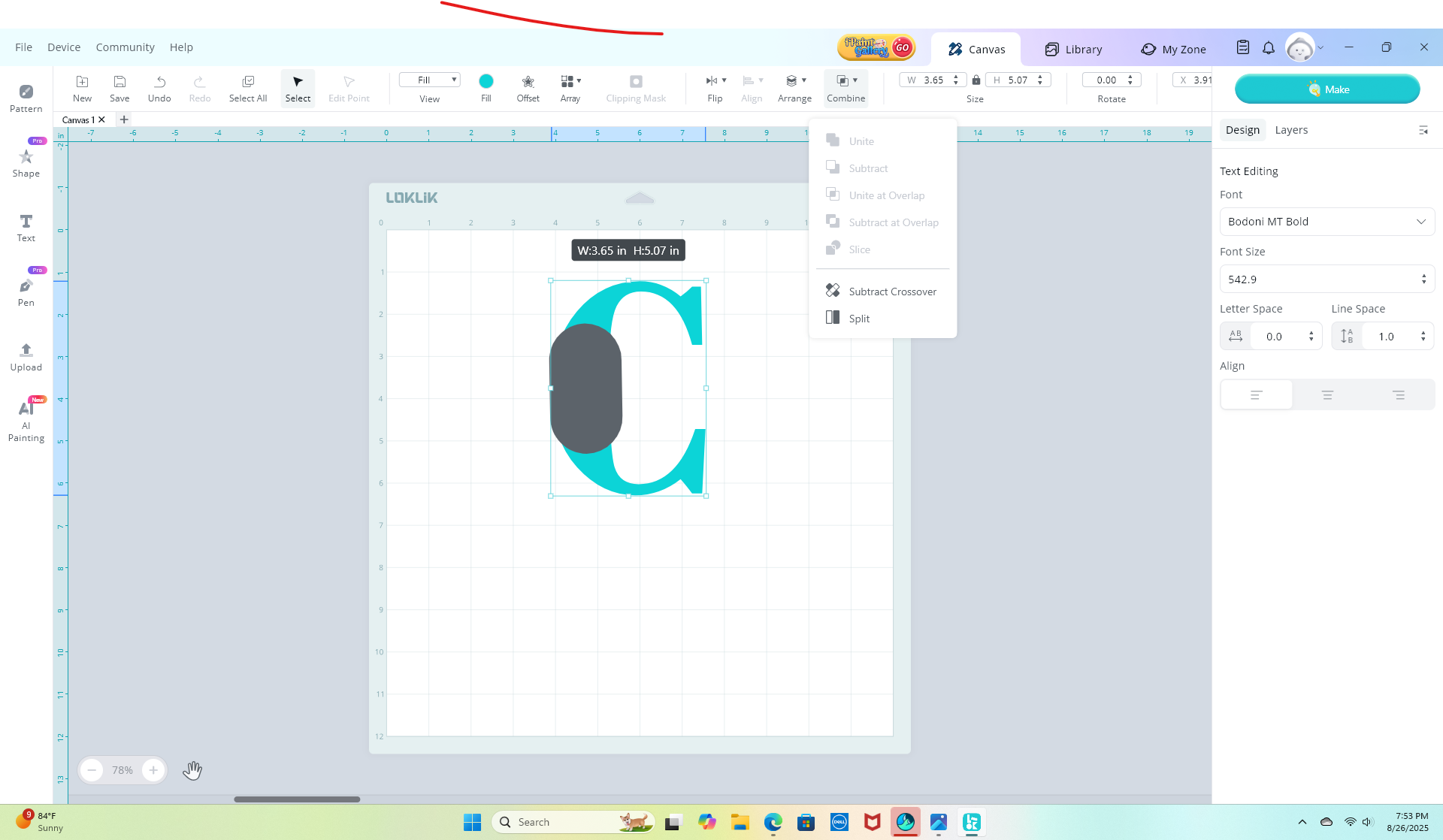
Crazy that this simple element will not work lol
1 Like
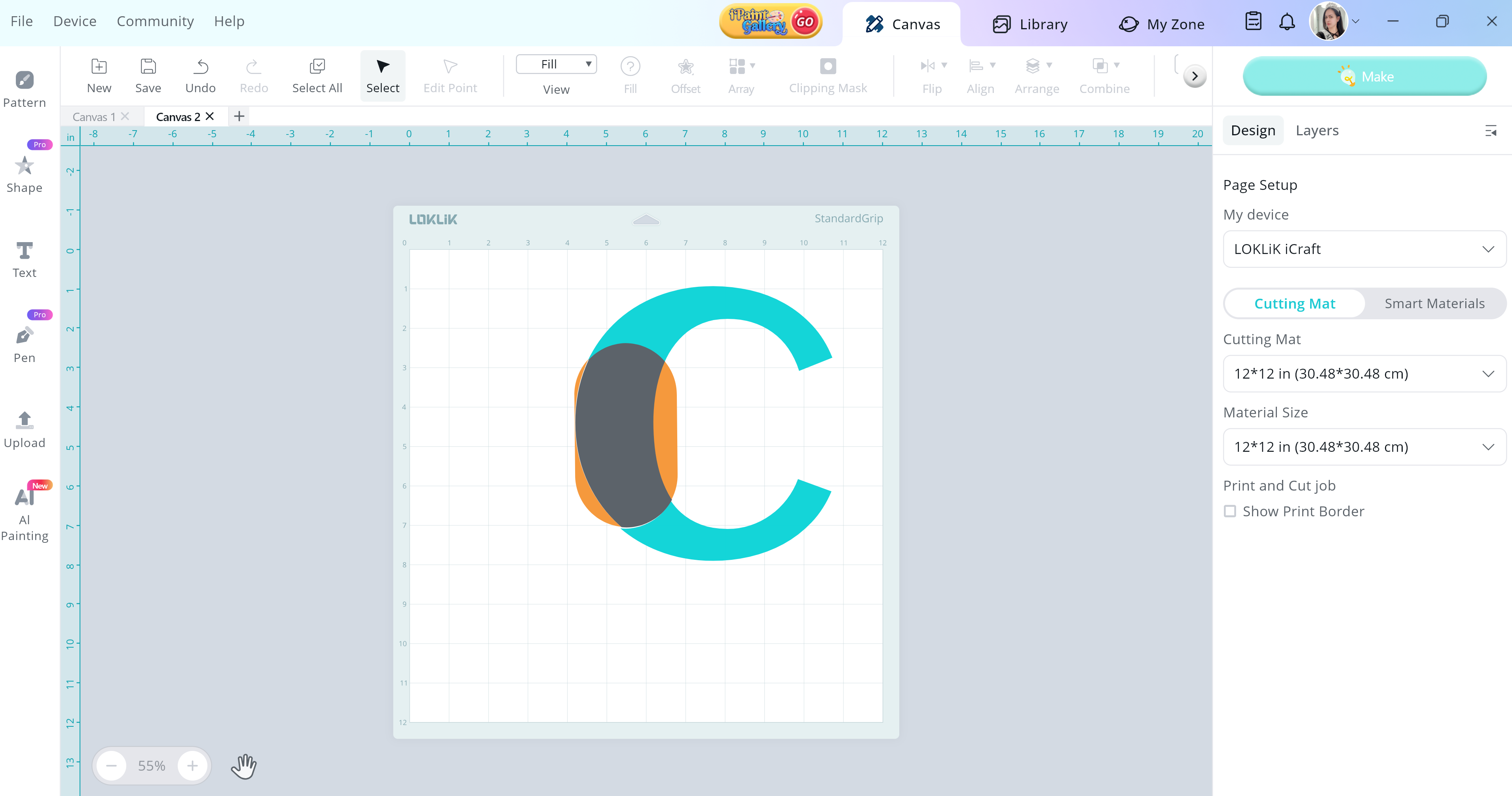
Can you double check your layers at the right side of the screen, maybe there are shapes hidden there for you not to be able to use the slice function? I did in my end, and it worked out.
1 Like
I see what is happening its not letting me select the whole thing
it will only select the C or the circle…can you help me with that
1 Like
You can just clicked control A in your keyboard, and it will be able to select the whole character and shape within the canvas.
It gave me the option to subtract crazy but it worked
I work on it again tomorrow…thank you for all your help…can I reach out to you tomorrow if i needed anything further?
2 Likes
Haha, “subtract crazy” might just be my new favorite button.  I’m so glad it worked out—sometimes these tools have a mind of their own! Absolutely, feel free to reach out tomorrow if anything else pops up. I’ll be here (and more members are willing to help as well), ready to wrangle shapes and settings with you again. You’ve got this!

Teachable moments 
1 Like
Good morning,
Ok here is another question where is the function to CURVE text?
Also, this is what I found out about the Slice function…I had another text box within that text box so that is why it would not let me Slice.
1 Like